CNC Setup Sheet
Feeds, speeds & shop sheets
Designed for iPhone, iPad, iPod touch
Free · In-app purchases
- Age rating4+
- CategoryUtilities
- DeveloperMoeki Kozawa
- LanguagesEnglish+ 1 more
- Size57.4 MB
Links to the official App Store page
Download.org hosts no file of CNC Setup Sheet. The button opens its official App Store page, published by Moeki Kozawa. Listing last checked on Nov 18, 2026.
Screenshots
About
The setup sheet, done in 30 seconds.
Enter your material and tools — CNC Setup Sheet computes spindle speed, feed rate, surface speed and chip load, then lays everything out as a clean, printable shop-floor setup sheet you can hand to the machine.
BUY ONCE. NO SUBSCRIPTION.
The Pro upgrade is a single one-time purchase. No monthly fees, no account, no cloud. The app works fully offline — on the shop floor, in the garage, anywhere.
YOU OWN THE NUMBERS.
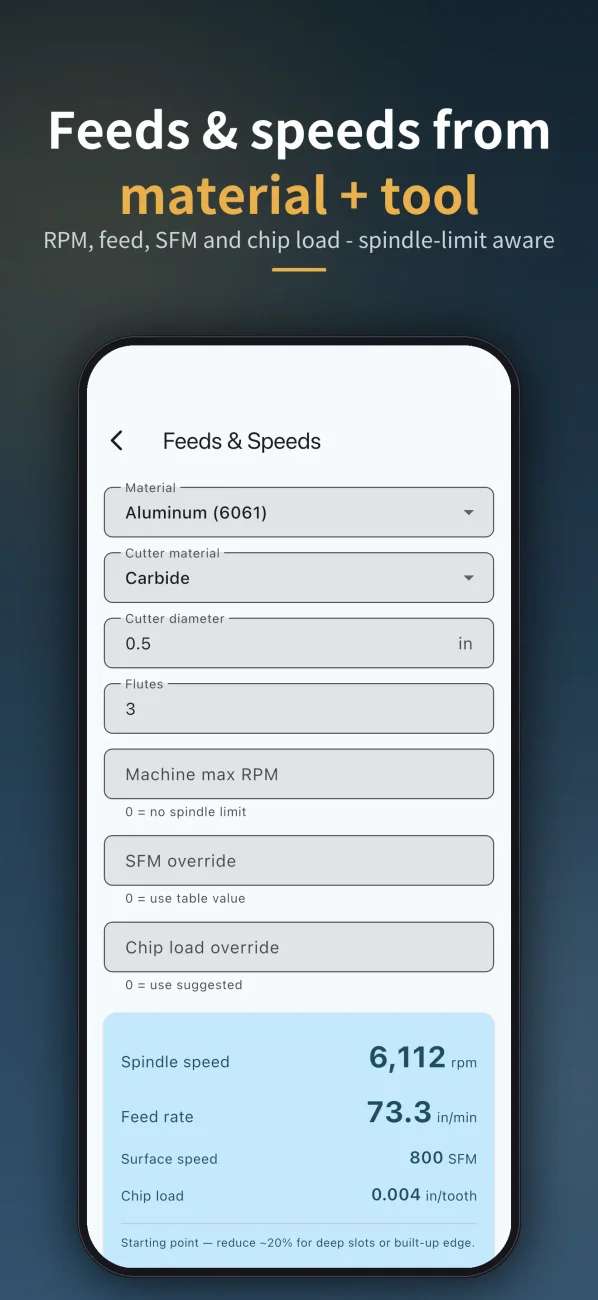
Every computed value is a starting point, not a verdict. Override RPM, feed, SFM or chip load before you export — the sheet prints what you decide.
WHAT'S INSIDE
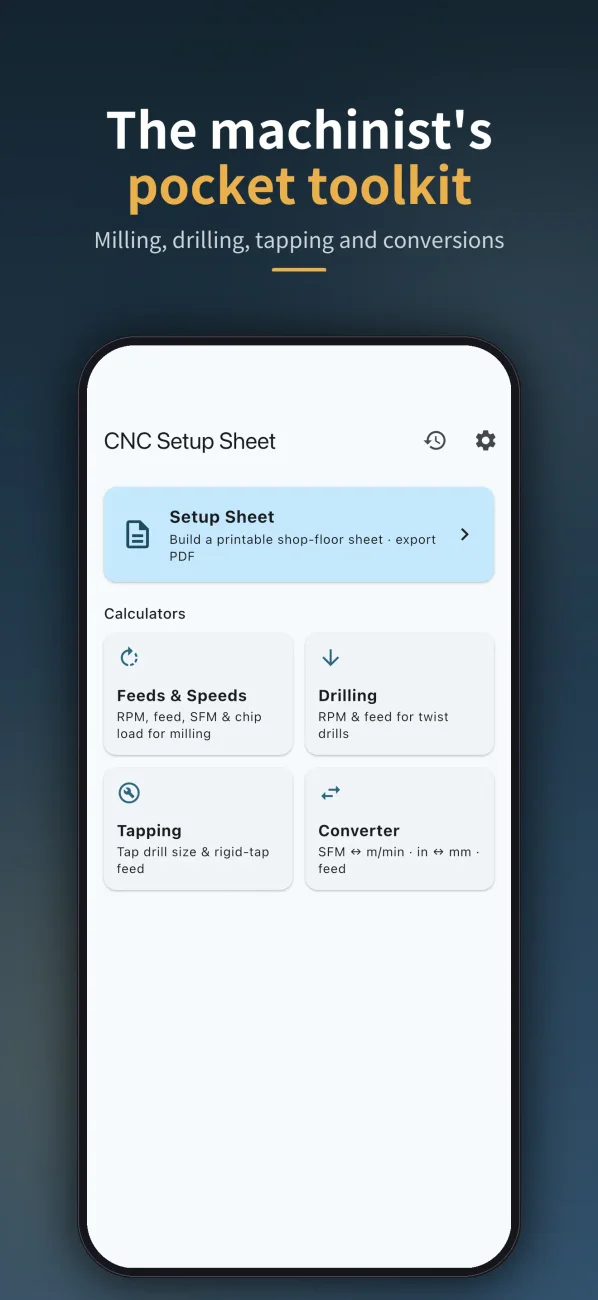
• Feeds & Speeds — RPM, feed rate, SFM and chip load for milling, from material + cutter + flutes. Spindle-limit aware.
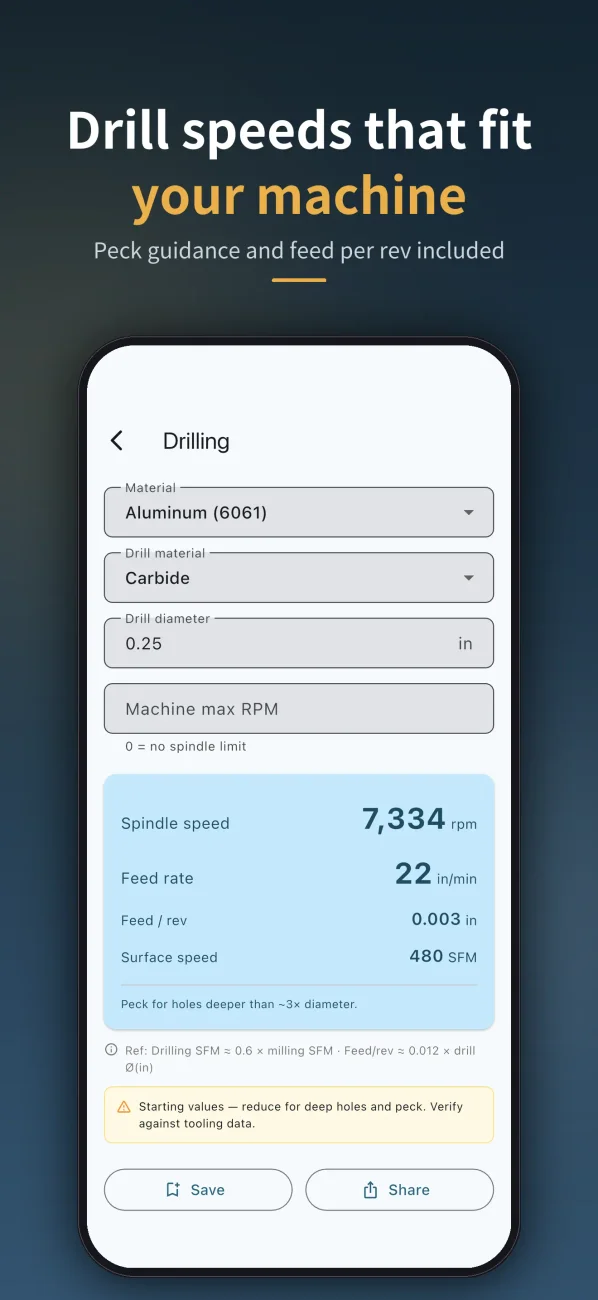
• Drilling — speeds and feeds for twist drills, with peck guidance.
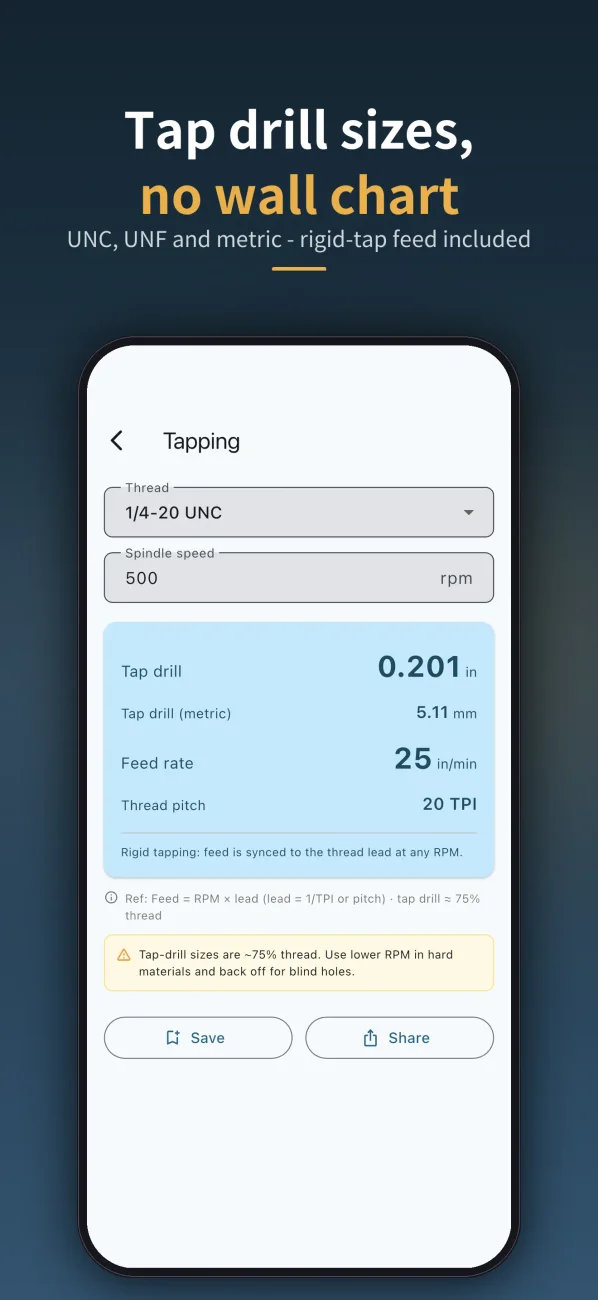
• Tapping — tap drill sizes (UNC/UNF and metric) and rigid-tapping feed synced to thread lead.
• Converter — SFM ↔ m/min, inch ↔ mm, feed units.
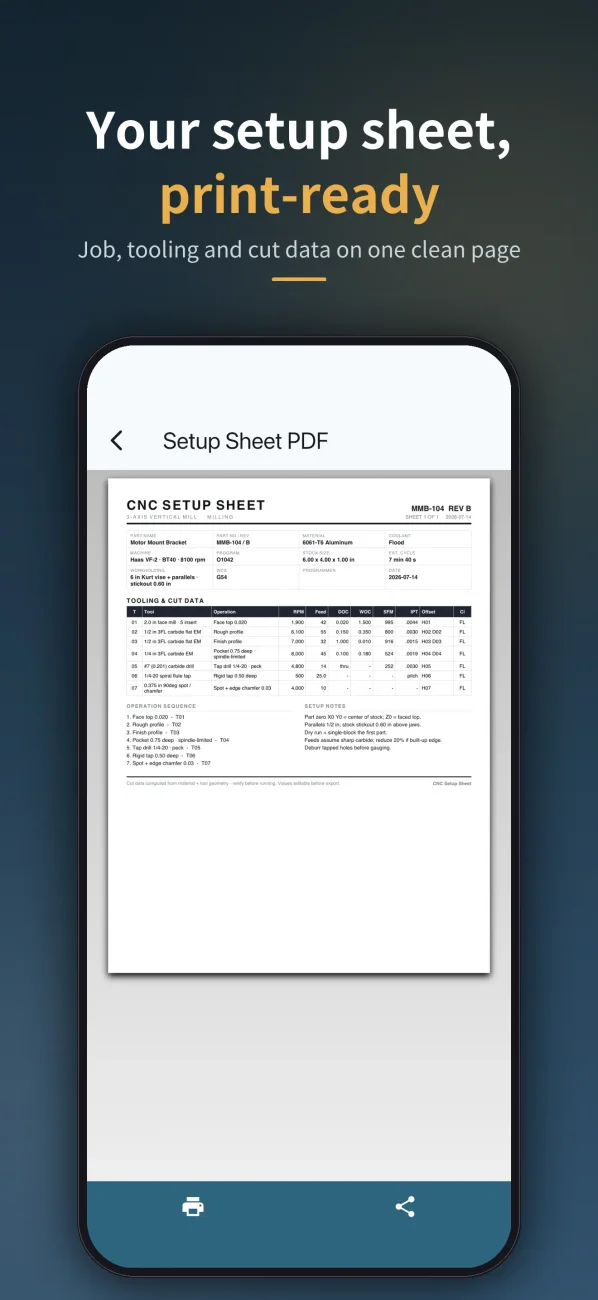
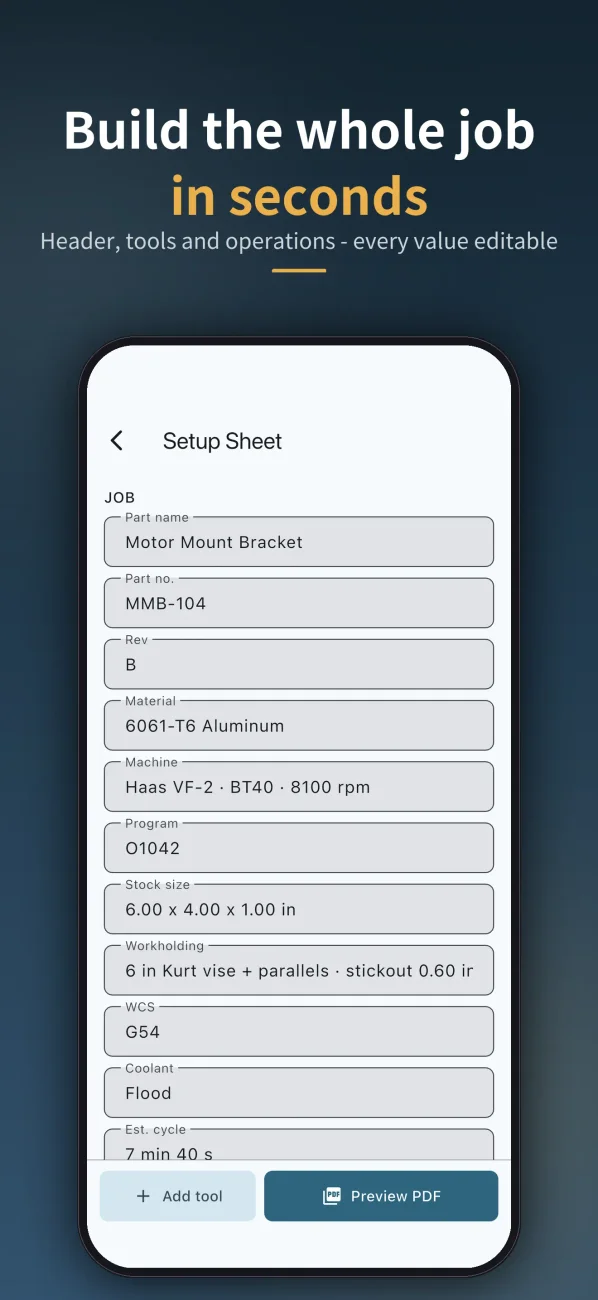
• Setup Sheet — job header (part, machine, workholding, WCS, coolant), tooling & cut data table, operation sequence and setup notes, exported as a US-Letter PDF you can print, share or email.
BUILT FOR
CNC machinists, job-shop programmers, home-shop and garage machinists, makers running desktop mills.
MATERIALS
Aluminum, brass, bronze, copper, mild steel, alloy steel, tool steel, stainless, cast iron, titanium, plastics — with conservative starting SFM and chip-load values compiled from common shop references.
FREE VS PRO
Free: every calculator and the full setup-sheet editor. Exported PDFs carry a SAMPLE watermark.
Pro (one-time purchase): removes the watermark — clean, print-ready setup sheets.
Cut data are reference starting values. Always verify against your tooling manufacturer's data and machine limits before cutting.
App privacy
What Moeki Kozawa declares on the App Store about how this app handles data.
-
Data not linked to you
May be collected but is not linked to your identity.
- Identifiers
- Usage data
- Diagnostics
Privacy practices may vary, for example with the features you use or your age.
Information
- Seller
- Moeki Kozawa
- Category
- Utilities
- Version
- 1.0
- Updated
- Jul 22, 2026
- Released
- Jul 22, 2026
- Size
- 57.4 MB
- Requires
- iOS 15.0 or later
- Age rating
- 4+
- Price
- Free
- In-app purchases
- Yes
- Languages
- English, Japanese
- Copyright
- © 2026 Moeki Kozawa
You might also like
-
 CNC Tool Setup CalculatorTool height and radius, fast
-
 Machinist Calculator: CNCSpeeds, Feeds & Tap Drill
-
 Kalkulator CNCParameters & Threads
-
 Machining Calculator ToolCNC Milling & Turning Calc
-
 Milling Pro: Speeds & FeedsCNC Calculators & Shop Notes
-
 Oshi Maker: Chat With Your AIChat with your favorite person
-
 Multimeter SimulatorSimplify Instrument Teaching
-
 Network Analyzer Scanner NettyAR Wifi Speed Test & Security
-
 Phong Thủy Huyền KhôngUtilities
-
 Multi-Metal Weight EstimatorCalculate Alloy shapes