CompBook: Notes & Sketches
Your composition book library
Designed for iPhone, iPad
$1.00
- Age rating4+
- CategoryProductivity
- DeveloperMARCIAL JULIAN NAVARRO
- LanguagesEnglish
- Size4.8 MB
Links to the official App Store page
Download.org hosts no file of CompBook: Notes & Sketches. The button opens its official App Store page, published by MARCIAL JULIAN NAVARRO. Listing last checked on Nov 20, 2026.
Screenshots
About
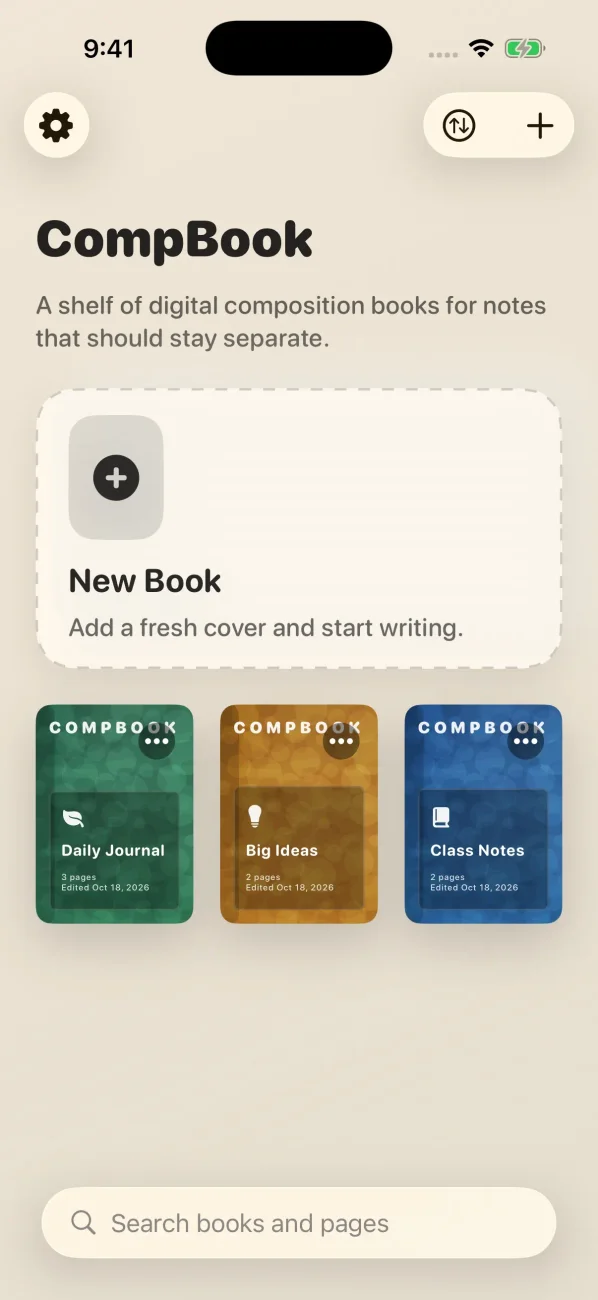
CompBook turns the classic composition notebook into a personal digital library for iPhone and iPad.
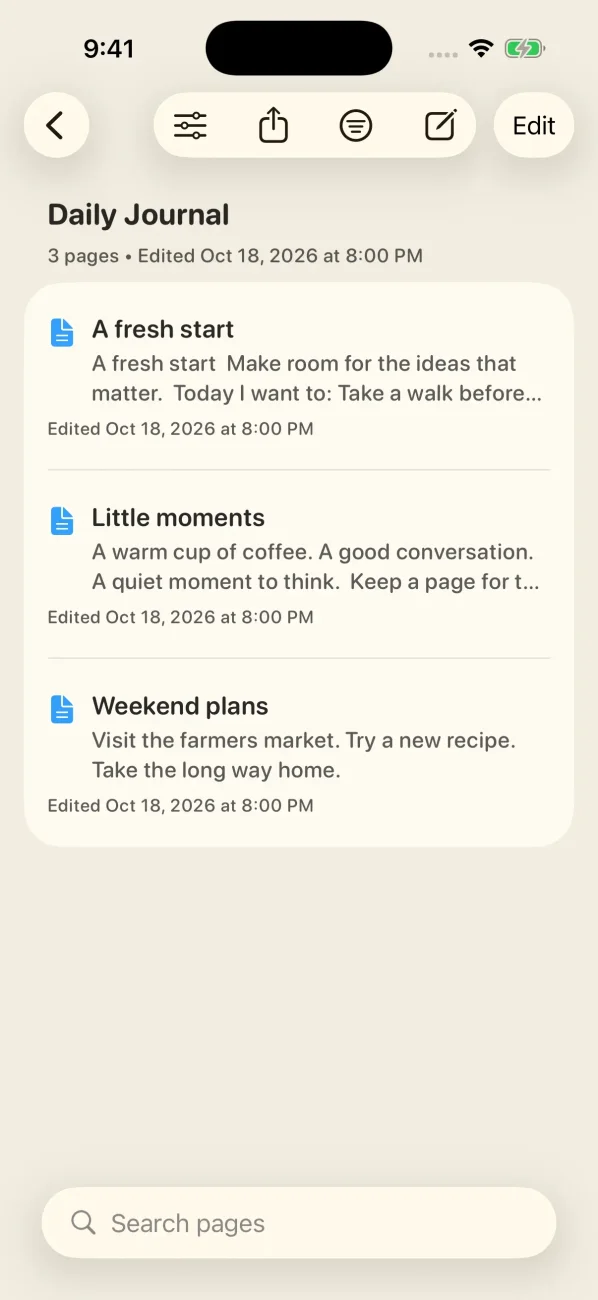
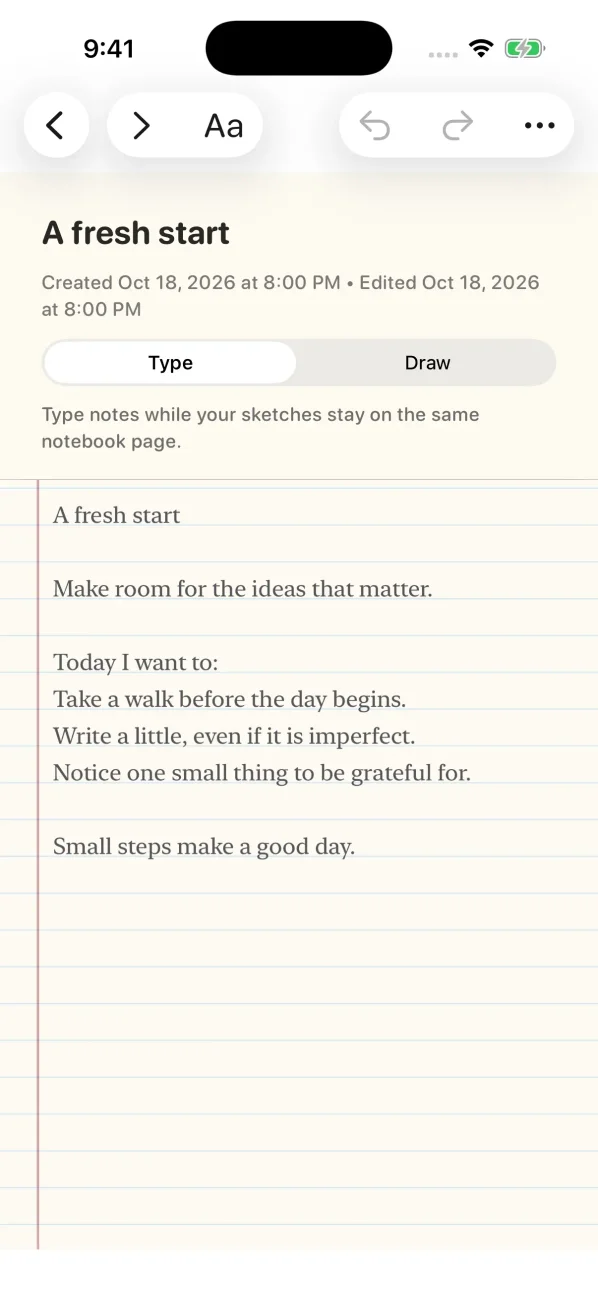
Create a separate book for each part of your life: class notes, journals, lyrics, business ideas, sketches, and more. Choose a cover, add pages, and switch between typing and drawing on the same notebook page.
MAKE EACH BOOK YOUR OWN
Customize covers with colors, icons, or a photo you choose. Pick lined, dotted, or graph paper, and set your preferred writing and drawing tools.
WRITE, COLOR, AND SKETCH
Type and format notes, choose your preferred typing ink, and give selected words their own colors. Paste images directly into your notes. Draw with touch or use a compatible Apple Pencil on iPad. Undo and redo as you work.
KEEP YOUR IDEAS ORGANIZED
Search across your library or within a book. Sort and reorder pages, duplicate a page, and copy or move pages between notebooks.
TAKE A COPY WITH YOU
Export pages and books to PDF, including text colors and pasted images. Save local library backups and import books on another device using Files or AirDrop. The current version does not include automatic cloud sync.
YOUR NOTEBOOKS STAY ON YOUR DEVICE
No account, ads, analytics SDKs, subscriptions, or in-app purchases. CompBook stores your notebook content locally and shares files only when you choose to export them.
Requires iOS 17 or iPadOS 17 or later. Apple Pencil support requires a compatible iPad and Apple Pencil.
What’s new
Version 1.1 · Nov 17, 2026
Make your notebook your own with text colors and images.
• Set your preferred typing ink with Format > Typing Color.
• Highlight individual words with Selected Text Color while continuing to type in your preferred ink.
• Copy an image and paste it directly into a notebook page.
• Keep colors and images in saved notes, notebook backups, and exported PDFs.
• Undo and redo text color changes and pasted images.
• Find support and privacy information on Original Kai.
App privacy
What MARCIAL JULIAN NAVARRO declares on the App Store about how this app handles data.
-
Data not collected
The developer does not collect any data from this app.
Privacy practices may vary, for example with the features you use or your age.
Information
- Seller
- MARCIAL JULIAN NAVARRO
- Category
- Productivity
- Version
- 1.1
- Updated
- Nov 17, 2026
- Released
- Nov 5, 2026
- Size
- 4.8 MB
- Requires
- iOS 17.0 or later
- Age rating
- 4+
- Price
- $1.00
- Languages
- English
- Copyright
- © 2026 Original Kai
You might also like
-
 BillSubmitUpload Bills
-
 EZ Time TrackerProductivity
-
 Focus Duck - Pomodoro TimerProductivity, time management
-
 Almighty NotebookAll in one AI-Powered Notebook
-
 Bill Keeper: Bill RemindersNever miss a bill again
-
 Pomodoro Focus Study TimerProductive task timeboxing
-
 Notepad – Private NotesNotes that stay on your phone
-
 GQueues: To Do List & TasksTeam Planner & Daily Checklist
-
 PowerBoost: Battery Saver ProOptimize Battery & Save Energy
-
 To-Do List Widget RemindersLive Activity Home Lock Widget