
Construction Manager +
All of your builds, one app
Designed for iPhone, iPad, iPod touch
Free · In-app purchases
- Age rating4+
- CategoryBusiness
- DeveloperOMER YIGIT DEMIR
- LanguagesEnglish
- Size19.5 MB
Links to the official App Store page
Download.org hosts no file of Construction Manager +. The button opens its official App Store page, published by OMER YIGIT DEMIR. Listing last checked on Nov 18, 2026.
Screenshots
About
Running a build shouldn't take a spreadsheet, a group text, a filing cabinet, and five apps that don't talk to each other.
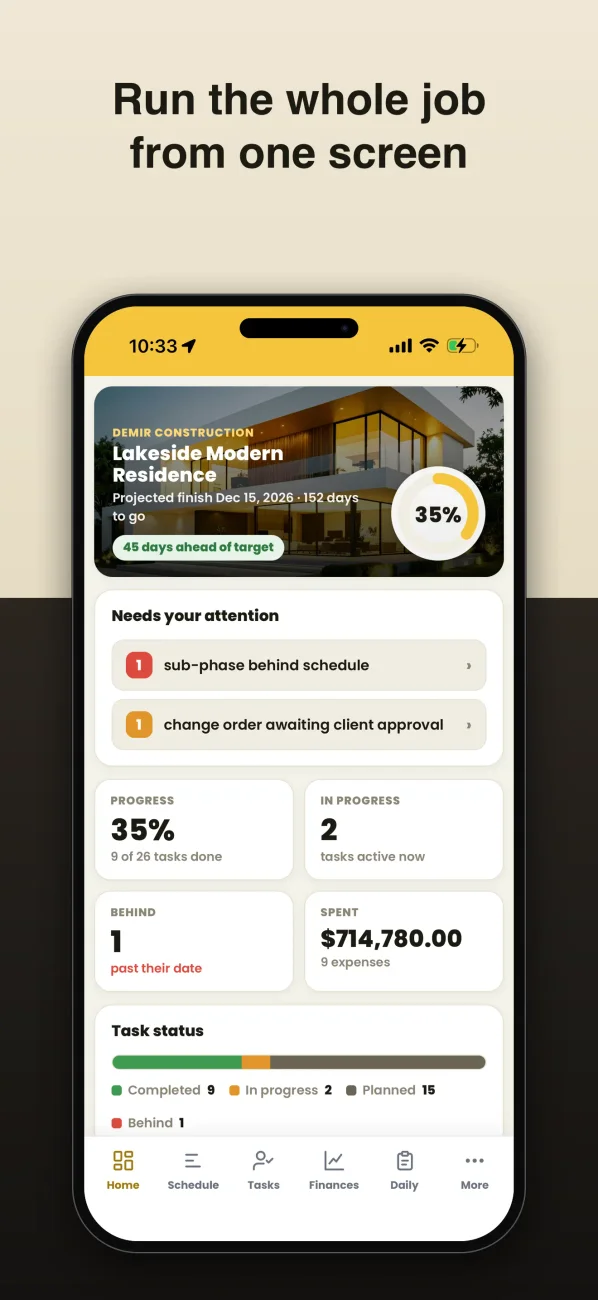
Construction Manager + puts the entire job in one place — the schedule, the money, your crew, your plans, and your client — and it fits in your pocket. Built for the field, not the back office.
KNOW WHERE THE JOB STANDS
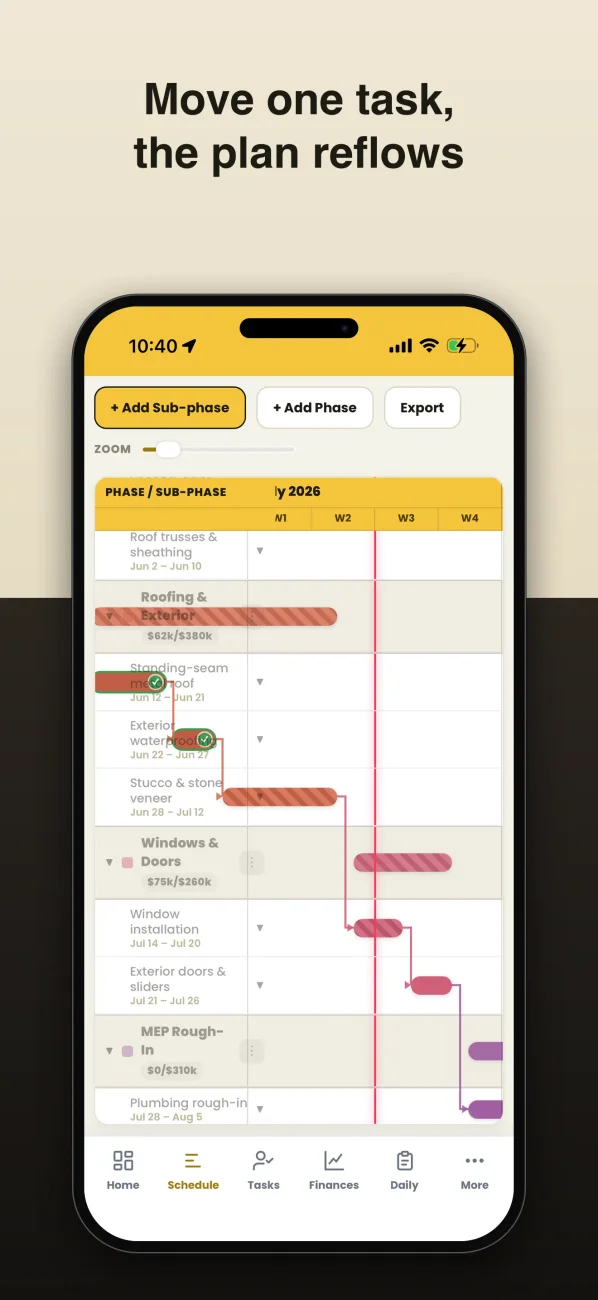
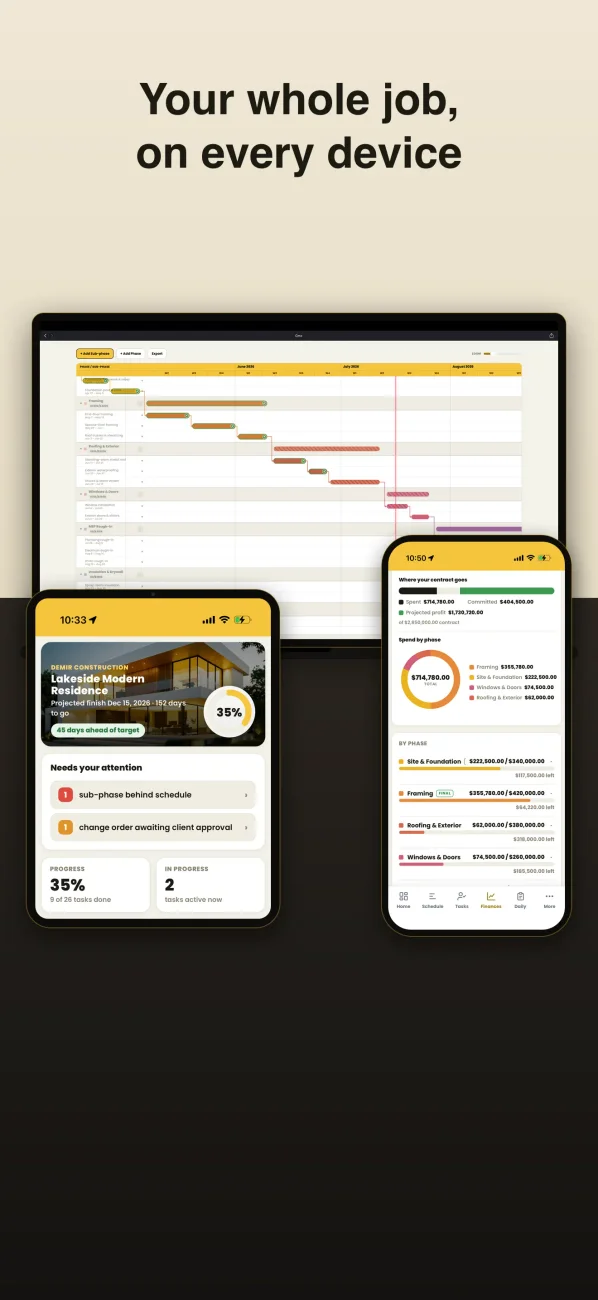
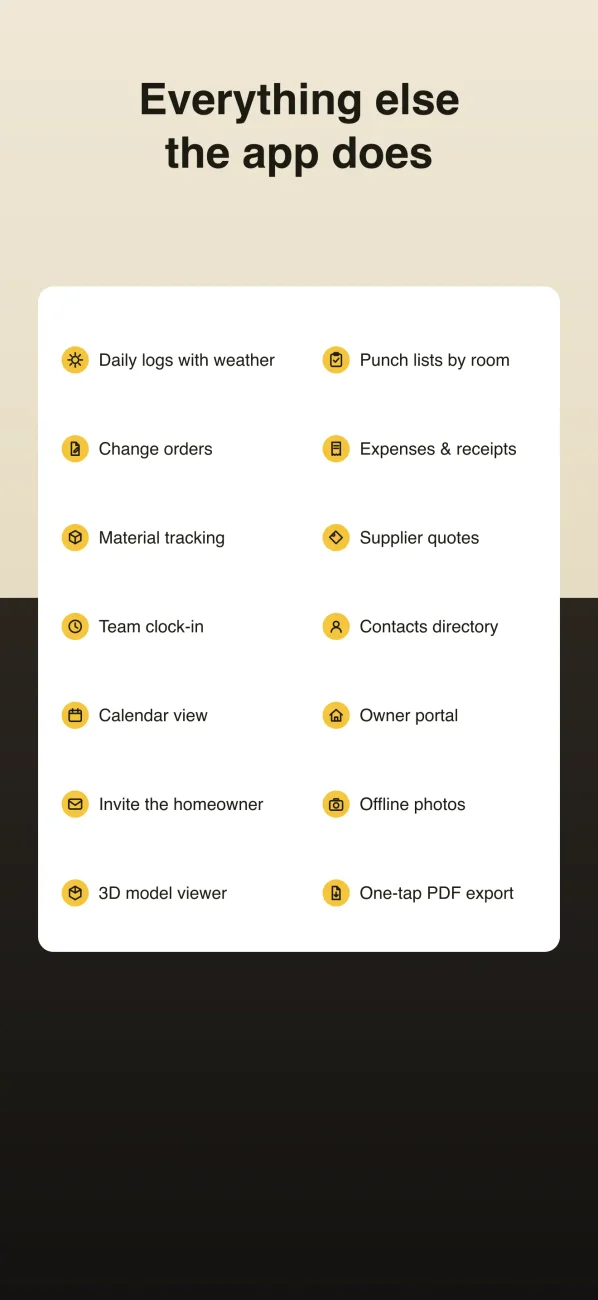
• A visual schedule that reflows itself — Lay out the whole build on a Gantt timeline with phases and dependencies. Move one task and everything downstream shifts with it. No more redrawing the calendar every time the weather turns.
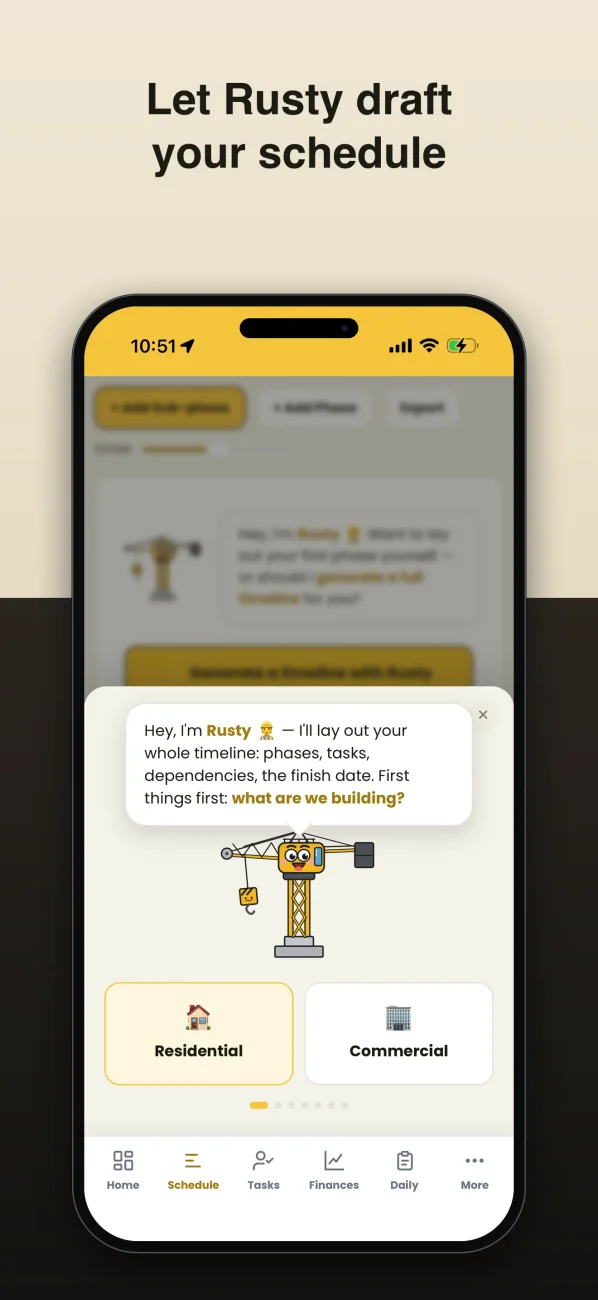
• Let Rusty build it for you — Answer a few questions and Rusty lays out your entire timeline: phases, tasks, durations, and a finish date. A full schedule in minutes, not an afternoon.
• Daily reports with weather — Log who showed up, what got done, and site conditions before you leave. The weather's filled in for you.
PROTECT YOUR MARGIN
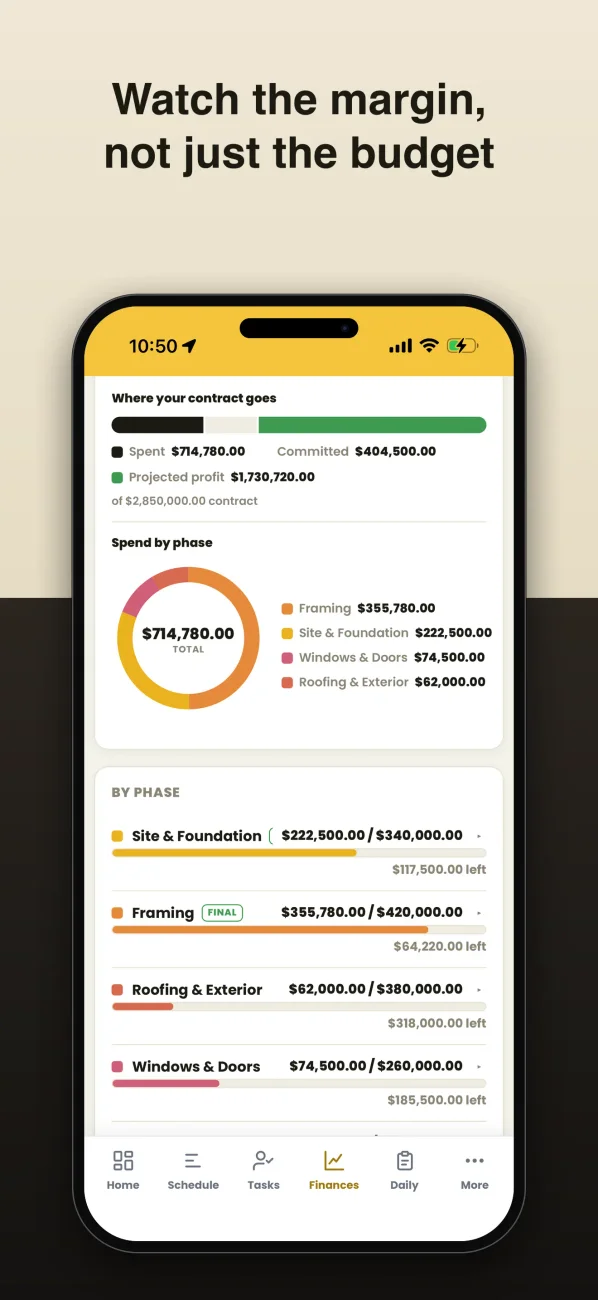
• See your profit, not just your budget — Track contract price, committed cost, and projected profit in real time. Know your margin on every phase before it slips.
• Change orders, expenses, and expected costs — Catch overruns early and keep the numbers honest.
• Materials and supplier quotes — Compare bids side by side and track every receipt back to the phase it belongs to.
RUN YOUR CREW
• Assign work to the right people — Managers and subcontractors each get their own view and only what they need.
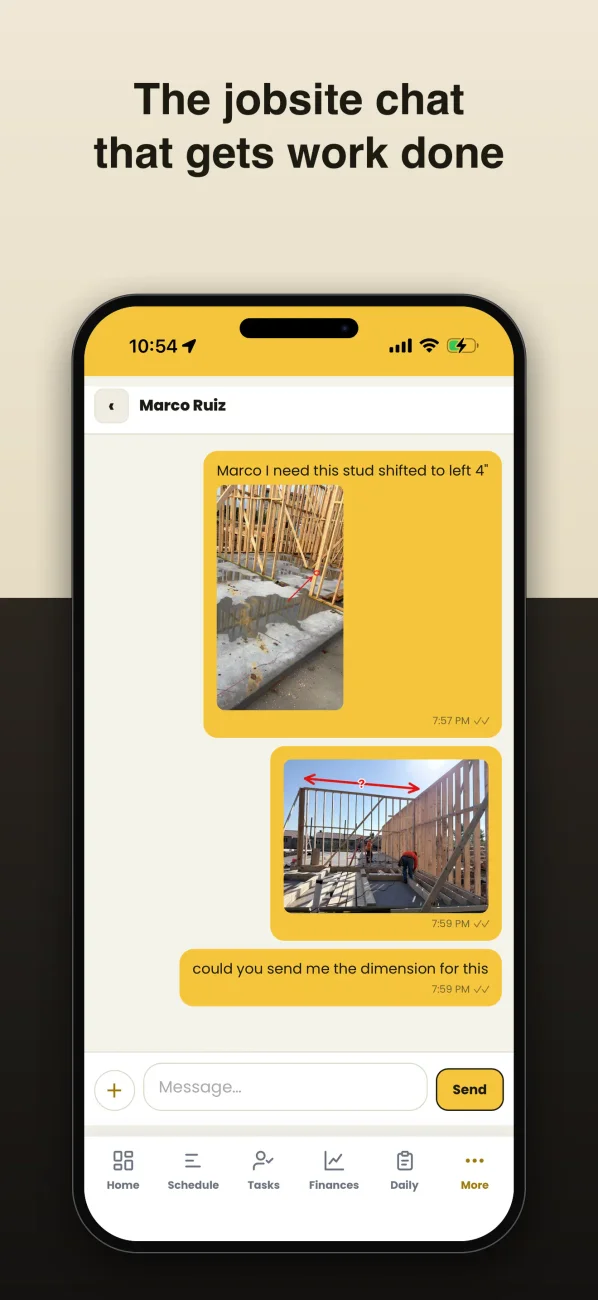
• Jobsite chat that gets work done — Send photos, mark them up, and get delivered and seen receipts. Push notifications so nothing slips.
• Punch lists by room — Close out the job room by room, right through the walkthrough.
• See who's on site — Crew clock-in with time on the job.
KEEP CLIENTS HAPPY
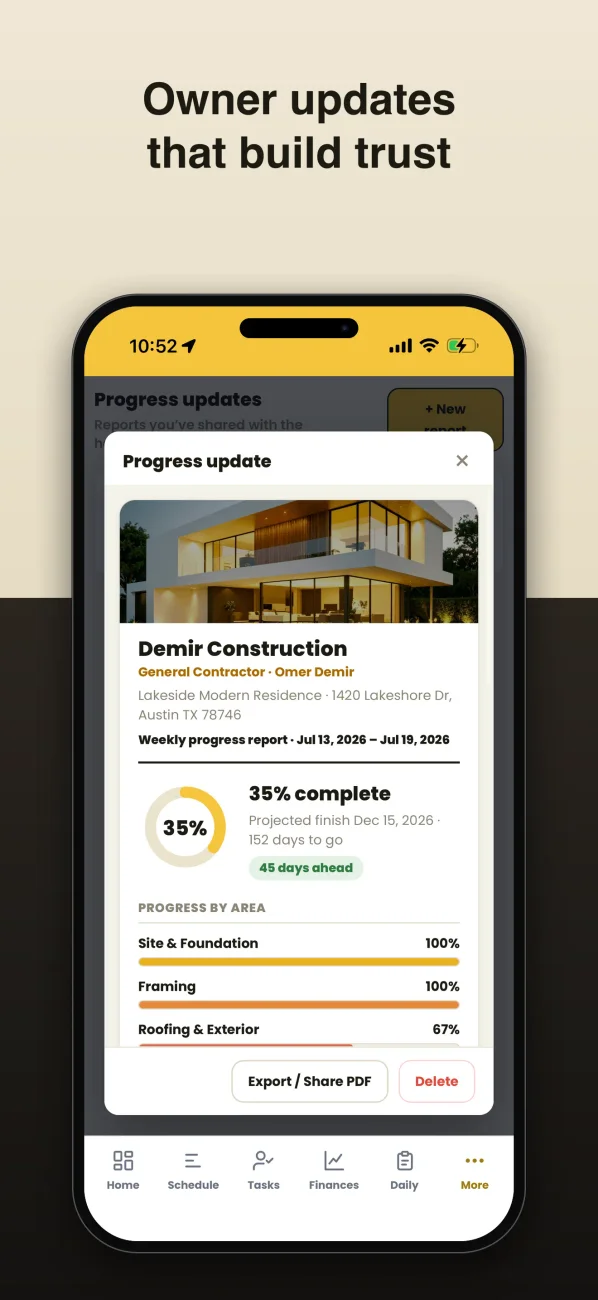
• Owner updates that build trust — Send the homeowner a clean weekly progress report, or give them a simple read-only view of the schedule so they always know what's next.
WORK STRAIGHT FROM THE FIELD
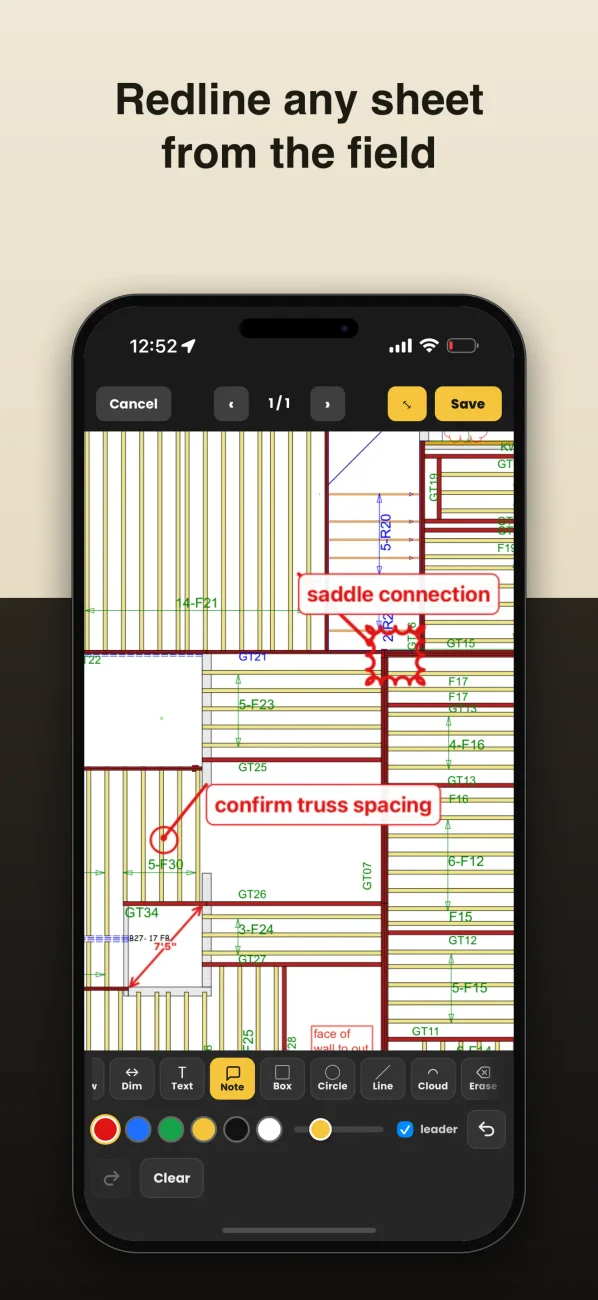
• Redline any sheet — Mark up plans and photos with dimensions, arrows, clouds, and notes, right at the wall.
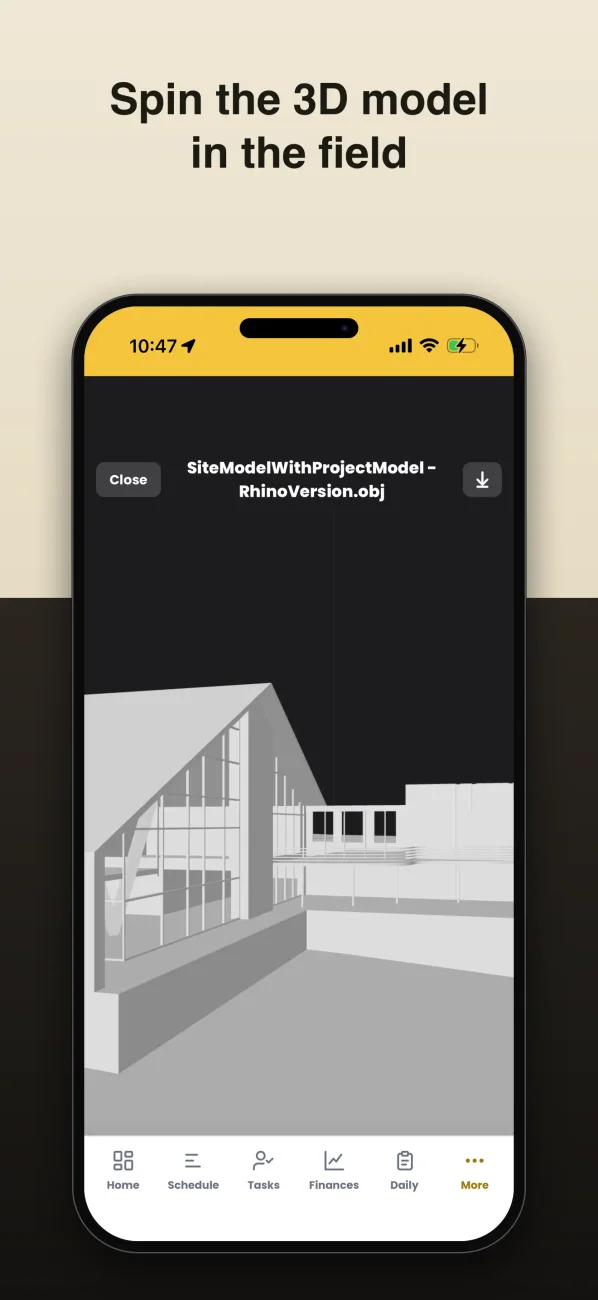
• Spin the 3D model — Open your BIM model and inspect the design on site.
• Every plan and file, filed by job — Photos, videos, receipts, and PDFs, organized automatically.
• On every device — iPhone, iPad, and Mac, always in sync. Snap a photo at the wall, update the schedule from the truck, and it's there for the whole team instantly.
SUBSCRIPTIONS
The core tools are free for a single job. Upgrade for the full toolkit and to run more projects with a bigger team:
• Pro — Everything unlocked for a growing crew.
• Max — More jobs and a bigger team.
• Business — Unlimited everything for a full operation.
Paid plans start with a 7-day free trial. Subscriptions are billed to your Apple ID and renew automatically unless cancelled at least 24 hours before the period ends. Manage or cancel anytime in your device Settings.
Privacy Policy: https://constructionmanagerplus.com/privacy
Terms of Use: https://www.apple.com/legal/internet-services/itunes/dev/stdeula/
What’s new
Version 1.0.2 · Aug 2, 2026
• Tactile feedback is back — buttons and controls respond to your touch again
• Notifications now appear as banners while you're using the app
• Sharper Sketchbook — pinch in up to 12x and your drawings stay crisp
• Bug fixes and performance improvements
App privacy
What OMER YIGIT DEMIR declares on the App Store about how this app handles data.
-
Data linked to you
May be collected and linked to your identity.
- Purchases
- Location
- Contact info
- User content
- Identifiers
Privacy practices may vary, for example with the features you use or your age.
Information
- Seller
- OMER YIGIT DEMIR
- Category
- Business
- Version
- 1.0.2
- Updated
- Aug 2, 2026
- Released
- Jul 28, 2026
- Size
- 19.5 MB
- Requires
- iOS 15.0 or later
- Age rating
- 4+
- Price
- Free
- In-app purchases
- Yes
- Languages
- English
- Copyright
- © 2026 Omer Yigit Demir
You might also like
-
 MonceProductivity
-
 ObraCraftConstruction job management
-
 Projects: Construction ManagerContractor estimate & invoice
-
 FieldVision - AI ConstructionBusiness
-
 Srijan Construction ManagerBusiness
-
 Forma Construction ManagementEasy App For Contractors
-
 Contract CompleteYour Contract Admin Platform
-
 Mercury BuildConstruction Mangement
-
 Kinetic Business ReadyBusiness
-
 ObraFácil: Jobsite ManagementConstruction daily log & costs