
Content Transfer Contacts/File
Easily send contacts & files
Designed for iPhone, iPad, iPod touch
Free · In-app purchases
- Age rating4+
- CategoryUtilities
- DeveloperMobscape
- LanguagesEnglish
- Size53.4 MB
Links to the official App Store page
Download.org hosts no file of Content Transfer Contacts/File. The button opens its official App Store page, published by Mobscape. Listing last checked on Nov 16, 2026.
Screenshots


About
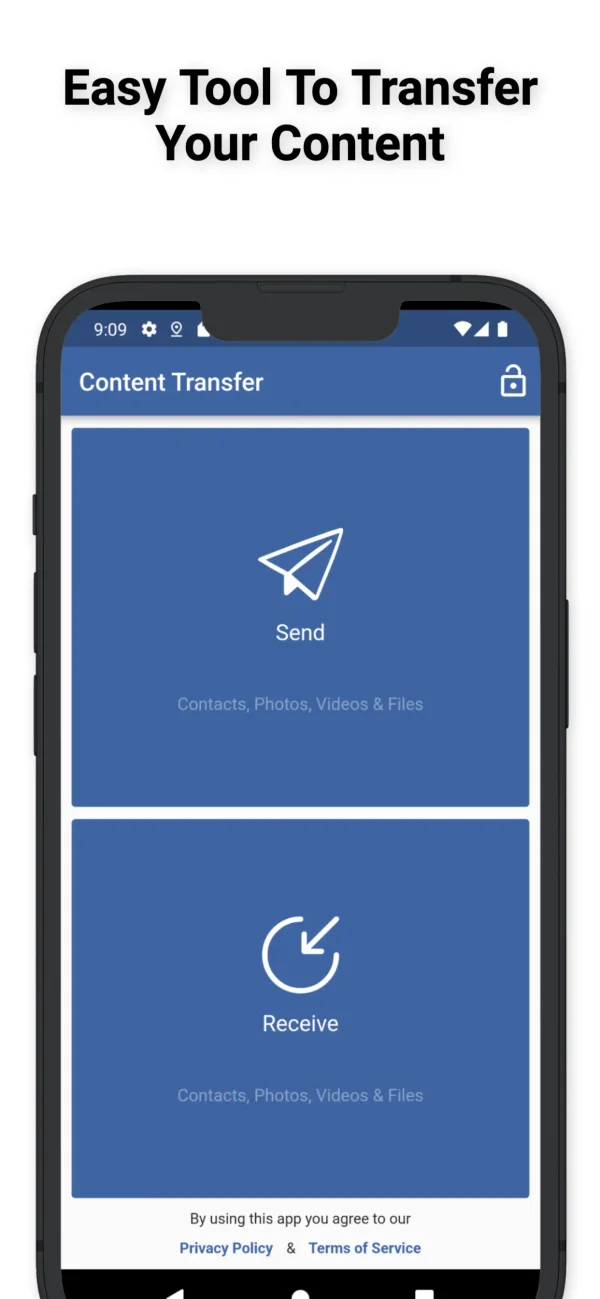
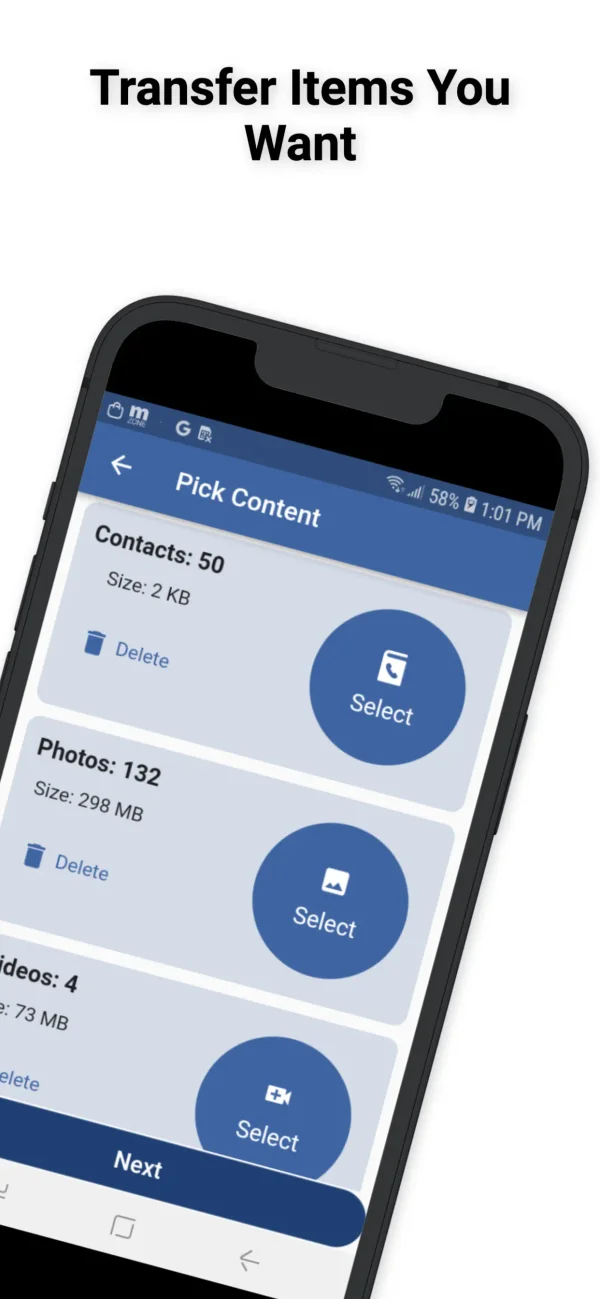
Introducing Content Transfer, the ultimate iOS app for seamless transfer of contacts, photos, videos, and files across your iOS devices. With Content Transfer, you can effortlessly move your data without the need for a Wi-Fi connection. Our app utilizes internet transfer, ensuring fast and reliable data transfer wherever you are.
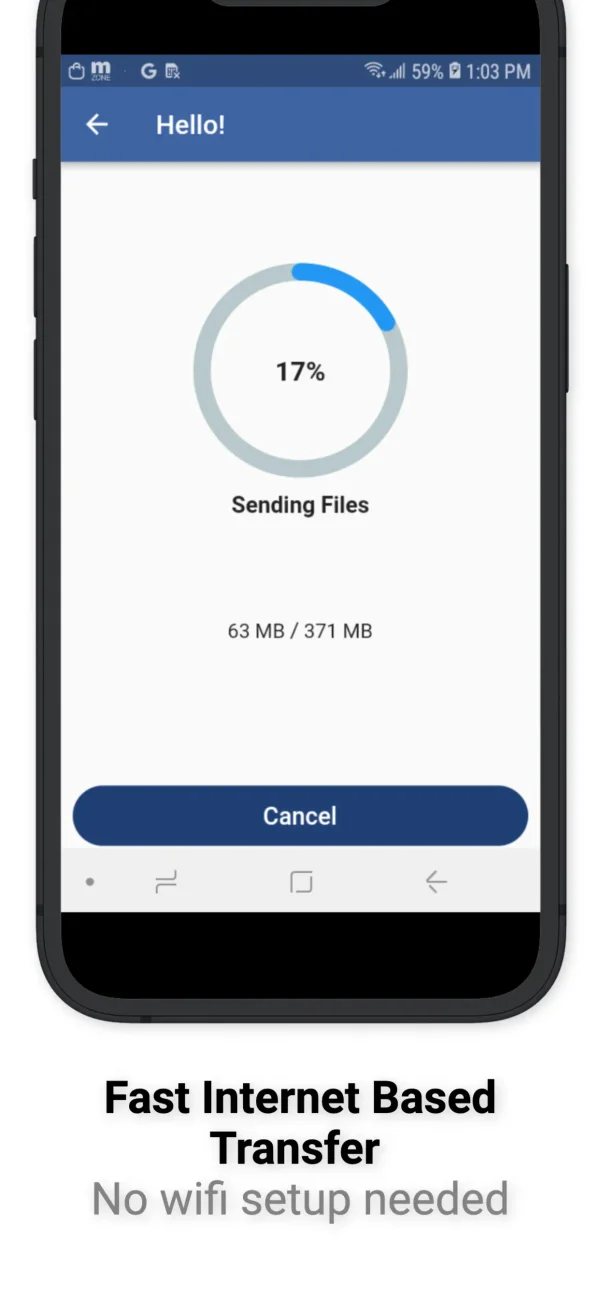
Forget about the hassles of Wi-Fi setup or limitations of Bluetooth. Content Transfer leverages the power of the internet to provide you with a seamless and convenient transfer experience. No more waiting for network connections or dealing with slow transfer speeds.
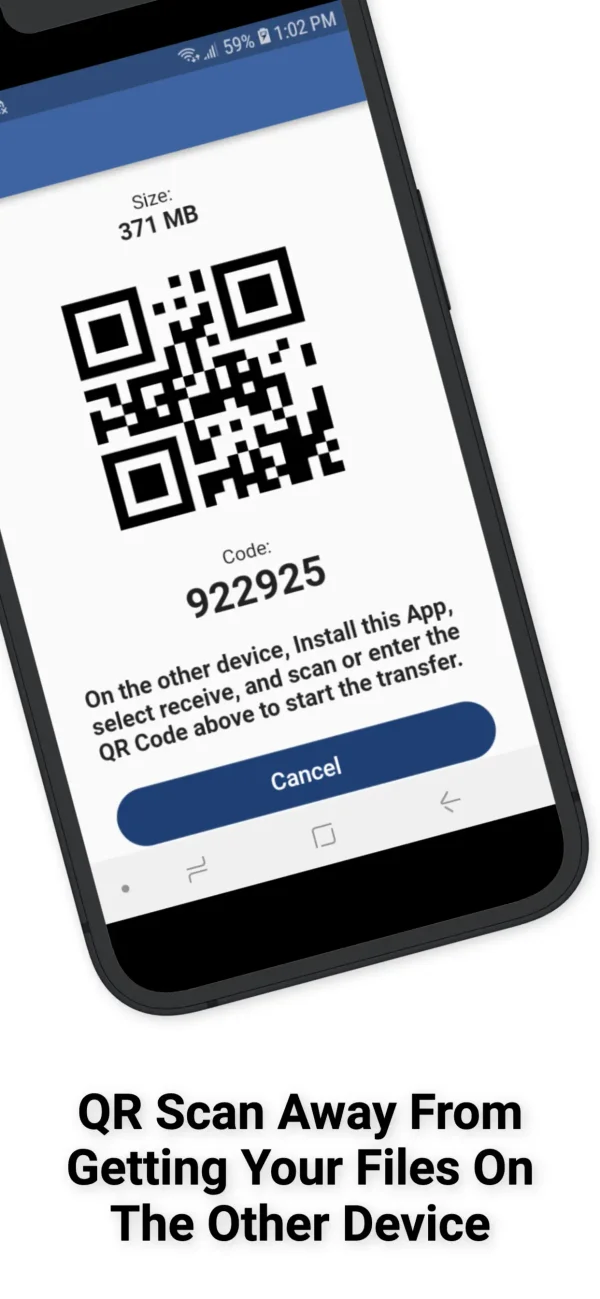
One of the standout features of Content Transfer is its innovative use of QR codes. Simply scan a QR code generated by the app on your old device using your new device, and the transfer process begins. It's quick, secure, and eliminates the need for complicated manual setups. Seamlessly transfer your data by just scanning a code.
Worried about transferring large files? Fear not! Content Transfer is designed to handle large files with ease. Whether it's a high-resolution video or a large document, our app ensures that the transfer process remains efficient and uninterrupted. Say goodbye to size limitations and transfer your files effortlessly.
With Content Transfer, your data remains secure and protected throughout the transfer process. We prioritize the privacy of your information, ensuring that it is encrypted and handled with the utmost care.
Key Features:
Seamlessly transfer contacts, photos, videos, and files across your iOS devices using internet transfer.
Scan QR codes for quick and secure transfer between devices, eliminating the need for Wi-Fi connections.
Effortlessly transfer large files without limitations or interruptions.
Secure and encrypted transfer process to protect your data.
Intuitive and user-friendly interface for a seamless experience.
Don't let the limitations of Wi-Fi or the hassle of manual setups hold you back. Experience the convenience of Content Transfer and enjoy effortless data transfer on your iOS devices. Download the app now and simplify your digital life with quick and secure transfers.
What’s new
Version 1.7 · Nov 26, 2023
Bug Fixes
App privacy
What Mobscape declares on the App Store about how this app handles data.
-
Data not linked to you
May be collected but is not linked to your identity.
- Contacts
- User content
- Identifiers
- Usage data
- Diagnostics
Privacy practices may vary, for example with the features you use or your age.
Information
- Seller
- Mobscape LLC
- Category
- Utilities
- Version
- 1.7
- Updated
- Nov 26, 2023
- Released
- Jun 8, 2023
- Size
- 53.4 MB
- Requires
- iOS 11.0 or later
- Age rating
- 4+
- Price
- Free
- In-app purchases
- Yes
- Languages
- English
- Copyright
- © Mobscape LLC
You might also like
-
 Contacts Backup - Easy ExportTransfer, Restore Contact Fast
-
 Transfer My ContactsContacts Backup
-
 Contacts Sync & Transfer AppAccount Manager:Backup, Share
-
 Clone My Phone - Data BackupData sync, backup and restore
-
 Export Contacts Excel: ContaxoTransfer, Backup & Import
-
 Data Transfer - Copy My DataFile Manager, Mobile Transfer
-
 Contacts Backup Share & ExportShare Contacts in vcf file
-
 Delete Contacts -Contacts Backup Transfer
-
 Export Contacts To CSV ExcelContact Exporter Backup Sync
-
 Data Transfer & File SharingShare Music, Video, and Photo