
Transfer My Contacts
Contacts Backup
Designed for iPhone, iPad, iPod touch
Free · In-app purchases
- Age rating4+
- CategoryUtilities
- DeveloperKpera Sadeck Yarou N'gobi
- LanguagesEnglish
- Size27.8 MB
Links to the official App Store page
Download.org hosts no file of Transfer My Contacts. The button opens its official App Store page, published by Kpera Sadeck Yarou N'gobi. Listing last checked on Nov 20, 2026.
Screenshots

About
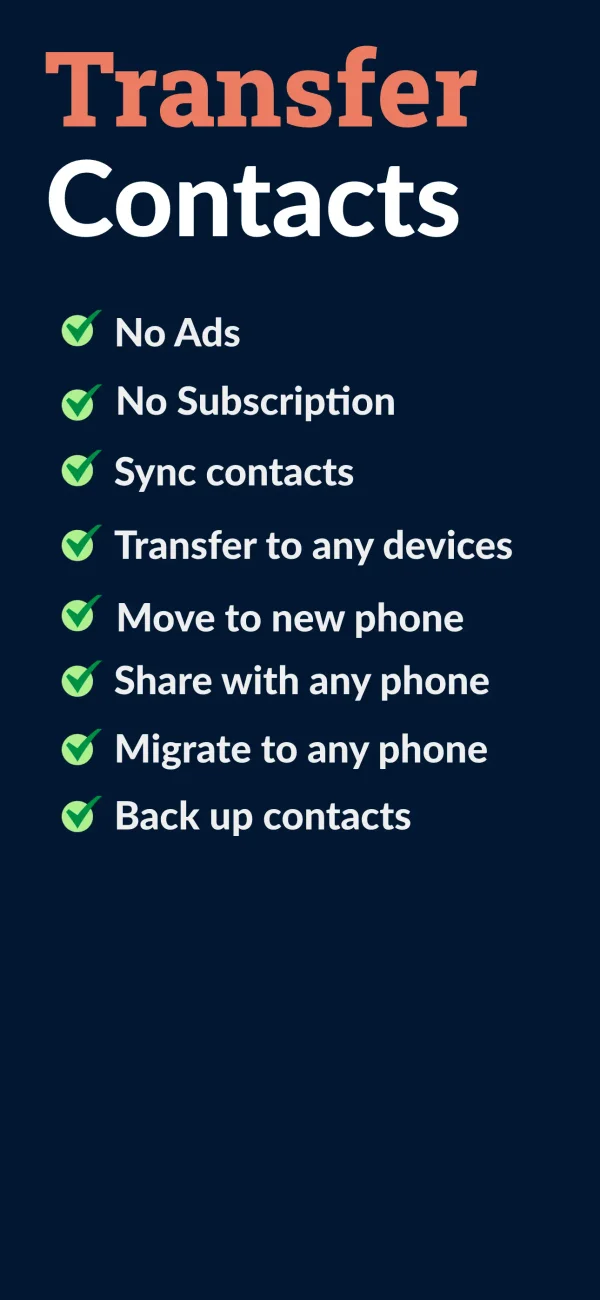
Switching phones? Transfer Contacts lets you move all your contacts from one device to another in seconds — whether you're going from Android to iPhone, iPhone to Android, or any combination. No cables, no cloud accounts, no hassle.
HOW IT WORKS
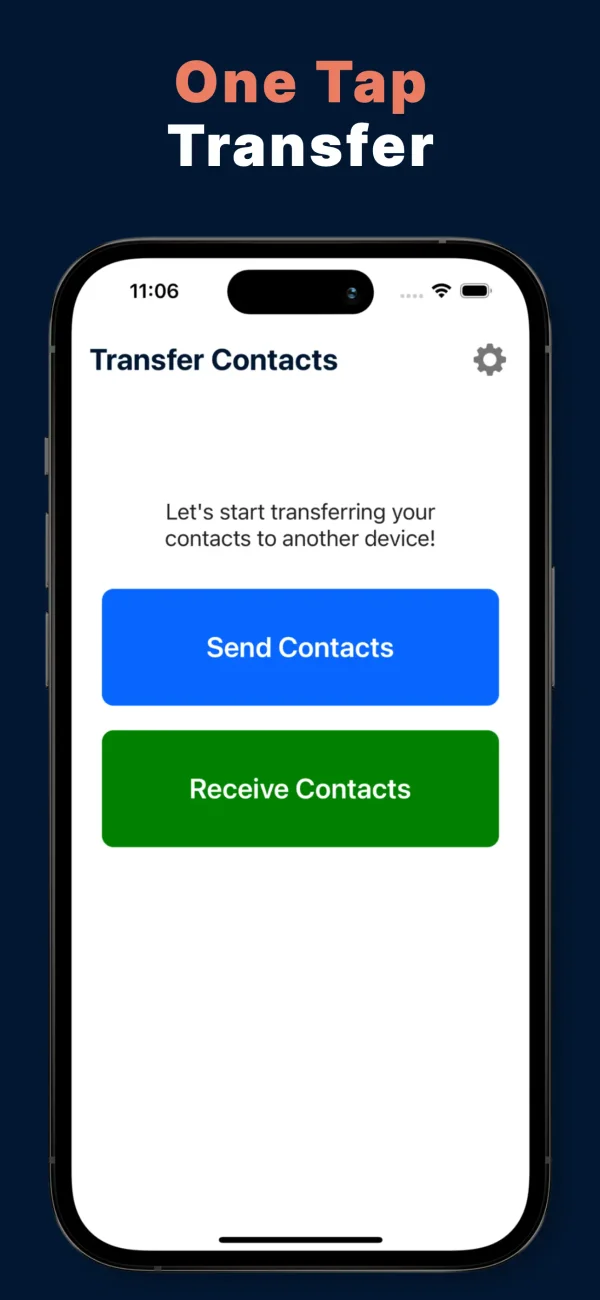
1. Open the app on your old phone and tap "Send Contacts"
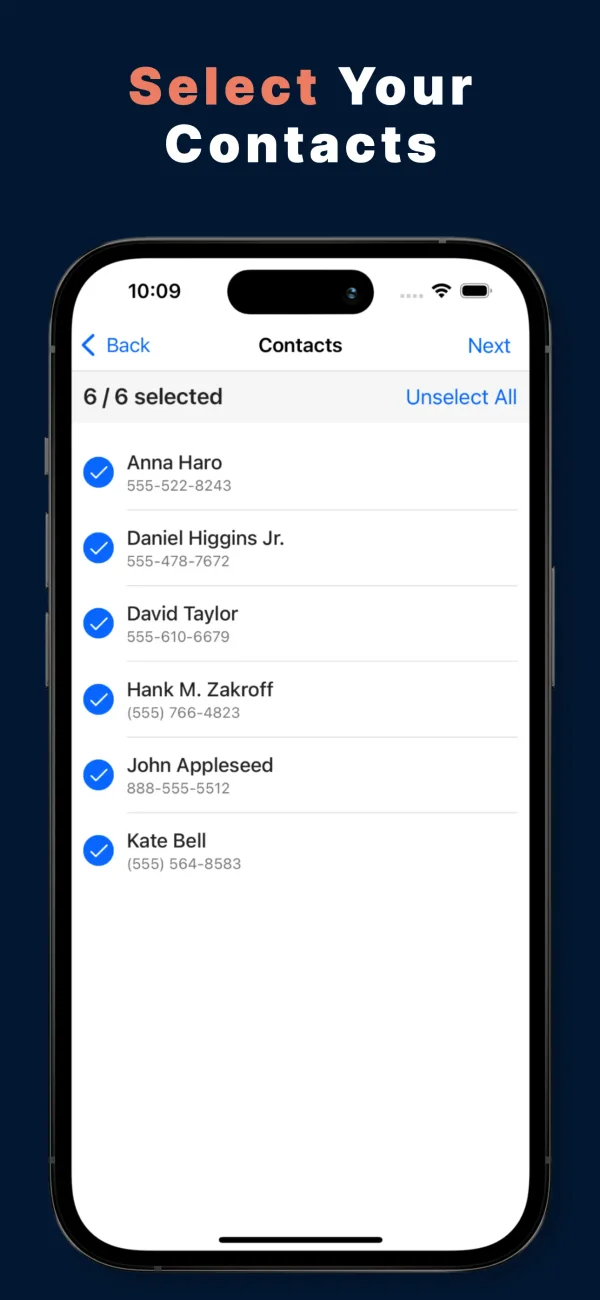
2. Select which contacts to transfer — or send them all
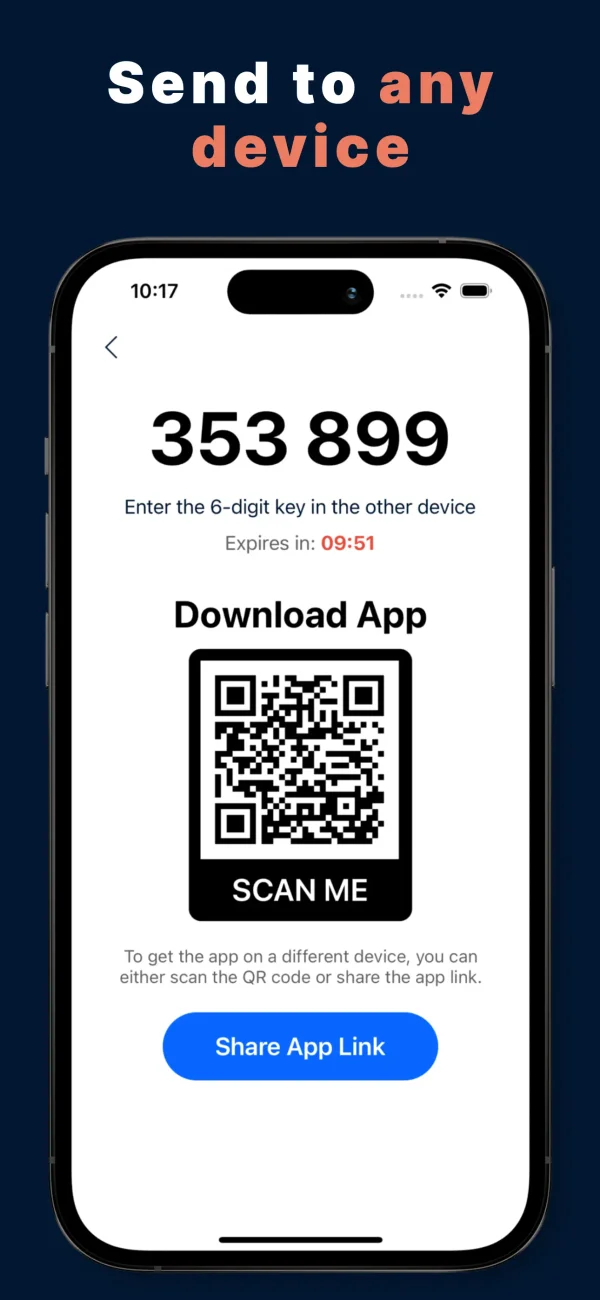
3. A 6-digit PIN appears on screen
4. Open the app on your new phone and tap "Receive Contacts"
5. Enter the PIN — done! Your contacts are saved instantly
It's that simple. No sign-up, no email, no passwords.
WHY USERS LOVE TRANSFER CONTACTS
Works across platforms — Android to iPhone, iPhone to Android, or same platform transfers. No account required — just install, open, and transfer. Transfers all contact details — names, phone numbers, emails, addresses, birthdays, company info, and more. Smart duplicate detection — won't import contacts you already have. Lightning fast — transfer hundreds of contacts in seconds, not hours of manual typing. Secure PIN-based transfer — your contacts stay private with a 60-minute expiring PIN.
COMPLETE CONTACT DATA
Transfer Contacts preserves every detail:
- Names (first, middle, last, prefix, suffix)
- Multiple phone numbers per contact
- Multiple email addresses
- Physical addresses (street, city, state, zip, country)
- Birthdays
- Company, job title, department
- Website URLs
- Notes
Nothing gets lost in the transfer.
PERFECT FOR
New phone setup — move all contacts to your new device in one go. Switching from Android to iPhone (or vice versa) — cross-platform transfer made easy. Sharing contacts with family or coworkers — send specific contacts to anyone. Backing up contacts — send your contact list to another device as a safety net.
AVAILABLE IN 34 LANGUAGES
English, Spanish, French, German, Italian, Portuguese, Japanese, Korean, Chinese, Arabic, Hindi, Thai, Vietnamese, Indonesian, Russian, Turkish, Polish, Dutch, Swedish, Norwegian, Danish, Finnish, Czech, Greek, Hungarian, Romanian, Bulgarian, Croatian, Serbian, Slovenian, Lithuanian, Estonian, Ukrainian, and more.
Download Transfer Contacts now and move your contacts to your new phone in seconds.
What’s new
Version 2.1.6 · Apr 16, 2026
performance improvement & bug fixes
App privacy
What Kpera Sadeck Yarou N'gobi declares on the App Store about how this app handles data.
-
Data not collected
The developer does not collect any data from this app.
Privacy practices may vary, for example with the features you use or your age.
Information
- Seller
- 1000914058 ONTARIO INC.
- Category
- Utilities
- Version
- 2.1.6
- Updated
- Apr 16, 2026
- Released
- Mar 26, 2024
- Size
- 27.8 MB
- Requires
- iOS 15.0 or later
- Age rating
- 4+
- Price
- Free
- In-app purchases
- Yes
- Languages
- English
- Copyright
- © DKTLabs
You might also like
-
 Contacts Backup Share & ExportShare Contacts in vcf file
-
 My Contact: Backup TransferRestore Sync Export Cleaner
-
 Export Contacts Excel: ContaxoTransfer, Backup & Import
-
 Content Transfer Contacts/FileEasily send contacts & files
-
 Export ContactBackup contacts easily
-
 My Contacts Backup & Transfer‧Export, Recover, Copy, Sync
-
 Contact.s Back UpSync & Export Your Contacts
-
 Smart Switch | Copy My DataMove to iOS, Phone Transfer
-
 Contacts+ Sync for GoogleContacts backup & address book
-
 Recent Contacts: Export ExcelBackup Contacts to Excel, CSV