
ContextVoca - Scan to Learn
Photos into Vocabulary Lists
Designed for iPhone, iPad
In-app purchases
- Age rating4+
- CategoryEducation
- DeveloperJunghyun Park
- LanguagesKorean+ 4 more
- Size69.5 MB
Links to the official App Store page
Download.org hosts no file of ContextVoca - Scan to Learn. The button opens its official App Store page, published by Junghyun Park. Listing last checked on Nov 12, 2026.
Screenshots

About
ContextVoca uses AI to turn photos and text into your personal vocabulary list — then quizzes you until you own those words.
[SNAP - LEARN - REMEMBER]
Point your camera at a book, menu, sign, or any text. Our OCR engine reads it, and our AI extracts the vocabulary words most worth learning. No more manual lookup — just learn.
[AI-POWERED WORD EXTRACTION]
ContextVoca's LLM engine analyzes your captured text and selects the most meaningful words for your level. It strips away common words and surfaces the ones that will expand your vocabulary fastest.
[SMART QUIZ SYSTEM]
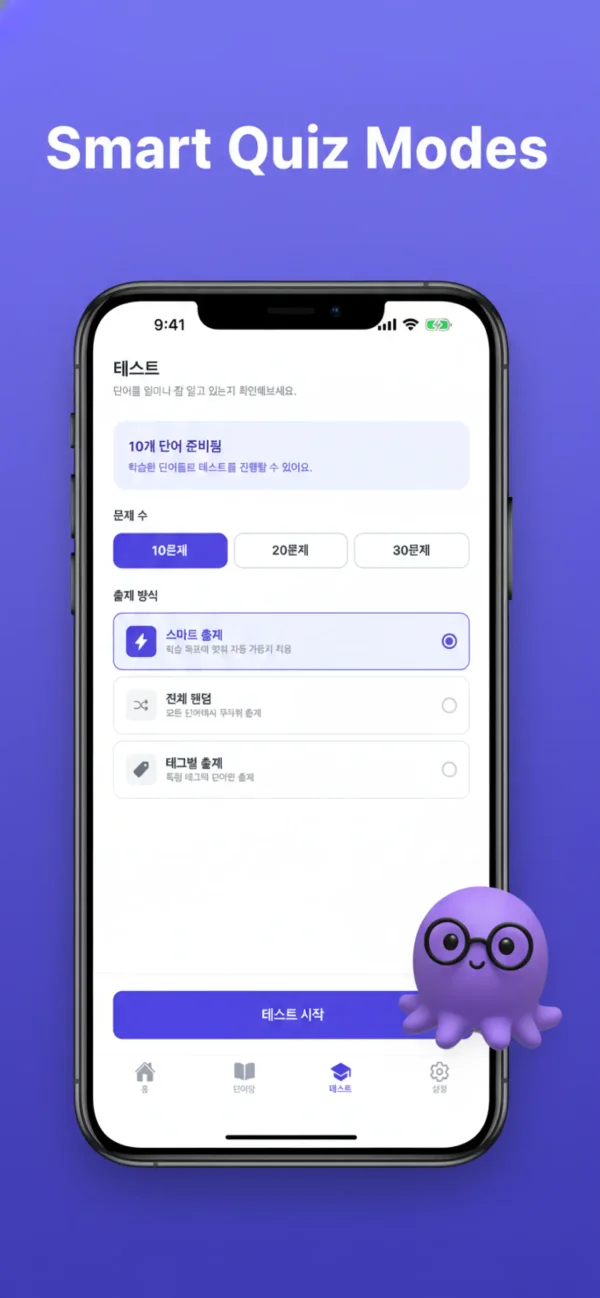
Our adaptive quiz engine schedules reviews based on how well you know each word. The more you struggle with a word, the more often it appears — so you never forget what you've worked hard to learn.
[CONTEXT-BASED LEARNING]
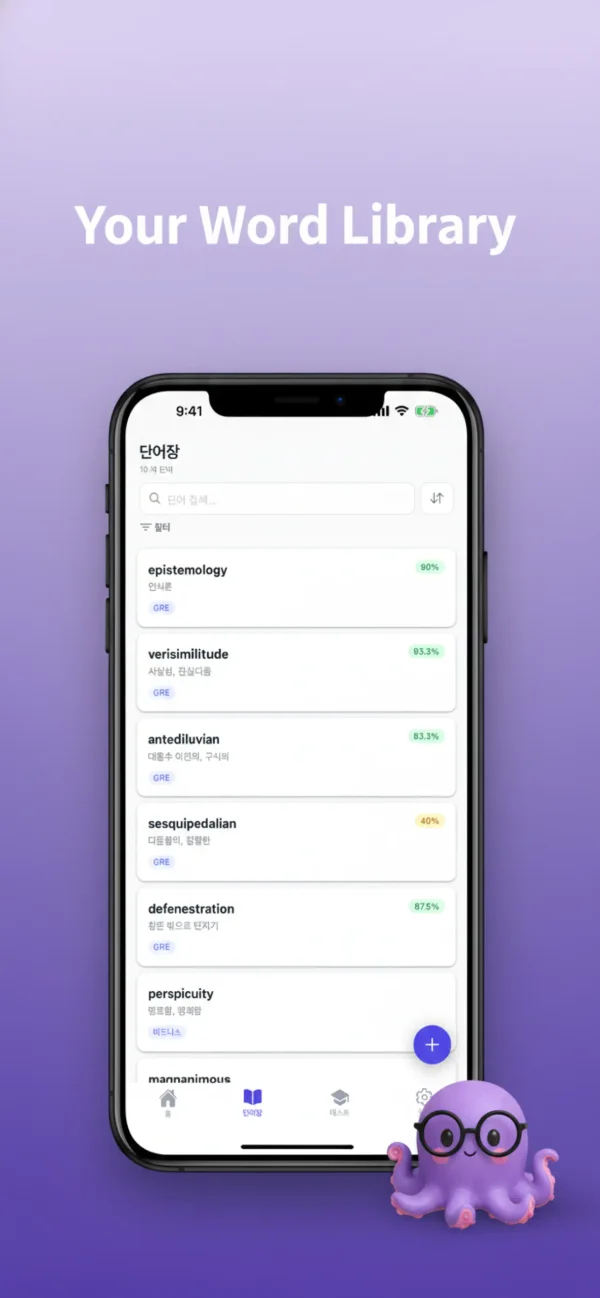
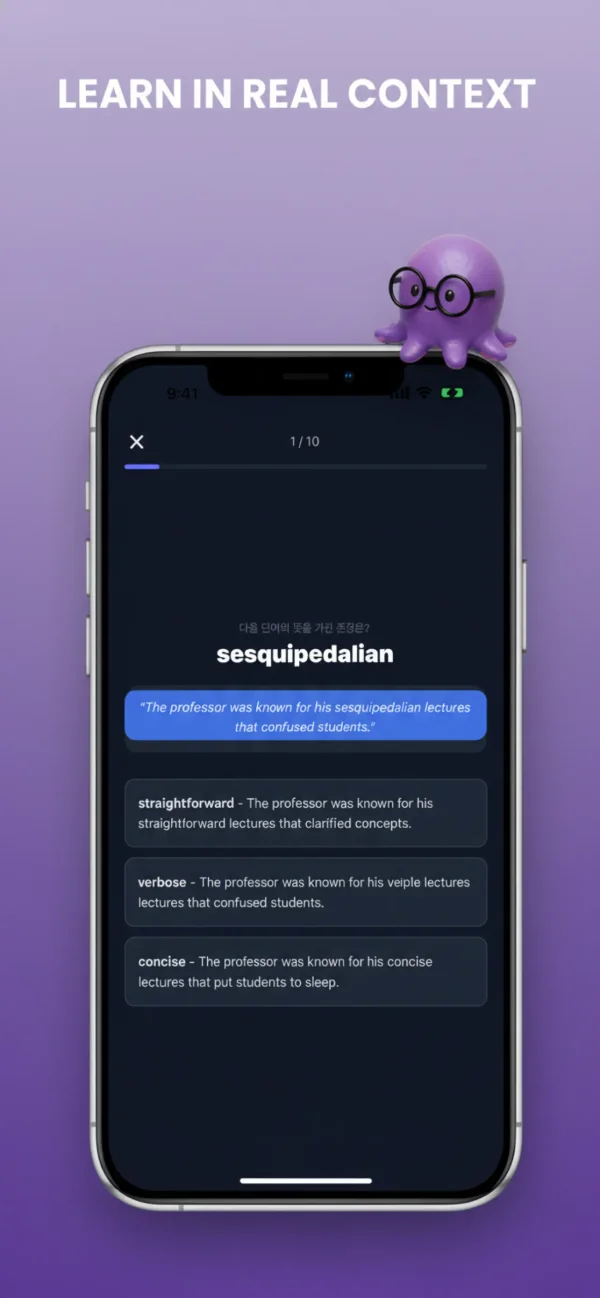
Every word is stored with the sentence or phrase it came from. Seeing a word in context is proven to dramatically improve retention compared to isolated flashcards.
[KEY FEATURES]
- OCR text recognition from photos and camera
- AI keyword extraction
- Spaced repetition quiz (multiple choice + fill-in)
- Context sentences saved with every word
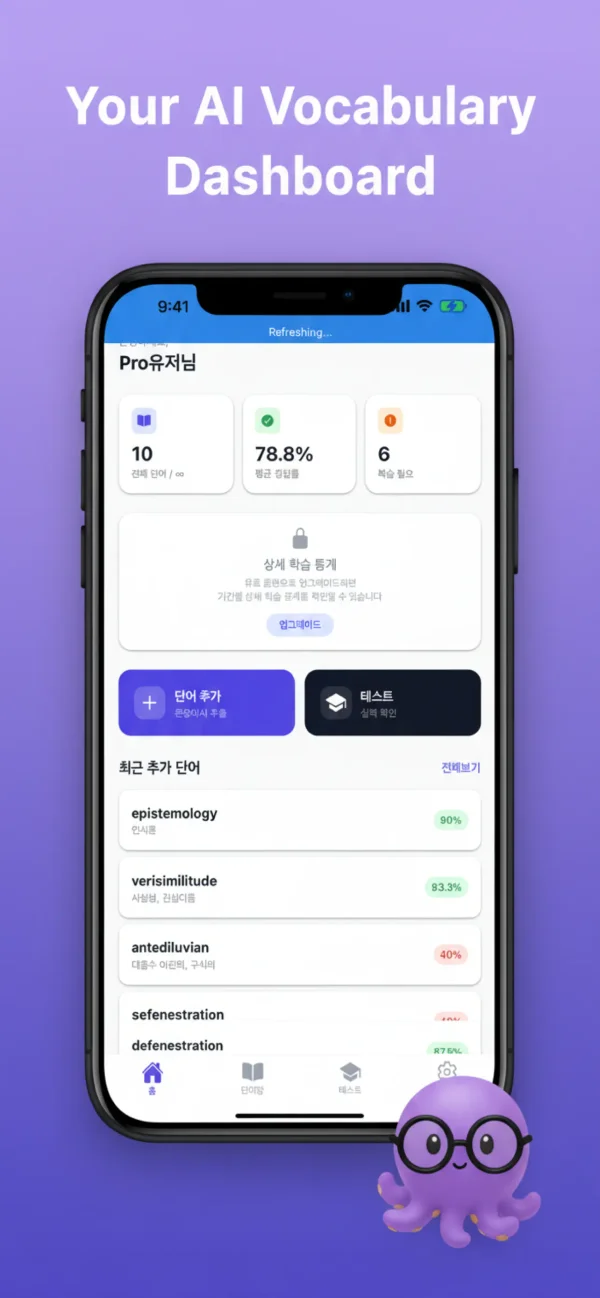
- Vocabulary statistics and learning streaks
- Word tagging and custom categories
- Available in English, Korean, Japanese, and Chinese
[SUBSCRIPTION PLANS]
- Free — up to 100 words, core features
- Basic — up to 1,000 words, all features (monthly or yearly auto-renewing subscription)
- Pro — unlimited words, all features, priority support (monthly or yearly auto-renewing subscription)
Prices are shown on the in-app subscription screen. Payment is charged to your Apple ID account at confirmation of purchase. The subscription automatically renews unless it is canceled at least 24 hours before the end of the current period, and your account is charged for renewal within 24 hours prior to the end of the current period. You can manage and cancel your subscription in your Apple ID account settings after purchase.
Terms of Use (EULA): https://www.apple.com/legal/internet-services/itunes/dev/stdeula/
Privacy Policy: https://contextvoca.app/en/privacy/
What’s new
Version 1.0.11 · Oct 10, 2026
New: review reminders. On days you have words to review, we send one reminder around your usual study time. Turn it on or off anytime in Settings. Plus stability improvements.
App privacy
What Junghyun Park declares on the App Store about how this app handles data.
-
Data linked to you
May be collected and linked to your identity.
- Purchases
- Contact info
- Search history
- Browsing history
- Identifiers
- Usage data
-
Data not linked to you
May be collected but is not linked to your identity.
- Contacts
- User content
Privacy practices may vary, for example with the features you use or your age.
Information
- Seller
- Junghyun Park
- Category
- Education
- Version
- 1.0.11
- Updated
- Oct 10, 2026
- Released
- Mar 19, 2026
- Size
- 69.5 MB
- Requires
- iOS 16.4 or later
- Age rating
- 4+
- In-app purchases
- Yes
- Languages
- Korean, English, Japanese, Simplified Chinese, Traditional Chinese
- Copyright
- © 2026 Resonance
You might also like
-
 Lexidotori: English Vocab OCRPhoto scan, flashcards, TOEIC
-
 단어샷 셀프Education
-
 ScanLingo: Scan & Learn VocabRevise Words From Real Books
-
 Smart Vocabulary CardSmart Study Flashcards
-
 Orvoca: Vocabulary BuilderSave Words. Review Flashcards.
-
 WordPicker - English VocabSnap a word list, study daily
-
 SnapMem: Flashcards & StudyPhoto Cards, Spaced Repetition
-
 스냅플(Snaple): 영단어 암기Education
-
 초등 영어 사전 - 카메라 영어 단어 찾기Education