
Continuous QR/barcode scanner
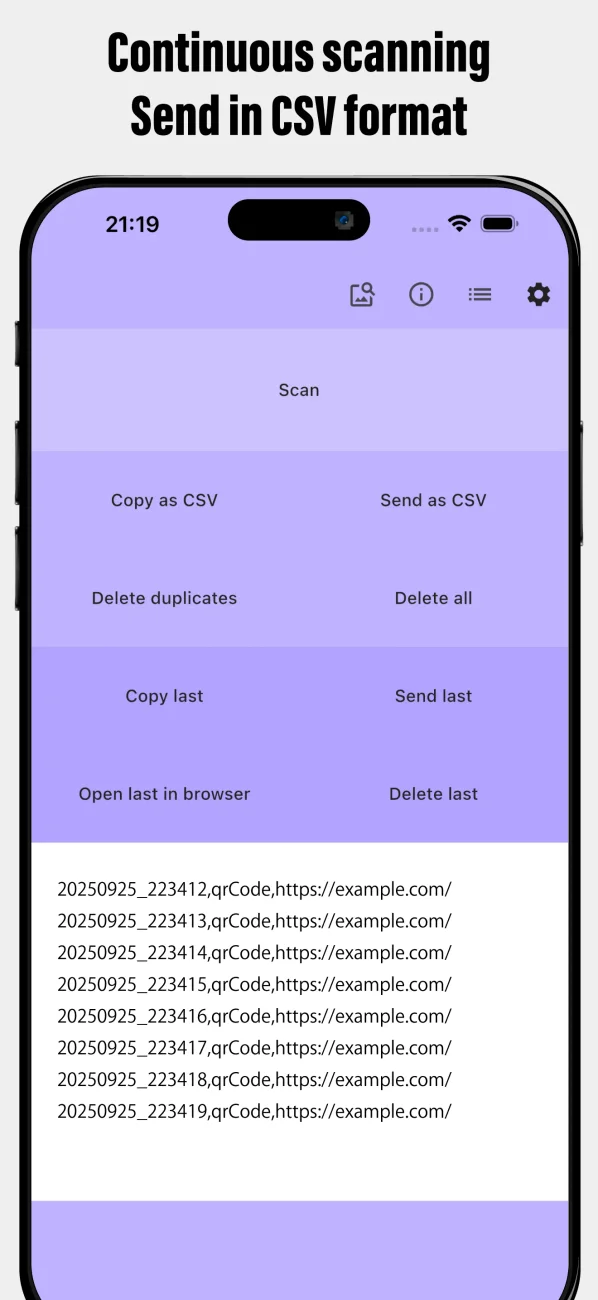
Can be exported in CSV format.
Designed for iPhone, iPad, iPod touch
In-app purchases
- Age rating4+
- CategoryBusiness
- Developerakira ohmachi
- LanguagesEnglish
- Size24.4 MB
Links to the official App Store page
Download.org hosts no file of Continuous QR/barcode scanner. The button opens its official App Store page, published by akira ohmachi. Listing last checked on Nov 12, 2026.
Screenshots
About
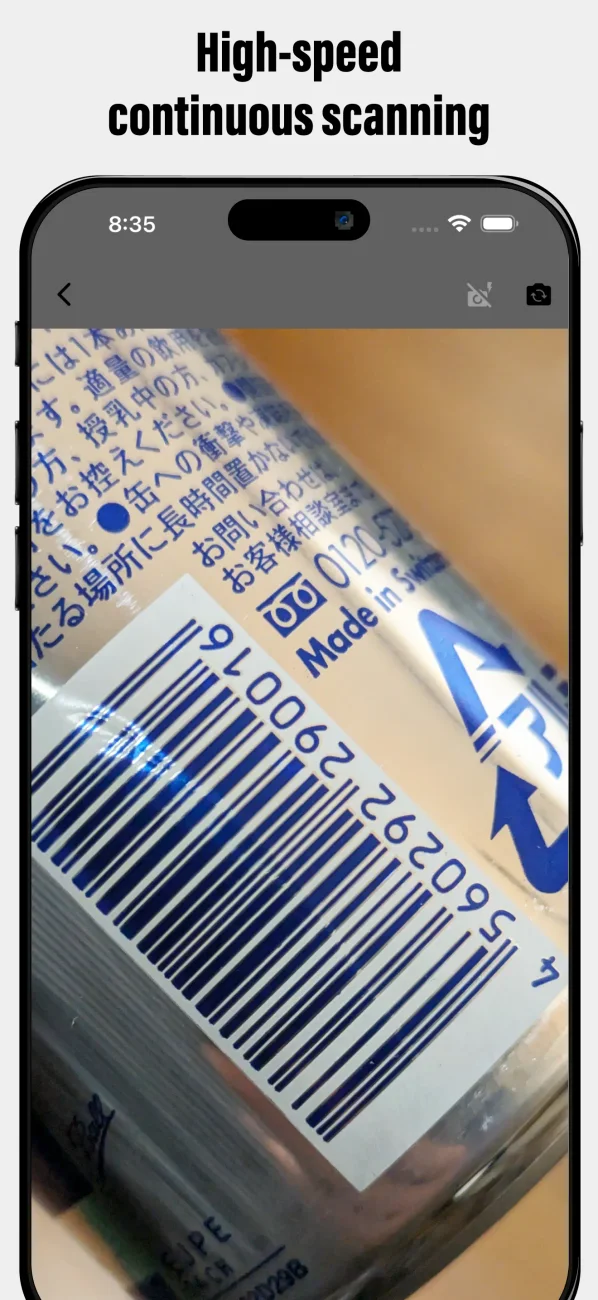
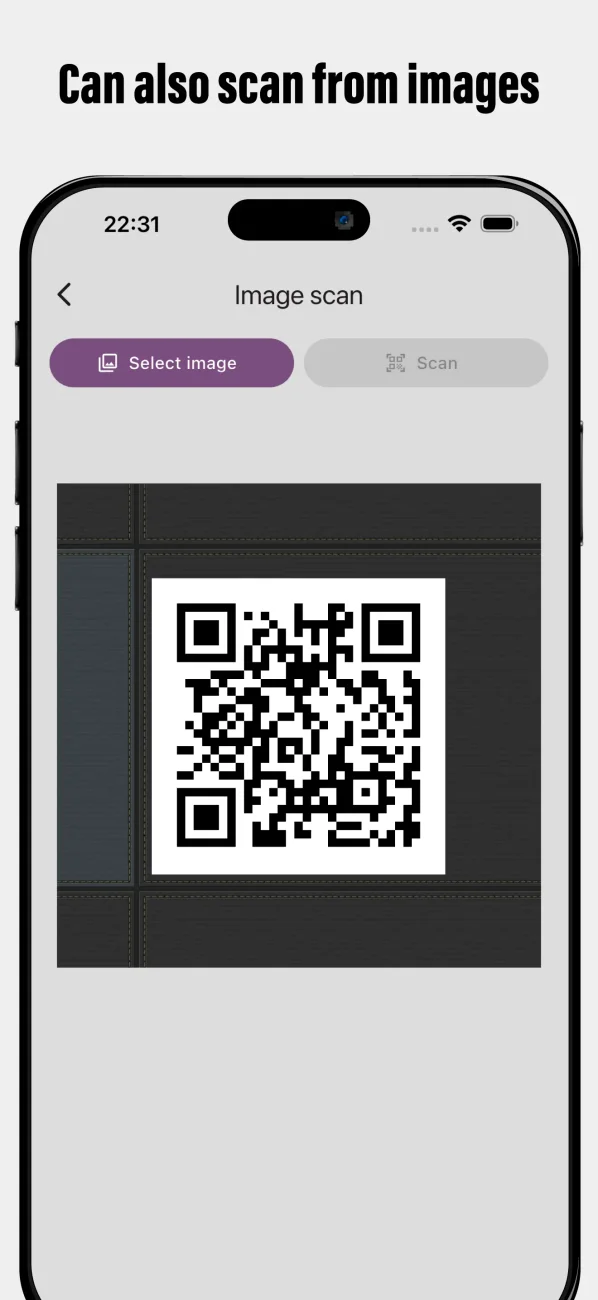
You can scan various barcodes and QR codes quickly and continuously.
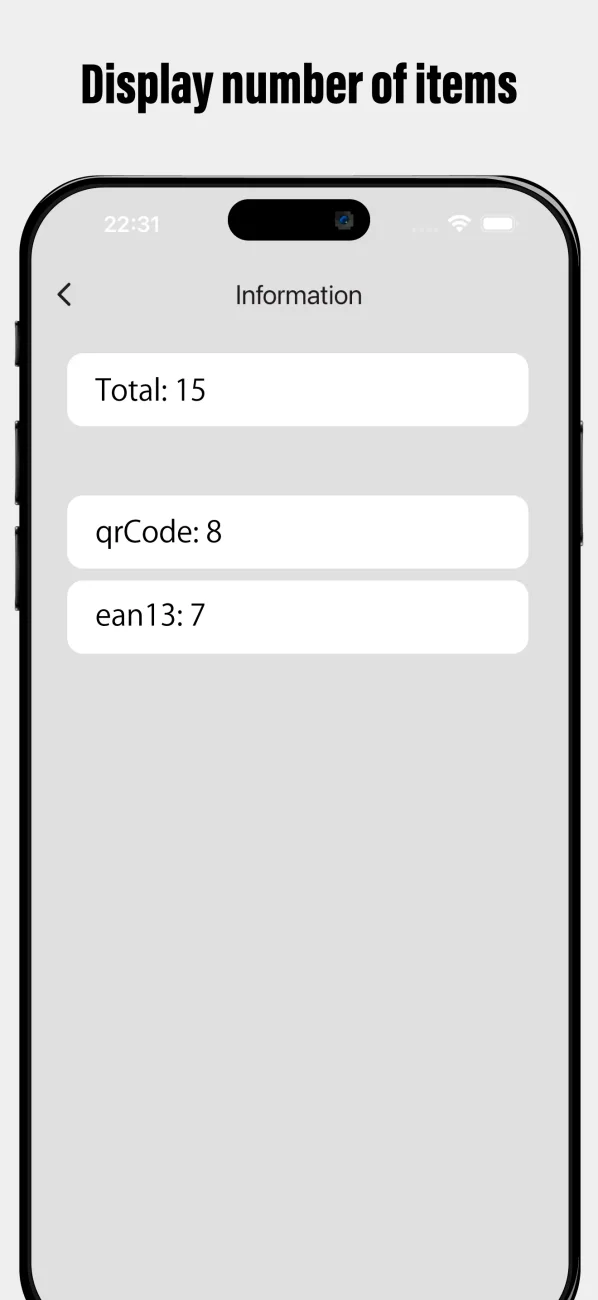
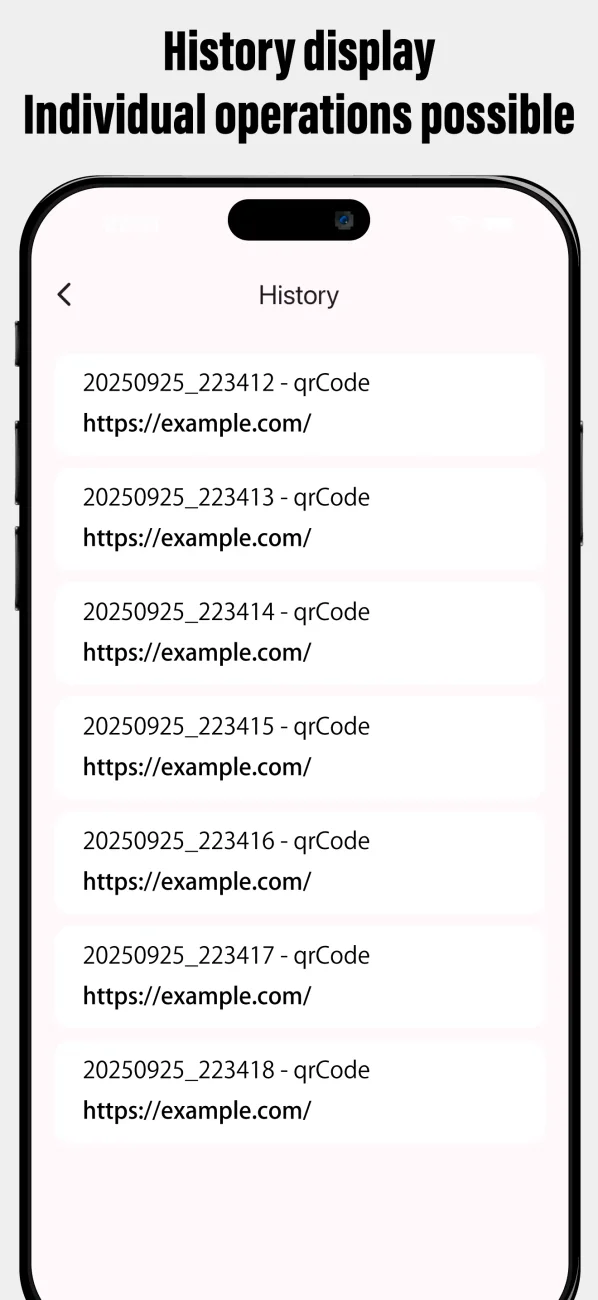
All scan results are automatically saved on your device and can be exported in CSV format along with the date, time, and code type.
By transferring the CSV file to your computer, you can easily use the data for aggregation and analysis.
With high-speed and stable scanning performance, this app is also suitable for professional use.
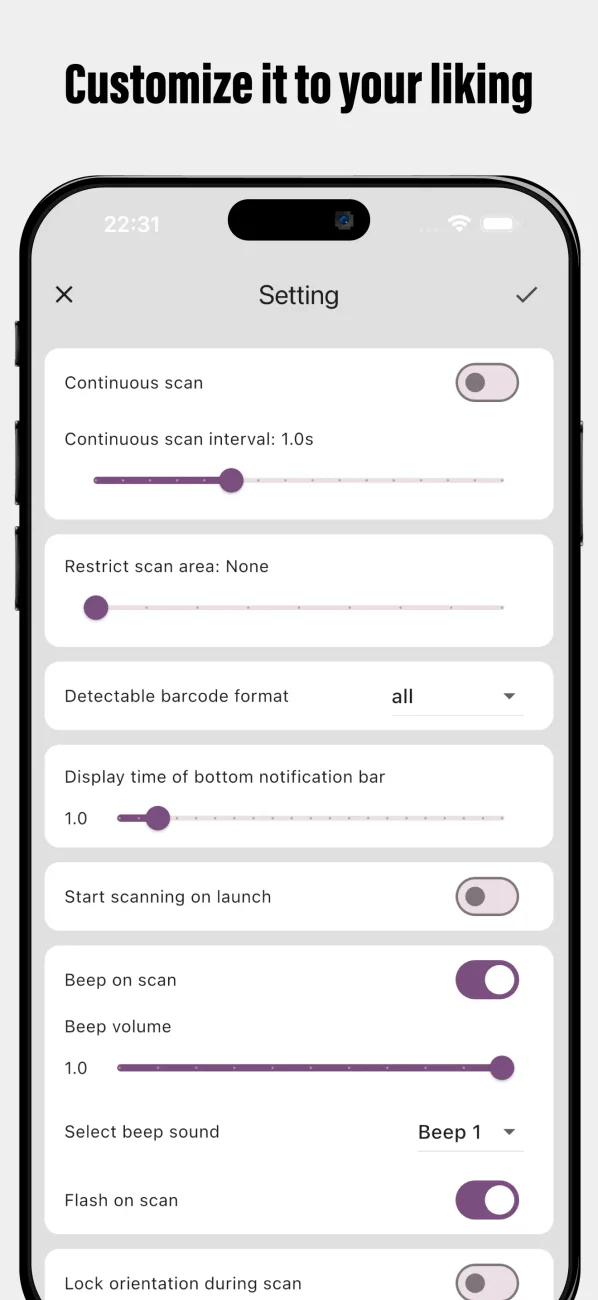
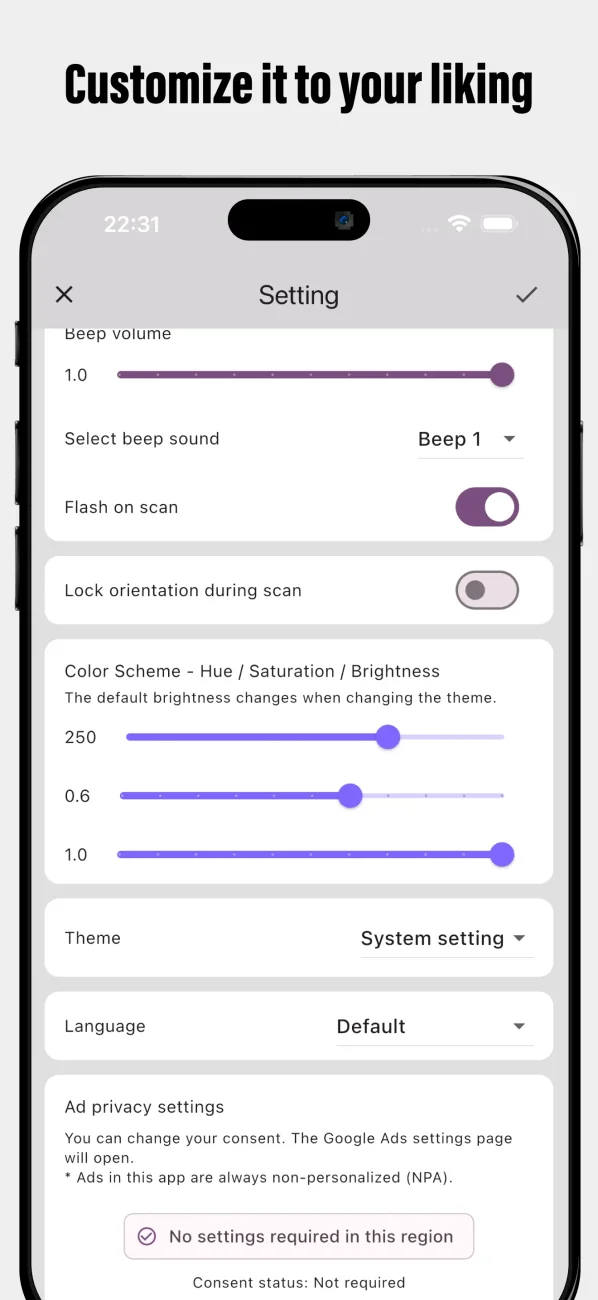
For greater convenience, it supports the following features:
- Adjustable interval for continuous scanning
- Toggle the torch on/off during scanning
- Switch between rear and front cameras
- Delete or send past scan results individually
What’s new
Version 2.25.0 · Aug 26, 2026
Improved app stability and performance.
App privacy
What akira ohmachi declares on the App Store about how this app handles data.
-
Data used to track you
May be used to track you across apps and websites owned by other companies.
- Identifiers
-
Data linked to you
May be collected and linked to your identity.
- Identifiers
Privacy practices may vary, for example with the features you use or your age.
Information
- Seller
- ao-system, Inc.
- Category
- Business
- Version
- 2.25.0
- Updated
- Aug 26, 2026
- Released
- Apr 18, 2021
- Size
- 24.4 MB
- Requires
- iOS 15.0 or later
- Age rating
- 4+
- In-app purchases
- Yes
- Languages
- English
- Copyright
- © ao-system, Inc.
You might also like
-
 i-Repo ScannerProductivity
-
 QR 2 CSVQR & Barcode Scanner to CSV
-
 Barcode Master: Scan&CreateProductivity
-
 ZaiCodeProductivity
-
 レジロジProductivity
-
 棚卸かんたんくんBusiness
-
 PittalyBusiness
-
 Pokayoke: Verify & AuditScanner for Shipping/Receiving
-
 Scanner Keyboard: CameraBoardQR Barcode Reader Input
-
 ScanBatch: Batch QR & BarcodeInventory Scanner, Scan to CSV