ScanBatch: Batch QR & Barcode
Inventory Scanner, Scan to CSV
Designed for iPhone, iPad
Free · In-app purchases
- Age rating4+
- CategoryProductivity
- DeveloperTrong Nhon Nguyen
- LanguagesEnglish
- Size73.5 MB
Links to the official App Store page
Download.org hosts no file of ScanBatch: Batch QR & Barcode. The button opens its official App Store page, published by Trong Nhon Nguyen. Listing last checked on Nov 14, 2026.
Screenshots

About
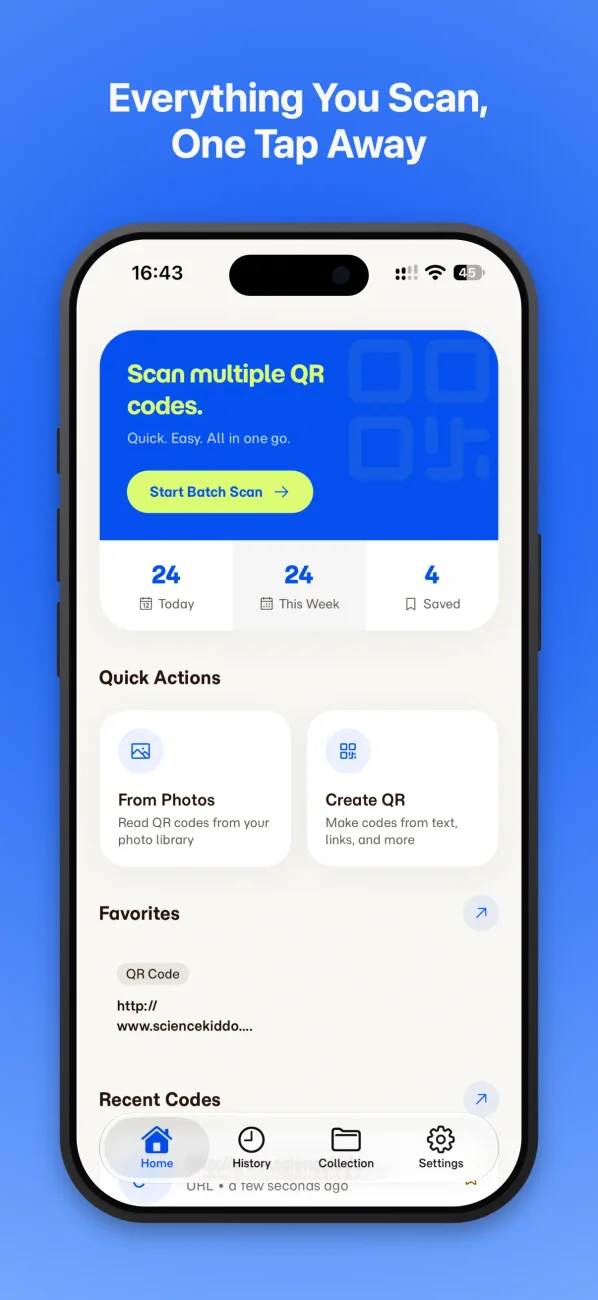
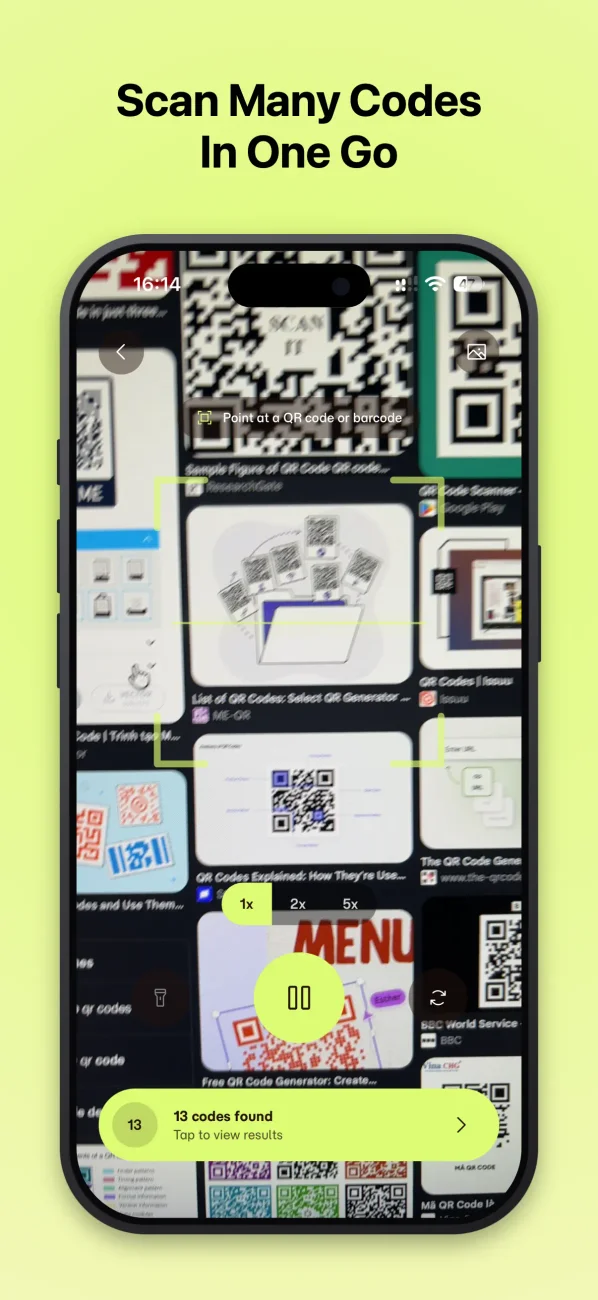
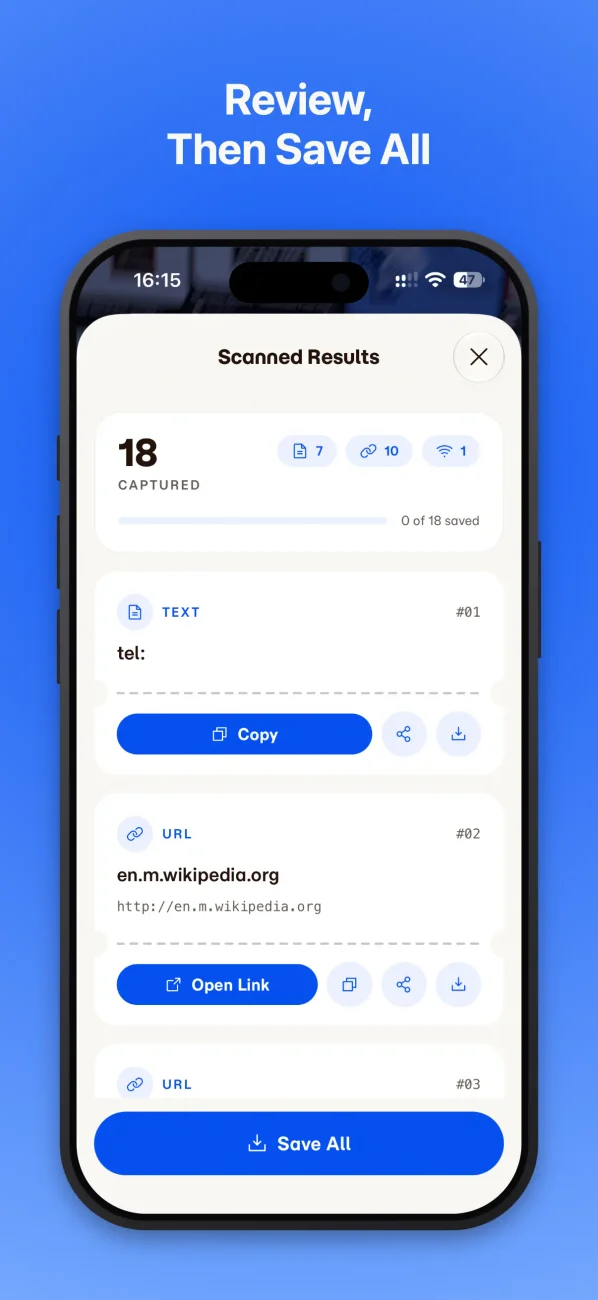
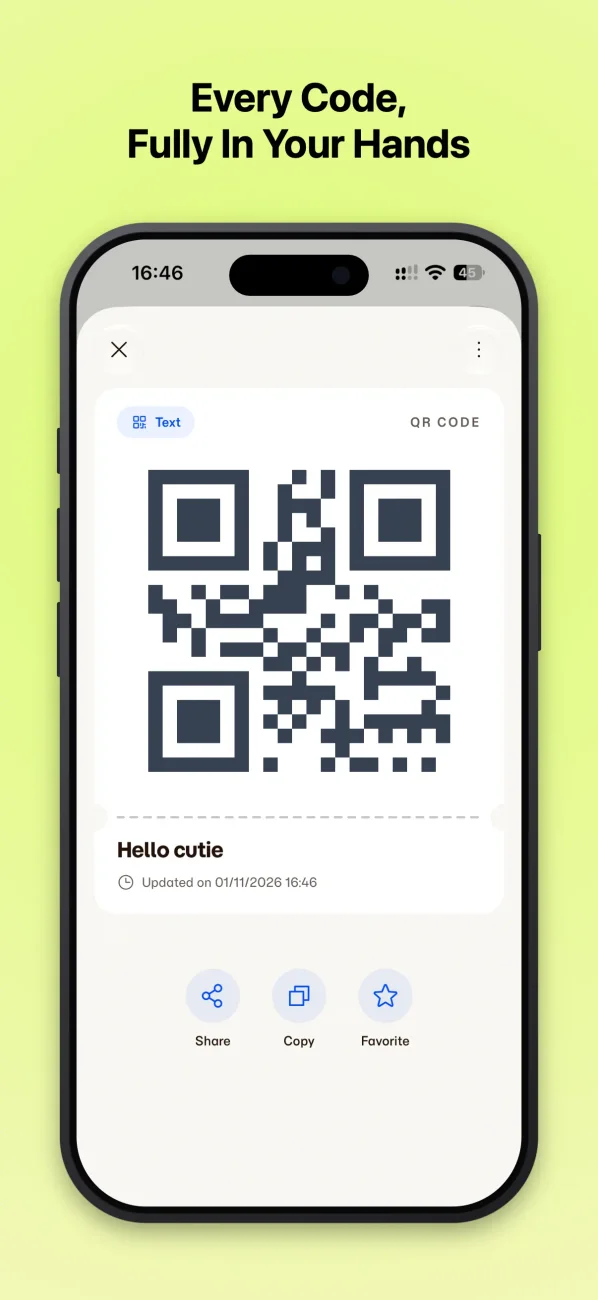
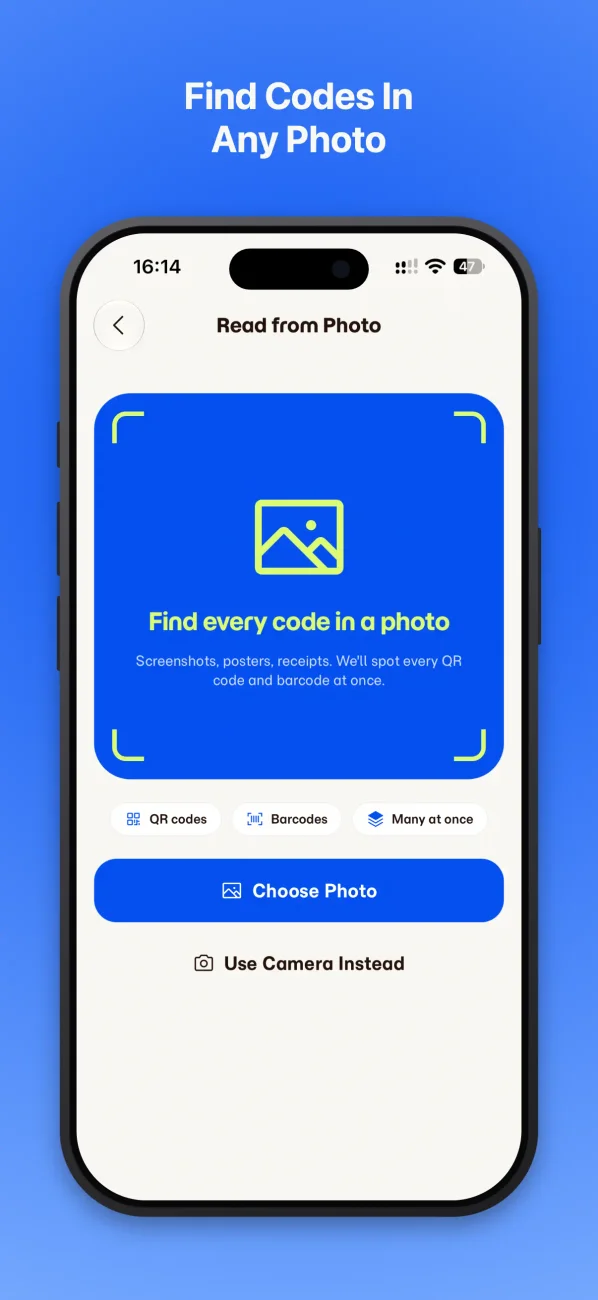
ScanBatch is a fast QR code and barcode scanner built for scanning many codes in a row. Point the camera, keep scanning, then review everything in history, sort it into collections, and export it as a clean CSV file. It works offline, so your scans stay on your device.
BATCH SCAN WITHOUT BREAKING YOUR FLOW
Continuous scan mode lets you capture code after code without tapping back after every scan. Use it for inventory labels, shelf and stock lists, equipment tags, parcels, product barcodes, event tickets, classroom materials and everyday QR links.
SCAN TO CSV
Turn a scanning session into a structured file for Numbers, Excel, Google Sheets, Airtable or your own database. Export your full history or a single collection, with the scanned content, code type and time of each scan.
HISTORY AND COLLECTIONS
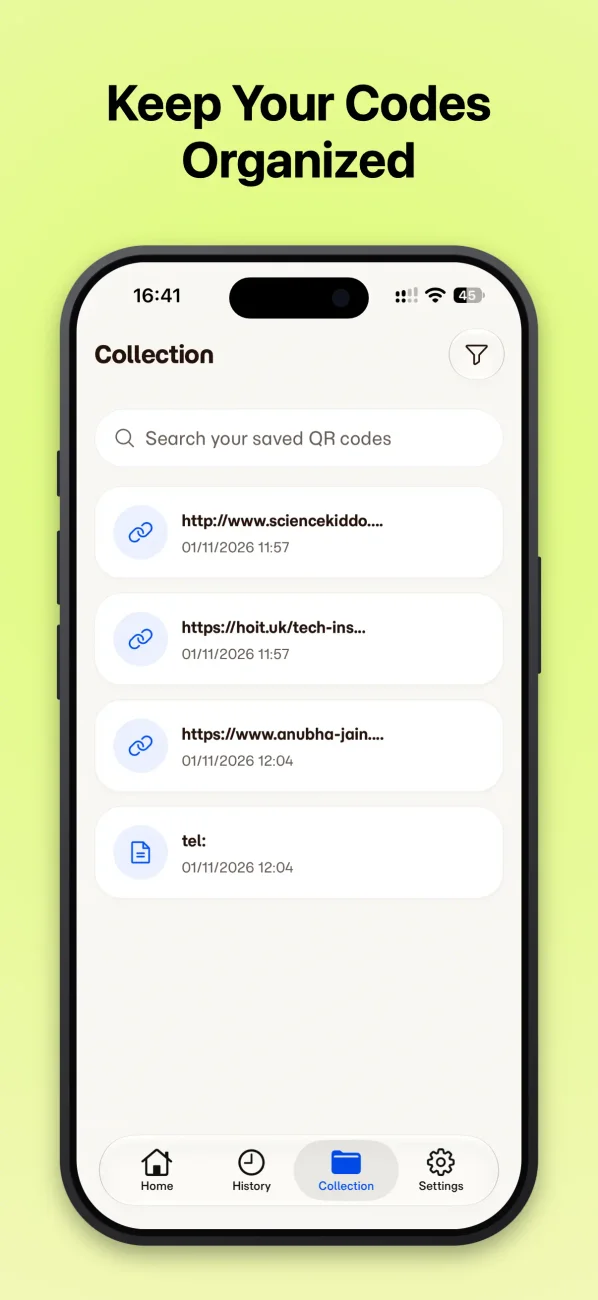
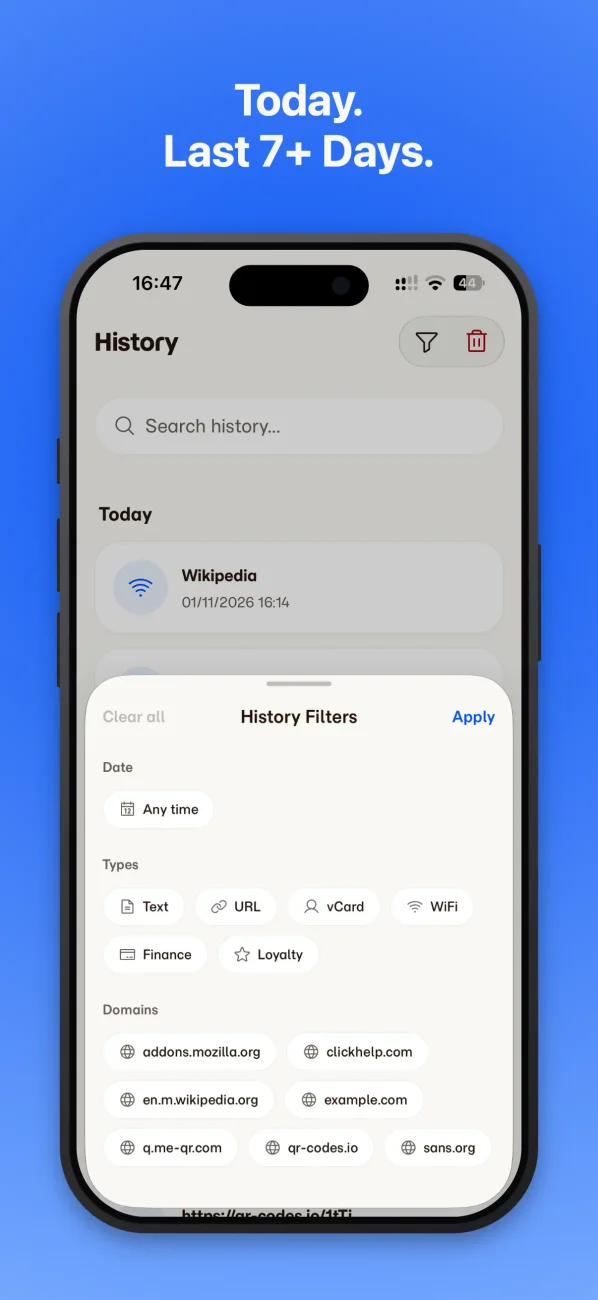
Every QR code and barcode you scan is saved in a searchable history. Group scans into collections by project, location, client, event, shelf, shipment, class or date. Add notes, star the scans that matter, and find them again in seconds.
QR CODE AND BARCODE GENERATOR
Create codes for web links, text, contacts, Wi-Fi and product identifiers. Save generated codes in your collections and reuse them whenever you need them.
OFFLINE BY DESIGN
ScanBatch scans, saves and organizes without an internet connection. Your history stays on your iPhone or iPad unless you choose to export or share it.
USEFUL FOR
• Inventory and stock counts
• Warehouse and storeroom barcode scanning
• Event ticket scanning
• Asset and equipment audits
• Parcel and shipment tracking
• Classroom and student workflows
• Collecting QR links
• Field work and inspections
• Personal records and labels
FEATURES
• Batch QR scanner and barcode reader
• Continuous scan mode
• Export to CSV
• Searchable scan history
• Collections, notes and favorites
• QR code generator and barcode generator
• Works offline
• iPhone and iPad
• Flash and camera controls
Scan faster, keep your data organised, and move it where it needs to go with ScanBatch.
Terms of Use (EULA): https://www.apple.com/legal/internet-services/itunes/dev/stdeula/
What’s new
Version 2.0 · Nov 6, 2026
ScanBatch 2.0
• Faster QR and barcode detection
• Smoother performance in long scan sessions
• More reliable CSV export
• Cleaner scan history and collections
• Stability fixes for iPhone and iPad
App privacy
What Trong Nhon Nguyen declares on the App Store about how this app handles data.
-
Data used to track you
May be used to track you across apps and websites owned by other companies.
- Identifiers
-
Data not linked to you
May be collected but is not linked to your identity.
- Usage data
- Diagnostics
Privacy practices may vary, for example with the features you use or your age.
Information
- Seller
- Trong Nhon Nguyen
- Category
- Productivity
- Version
- 2.0
- Updated
- Nov 6, 2026
- Released
- Jul 14, 2025
- Size
- 73.5 MB
- Requires
- iOS 17.0 or later
- Age rating
- 4+
- Price
- Free
- In-app purchases
- Yes
- Languages
- English
- Copyright
- © 2026 Otterspark
You might also like
-
 QR 2 CSVQR & Barcode Scanner to CSV
-
 Omniscan Batch Barcode scannerBatch QR code Barcode reader
-
 Scan Sheets: QR & BarcodeText to Excel, CSV, XLSX
-
 Newlab OSProductivity
-
 Batch QR Code Scanner & ReaderGenerator. Batch Ready. No Ads
-
 Again — Reusable ChecklistsMake a list. Use it again.
-
 UNIQR- DX・名刺・会員証・窓口受付・行列レスProductivity
-
 ItsypadScratchpad & clipboard manager
-
 TidySpot: Home InventoryFind Items by Photo Map
-
 VP AlertDocument Renewal Reminders