Convert Excel to PDF
XLSX, XLS, ODS & CSV Offline
Designed for iPhone, iPad
In-app purchases
- Age rating4+
- CategoryUtilities
- DeveloperAntonio Gonzalez de la aleja german
- LanguagesRussian+ 73 more
- Size41.1 MB
Links to the official App Store page
Download.org hosts no file of Convert Excel to PDF. The button opens its official App Store page, published by Antonio Gonzalez de la aleja german. Listing last checked on Nov 12, 2026.
Screenshots
About
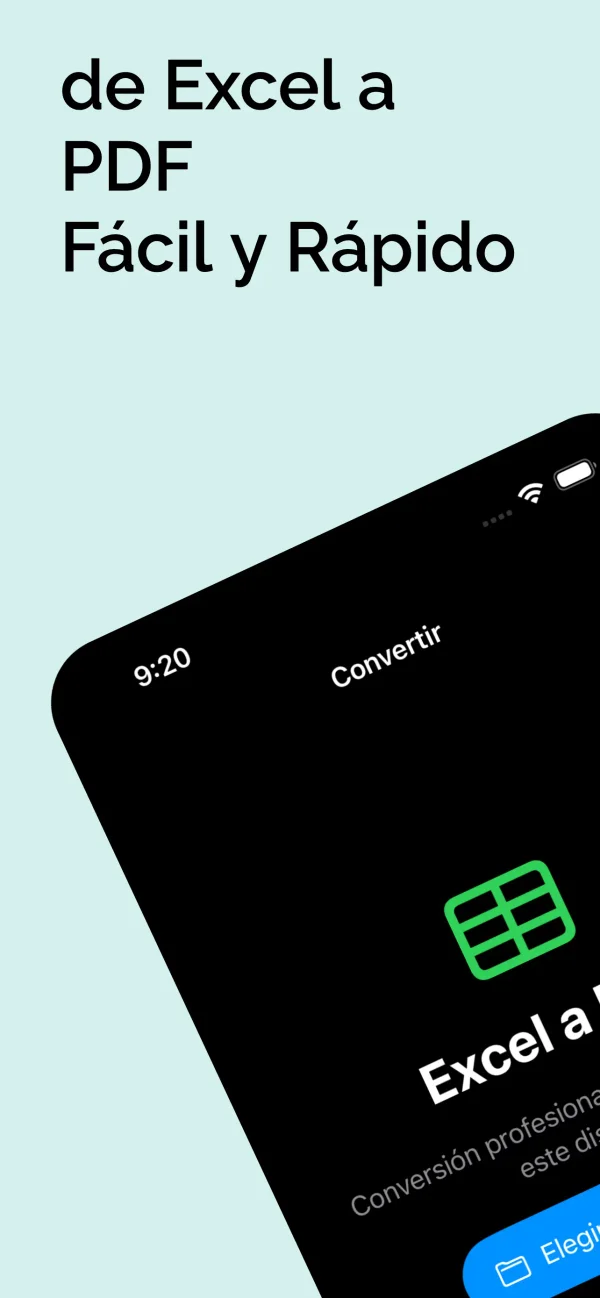
Convert spreadsheets to PDF directly on your iPhone or iPad. Excel to PDF Converter processes each file on your device: no account is required and document contents are not uploaded to a conversion server.
Review before exporting
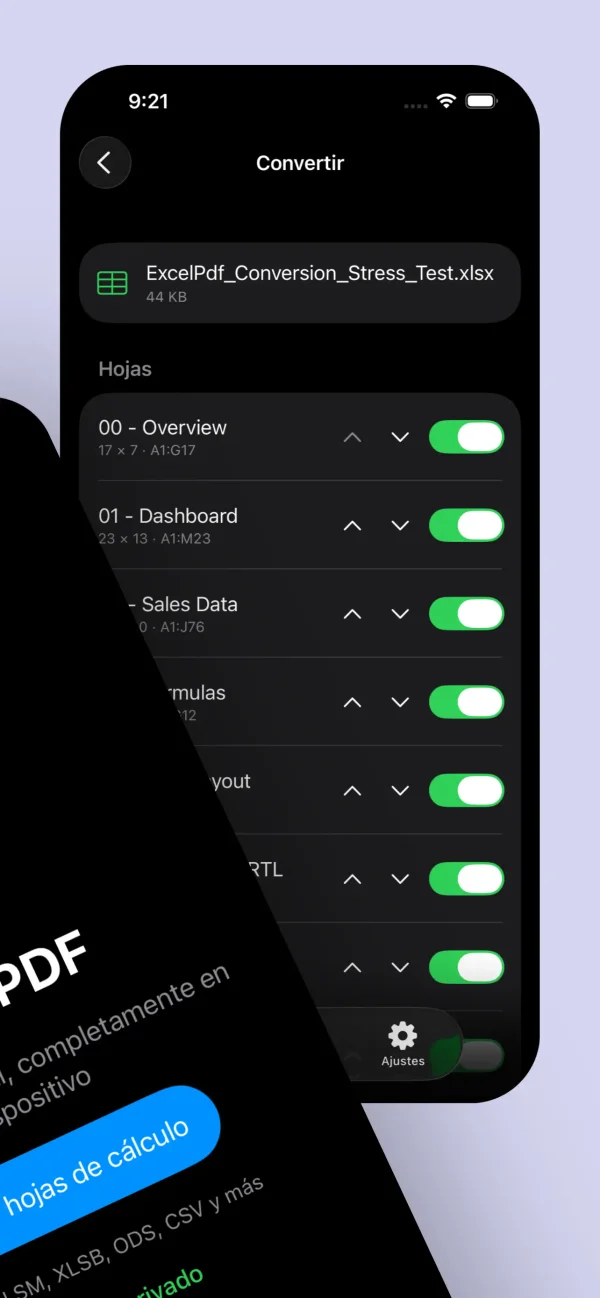
Inspect the workbook, select and reorder sheets, choose whether to include hidden sheets, and check the result in a paginated preview. PDF text remains selectable when the source document allows it.
Supported formats
- XLSX, XLS, XLSM, XLSB, XLTX, XLTM, ODS and OTS.
- CSV and TSV with encoding, delimiter, quote and locale controls.
- Compatible password-protected files.
Control the page layout
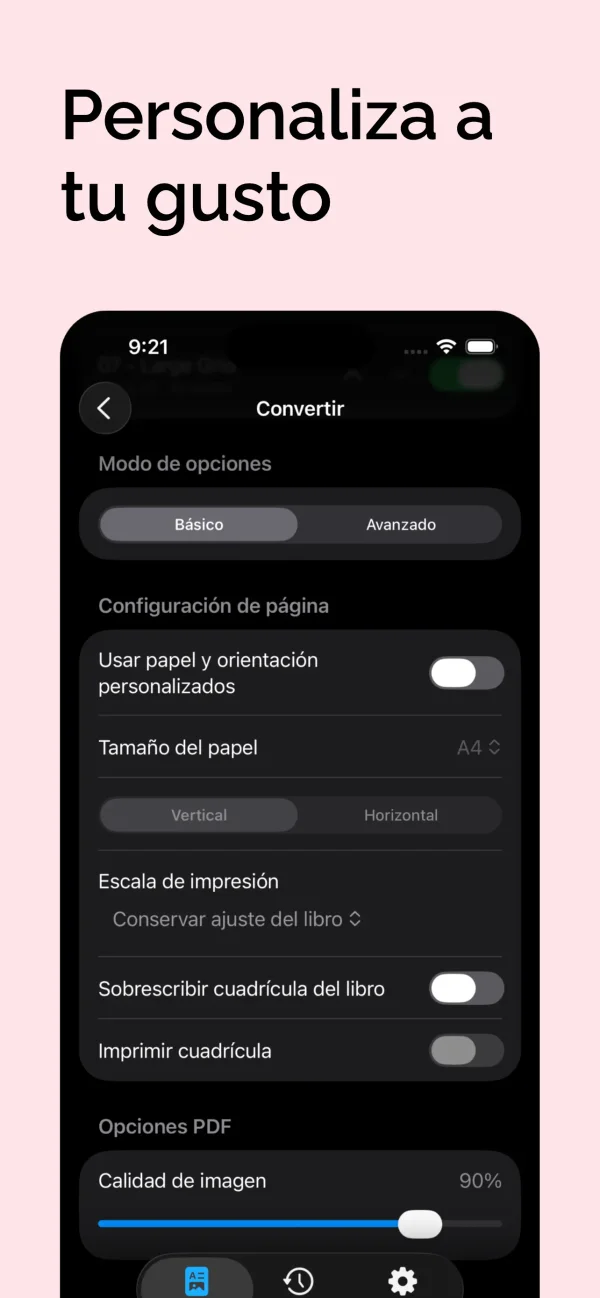
- A3, A4, A5, Letter, Legal and Tabloid paper sizes.
- Portrait or landscape orientation and custom margins.
- Percentage scaling or fit to width.
- Print areas, repeated rows and columns, and grid lines.
- Page ranges, blank-page handling and one-page sheet output.
Create the PDF you need
Adjust image quality and resolution, compression, PDF/A, tagged PDF, metadata, sheet bookmarks, links and watermarks. You can also protect the PDF with a password and set printing or copying permissions.
Save and reuse
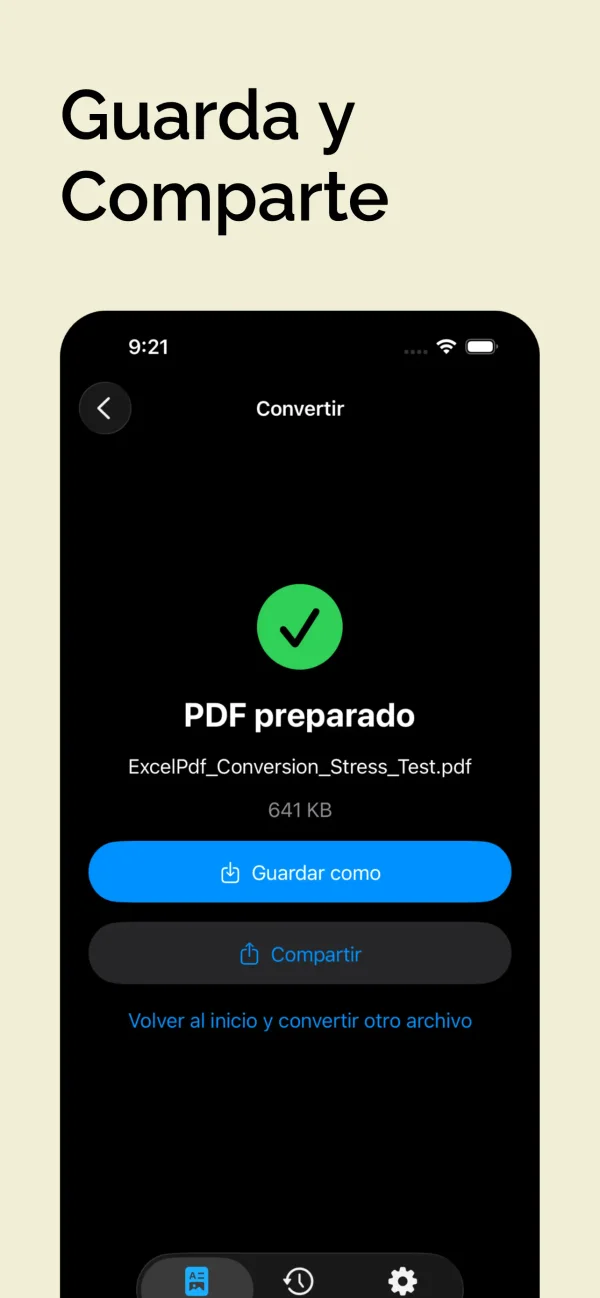
Save as, share or rename the result. Local history keeps previous PDFs easy to find and lets you convert their source spreadsheet again while it remains available.
Privacy without cloud conversion
Inspection, preview and conversion work offline after installation. Macros are not executed and external connections are not refreshed. If a font, formula, chart or other feature may render differently, the app shows a warning before you continue.
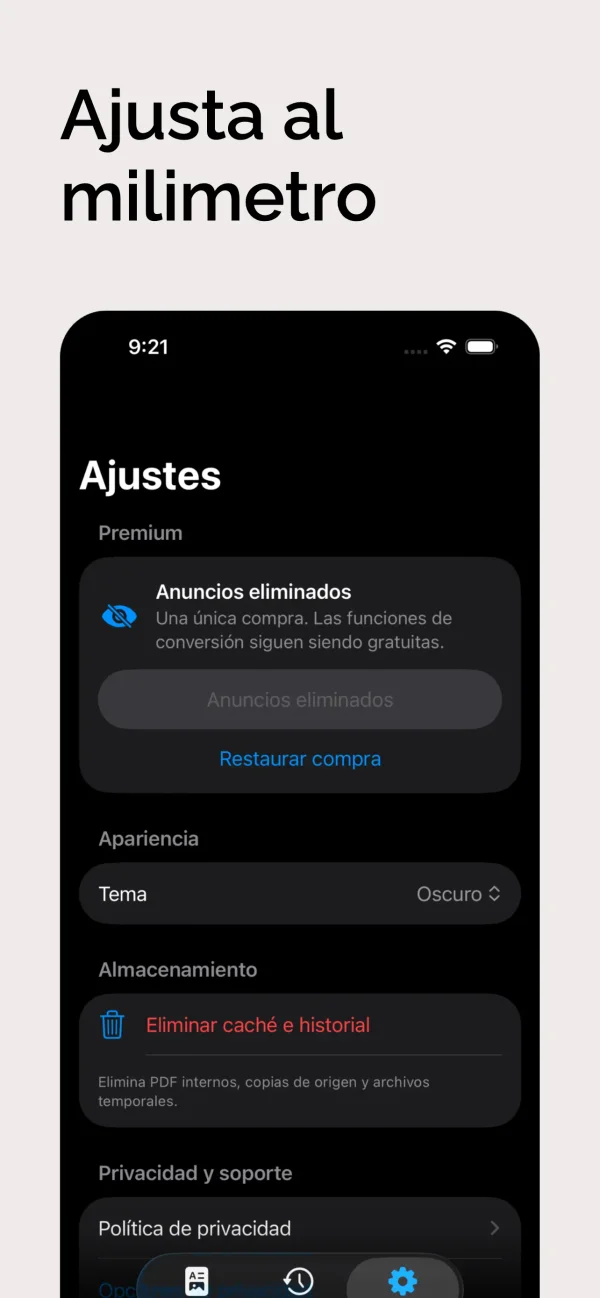
All conversion tools are available without a subscription. An optional lifetime purchase removes advertising.
Excel is a trademark of Microsoft Corporation. This app is not affiliated with or endorsed by Microsoft.
App privacy
What Antonio Gonzalez de la aleja german declares on the App Store about how this app handles data.
-
Data not collected
The developer does not collect any data from this app.
Privacy practices may vary, for example with the features you use or your age.
Information
- Seller
- Antonio Gonzalez de la aleja german
- Category
- Utilities
- Version
- 1.0
- Updated
- Jul 31, 2026
- Released
- Jul 31, 2026
- Size
- 41.1 MB
- Requires
- iOS 17.0 or later
- Age rating
- 4+
- In-app purchases
- Yes
- Languages
- Russian, Afrikaans, Albanian, Amharic, Armenian, Azerbaijani, Basque, Belarusian, Bengali, Bosnian, Bulgarian, Burmese + 62 more
- Copyright
- © 2026 EnzoDev
You might also like
-
 Excel to PDF File ConverterSpreadsheet Workbook Maker
-
 Spreadsheet maker: view & editBuild cell Spreadsheet faster
-
 Linkm8Utilities
-
 PDF Converter: Doc File ProConvert Word Excel PPT JPG
-
 ICALC | All In OneAll in one app
-
 Ble-Scanner & Bluetooth FinderFind, Connect & Track Devices
-
 PDF Reader & Doc ScannerEdit, Sign & Compress PDFs
-
 SHPD - Shipping Made EasyThe Better Shipping App
-
 VNumber Virtual NumberVirtual Number & SMS Service
-
 Contacts to Excel , PDF , CSVConvert to XLSX, PDF, CSV, VCF