PDF Reader & Doc Scanner
Edit, Sign & Compress PDFs
Designed for iPhone, iPad, iPod touch
- Age rating+4
- CategoryUtilities
- DeveloperFWR Tecnologia
- LanguagesPortuguese+ 3 more
- Size111.8 MB
Links to the official App Store page
Download.org hosts no file of PDF Reader & Doc Scanner. The button opens its official App Store page, published by FWR Tecnologia. Listing last checked on Nov 16, 2026.
Screenshots
About
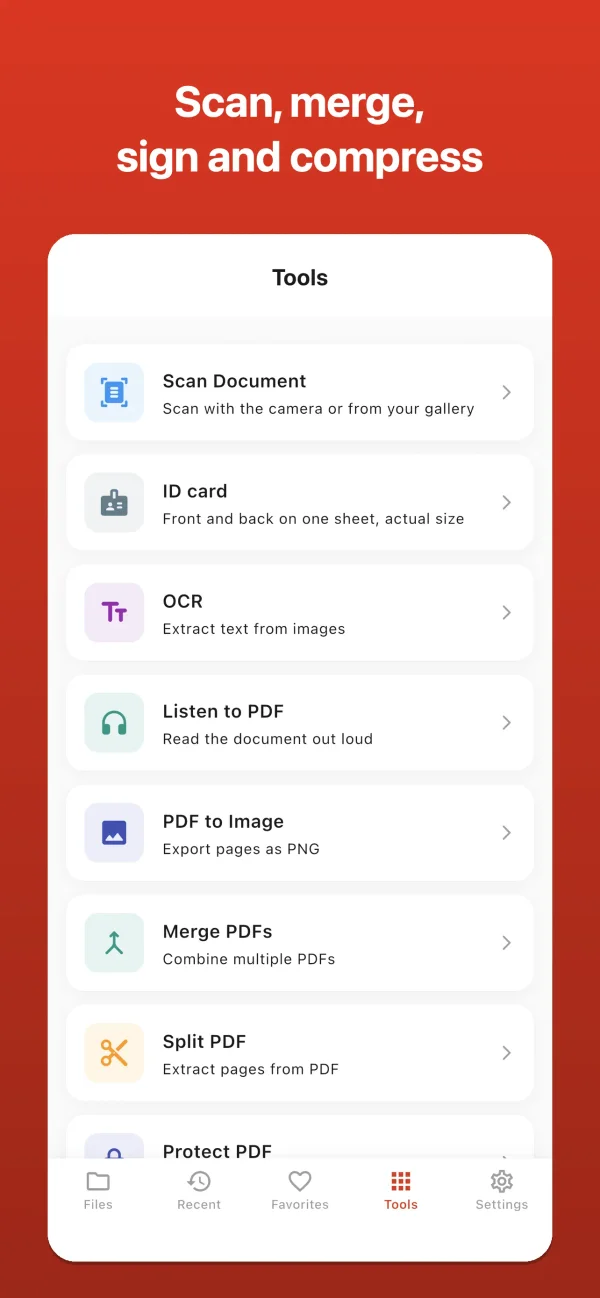
PDF Reader & Doc Scanner lets you open and read documents, add text and annotations, sign PDFs and compress files for sharing. Use the document scanner to digitize pages and OCR to extract text from photos and scanned PDFs.
Every tool is available without a subscription or trial period. The app displays ads.
PDF READER
• Open PDFs from Files, Mail and other apps through the share menu
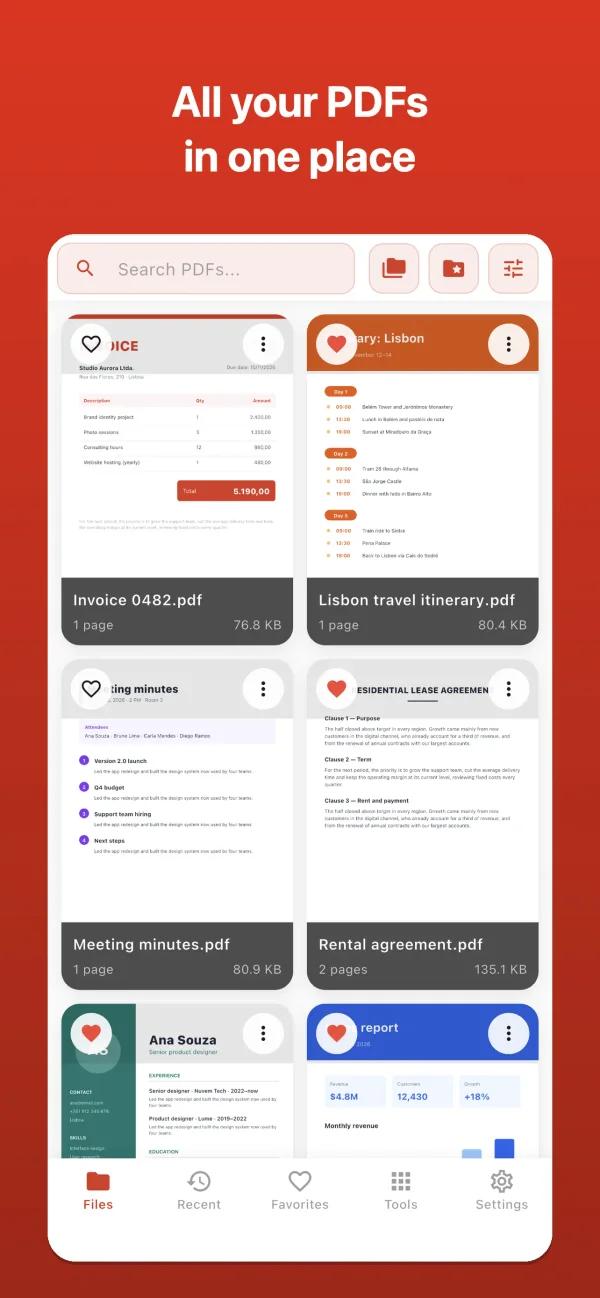
• Browse PDFs saved in the app's folder, with thumbnails, page count and file size
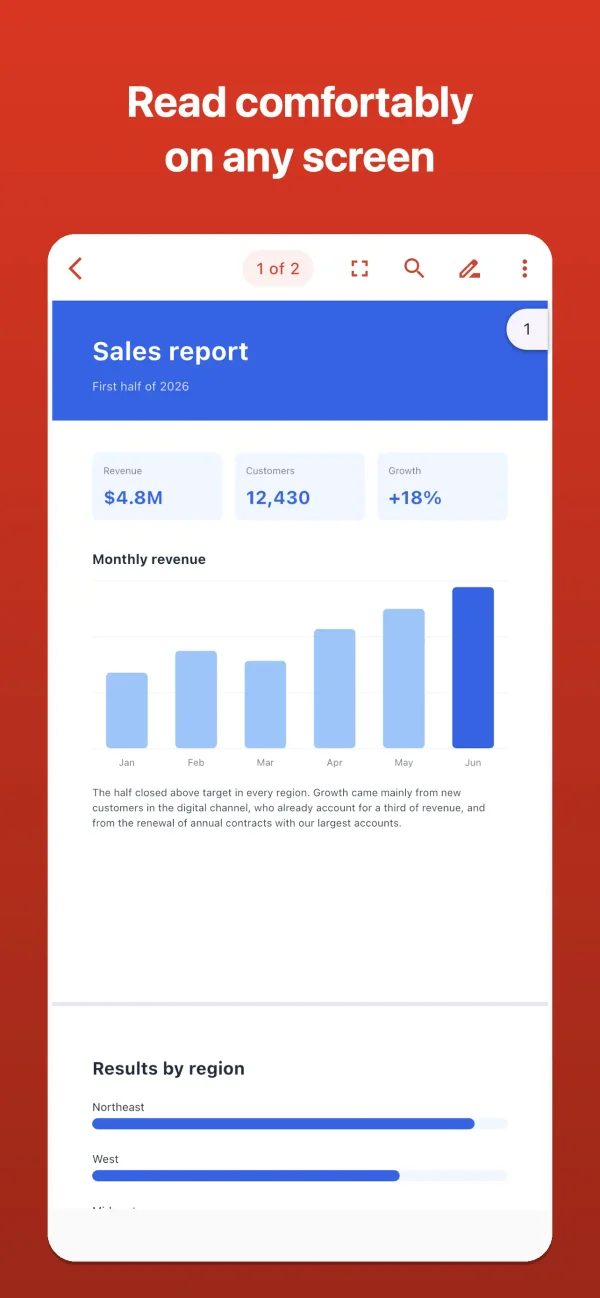
• Search for words in documents with selectable text
• Read with continuous scrolling or page by page, vertically or horizontally
• Use full screen and color inversion for reading at night
• Tap the page number to jump to the page you need
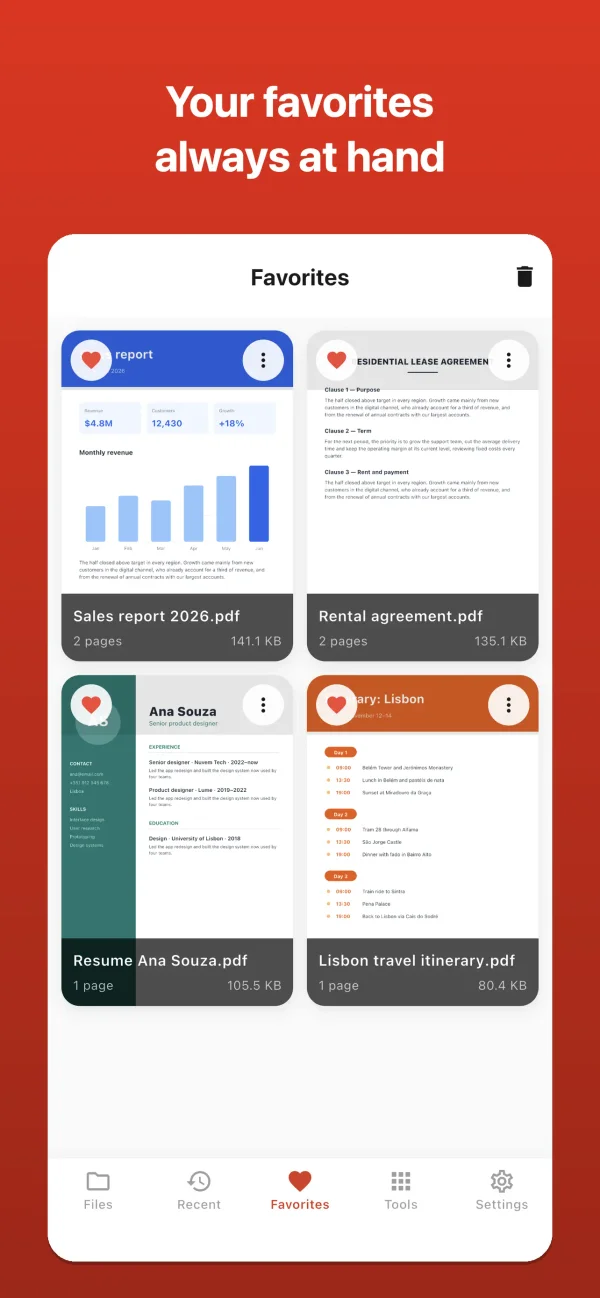
• Organize documents with favorites, recents and folders
PDF EDITOR & ANNOTATIONS
• Add text and annotations on top of PDF pages
• Highlight, underline and strike through text
• Add notes, draw freehand and insert the date, shapes, lines and arrows
• Undo and redo changes
• Save a copy or replace the original when the file allows it
SIGN PDF
• Draw your signature with your finger and save it as a template
• Take a photo of your signature on paper and remove the background automatically
• Position and resize the signature on the page
DOCUMENT SCANNER
• Scan documents with the camera and turn them into PDFs
• Use automatic cropping and filters: original, grayscale, black and white, and enhance
• Arrange the front and back of an ID card on a single page for printing
OCR: EXTRACT TEXT
• Recognize and extract text from photos, screenshots and scanned PDF pages
• Copy recognized text with one tap
LISTEN TO PDF
• Listen to document text read aloud, page by page
• Adjust the reading speed
• Use text recognition to listen to scanned pages too
PDF TOOLS
• Compress PDF: use three compression levels to shrink files before sending them by email or WhatsApp. The reduction depends on the document
• Merge PDF: combine several files into one
• Split PDF: extract any page range
• Organize pages: reorder, rotate, delete, insert blank pages or pages from another PDF, and extract pages
• Password protect PDFs with AES-256 encryption
• Remove passwords: enter the current opening password to save a copy without that protection
• Remove printing and copying restrictions from PDFs that open without a password
• Watermark: add text and adjust color, size, opacity and rotation
• Crop page margins
• PDF to image: export pages as PNG or combine pages into a long JPG image
What’s new
Version 1.3 · Nov 14, 2026
- Updated packages and dependencies to improve performance and stability.
- Layout adjustments and improvements to the app interface.
App privacy
What FWR Tecnologia declares on the App Store about how this app handles data.
-
Data linked to you
May be collected and linked to your identity.
- Location
- Identifiers
- Usage data
- Diagnostics
-
Data not linked to you
May be collected but is not linked to your identity.
- Diagnostics
Privacy practices may vary, for example with the features you use or your age.
Information
- Seller
- FWR Tecnologia
- Category
- Utilities
- Version
- 1.3
- Updated
- Nov 14, 2026
- Released
- Dec 23, 2025
- Size
- 111.8 MB
- Requires
- iOS 15.0 or later
- Age rating
- +4
- Languages
- Portuguese, Spanish, Hindi, English
- Copyright
- © WR Developers