Convert PDF
Image to PDF & PDF to image
Designed for iPhone, iPad
In-app purchases
- Age rating4+
- CategoryUtilities
- DeveloperLEAP STUDIO
- LanguagesEnglish
- Size4.0 MB
Links to the official App Store page
Download.org hosts no file of Convert PDF. The button opens its official App Store page, published by LEAP STUDIO. Listing last checked on Nov 7, 2026.
Screenshots

About
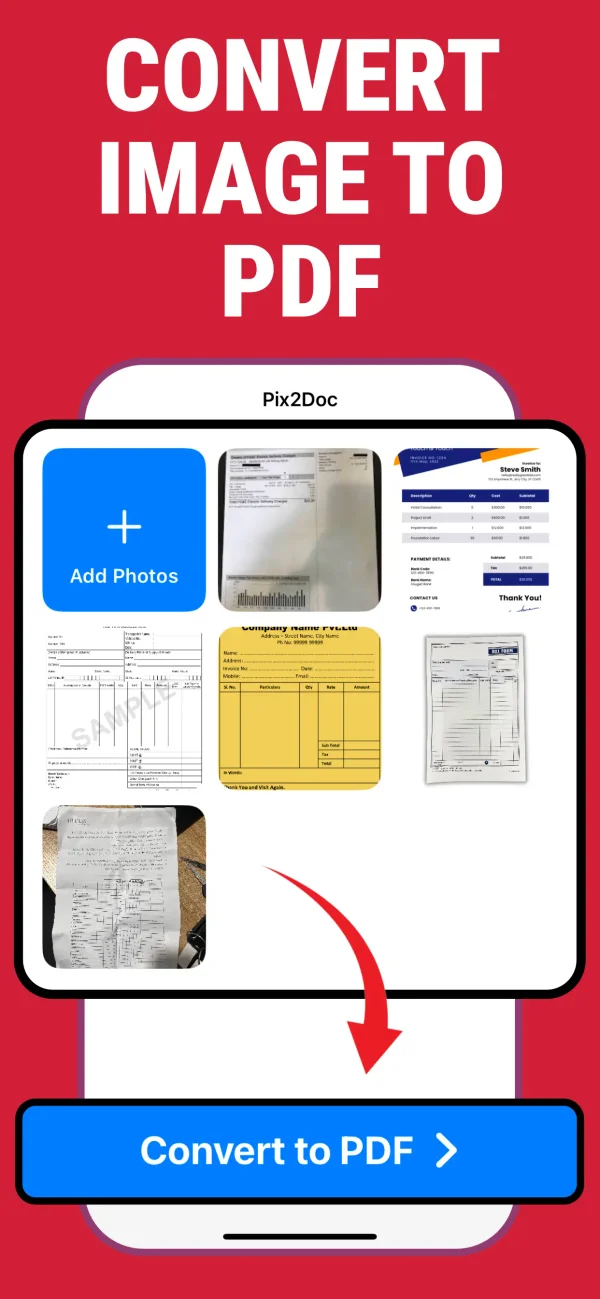
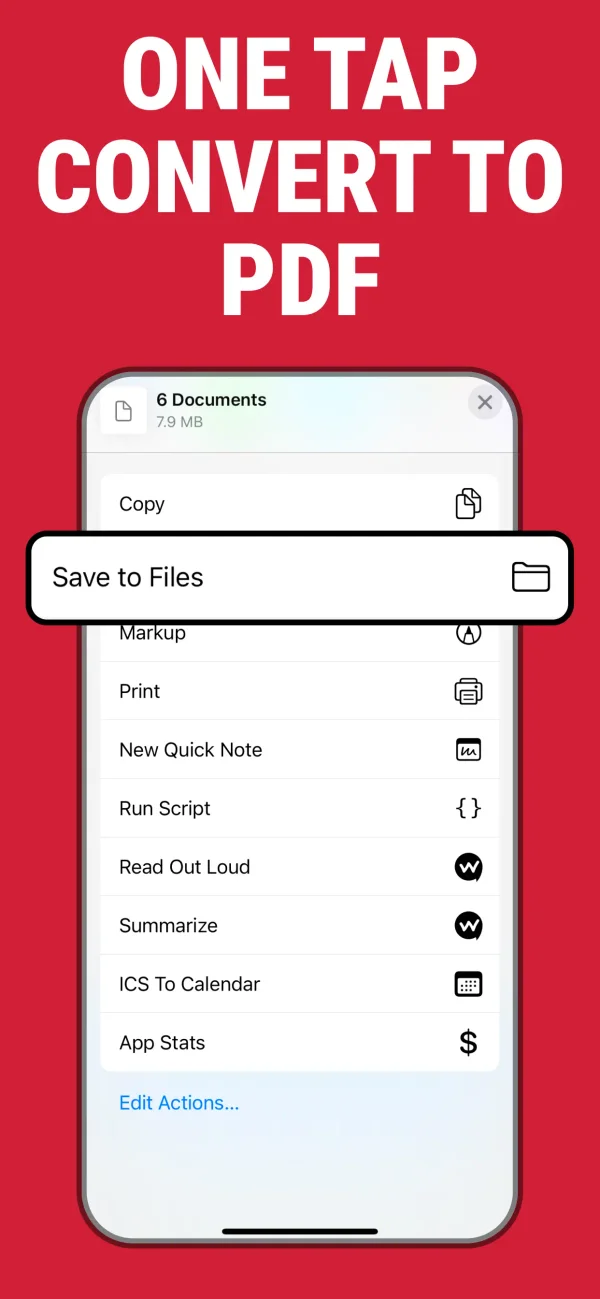
Turn your photos and images into high-quality PDF files in seconds with Pix2Doc! Whether you need to organize receipts, create digital documents from handwritten notes, or quickly share images as a single PDF, this app makes the process effortless.
Terms of use: https://www.apple.com/legal/internet-services/itunes/dev/stdeula
Privacy Policy: https://sites.google.com/view/thirtynineapps-privacy/home
What’s new
Version 1.3 · Sep 5, 2025
Added functionality to convert PDF to images
App privacy
What LEAP STUDIO declares on the App Store about how this app handles data.
-
Data not collected
The developer does not collect any data from this app.
Privacy practices may vary, for example with the features you use or your age.
Information
- Seller
- LEAP STUDIO
- Category
- Utilities
- Version
- 1.3
- Updated
- Sep 5, 2025
- Released
- Aug 6, 2025
- Size
- 4.0 MB
- Requires
- iOS 16.0 or later
- Age rating
- 4+
- In-app purchases
- Yes
- Languages
- English
- Copyright
- © 2025
You might also like
-
 Image to PDF: Convert to PDFPhoto to PDF & JPEG to PDF
-
 PDF To Photo - PDF to JPEG,PNGConvert PDF to JPG,HEIC & More
-
 Photo to PDF converter - makerPdf Converter Pdf Maker
-
 Image to PDF - Photo to PDFConvert images to PDF fast
-
 Convert PDF to Word EasyFor work, study, and daily use
-
 FlukySpin wheel & Secret Santa
-
 Convert to PDF .PDF Converter Scan to PDF
-
 Photo to PDF: Converter PlusPhoto to PDF: Plus
-
 JPG to PDF: Photo to PDFConvert any Picture to PDF
-
 Convert Picture To Pdf Pic2pdfImage/Picture to PDF Creator