Convert to PDF .
PDF Converter Scan to PDF
Designed for iPhone
Free · In-app purchases
- Age rating9+
- CategoryUtilities
- DeveloperGonzalo Hernan Aristizabal giraldo
- LanguagesEnglish+ 5 more
- Size8.7 MB
Links to the official App Store page
Download.org hosts no file of Convert to PDF . The button opens its official App Store page, published by Gonzalo Hernan Aristizabal giraldo. Listing last checked on Nov 15, 2026.
Screenshots
About
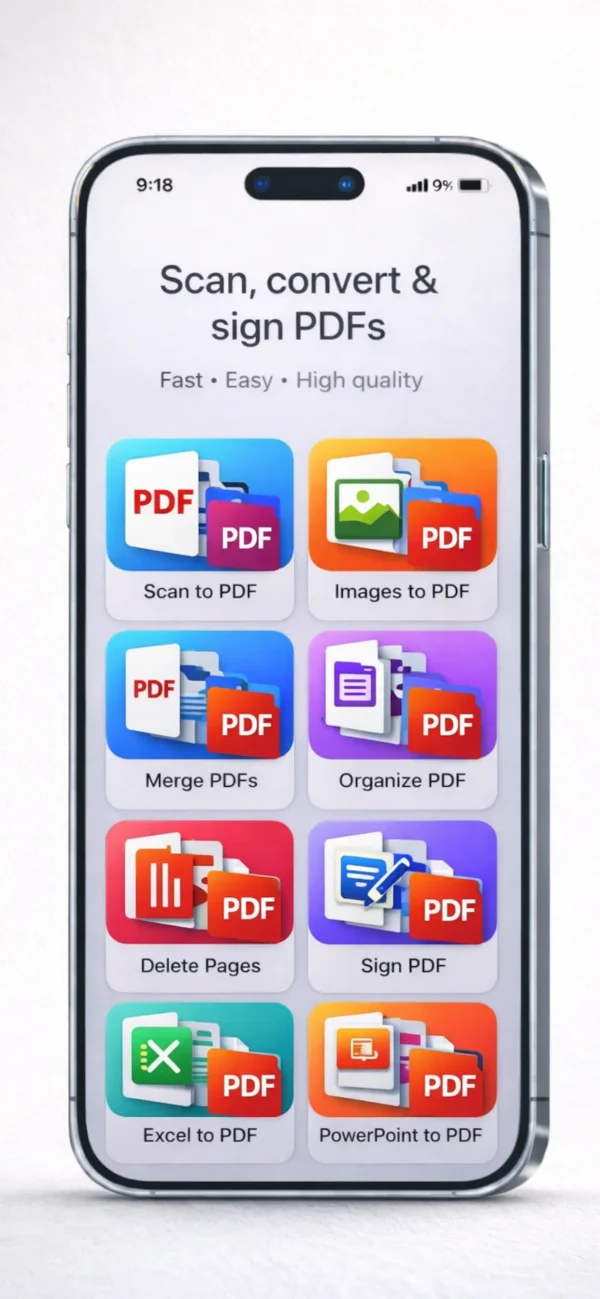
Convert to PDF is a Free app designed to help you create, convert, and organize PDFs quickly, without complications. From the moment you open it, you’ll see a clear menu with the main tools. Every option follows the same easy flow: pick a file, the app processes it, and then you can view, share, or save the result.
Convert files to PDF
Turn common document formats into PDF in seconds. If you need a free pdf converter experience that’s simple and guided, this is built for you:
DOC / DOCX → PDF (use it as a word to pdf converter reader workflow: choose your Word file and convert)
Excel → PDF
PowerPoint → PDF
You can use it as a reliable convert to pdf tool for everyday documents, and keep results organized in one place.
Need to turn images into documents? Convert photos and images into PDF with a straightforward flow. This makes the app ideal as a:
transformer photo en pdf option for quick photo documents
jpg to pdf converter for scans, receipts, and screenshots
image to pdf converter free workflow for creating PDFs from images
photo pdf converter for sharing image-based documents as PDFs
photo to pdf easy converter for a fast “select → convert → save” experience
If you’re looking for a pdf converter free style experience that’s practical and easy, photo-to-PDF is one of the most useful tools.
Scan documents to PDF
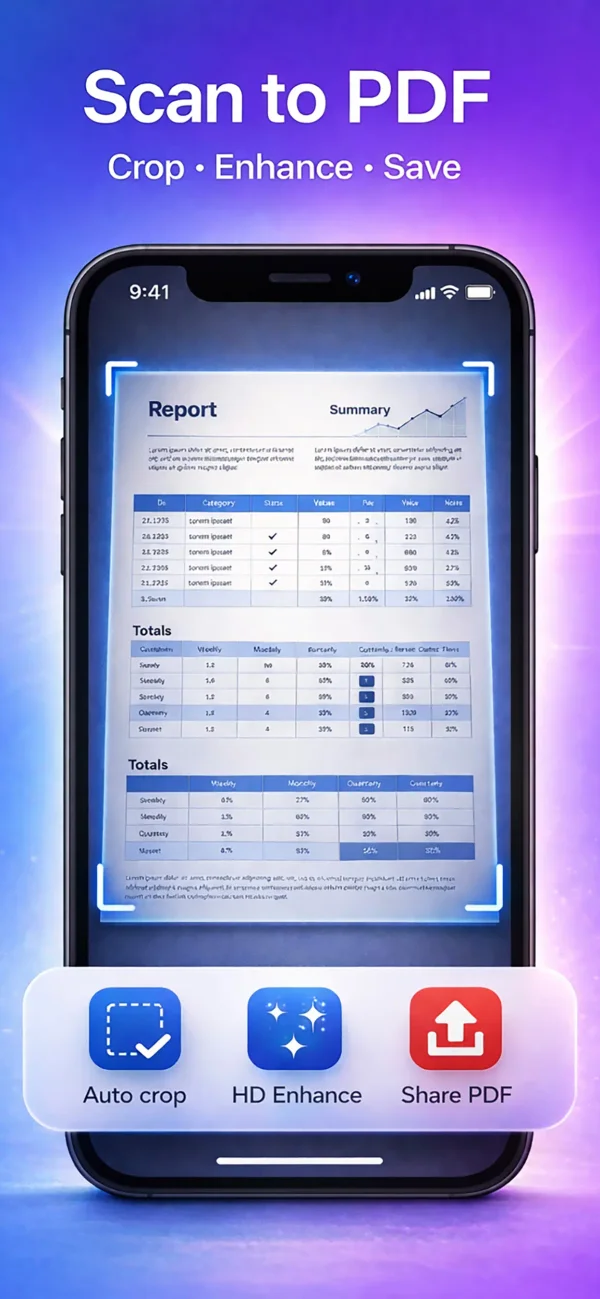
Digitize paper documents using Scan to PDF. Point your camera, capture the pages, and the app generates a clean PDF ready to share or store.
PDF tools
Once you have a PDF, you can fine-tune it with practical tools:
Compress PDF: reduce file size to send more easily.
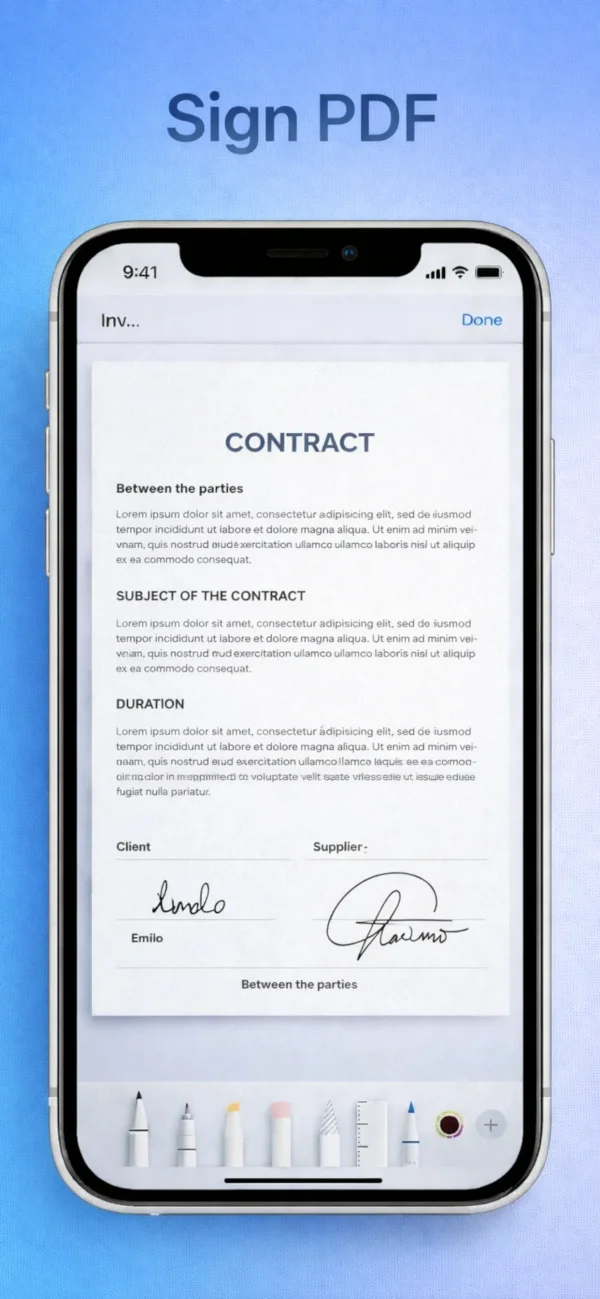
Sign PDF: add your signature using an image from Photos (PhotosPicker).
Merge PDFs: combine multiple PDFs into one file.
Split PDF: separate a PDF by pages.
Protect PDF with a password: add security to your document (minimum 4 characters).
Organize PDF pages
Keep your PDFs clean and professional:
Reorder pages
Delete pages
Extract pages (create a new PDF from selected pages)
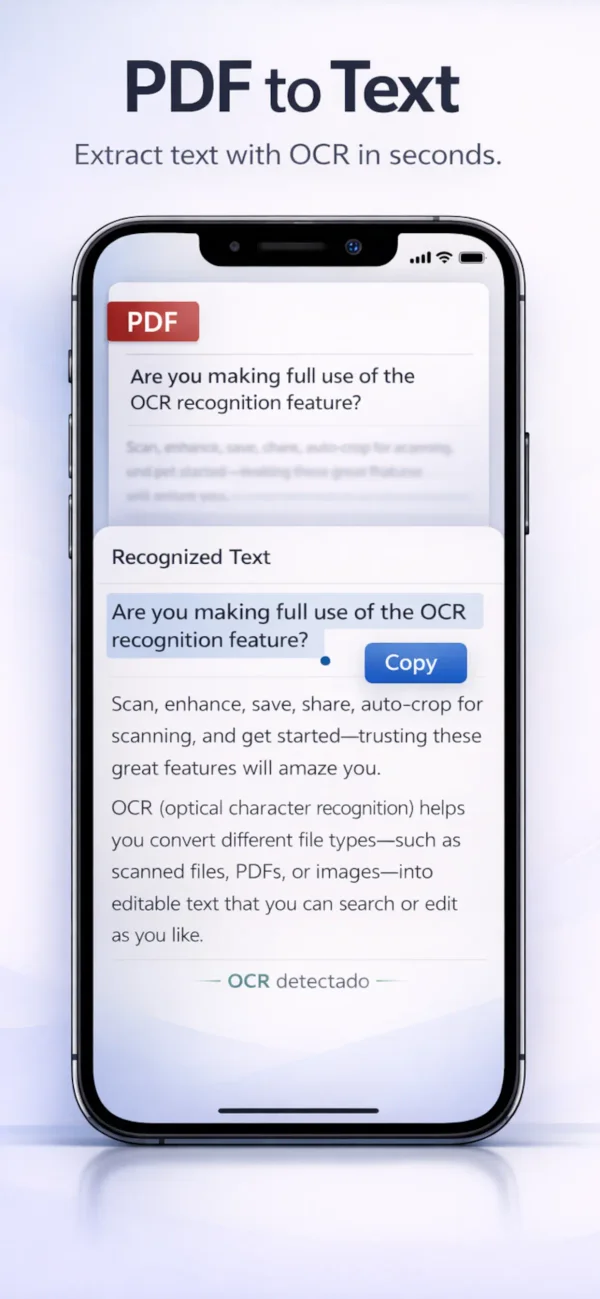
PDF → Text (TXT)
Need to copy or reuse content from a PDF? Use PDF to Text:
Select PDF → upload → convert → download TXT
Open the text file to copy, edit, or share.
PDF → Image (JPG)
Convert PDF pages to JPG images so you can save, share, or reuse them in other apps.
PDF → PowerPoint (PPT)
Convert PDF to PowerPoint to present or edit more easily.
Everything you need in one app
Convert to PDF brings together what you’d normally need multiple apps for: converting, scanning, signing, compressing, merging, splitting, protecting, and organizing. Download convert to pdf free and start managing your documents in minutes with a complete pdf converter you can rely on.
What’s new
Version 2 · Jan 6, 2026
Performance improvements and bug fixes
App privacy
What Gonzalo Hernan Aristizabal giraldo declares on the App Store about how this app handles data.
-
Data linked to you
May be collected and linked to your identity.
- Identifiers
- Usage data
Privacy practices may vary, for example with the features you use or your age.
Information
- Seller
- Gonzalo Hernan Aristizabal giraldo
- Category
- Utilities
- Version
- 2
- Updated
- Jan 6, 2026
- Released
- Dec 31, 2025
- Size
- 8.7 MB
- Requires
- iOS 17.6 or later
- Age rating
- 9+
- Price
- Free
- In-app purchases
- Yes
- Languages
- English, French, German, Italian, Portuguese, Spanish
- Copyright
- © 2025 Convert to PDF
You might also like
-
 PDF Converter and Editor + AIConvert documents, photos, PDF
-
 PDF Converter: Convert to PDFㅤConvert photo,image,word,text
-
 PDF ConverterㅤConvert JPG, Word, PNG to PDF
-
 The Document ConverterConvert to PDF, DOCX, JPG, etc
-
 PDF Editor ,PDF Book Reader ®PDF Reader, Scanner & Sign
-
 PDF Editor-Converter & ViewerScan Documents: Reader & Maker
-
 PDF Converter ‧Photo to PDF, Word to PDF
-
 PDF Scanner: Editor & ReaderFile Converter & Scan: Photos
-
 smartcart: movie simulatorBrowse. Cart. Enjoy.