- Age rating4+
- CategoryProductivity
- DeveloperMartha G Korra
- LanguagesEnglish
- Size5.4 MB
Links to the official App Store page
Download.org hosts no file of ConvertCenter. The button opens its official App Store page, published by Martha G Korra. Listing last checked on Nov 16, 2026.
Screenshots


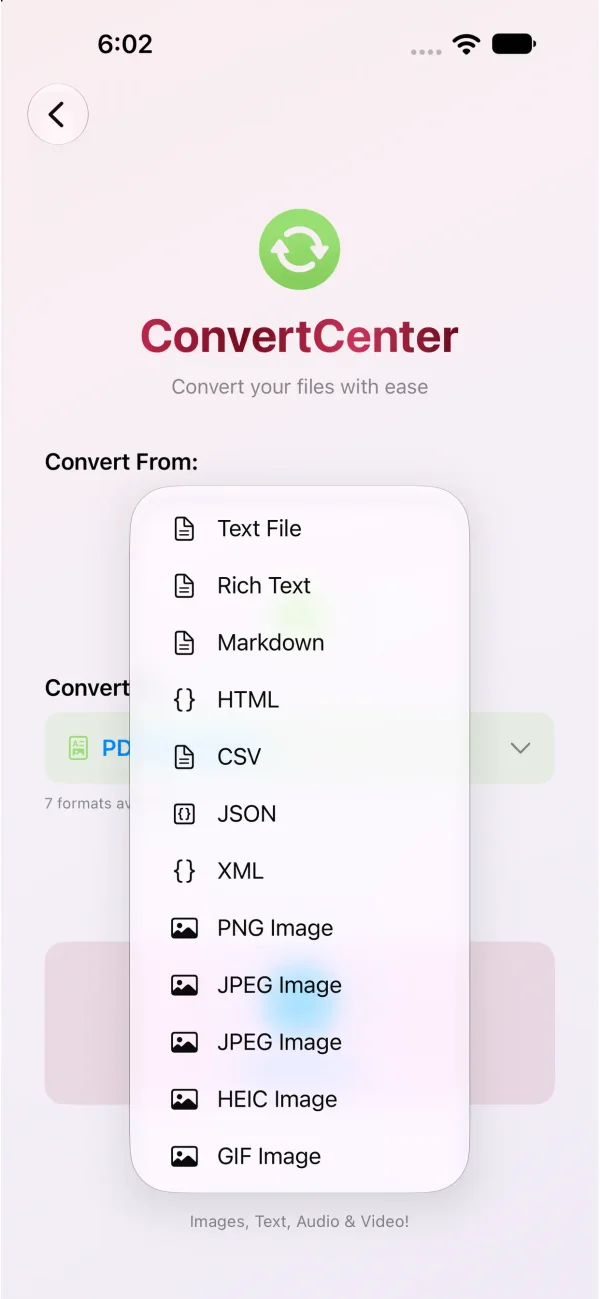
About
FILE TOOLS - CONVERT & RESIZE FILES WITH EASE
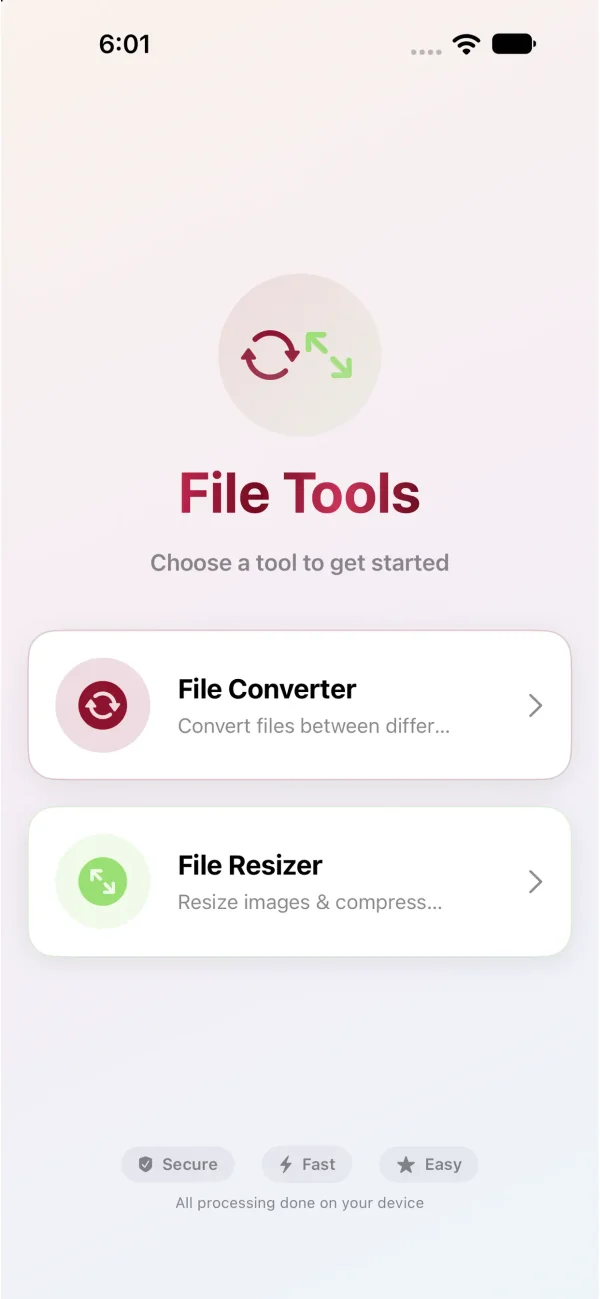
Two powerful tools in one app: Convert files between formats and/or resize/compress them. All processing happens on your device for complete privacy.
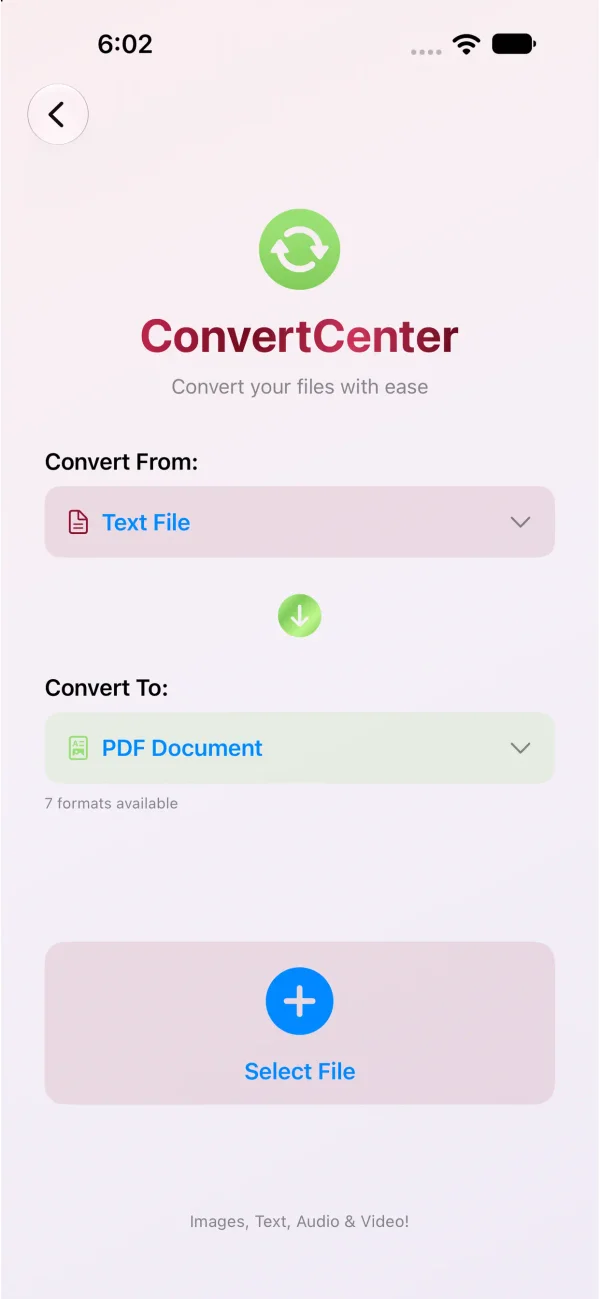
FILE CONVERTER
Convert between 20+ file formats:
• Images: JPG, PNG, HEIC, WebP, GIF, BMP, TIFF
• Documents: PDF, TXT, RTF, HTML, Markdown
• Audio: Extract from videos, convert formats
• Fast conversion with quality preservation
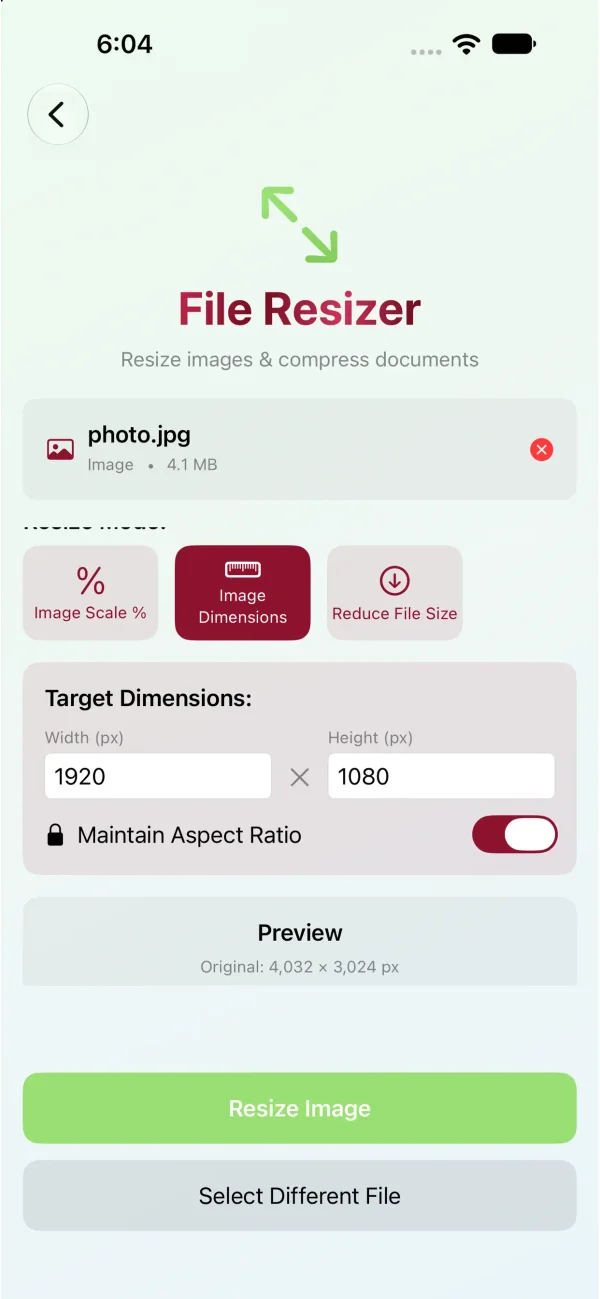
FILE RESIZER & COMPRESSOR
Optimize your files with smart compression:
• Resize images by percentage or exact pixels
• Compress files by up to 90%
• Reduce PDFs from GB to MB
• Four compression levels to choose from
• Perfect for email and cloud storage
KEY FEATURES
-Complete Privacy - All processing on your device
-Preview Files - See results before saving
-Size Statistics - View before/after comparison
-Easy Sharing - Share to any app instantly
-Lightning Fast - Process files in seconds
-Beautiful Design - Intuitive and modern interface
-Photo Integration - Import from library easily
PERFECT FOR
• Reducing file sizes for email attachments
• Converting images for social media
• Compressing large PDFs for sharing
• Resizing photos to exact dimensions
• Freeing up storage space
• Preparing files for upload
• Converting document formats
• Optimizing images for websites
WHY CHOOSE US?
File Tools works offline with no file size limits, no watermarks, and unlimited conversions. Your files never leave your device.
Download now and transform your files with ease!
What’s new
Version 4.223 · Sep 24, 2026
FILE TOOLS - CONVERT & RESIZE FILES WITH EASE
Two powerful tools in one app: Convert files between formats and/or resize/compress them. All processing happens on your device for complete privacy.
FILE CONVERTER
Convert between 20+ file formats:
• Images: JPG, PNG, HEIC, WebP, GIF, BMP, TIFF
• Documents: PDF, TXT, RTF, HTML, Markdown
• Audio: Extract from videos, convert formats
• Fast conversion with quality preservation
FILE RESIZER & COMPRESSOR
Optimize your files with smart compression:
• Resize images by percentage or exact pixels
• Compress files by up to 90%
• Reduce PDFs from GB to MB
• Four compression levels to choose from
• Perfect for email and cloud storage
KEY FEATURES
-Complete Privacy - All processing on your device
-Preview Files - See results before saving
-Size Statistics - View before/after comparison
-Easy Sharing - Share to any app instantly
-Lightning Fast - Process files in seconds
-Beautiful Design - Intuitive and modern interface
-Photo Integration - Import from library easily
PERFECT FOR
• Reducing file sizes for email attachments
• Converting images for social media
• Compressing large PDFs for sharing
• Resizing photos to exact dimensions
• Freeing up storage space
• Preparing files for upload
• Converting document formats
• Optimizing images for websites
WHY CHOOSE US?
File Tools works offline with no file size limits, no watermarks, and unlimited conversions. Your files never leave your device.
Download now and transform your files with ease!
App privacy
What Martha G Korra declares on the App Store about how this app handles data.
-
Data used to track you
May be used to track you across apps and websites owned by other companies.
- Identifiers
- Usage data
-
Data not linked to you
May be collected but is not linked to your identity.
- Identifiers
- Usage data
- Diagnostics
Privacy practices may vary, for example with the features you use or your age.
Information
- Seller
- Martha G Korra
- Category
- Productivity
- Version
- 4.223
- Updated
- Sep 24, 2026
- Released
- Feb 23, 2026
- Size
- 5.4 MB
- Requires
- iOS 27.0 or later
- Age rating
- 4+
- Price
- Free
- Languages
- English
- Copyright
- © ConvertCenter (c)2026, Martha Korra All rights reserved
You might also like
-
 Caya HubProductivity
-
 VAULT by ToolkitPrivate music workspace
-
 deep.spaceBuild & Share Living Software
-
 EvoAIAI for Daily Brilliance.
-
 PromptWallet AI Prompt LibraryFind and reuse what works
-
 Talking Calendar ClockProductivity
-
 Shadow Work Journal & DiaryHeal your inner self-discovery
-
 Web to PDF Converter ProConvert webpages to PDFs fast!
-
 Catch — A Pocket NotebookNotes, Journal, PKM Companion.
-
 Marklens: Markdown ReaderRead Markdown. Nothing else.