Copied: Workspace Keyboard
Text Shortcuts & Clipboard
Designed for iPhone, iPad
Free · In-app purchases
- Age rating4+
- CategoryUtilities
- DeveloperSharply Labs
- LanguagesEnglish+ 15 more
- Size194.0 MB
Links to the official App Store page
Download.org hosts no file of Copied: Workspace Keyboard. The button opens its official App Store page, published by Sharply Labs. Listing last checked on Nov 23, 2026.
Screenshots

About
Stop retyping the same replies.
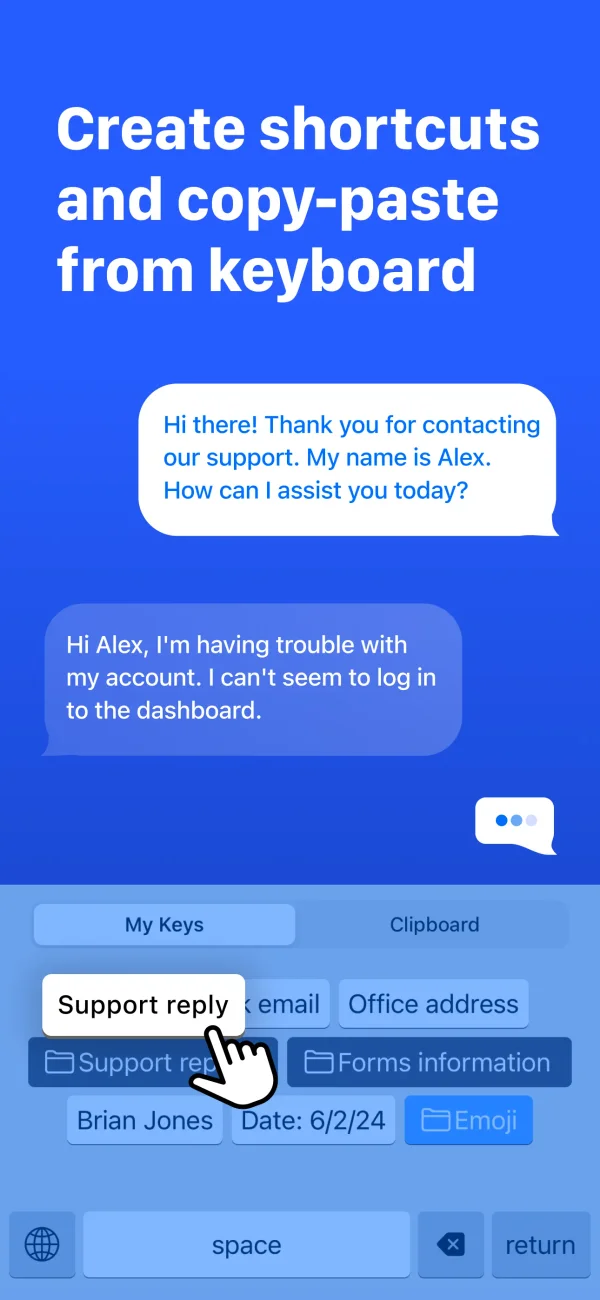
Copied keeps reusable text and clipboard history inside a custom keyboard, so your replies are ready where you type.
SAVE REUSABLE KEYS
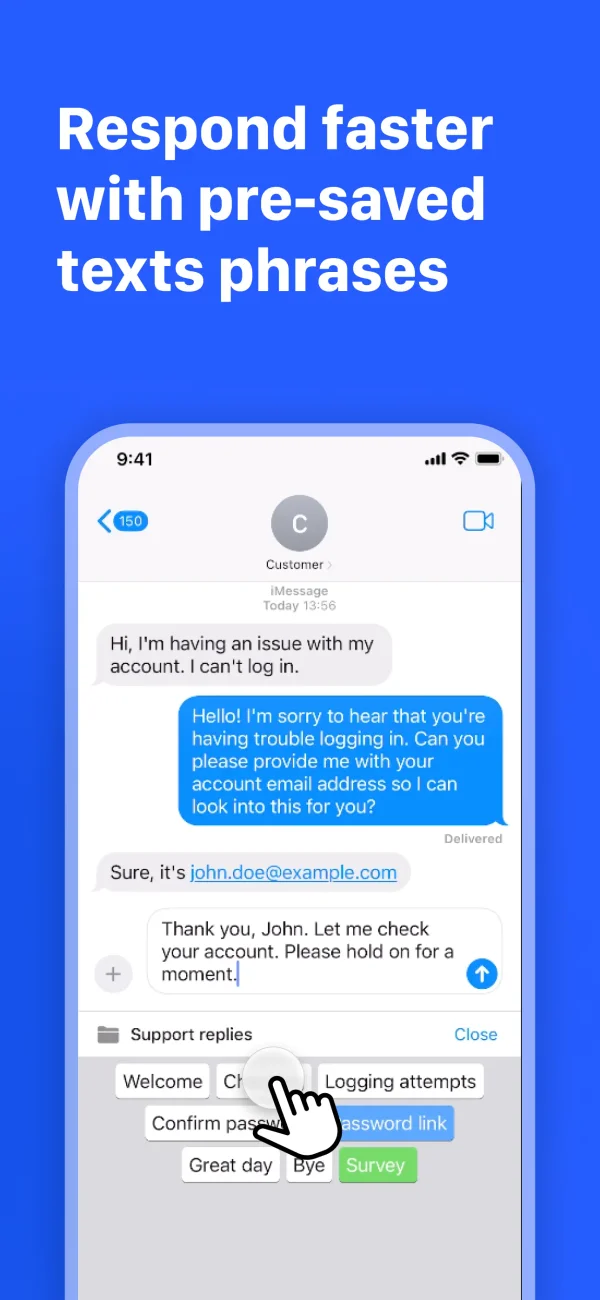
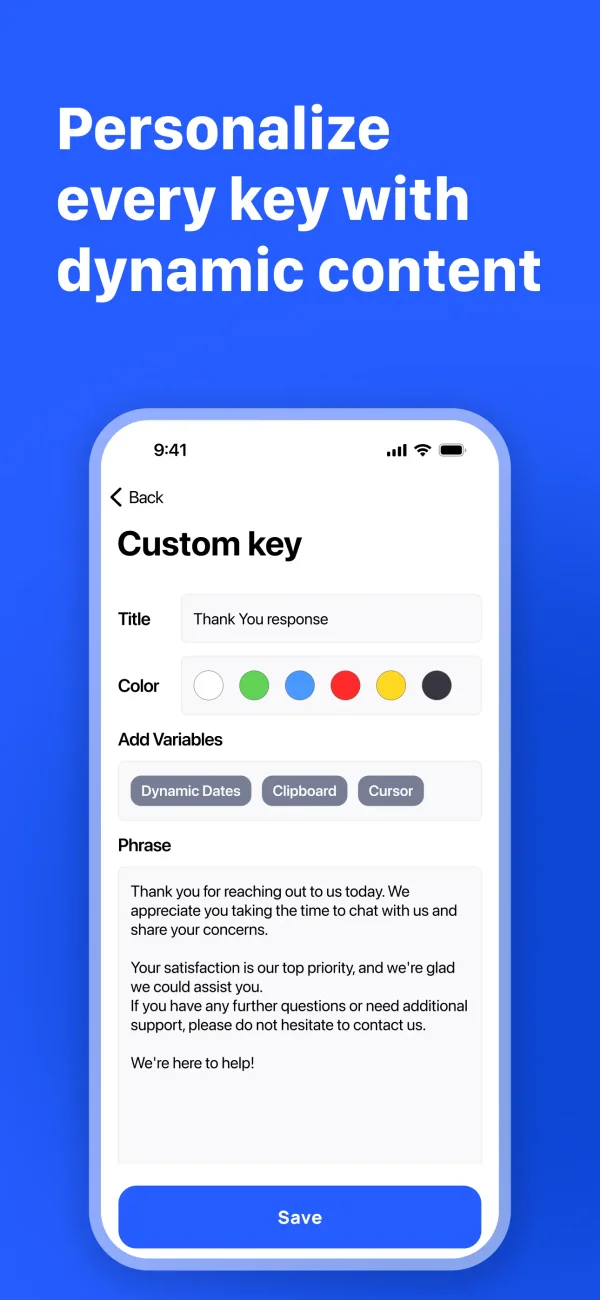
Create one-tap Keys for customer replies, prices, addresses, links, email templates, FAQs, and any text you send often.
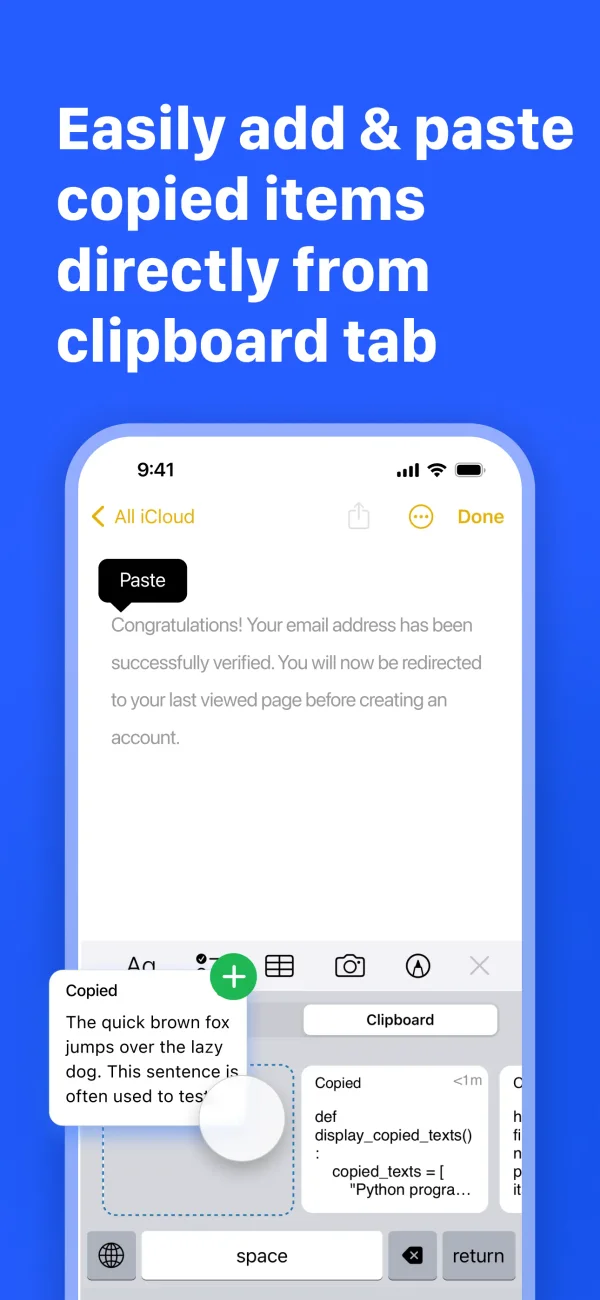
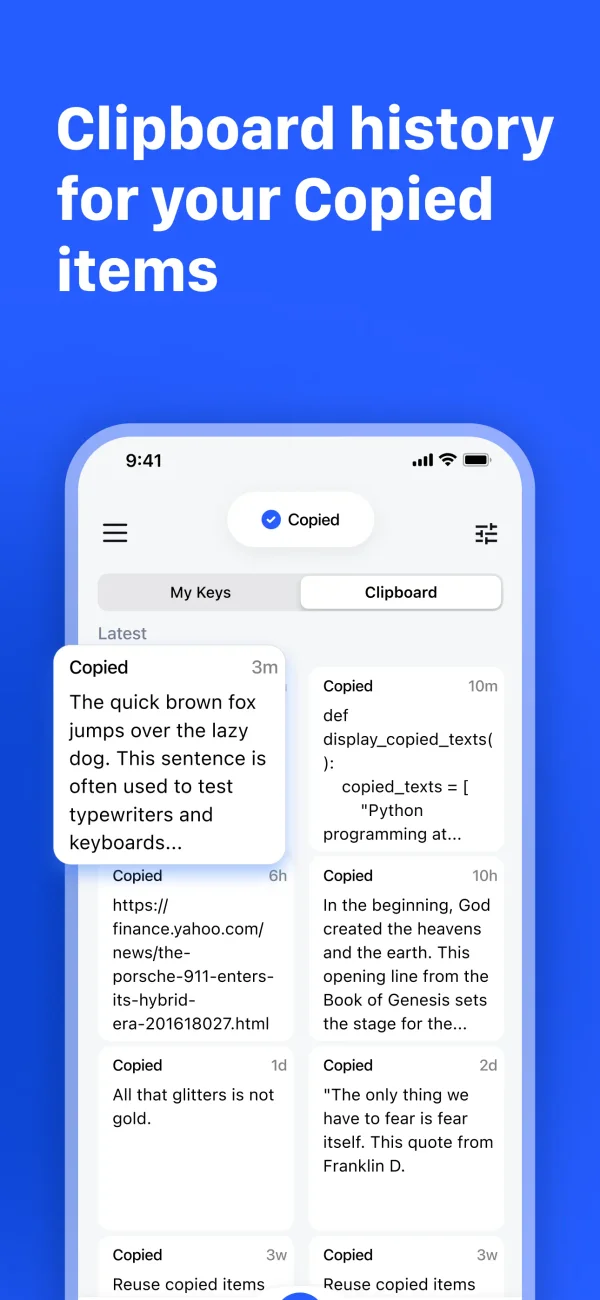
REUSE CLIPBOARD ITEMS
Keep recent clipboard items within reach and paste them from the Copied keyboard. Auto Save can be turned on or off in Settings. Because iOS controls clipboard access, Copied saves items only when the app, keyboard, or Share extension can access them.
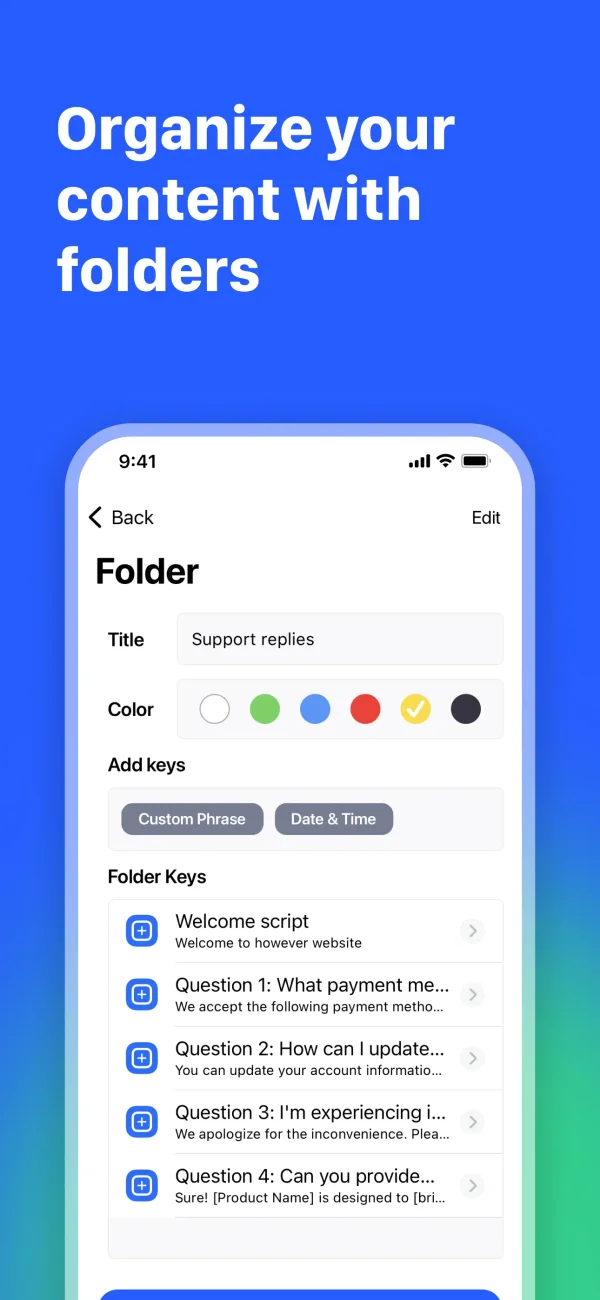
STAY ORGANIZED
Group Keys into folders and pages. Move several Keys at once and keep long lists easy to navigate.
PERSONALIZE AS YOU PASTE
Insert date, time, clipboard, and cursor-position variables into reusable templates.
BUILT FOR IPHONE AND IPAD
Use a redesigned keyboard with improved layouts, paging, dark mode, and a setup flow that clearly guides you through Keyboard and Paste permissions.
BACKUP AND RESTORE
Back up Keys and folders to your own iCloud account, or export and import them manually.
PRIVACY BY DESIGN
Your Key text, folder names, and clipboard content are not included in Copied's analytics events. Full Access is required by iOS so the app and keyboard can share saved content.
FREE AND PRO
Start free with up to 4 Keys. Copied Pro unlocks unlimited Keys and full productivity features.
Copied Pro is available as a one-time Lifetime purchase. Prices vary by region and are shown before purchase. Existing subscriptions continue under their current terms and renew automatically unless canceled at least 24 hours before the end of the current period. Manage or cancel existing subscriptions in your Apple ID settings.
Terms: https://copiedpro.com/terms
Privacy: https://copiedpro.com/privacy
Support: hello@sharplylabs.com
What’s new
Version 3.1.3 · Nov 19, 2026
Copied Pro now has a simpler, optional Lifetime purchase. You can close the offer immediately and keep using the free version.
Eligible customers who turn off subscription renewal can receive a one-time Lifetime offer.
Fixed a crash that could occur when moving Keys.
Optional keyboard sounds are now available in Settings. Return and Backspace have larger tap areas. Hold Space, then drag to move the cursor.
App privacy
What Sharply Labs declares on the App Store about how this app handles data.
-
Data used to track you
May be used to track you across apps and websites owned by other companies.
- Purchases
- Identifiers
- Usage data
-
Data linked to you
May be collected and linked to your identity.
- Purchases
- Identifiers
- Usage data
-
Data not linked to you
May be collected but is not linked to your identity.
- Diagnostics
- Other data
Privacy practices may vary, for example with the features you use or your age.
Information
- Seller
- Sharply Labs Ltd
- Category
- Utilities
- Version
- 3.1.3
- Updated
- Nov 19, 2026
- Released
- Jun 24, 2020
- Size
- 194.0 MB
- Requires
- iOS 16.0 or later
- Age rating
- 4+
- Price
- Free
- In-app purchases
- Yes
- Languages
- English, Arabic, French, German, Hebrew, Hindi, Indonesian, Italian, Japanese, Korean, Portuguese, Russian + 4 more
- Copyright
- © Sharply Labs Ltd.
You might also like
-
 Clipboard : Keyboard ManagerCopy, Paste & Organize Data
-
 Copy And Paste Keyboard +Auto Pasting & Easy Clipboard
-
 Clipboard Manager - PastePalCopy Paste Keyboard History
-
 Clipboard++Utilities
-
 Paste Keyboard : Text ShortcutAuto Copy Paste fast clipboard
-
 Paste KeyboardSuper Easy Copy&Paste Keyboard
-
 WordBoard: Text ExpanderSnippets, Shortcuts & AI Keys
-
 LazyBoard: Text ExpanderQuick Reply & Paste Keyboard
-
 Clipboard Manager - OneTapCopy Paste History & Shortcuts
-
 Clipboard Manager - PycopasteCopy History & Paste Keyboard