WordBoard: Text Expander
Snippets, Shortcuts & AI Keys
Designed for iPhone, iPad
Free · In-app purchases
- Age rating4+
- CategoryUtilities
- DeveloperBytesize Systems Pty Ltd
- LanguagesEnglish+ 4 more
- Size59.1 MB
Links to the official App Store page
Download.org hosts no file of WordBoard: Text Expander. The button opens its official App Store page, published by Bytesize Systems Pty Ltd. Listing last checked on Nov 28, 2026.
Screenshots
About
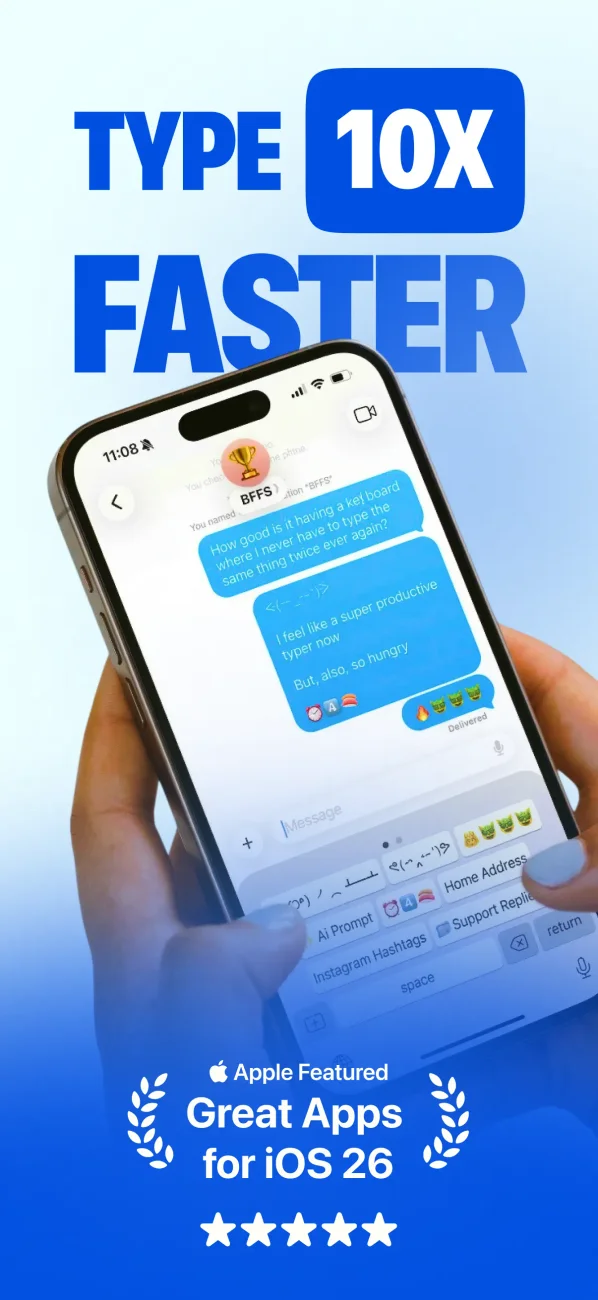
Hate typing the same thing over and over on your iPhone? WordBoard is a custom keyboard that lets you copy, paste, and insert text snippets instantly so you can type faster everywhere.
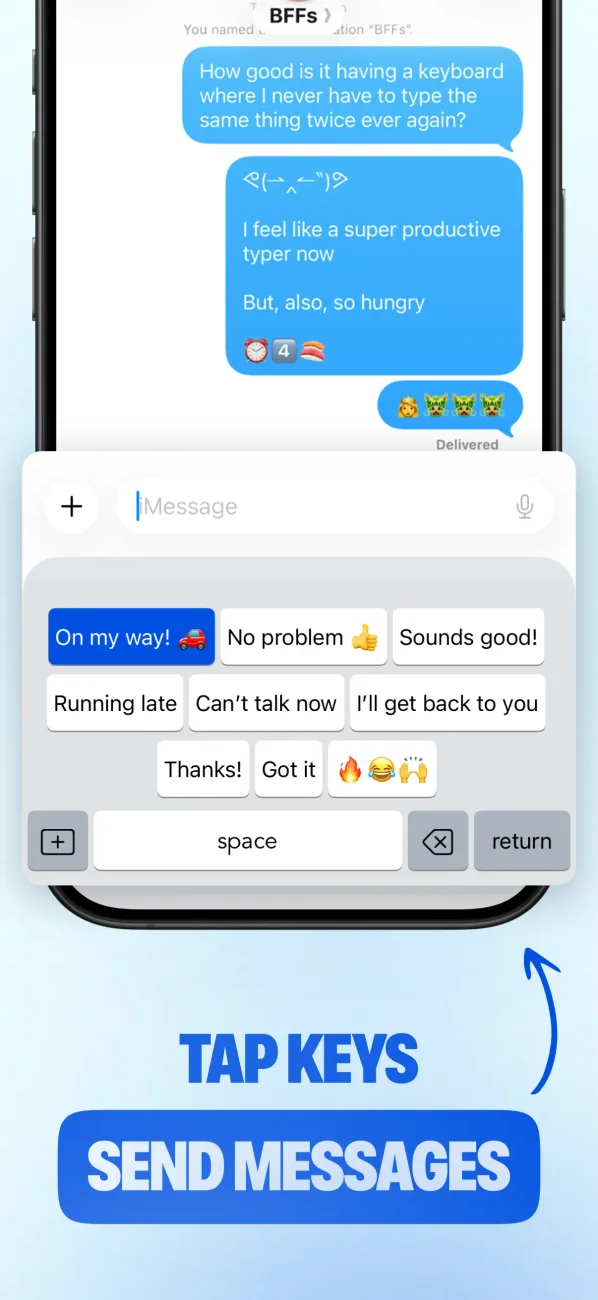
Save phrases, quick replies, contact details, hashtags, templates, or entire messages and insert them directly from your keyboard in any app. One tap. Done.
Featured in Best Apps for iOS 26 — Apple
FOR FAST TYPING ON IPHONE
Stop switching between Notes and your keyboard. WordBoard keeps your most used text always one tap away so you can reply faster, stay consistent, and avoid mistakes.
ONE KEY FOR COPY AND PASTE
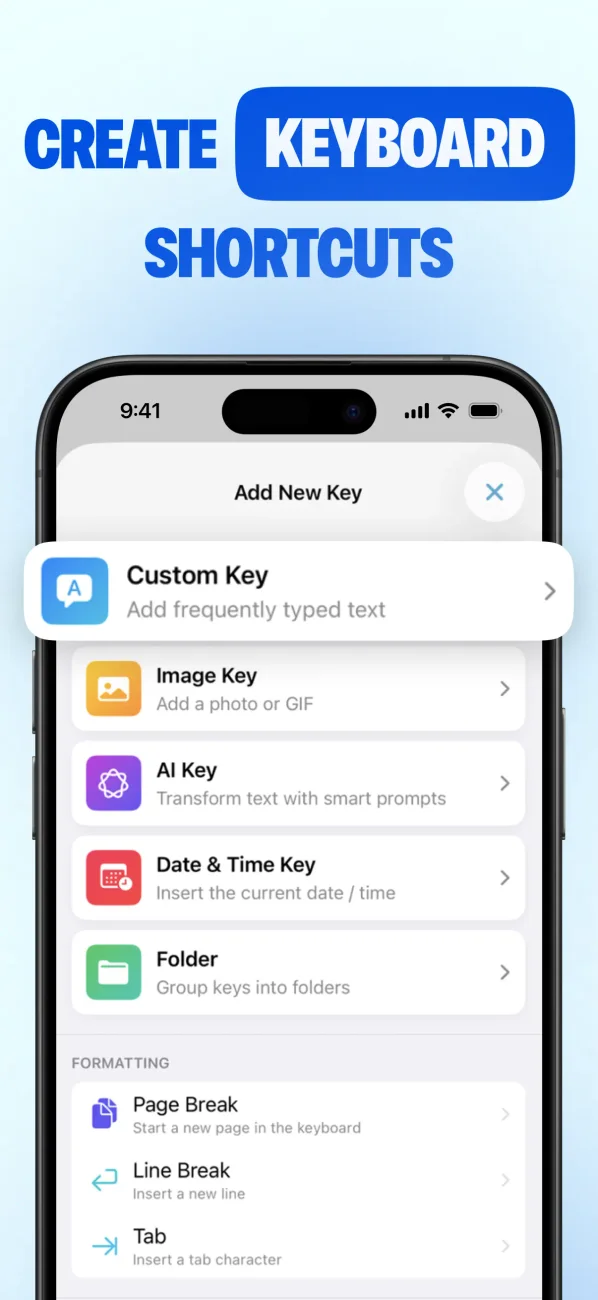
Create keys that instantly insert:
* Common phrases and responses
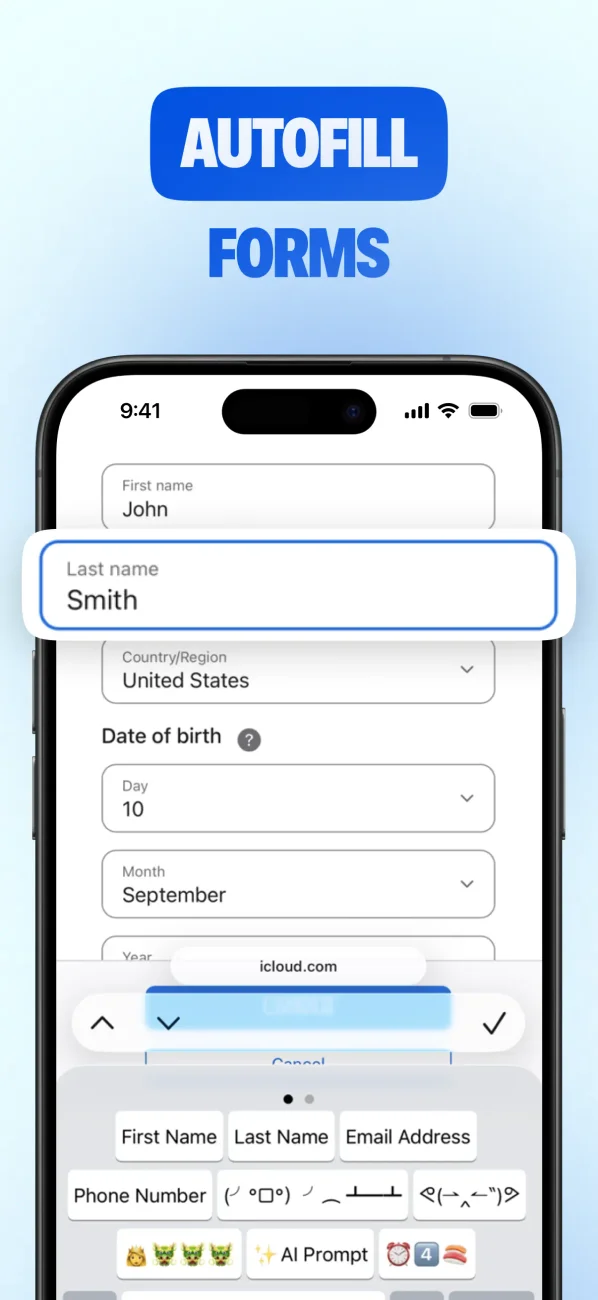
* Email addresses and phone numbers
* Business details and links
* Customer support replies
* Hashtags and captions
* Text snippets and templates
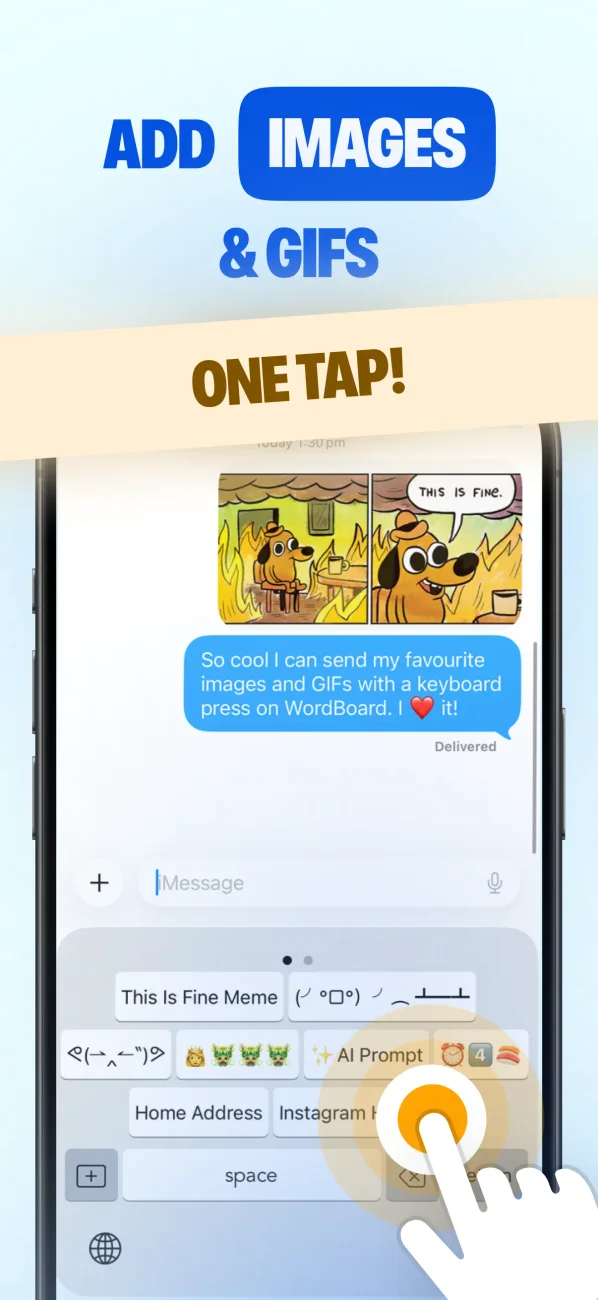
* Your favorite images & GIFs
Power users save dozens of snippets and never retype the same thing again.
KAOMOJI & EMOTICONS
Browse and insert hundreds of kaomoji and emoticons directly from your keyboard. No copy-pasting from other apps.
IMAGES & GIFS
Save and insert images and GIFs directly from your keyboard. Perfect for reaction images, logos, signatures, or anything you send repeatedly.
SMART TEMPLATES AND VARIABLES
Use dynamic placeholders like {{ DATE }} or {{ CLIPBOARD }} and WordBoard automatically fills them in when you paste your text.
AI KEYS
On Apple Intelligence compatible devices, WordBoard can rewrite, translate, and transform text directly from your keyboard.
FOLDERS AND ORGANIZATION
Organize your snippets into folders for work, personal use, social media, or customer support so everything is easy to find while typing.
WORKS IN EVERY APP
WordBoard works anywhere the iOS keyboard works, including Messages, Mail, WhatsApp, Instagram, Slack, Notes, and more. Switch instantly between the standard keyboard and WordBoard while typing.
WHAT CUSTOMERS ARE SAYING
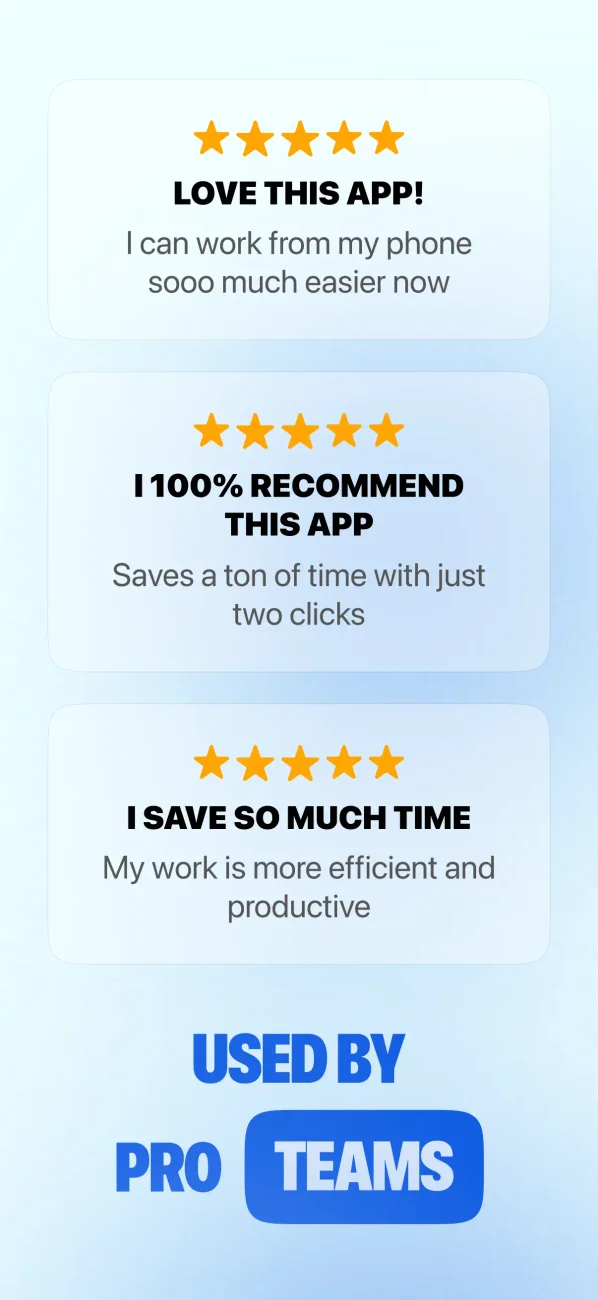
This is such a practical keyboard for those that constantly use the same wording. Formatting stays intact and it saves so much time.
So convenient. I used to copy and paste from Notes all day. Now everything is one tap.
Best shortcut keyboard ever. If you repeat phrases, this is the fastest way to type on iPhone.
SAVE TIME. TYPE FASTER.
WordBoard is the fastest way to copy, paste, and insert text snippets on iPhone and iPad.
Start with 6 free keys or upgrade to Pro for unlimited keys, hashtag imports, and contact info integration.
To enable the keyboard, allow Full Access in Settings. This only lets WordBoard share your keys between the app and the keyboard. WordBoard never collects what you type or the text of your keys.
Download WordBoard today and type faster with instant copy and paste, text snippets, and smart shortcuts.
FAQ
What is WordBoard?
WordBoard is a custom iOS keyboard that lets you copy, paste, and insert saved text snippets directly while typing.
How does WordBoard help me type faster on iPhone?
Instead of retyping or switching apps to copy and paste, WordBoard inserts your saved text with a single tap.
Is WordBoard good for copy and paste on iPhone?
Yes. WordBoard is designed to make copy and paste faster, easier, and more organized than using Notes or the clipboard alone.
Can I use WordBoard for text snippets and templates?
Yes. WordBoard lets you create reusable snippets, templates, and quick replies that work in any app.
Does WordBoard work in all apps?
Yes. WordBoard works anywhere the iOS keyboard works.
Is WordBoard better than iOS text replacement?
WordBoard keeps formatting, supports folders, templates, variables, and does not require remembering shortcuts.
Is WordBoard free?
WordBoard includes 6 free keys. You can upgrade to Pro for unlimited keys and advanced features.
Does WordBoard see what I type?
No. WordBoard never collects or sends what you type or the text of your keys. With iCloud Sync on, your keys are stored end-to-end encrypted in your own iCloud.
What’s new
Version 13.1.0 · Nov 26, 2026
Now in Traditional Chinese
WordBoard's app and keyboard are now available in Traditional Chinese, alongside English, Spanish, Japanese and Simplified Chinese.
In case you missed it: iCloud Sync
Your keys now stay the same on your iPhone and iPad. Turn on iCloud Sync in More, and new keys, edits, folders and photos show up on your other devices within moments, including changes made while offline. Your keys are backed up before it starts, and their text is end-to-end encrypted in iCloud.
Also in this update
• Adding the keyboard on a new iPhone or iPad is quicker and clearer
• Lots of other fixes and polish
Loving WordBoard? Please leave a review. It really helps!
Questions or feedback? Contact us at support@bytesizeapps.net.
App privacy
What Bytesize Systems Pty Ltd declares on the App Store about how this app handles data.
-
Data not linked to you
May be collected but is not linked to your identity.
- Purchases
Privacy practices may vary, for example with the features you use or your age.
Information
- Seller
- Bytesize Systems Pty Ltd
- Category
- Utilities
- Version
- 13.1.0
- Updated
- Nov 26, 2026
- Released
- Feb 4, 2015
- Size
- 59.1 MB
- Requires
- iOS 18.0 or later
- Age rating
- 4+
- Price
- Free
- In-app purchases
- Yes
- Languages
- English, Japanese, Simplified Chinese, Spanish, Traditional Chinese
- Copyright
- © Bytesize 2026
You might also like
-
 RAR ZIP 7z File ExtractorUnzip, Unrar & Archive Opener
-
 LazyBoard: Text ExpanderQuick Reply & Paste Keyboard
-
 Clipboard : Keyboard ManagerCopy, Paste & Organize Data
-
 Copied: Workspace KeyboardText Shortcuts & Clipboard
-
 Calculator Keyboard - CalkuCalculate from your keyboard
-
 Storage CleanerFree Up Space, Clean Up Photos
-
 Encryptor - Secure Your FilesAES Encryption and Decryption
-
 Paste KeyboardSuper Easy Copy&Paste Keyboard
-
 Timr - Multiple TimersMultiple Simultaneous Timers
-
 Typewise Custom KeyboardPrivate & Large Big Keys Type