
- Age rating4+
- CategoryUtilities
- Developerakihito shibui
- LanguagesEnglish+ 1 more
- Size7.1 MB
Links to the official App Store page
Download.org hosts no file of CopyPouch Pocket. The button opens its official App Store page, published by akihito shibui. Listing last checked on Nov 13, 2026.
Screenshots

About
CopyPouch Pocket is an app for checking and reusing your copy history close at hand.
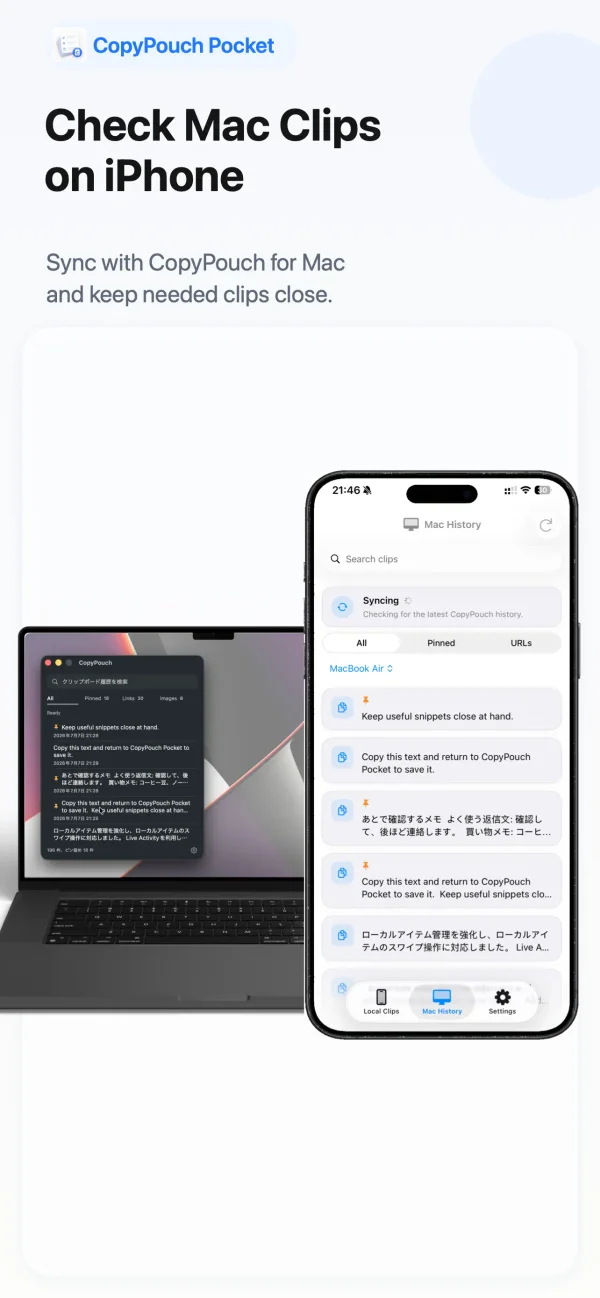
When paired with "CopyPouch" for Mac, you can view your saved copy history from your iPhone or iPad.
Even when you are away from your Mac or working on another device, you can quickly find the text or links you need.
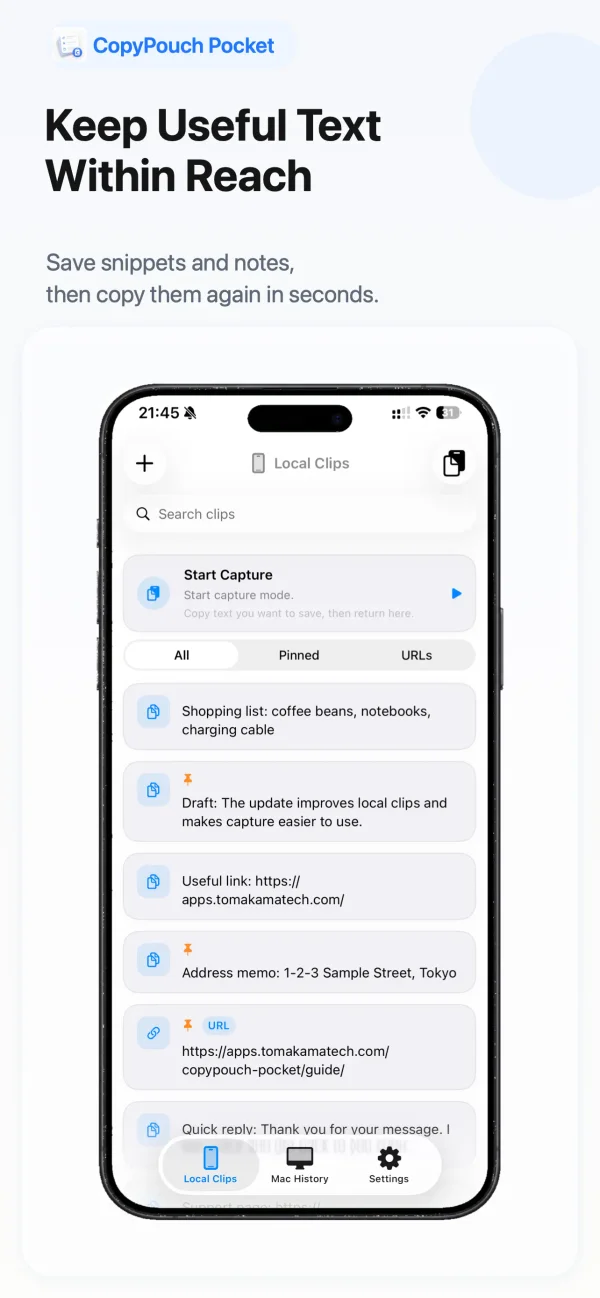
CopyPouch Pocket can also be used on its own with local clips.
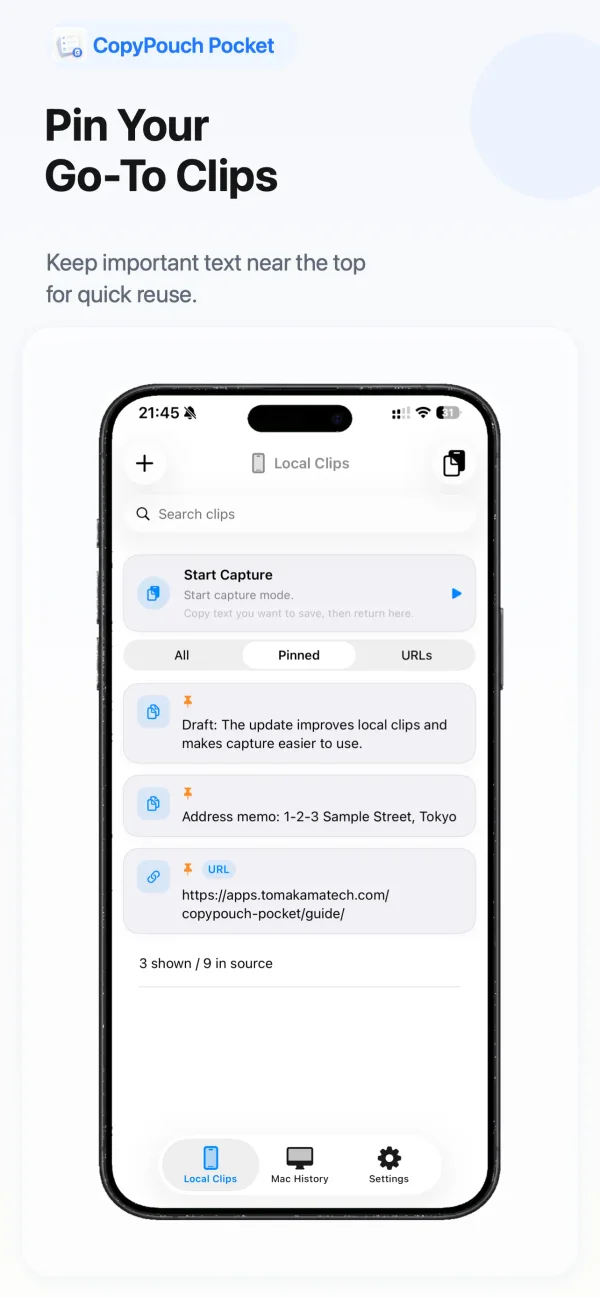
You can save the current clipboard contents or manually add frequently used text, making it useful as a simple clipboard-based note tool.
Main features:
• Quickly sync copy history from CopyPouch for Mac
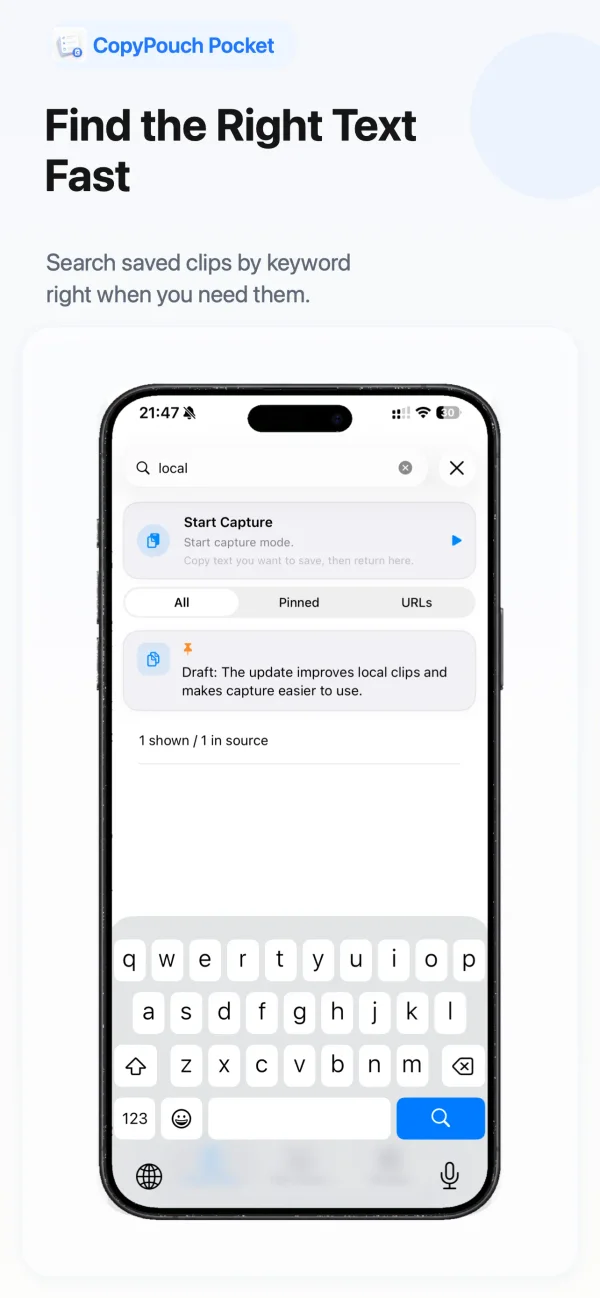
• Search text and links
• Open URLs in your browser
• Save local clips on iPhone and iPad
• Securely read synced history using a sync key
What’s new
Version 1.2.0 · Jul 12, 2026
- Enhanced local item management and added swipe actions for local items.
- Added a new Capture Mode using Live Activity.
- Refined the UI, including updated colors for Normal Mode.
- Made additional minor improvements and adjustments.
App privacy
What akihito shibui declares on the App Store about how this app handles data.
-
Data not collected
The developer does not collect any data from this app.
Privacy practices may vary, for example with the features you use or your age.
Information
- Seller
- akihito shibui
- Category
- Utilities
- Version
- 1.2.0
- Updated
- Jul 12, 2026
- Released
- Jun 22, 2026
- Size
- 7.1 MB
- Requires
- iOS 17.6 or later
- Age rating
- 4+
- Languages
- English, Japanese
- Copyright
- © 2026 n9fordev
You might also like
-
 A-DISKLocal file manager and backup
-
 Copy This: Save Your ClipboardPrivate, quick clip history
-
 Mote · Mini shared notesUtilities
-
 My Contacts Backup VaultShare address book via email
-
 ClipStash - Clipboard ManagerRemember Everything You Copy
-
 SnippetSave – Copy Paste NotesFind Fast Quick Use Clipboard
-
 Black Keyboard: Pure BlackA simple black keyboard
-
 typeonce — Quick KeyboardPaste, Fill, Manage, Create
-
 WeboraDesktop web on your phone
-
 Dark Mode PlusSync dark mode across devices