- Age rating9+
- CategoryUtilities
- Developer仕萍 何
- LanguagesEnglish+ 3 more
- Size37.4 MB
Links to the official App Store page
Download.org hosts no file of A-DISK. The button opens its official App Store page, published by 仕萍 何. Listing last checked on Nov 12, 2026.
Screenshots

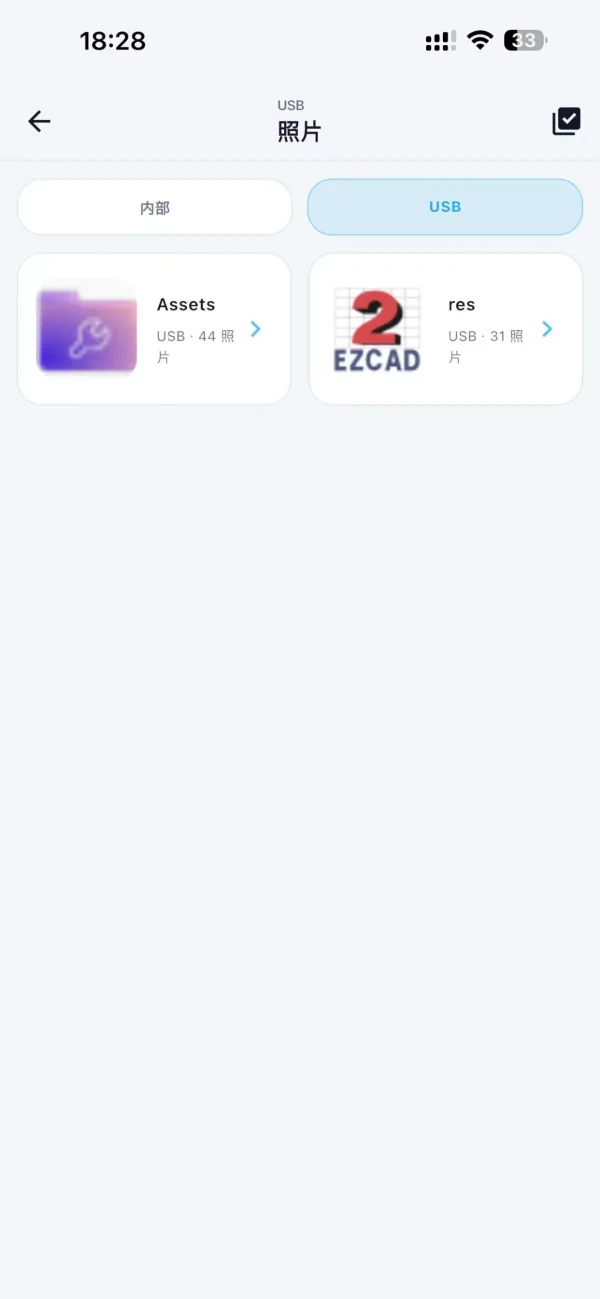

About
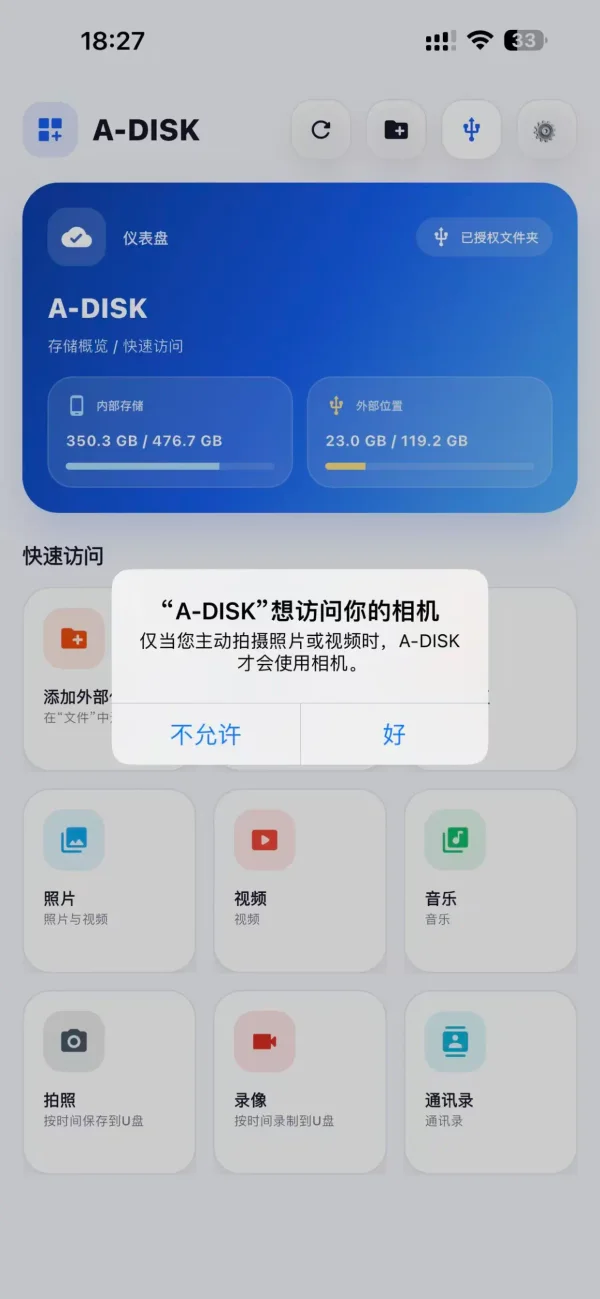
A-DISK is a local file manager and backup tool. No account is required, and your files do not need to be uploaded to a cloud service.
KEY FEATURES
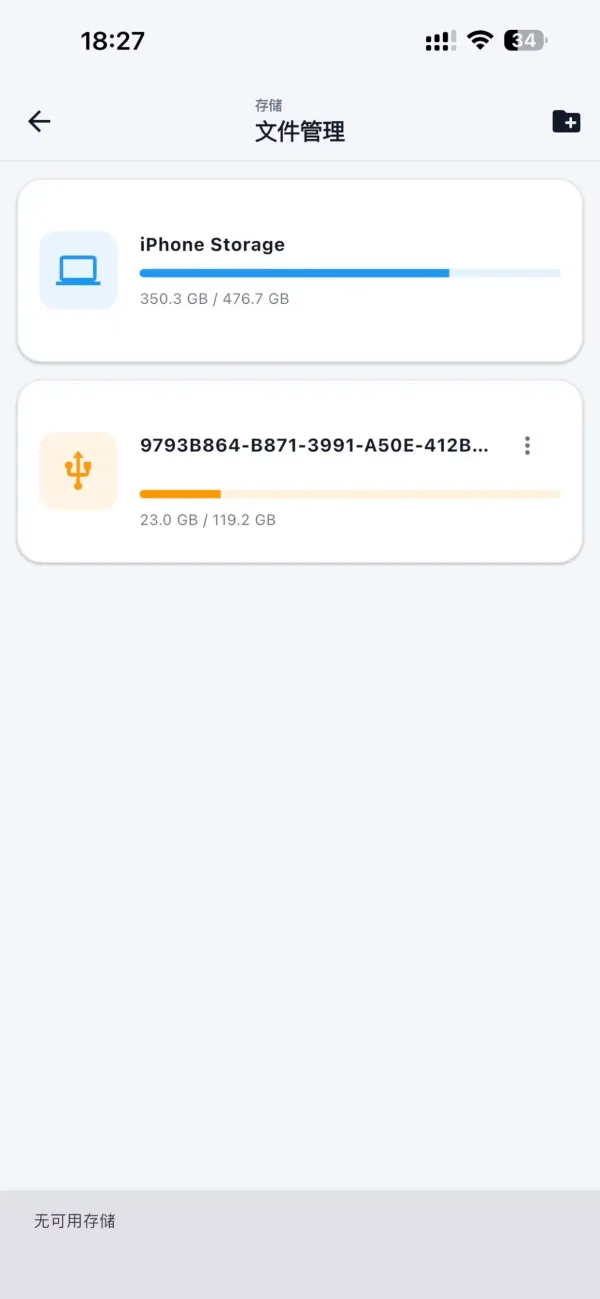
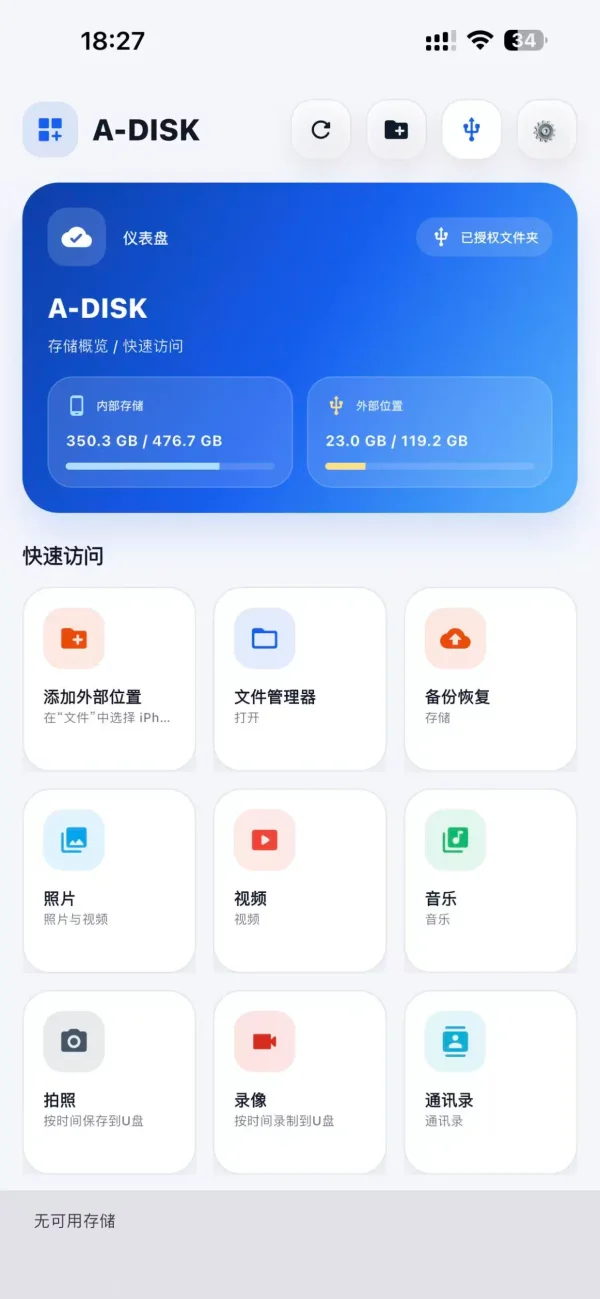
• Browse, copy, move, rename, delete, and organize files and folders
• Add a USB drive, iCloud Drive, or another external location with the system Files picker
• Back up and restore photos, videos, contacts, and documents
• Preview images, videos, audio, and text files
• Protect files with Secure Encryption or Fast Lock
• Save photos, videos, and recordings to the location you choose
• Protect the app with a launch password and biometric authentication
iOS EXTERNAL STORAGE
On iPhone and iPad, A-DISK uses the system file picker so you can explicitly authorize a folder. Without a physical drive, you can select a test folder in Files and use the same workflow. iOS does not provide a general App Store API for directly ejecting a USB drive; disconnection is managed by the system Files app.
PRIVACY
File processing takes place between your device and the locations you authorize. The current version contains no advertising, behavioral analytics, cross-app tracking, or cloud upload service. See the privacy policy for permission and local-storage details.
App privacy
What 仕萍 何 declares on the App Store about how this app handles data.
-
Data not collected
The developer does not collect any data from this app.
Privacy practices may vary, for example with the features you use or your age.
Information
- Seller
- 仕萍 何
- Category
- Utilities
- Version
- 1.0
- Updated
- Oct 2, 2026
- Released
- Oct 2, 2026
- Size
- 37.4 MB
- Requires
- iOS 15.0 or later
- Age rating
- 9+
- Languages
- English, Japanese, Korean, Simplified Chinese
- Copyright
- © 2026 heshiping
You might also like
-
 CopyPouch PocketClipboard History with Sync
-
 DiskBeam: Fast External DrivePhone to Mac at SSD speed
-
 SMSNodeUtilities
-
 omnibinCopy. Paste. Anywhere.
-
 Porte BagageSave your conversations data !
-
 Quick Copy: Clipboard ManagerCopy, redirect and share.
-
 ClipboardNotiClipboard in a notification
-
 USB FileUtilities
-
 Clipboard Manager - CliptopHistory, Snippets & Sync
-
 CardSync - Verified CopySD card to SSD or server