Cora — Content Planner
Feed grid & post planner
Designed for iPhone, iPad, iPod touch
Free · In-app purchases
- Age rating4+
- CategoryPhoto & Video
- DeveloperDANIIL POPOV
- LanguagesEnglish
- Size87.5 MB
Links to the official App Store page
Download.org hosts no file of Cora — Content Planner. The button opens its official App Store page, published by DANIIL POPOV. Listing last checked on Nov 16, 2026.
Screenshots
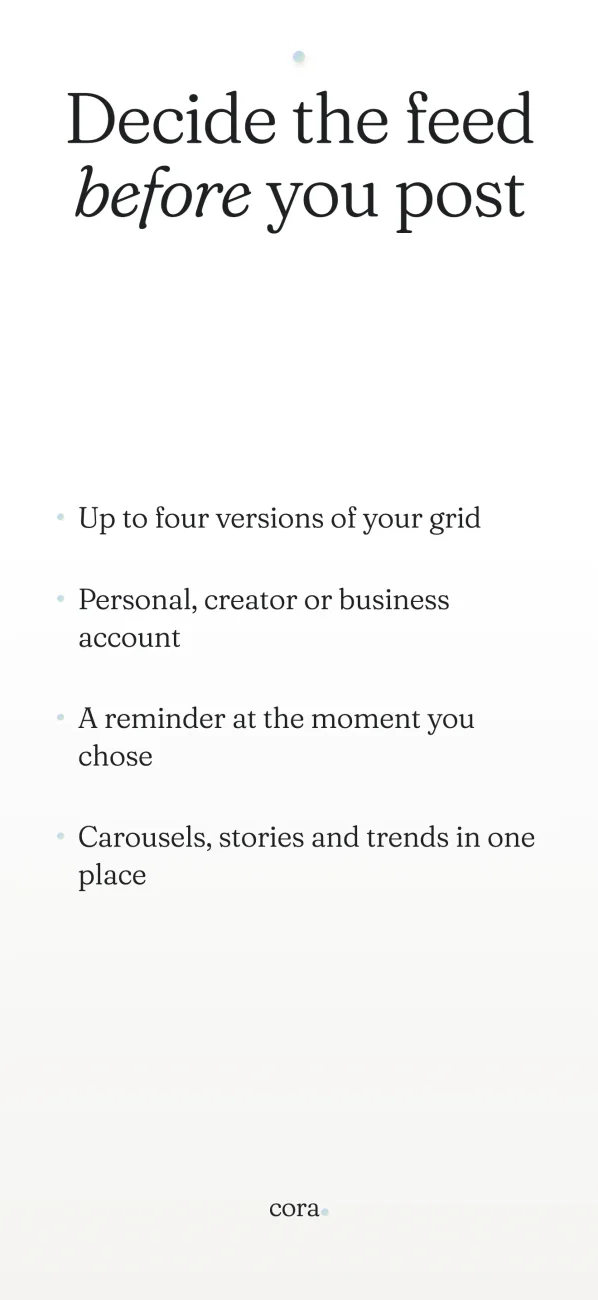
About
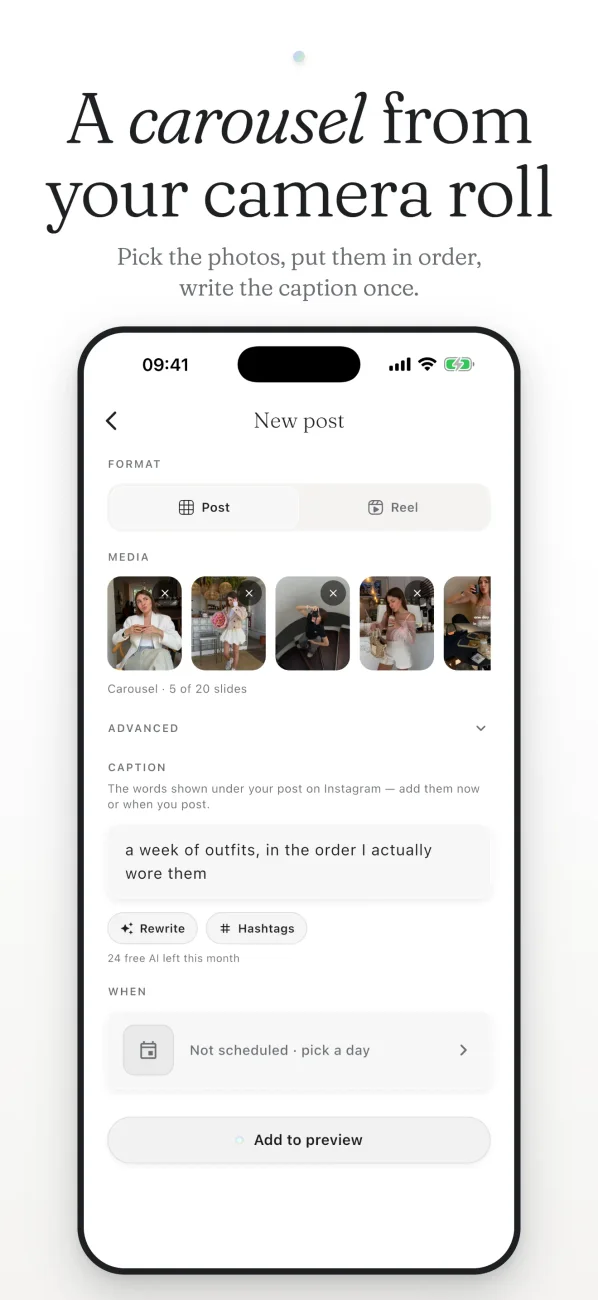
Cora is where your feed gets decided before it gets posted. Build the grid, try more than one version of it, and carry each post through to the moment you publish — on the account you already have.
TRY MORE THAN ONE FEED
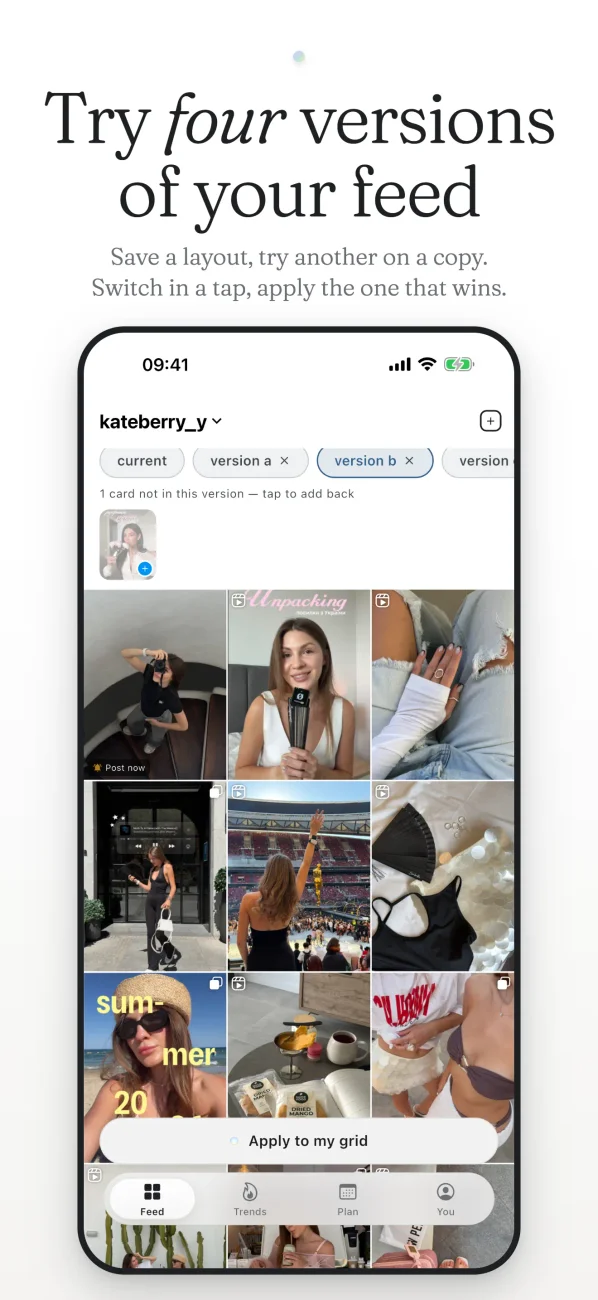
Not sure which post goes where? Save the layout and try another. Keep several versions and switch between them in a tap, pull a post out of one without touching the others, and when one of them is clearly right, apply it to your grid in a tap. Change your mind again and undo it.
SEE YOUR REAL GRID, THEN CHANGE IT
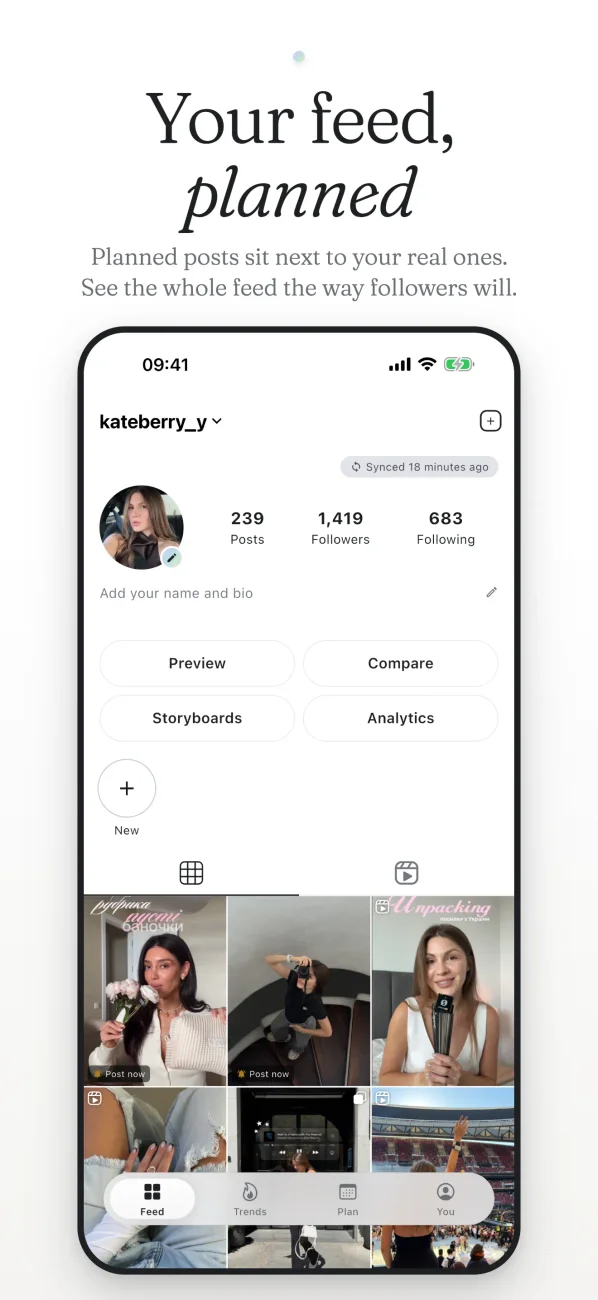
Your planned posts sit next to your real ones, in a profile preview that matches what visitors actually see. Drag to reorder. Hold a slot with an empty card. Try a cover. Change your mind. Nothing moves on Instagram until you say so.
WORKS WITH THE ACCOUNT YOU ALREADY HAVE
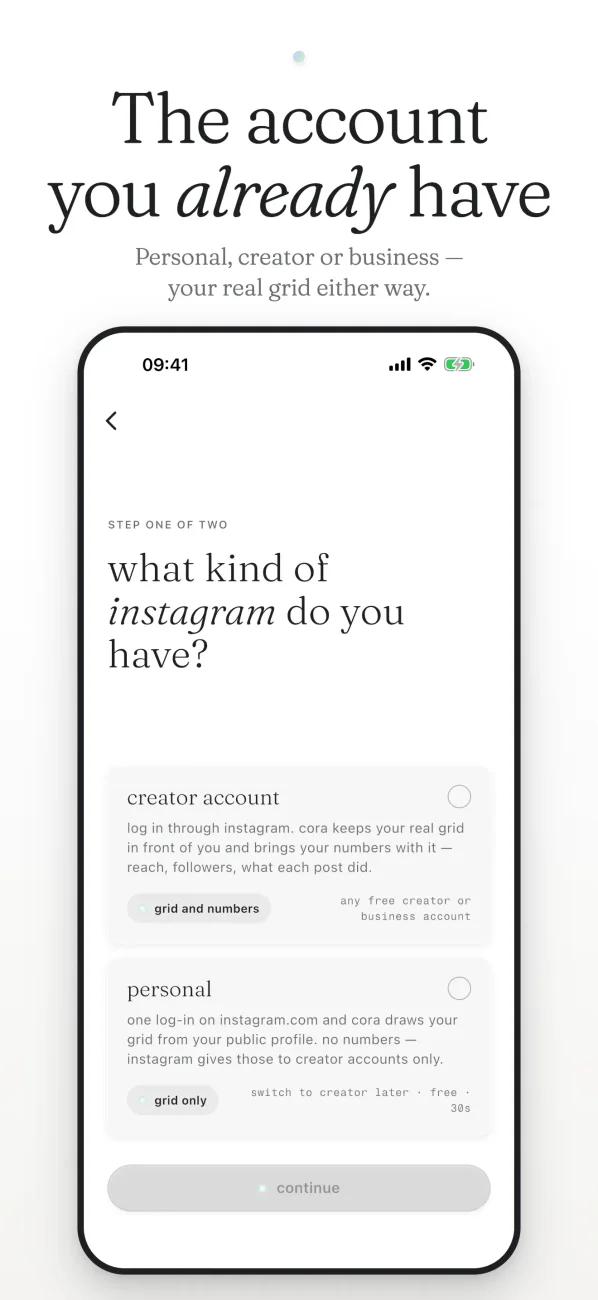
Personal, Creator or Business — Cora shows your real grid either way. A Creator or Business account connects in a couple of taps. A personal account needs no switching: type your handle, sign in to Instagram once, and your grid appears. Disconnect at any time.
A PLAN THAT SURVIVES THE WEEK
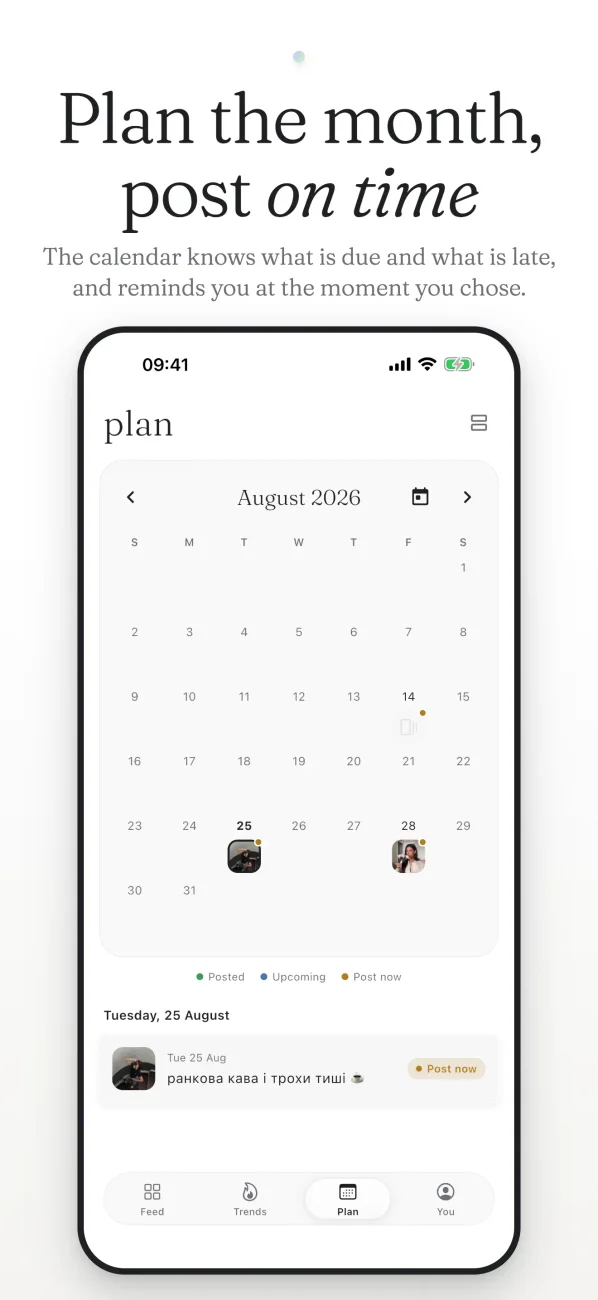
A month at a glance, or a list of what is next. Give a post a day and a time and Cora holds it — layout, caption, media, all ready. When the moment comes it tells you, copies the caption, and opens Instagram. Posting is a paste and a tap. Miss one and it waits for you instead of quietly disappearing.
PLAN STORIES THAT DON'T EXPIRE
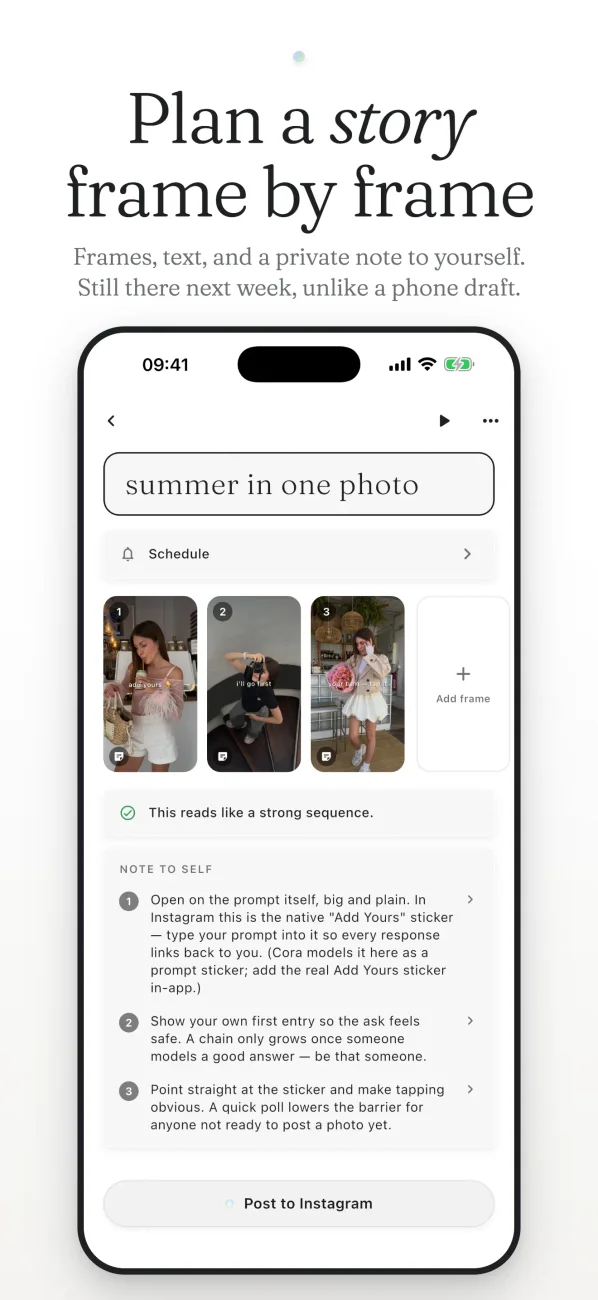
Build a story as a sequence of frames — photos, text, stickers, and a private note to yourself on each one that nobody else ever sees. Reorder them. Play the whole thing through to feel the pacing. Unlike drafts inside Instagram, a Cora storyboard is still there next week. When it is time, Cora saves every frame to your camera roll and hands you the captions one at a time.
TRENDS FROM REAL CREATORS
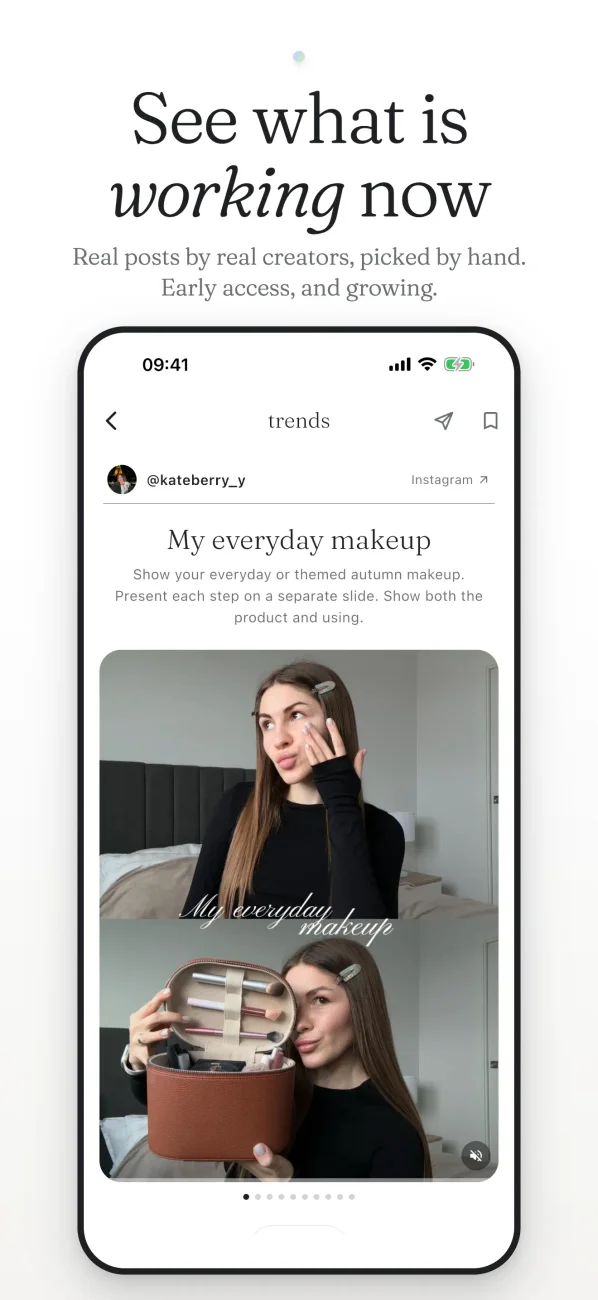
Real posts by real creators: the photos or video they made, who made them, and a button that opens their Instagram. Small on purpose — it grows as we find work worth showing.
CORA FREE AND CORA PRO
Cora Free includes everything above, with limits: 12 dated posts at a time, two grid versions, two storyboards in progress and two Instagram accounts. Cora Pro lifts the limits: every post dated as far ahead as you plan, every version of your grid, every account in one place, as many storyboards as you need, and more AI help with captions.
Pro is a monthly or yearly subscription, paid through your Apple ID. The yearly plan starts with a 7-day free trial for new subscribers. It renews automatically unless you cancel at least 24 hours before the current period ends; manage or cancel it in your App Store account settings.
Terms of Use: https://coraplanner.com/terms
Privacy Policy: https://coraplanner.com/privacy
MADE FOR
Anyone growing a personal account, creators shooting for brands, and small businesses that would rather plan a week in one sitting than improvise every morning.
Tell us what's missing: support@coraplanner.com
What’s new
Version 1.0.12 · Nov 14, 2026
Plan your week in one tap, share a media kit, and a calmer first run.
• Plan: one tap spreads the photos that have no day over your posting days. You can change any day afterwards.
• Analytics: share a one-page media kit with your followers, reach, best formats and top posts.
• First run: one photo is now enough to continue the grid step.
• The Cora Pro offer no longer interrupts onboarding; it shows once, after your first post of your own.
Fixed
• Deleting your account no longer leaves you on the "you're all set" screen.
App privacy
What DANIIL POPOV declares on the App Store about how this app handles data.
-
Data linked to you
May be collected and linked to your identity.
- Purchases
- Contact info
- User content
- Identifiers
- Usage data
- Diagnostics
Privacy practices may vary, for example with the features you use or your age.
Information
- Seller
- DANIIL POPOV
- Category
- Photo & Video
- Version
- 1.0.12
- Updated
- Nov 14, 2026
- Released
- Sep 1, 2026
- Size
- 87.5 MB
- Requires
- iOS 15.0 or later
- Age rating
- 4+
- Price
- Free
- In-app purchases
- Yes
- Languages
- English
- Copyright
- © 2026 Daniil Popov
You might also like
-
 Creava: Content PlannerFor Creators & Influencers
-
 Gridder: Planner for InstagramFeed Preview, Grid & Layout
-
 Luna Shoots: Shoot PlannerPhotographer CRM & galleries
-
 Identity:CreatorOSContent pipeline on autopilot
-
 thefeed.toolsFeed Preview & Grid Planner
-
 stheticVisual grid planner & editor
-
 Griddify: Grids & CarouselsRasters, carrousels en feeds
-
 Babymorph AIAI Baby Face Predictor
-
 ZenGridPlan your Instagram feed
-
 Feed Master for InstagramPhoto & Video