Griddify: Grids & Carousels
Rasters, carrousels en feeds
Designed for iPhone, iPad
- Age rating4+
- CategoryPhoto & Video
- DeveloperRory Meijer
- LanguagesEnglish+ 1 more
- Size2.1 MB
Links to the official App Store page
Download.org hosts no file of Griddify: Grids & Carousels. The button opens its official App Store page, published by Rory Meijer. Listing last checked on Nov 10, 2026.
Screenshots
About
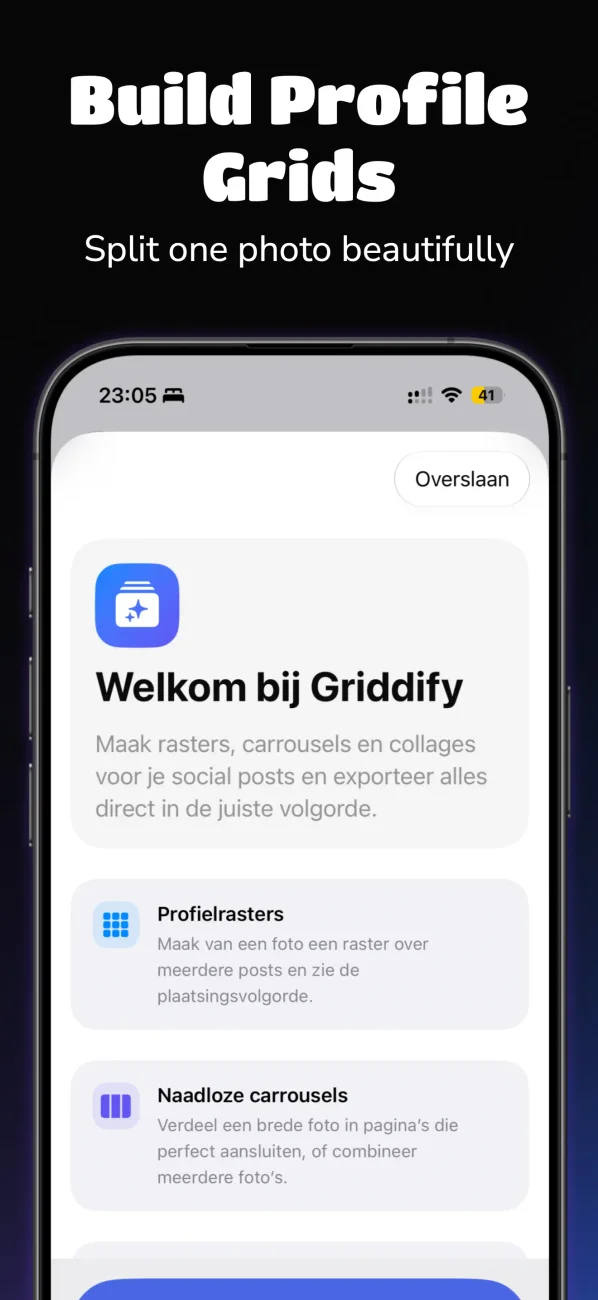
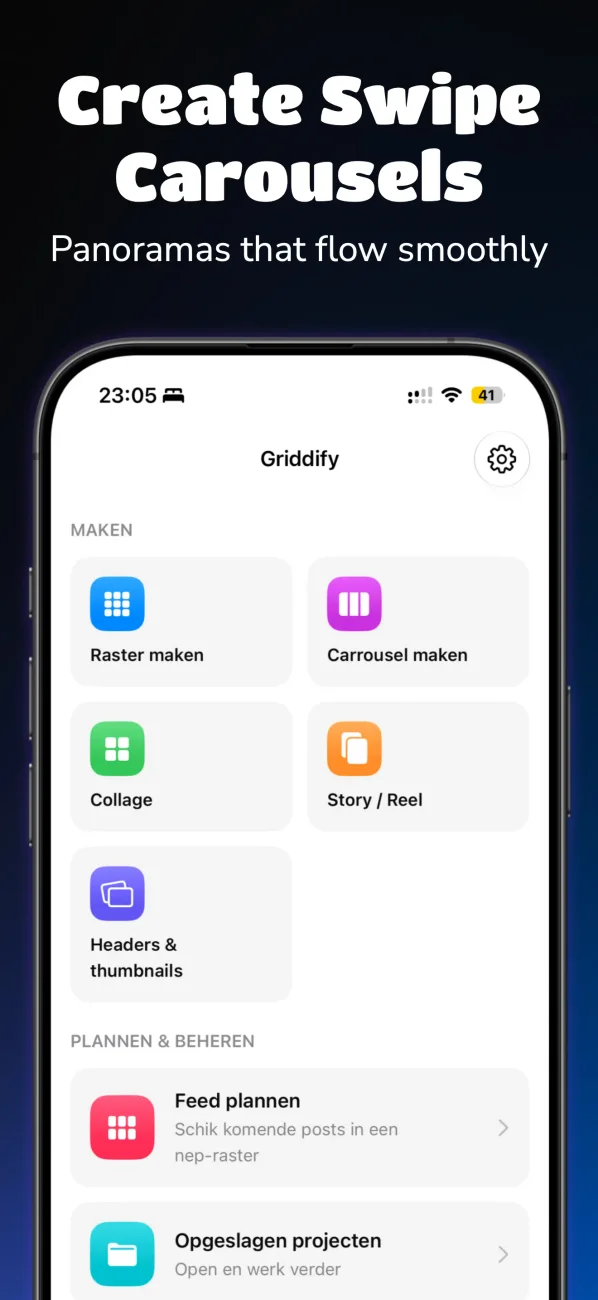
Griddify helps you prepare photos for social media. Create profile grids, seamless carousels, collages and images for popular social formats — directly on your iPhone or iPad.
PROFILE GRIDS
Split one photo across several posts and preview how the finished result will look on a profile. Choose layouts from 3 × 1 through 3 × 6 and follow the clear posting order when exporting.
SEAMLESS CAROUSELS
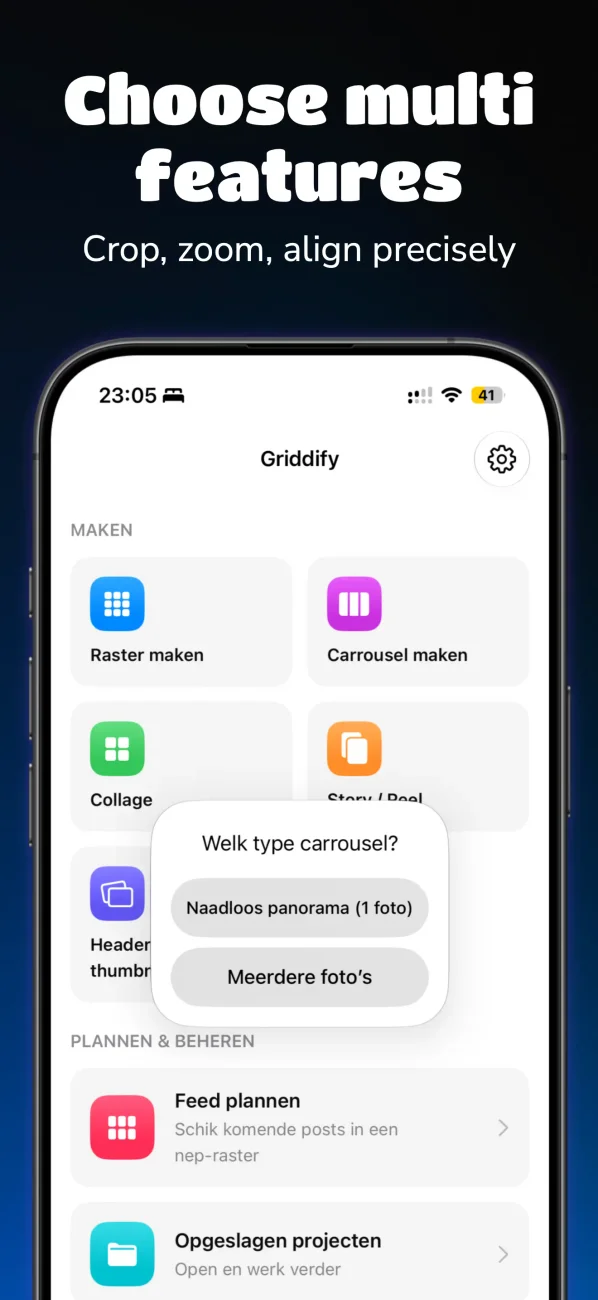
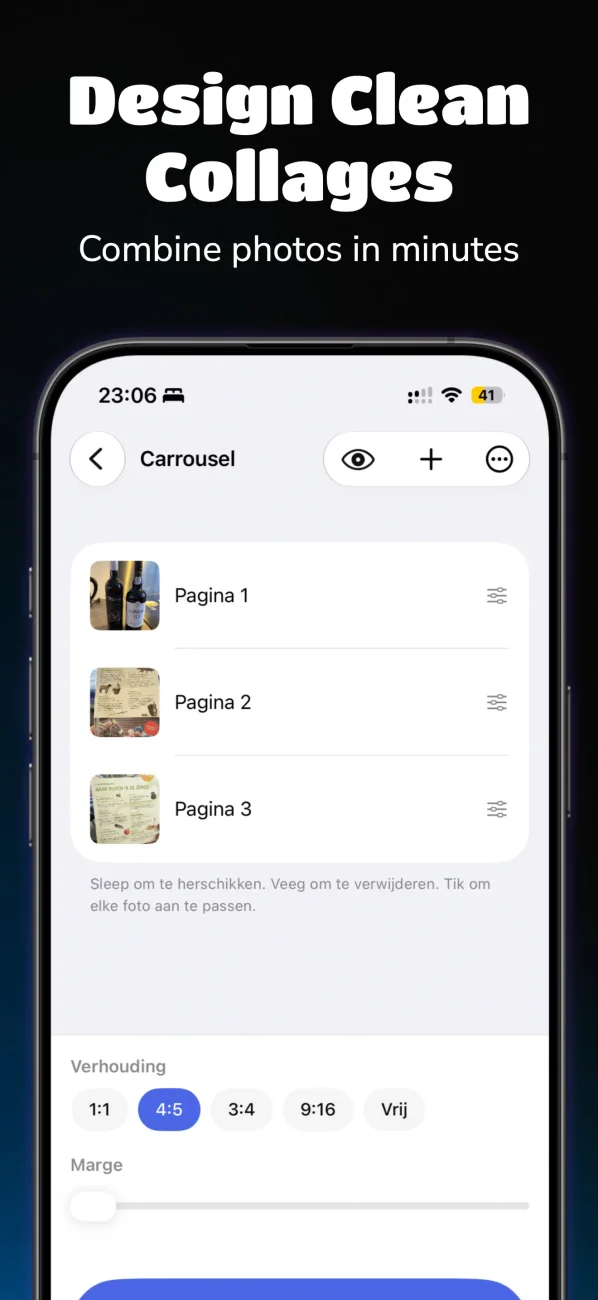
Turn a wide photo into a seamless panorama carousel with 2 to 10 pages. Images are divided using pixel-exact boundaries so adjacent pages line up while swiping.
You can also combine several individual photos, reorder them and arrange them in one carousel.
COLLAGES AND SOCIAL FORMATS
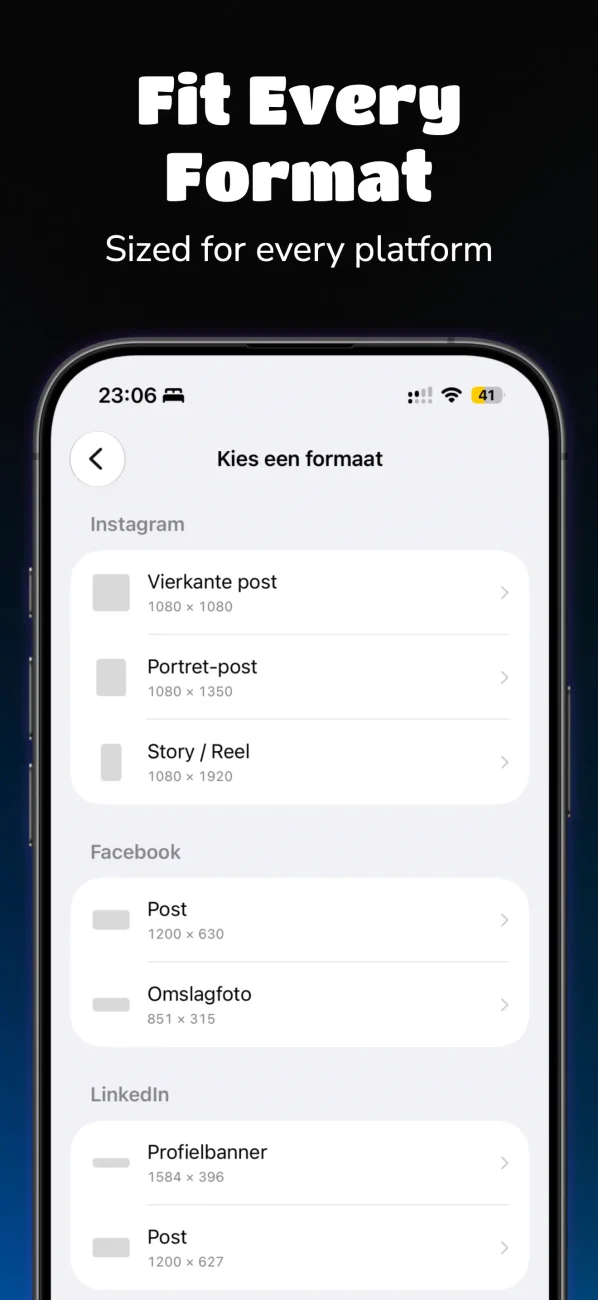
Combine several photos into one collage or use ready-made formats for:
• Instagram posts
• Stories and Reels
• Facebook
• LinkedIn
• YouTube thumbnails and channel art
• X headers
• Pinterest
EDIT YOUR DESIGN
• Pan, zoom and rotate photos
• Adjust brightness, contrast and other settings
• Add a blurred background fill
• Add your own text or logo
• Display safe-zone guides for Stories and Reels
• Use on-device face-aware alignment to help keep cut lines away from faces
PLAN YOUR FEED
Arrange upcoming posts in a three-column profile preview. Add captions and hashtags, save hashtag groups, reorder posts, mark them as posted and copy your text with one tap.
You can also schedule a local reminder for the time you want to publish. Griddify never posts automatically to social media.
EXPORT
Export high-resolution results to Photos, Files, the share sheet or a ZIP archive. For profile grids, Griddify clearly shows which image should be posted first.
PRIVATE AND FREE
Griddify is completely free:
• No subscription
• No in-app purchases
• No advertising
• No account
• No tracking or analytics
• No watermark
• No server uploads
All image processing takes place locally on your device. Your projects, photos, captions and hashtags remain on your device. Griddify also works offline.
EULA: https://www.apple.com/legal/internet-services/itunes/dev/stdeula/
App privacy
What Rory Meijer declares on the App Store about how this app handles data.
-
Data not collected
The developer does not collect any data from this app.
Privacy practices may vary, for example with the features you use or your age.
Information
- Seller
- Rory Meijer
- Category
- Photo & Video
- Version
- 1.0.0
- Updated
- Jul 23, 2026
- Released
- Jul 23, 2026
- Size
- 2.1 MB
- Requires
- iOS 18.0 or later
- Age rating
- 4+
- Languages
- English, Dutch
- Copyright
- © 2026 Rory Meijer
You might also like
-
 Swipescape: Panorama CarouselSeamless Grid & Collage Maker
-
 sthetic — Feed PlannerGrid preview & post scheduler
-
 FeedPeek: Feed PlannerPlan your grid before you post
-
 Rendrl: Carousel Collage MakerSeamless Panorama Scroll Post
-
 Mosaic: Carousel & CollagePhoto carousel & grid maker
-
 Cora — Content PlannerFeed grid & post planner
-
 Collage Maker: CollageFlow AIGrid Maker, Layout & Mosaic
-
 Postfolio: Carousel MakerPanorama split & grid maker
-
 Gridder: Planner for InstagramFeed Preview, Grid & Layout
-
 Feed Grid MakerPhoto Grid Splitter for Social