
- Age rating4+
- CategoryUtilities
- Developerkohei yamane
- LanguagesEnglish+ 1 more
- Size6.9 MB
Links to the official App Store page
Download.org hosts no file of Core Pulse - CPU. The button opens its official App Store page, published by kohei yamane. Listing last checked on Nov 14, 2026.
Screenshots



About
CorePulse shows your iPhone as a live system console.
Real readings. A cyber HUD. Nothing invented.
Open the app and the screen comes online: uptime ticking every second, cores lit by count, battery and thermal state drawn as instruments. It is your phone, presented like a diagnostic terminal.
MONITOR
See what iOS actually reports.
• Device model, model identifier, and iOS version
• Active processor cores, shown as a count
• Physical memory
• Storage used, free, and total
• Battery level and charging state
• Thermal state: Nominal, Fair, Serious, or Critical
• System uptime, low power mode, and the current link type
CorePulse does not invent CPU load, system memory use, or temperature. If a value cannot be read, it stays unavailable.
THREE VIEWS
DATA is the full readout.
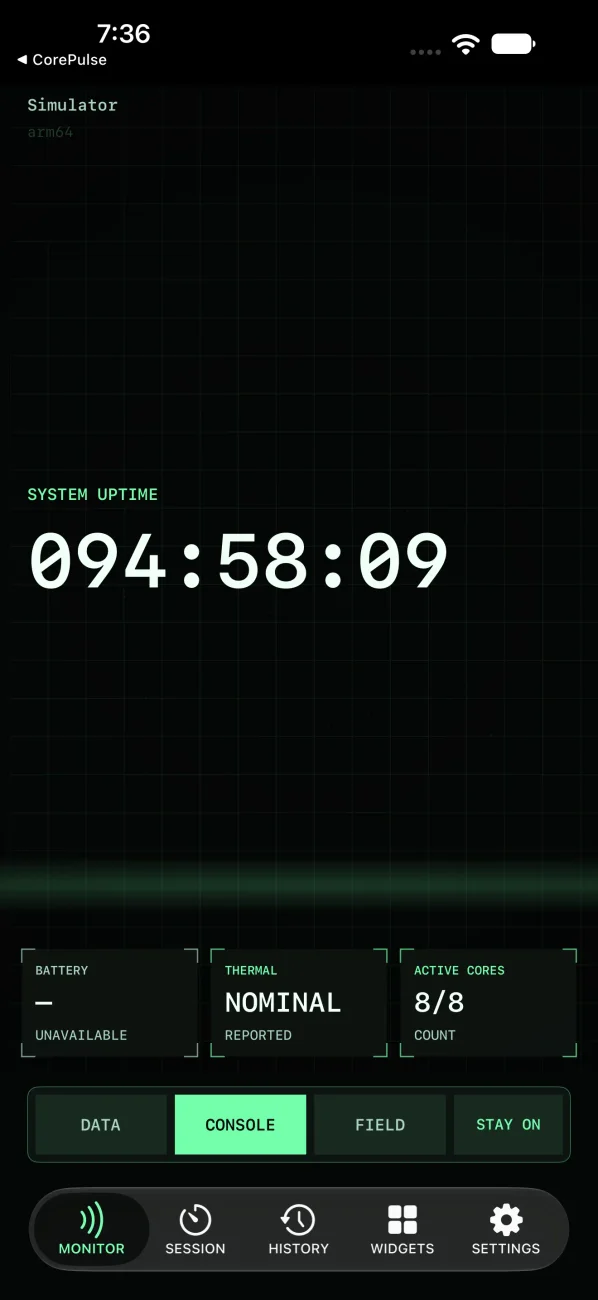
CONSOLE is a full-screen instrument, built around live uptime.
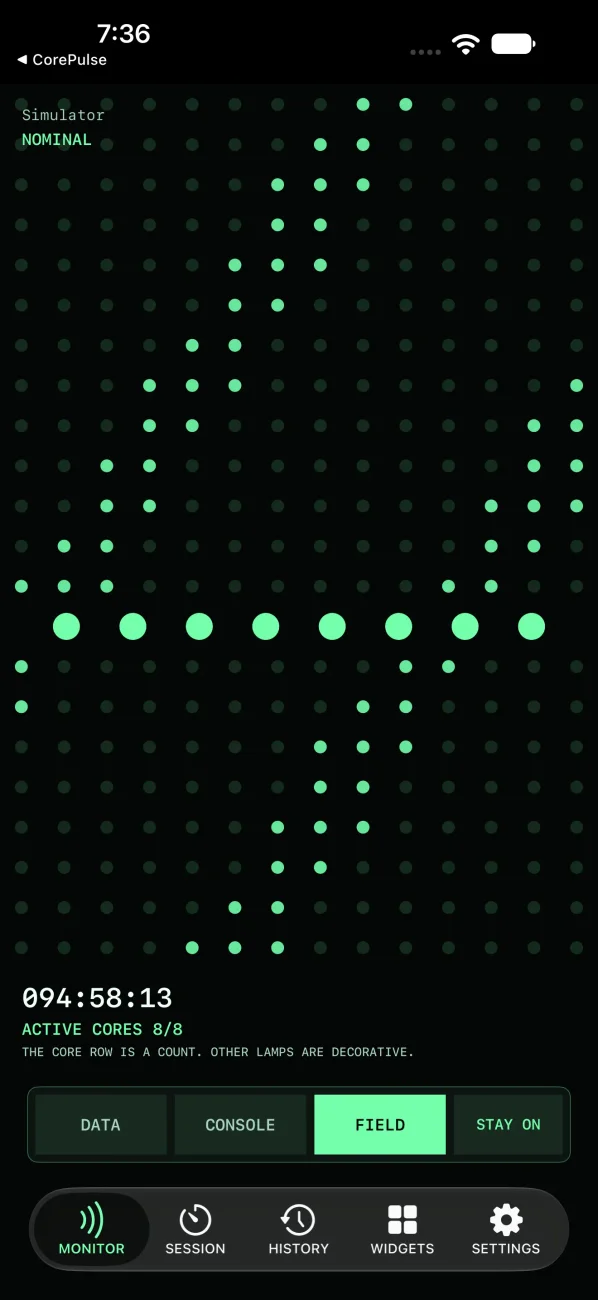
FIELD is a lamp display. Its color follows the thermal state, and one row shows how many cores are active. The other lamps are decoration, and they are labeled as such.
SESSIONS
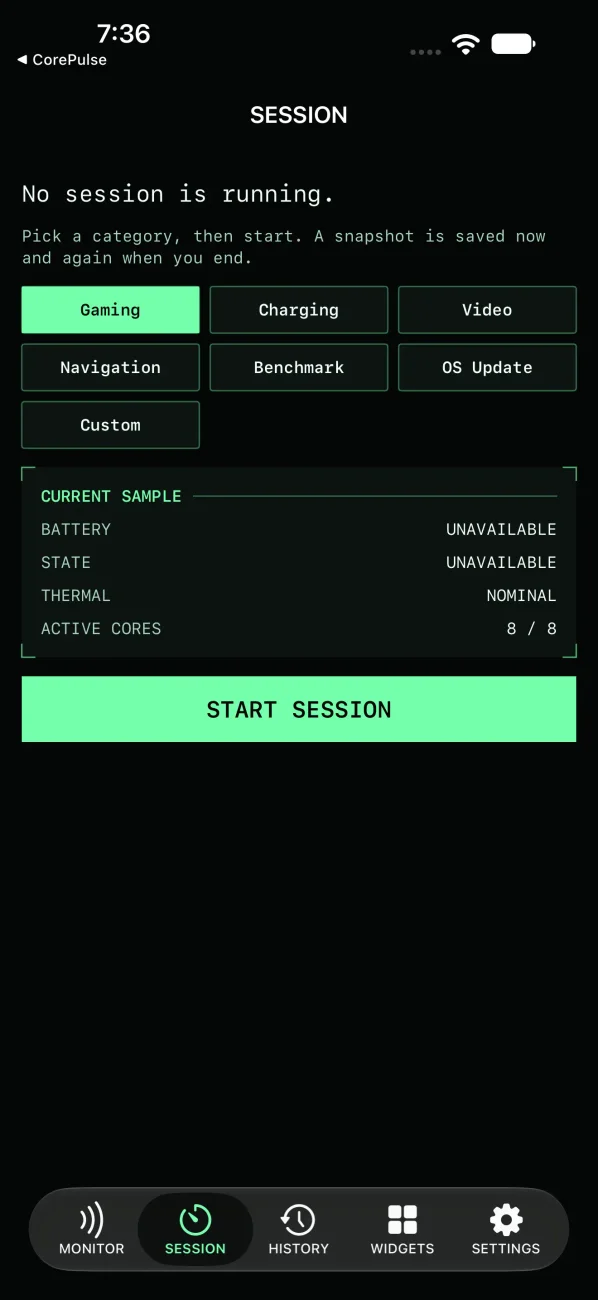
Start a session before a game, a charge, a video, or anything else. End it when you come back. CorePulse compares the two readings: duration, battery, thermal state, storage, and uptime. History stays on this iPhone.
WIDGETS
Place a Small or Medium widget on the Home Screen. Each one shows battery, thermal state, free storage, and active cores, with the time of the last update. Widgets refresh on a schedule. They are not a live feed.
PRIVATE BY DESIGN
No account. No cloud. No tracking. No upload of device data.
Everything stays on this device.
App privacy
What kohei yamane declares on the App Store about how this app handles data.
-
Data not collected
The developer does not collect any data from this app.
Privacy practices may vary, for example with the features you use or your age.
Information
- Seller
- kohei yamane
- Category
- Utilities
- Version
- 1.0
- Updated
- Oct 2, 2026
- Released
- Oct 1, 2026
- Size
- 6.9 MB
- Requires
- iOS 17.0 or later
- Age rating
- 4+
- Price
- Free
- Languages
- English, Japanese
- Copyright
- © Kohei Yamane
You might also like
-
 What's This Mail?Scan a letter. Know what to do
-
 MainframeMonitorRetro CRT System Monitor
-
 BatteryAI: Battery DetectiveCheck drain. Compare changes.
-
 DeviceBeatPrivate device health monitor
-
 Pulse - System ToolkitSystem Toolkit
-
 NDscanner LiteUtilities
-
 SysScopeUtilities
-
 Thermal StateKnow when your phone throttles
-
 GPU Host Monitorvast.ai Fleet Monitor
-
 Hearing Booster for AirbudsSound Amplifier & Aid Listen