
- Age rating17+
- CategoryProductivity
- DeveloperRall Digital
- LanguagesEnglish
- Size22.2 MB
Links to the official App Store page
Download.org hosts no file of Cortez Duo. The button opens its official App Store page, published by Rall Digital. Listing last checked on Nov 12, 2026.
Screenshots
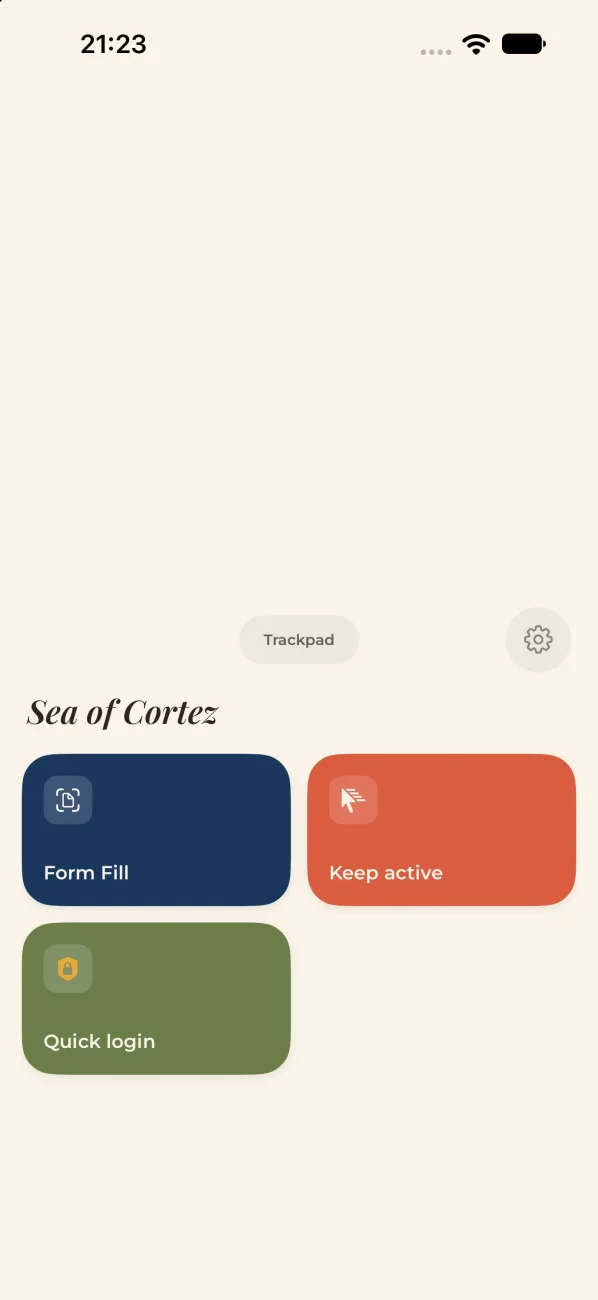

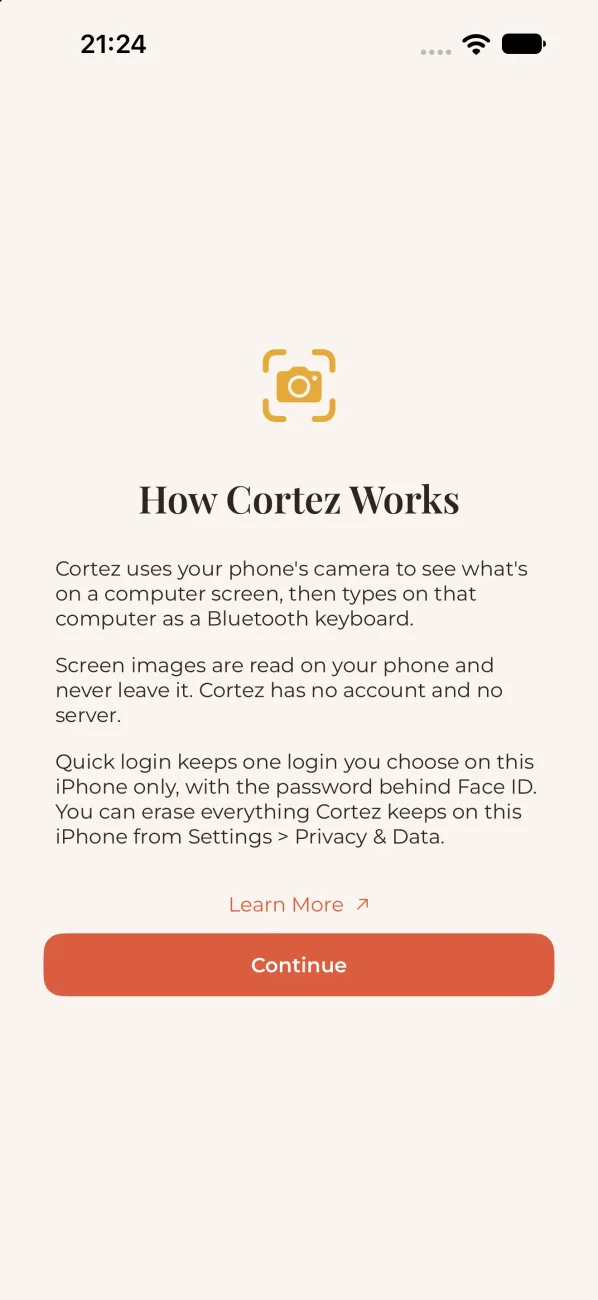
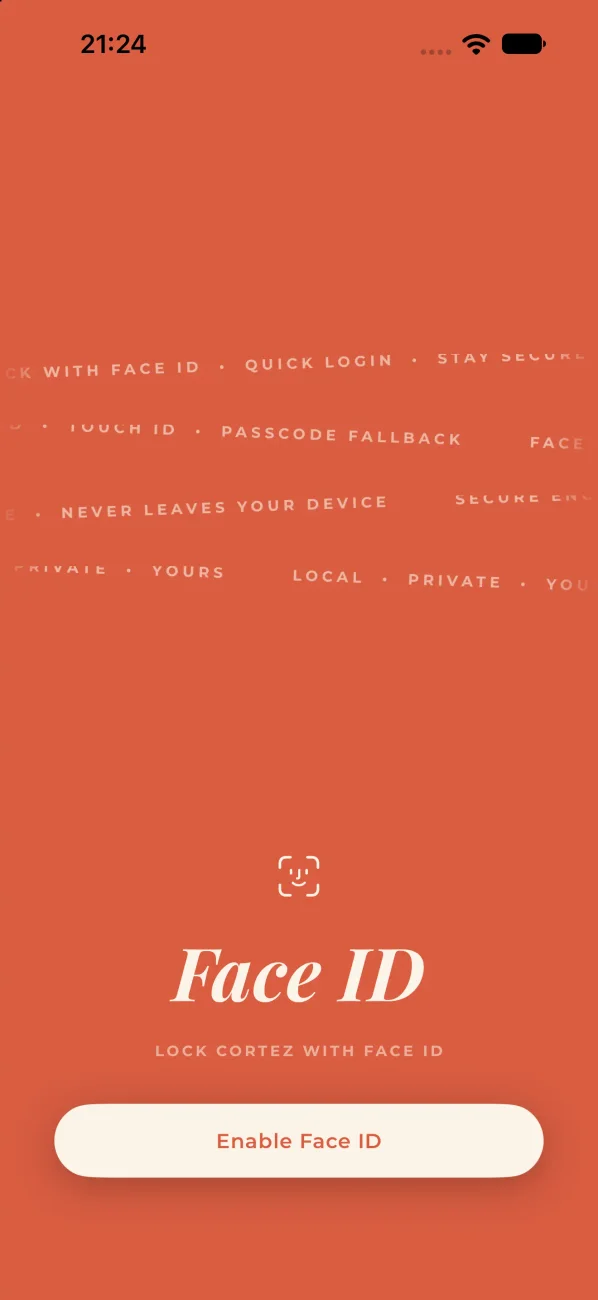
About
Cortez Duo turns your iPhone or iPad into a Bluetooth keyboard and trackpad for any Mac you can see. Pair once, point your phone at the screen, and type, scroll and click.
NOTHING TO INSTALL ON THE COMPUTER
Cortez Duo shows up as a standard Bluetooth keyboard and trackpad. No app, driver or helper runs on the Mac. If a keyboard is allowed, Cortez Duo is allowed.
WHAT IT DOES
• Keyboard. A full keyboard with modifier keys and macOS key bindings.
• Trackpad. Use your phone's screen as a precision trackpad and scroll surface.
• Quick login. Save one login on your iPhone or iPad. Cortez Duo types it into your Mac over Bluetooth, in the mode you choose (Two-step, Same page or Password only), and the password always needs Face ID or Touch ID. It types wherever the cursor is on the Mac, so click the right box first. It types as a US keyboard, so the Mac should use the U.S. keyboard layout. The password leaves your iPhone or iPad only as keystrokes. It does not press Return.
PRIVACY
Cortez Duo has no account and no server, and it makes no network requests. The camera shows you the screen you are pointing at; anything it reads is read on your phone and never uploaded. No analytics, no ads, no third-party SDKs. The one login Quick login keeps stays on your iPhone or iPad, behind Face ID or Touch ID. Erase everything the app stores from Settings > Privacy & Data.
WHAT YOU NEED
• iPhone or iPad running iOS 26.2 or later
• A Mac with Bluetooth, paired once as a keyboard
Privacy policy: cortez.is/private
Terms: cortez.is/terms
Support: cortez.is/support
Cortez Duo is made by RALL DIGITAL LLC.
What’s new
Version 1.0.2 · Nov 1, 2026
• New: Quick login. Save one login on your iPhone or iPad, with the password kept behind Face ID or Touch ID. Cortez types it into your Mac over Bluetooth in the mode you choose: username then password in two taps, both in one tap, or the password alone. It never presses Return.
• The Fill password tile is not in this version.
• Updated Terms and Privacy to describe Quick login.
App privacy
What Rall Digital declares on the App Store about how this app handles data.
-
Data not collected
The developer does not collect any data from this app.
Privacy practices may vary, for example with the features you use or your age.
Information
- Seller
- RALL DIGITAL LLC
- Category
- Productivity
- Version
- 1.0.2
- Updated
- Nov 1, 2026
- Released
- Oct 11, 2026
- Size
- 22.2 MB
- Requires
- iOS 26.2 or later
- Age rating
- 17+
- Price
- Free
- Languages
- English
- Copyright
- © 2026 RALL DIGITAL LLC
You might also like
-
 Timer - TimeloVisual focus timer
-
 FlowStack: Focus & RoutineTo Do List, Timer & Pomodoro
-
 PXS External Screen DesktopYour phone is the computer
-
 TypeFlow: SpanishReal-Time Translation Keyboard
-
 LifeApp: Habit, Calendar, Todoall-in-one productivity app
-
 Sweezy: Daily Life CompanionDaily planning in 5 minutes
-
 Simple Duty RosterProductivity
-
 AnkiLockUnlock Apps by Studying
-
 Network & System Admin ToolkitNetwork Tools & SSH Terminal