
PXS External Screen Desktop
Your phone is the computer
Designed for iPhone, iPad
Free · In-app purchases
- Age rating17+
- CategoryProductivity
- DeveloperbyteNine AS
- LanguagesEnglish+ 1 more
- Size213.3 MB
Links to the official App Store page
Download.org hosts no file of PXS External Screen Desktop. The button opens its official App Store page, published by byteNine AS. Listing last checked on Nov 25, 2026.
Screenshots
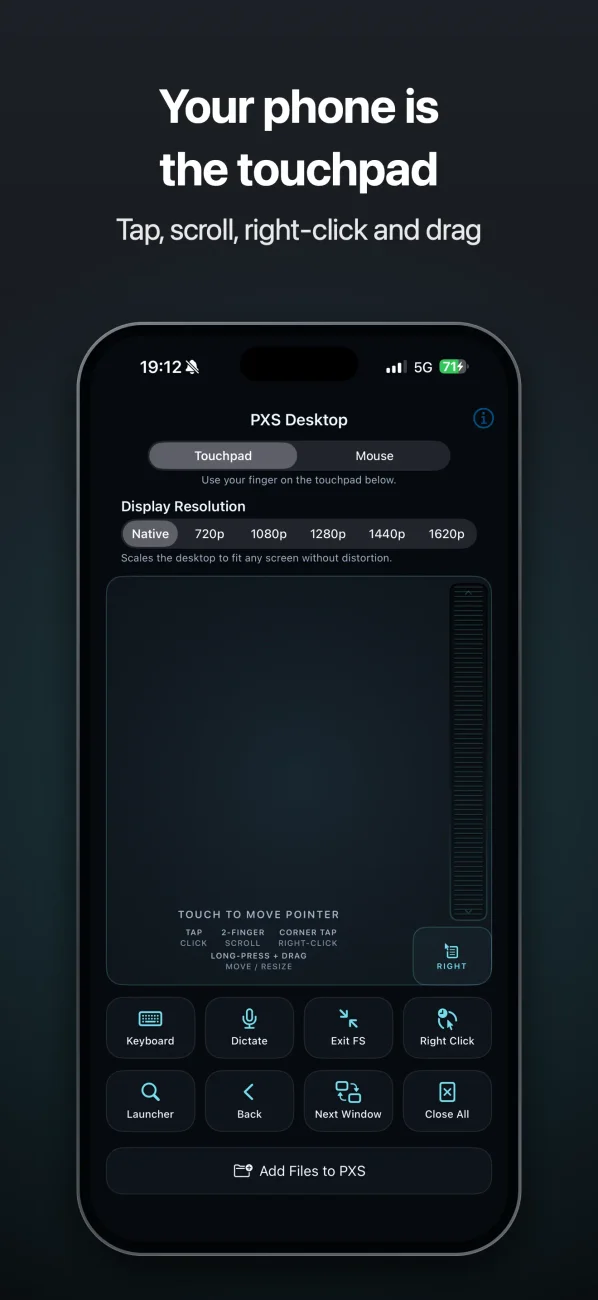
About
Leave the laptop at home — your phone IS the computer.
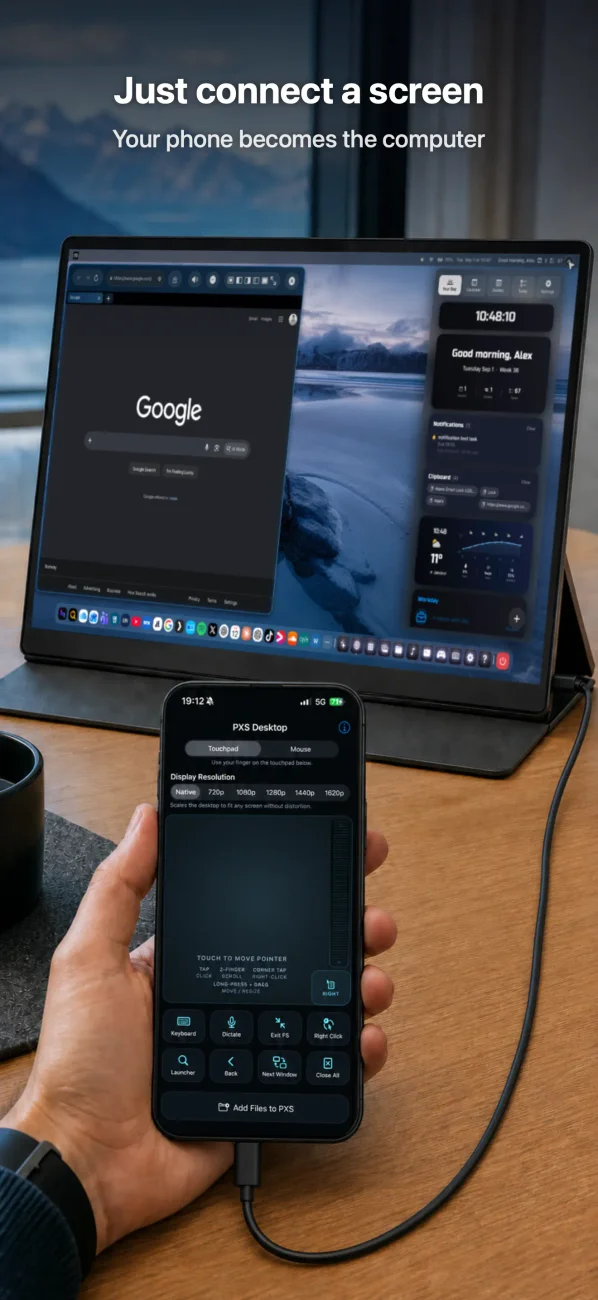
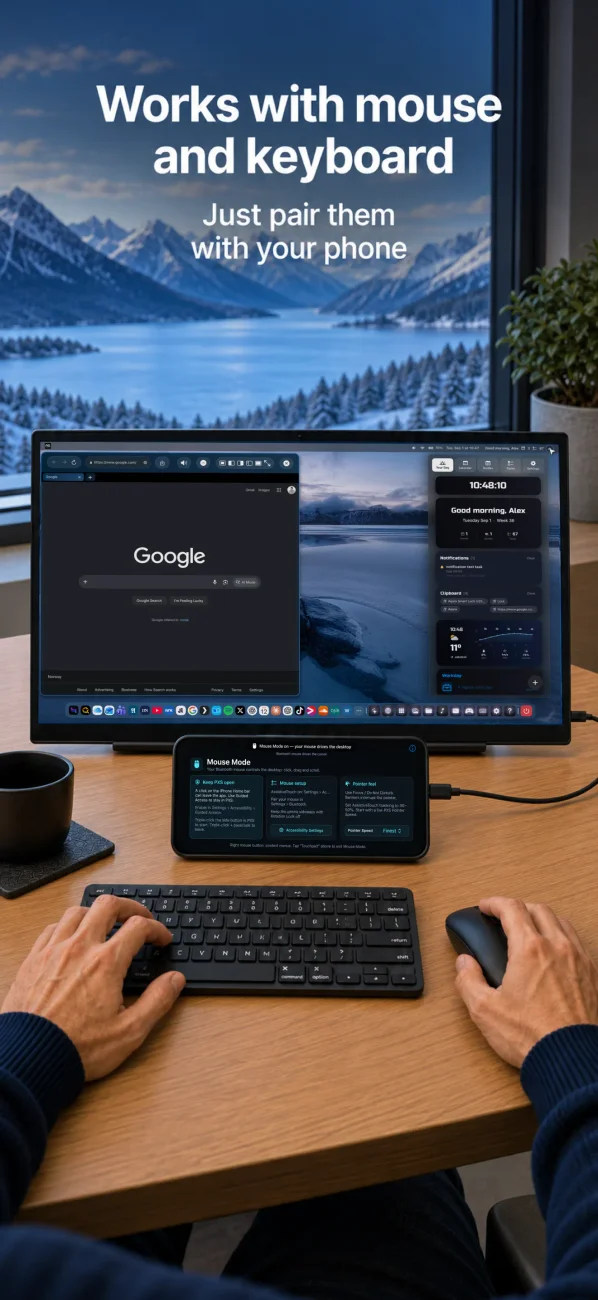
PXS Desktop turns your phone into a real desktop: windows, a dock, a launcher, a desktop-class browser — on AR glasses, a monitor, a TV, or even a web browser. Your phone becomes the trackpad and keyboard. Pair a Bluetooth mouse and keyboard for the full laptop feel.
FOUR WAYS TO GET A SCREEN
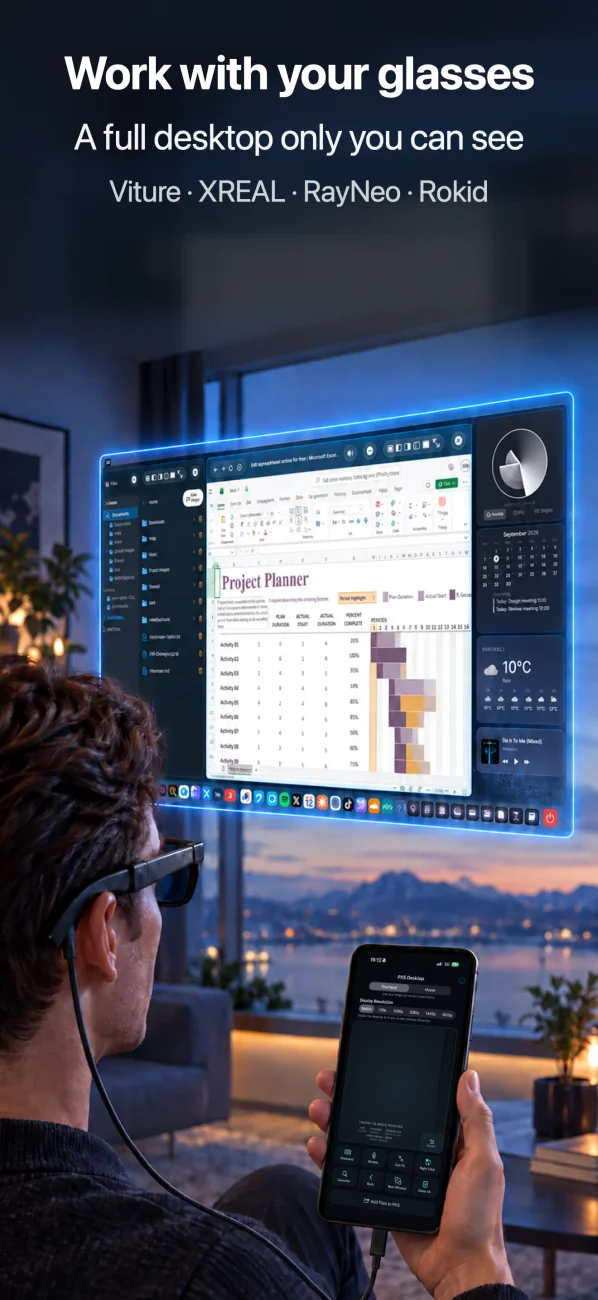
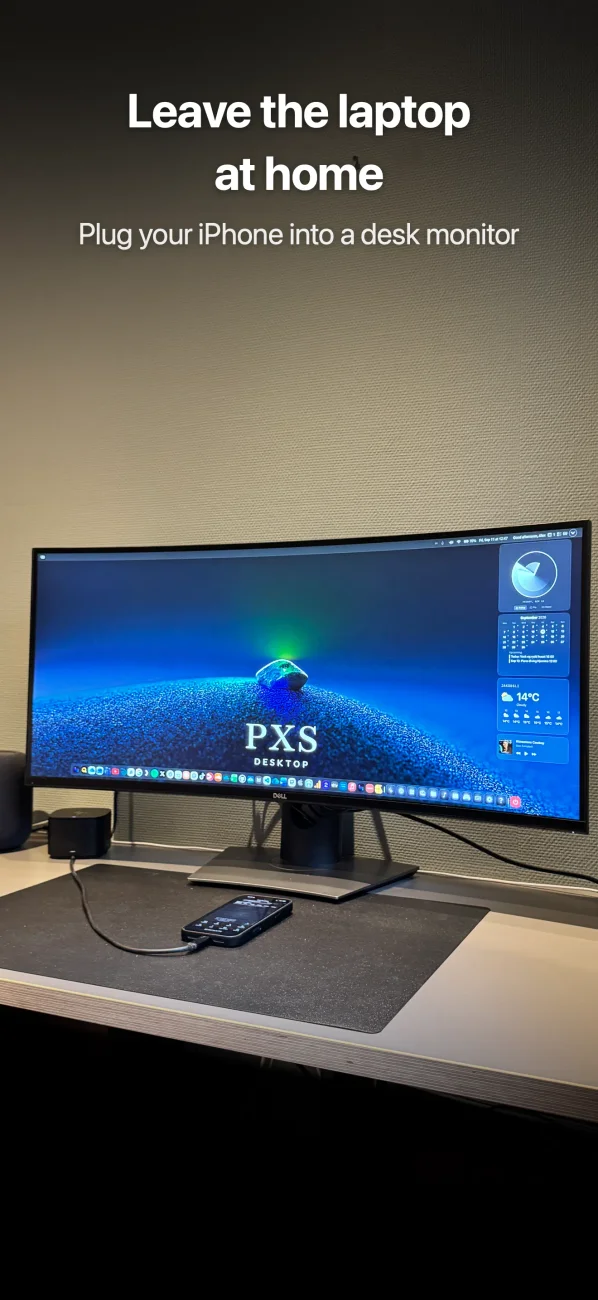
• Cable — AR display glasses (Viture, XREAL, RayNeo, Rokid, Lenovo Legion Glasses), any USB-C monitor or portable display, HDMI via adapter
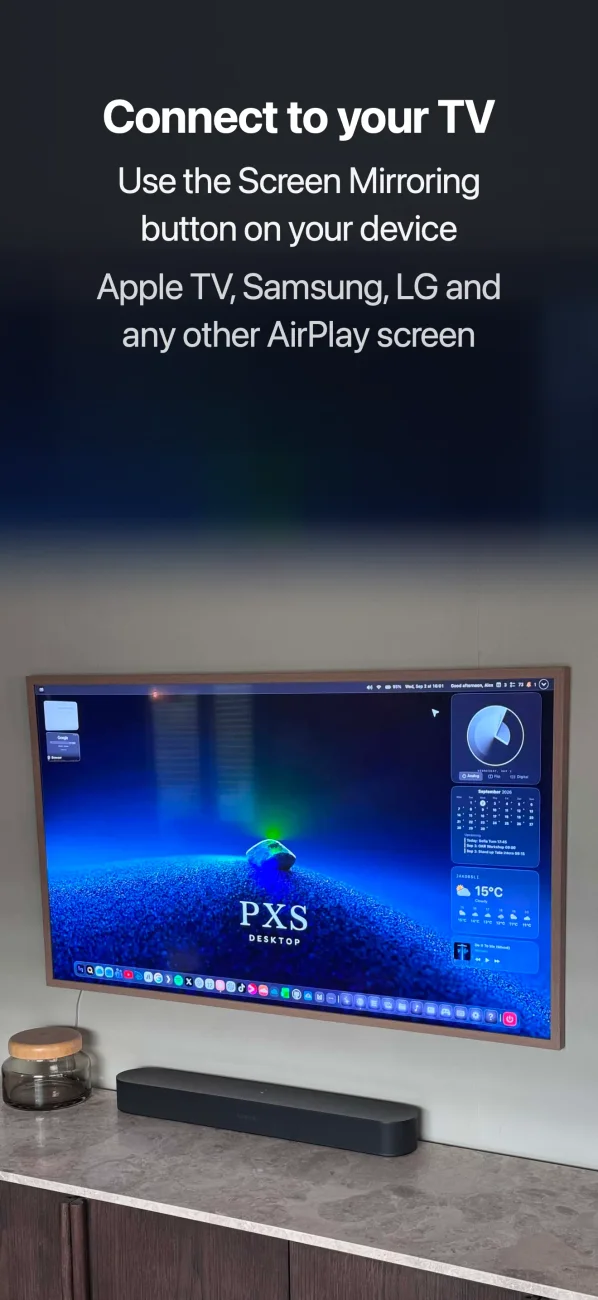
• Screen Mirroring — Apple TV, a Mac, or any AirPlay 2 TV
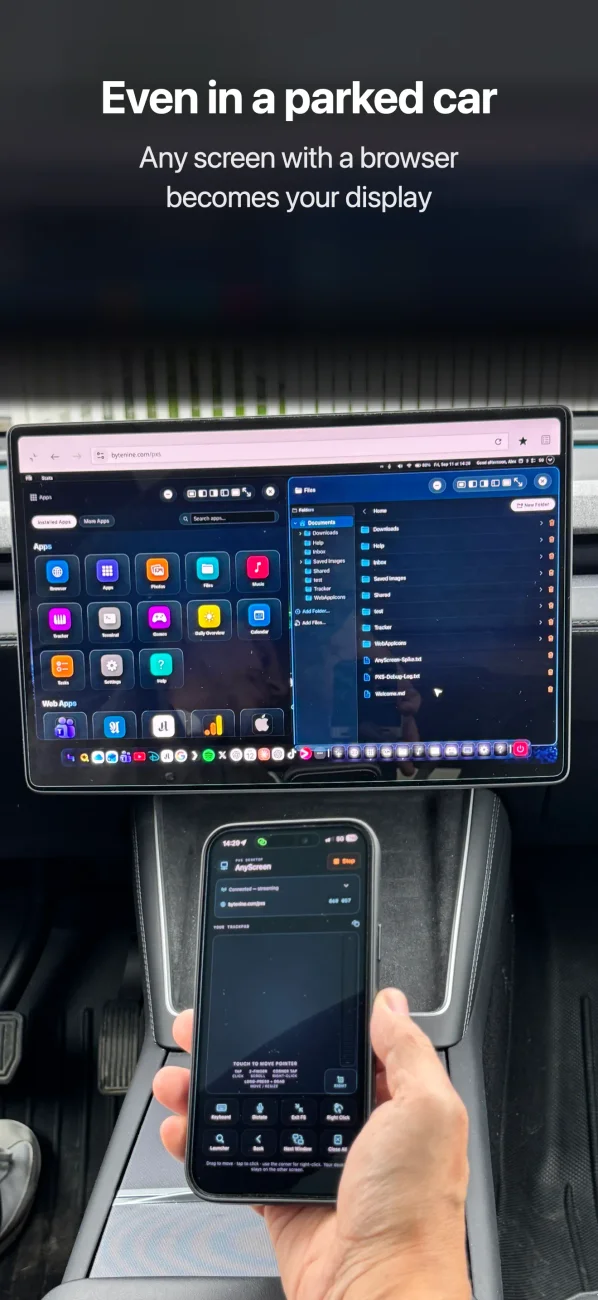
• AnyScreen — any modern browser becomes your display: a laptop, a smart TV, even the browser in your parked car
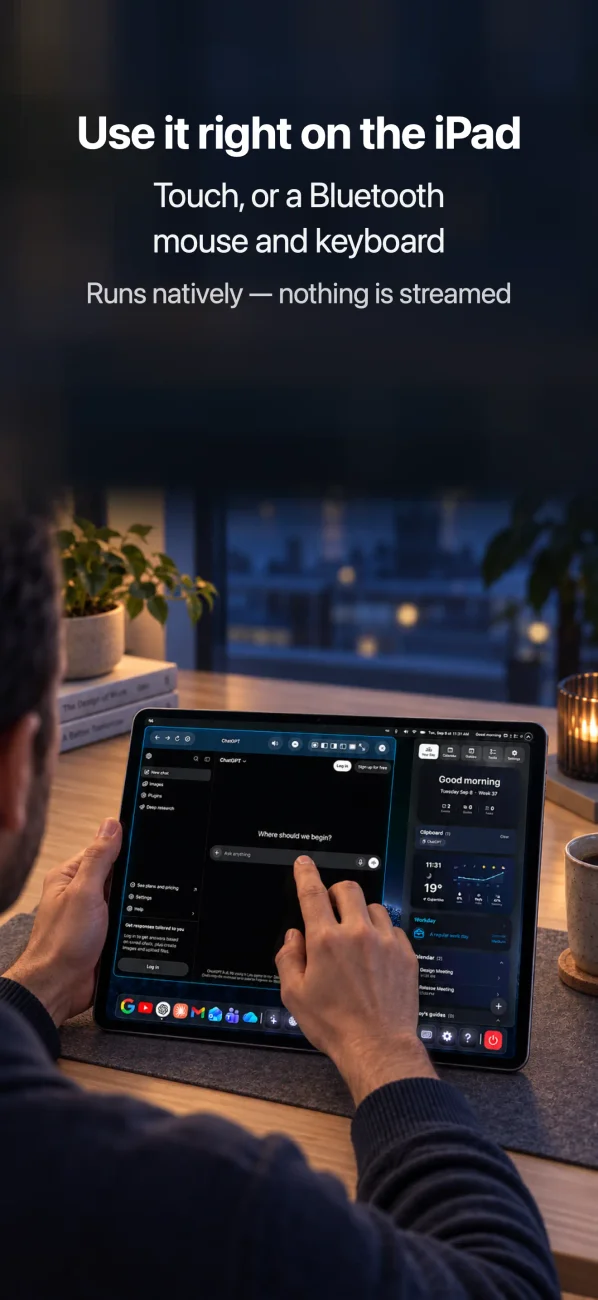
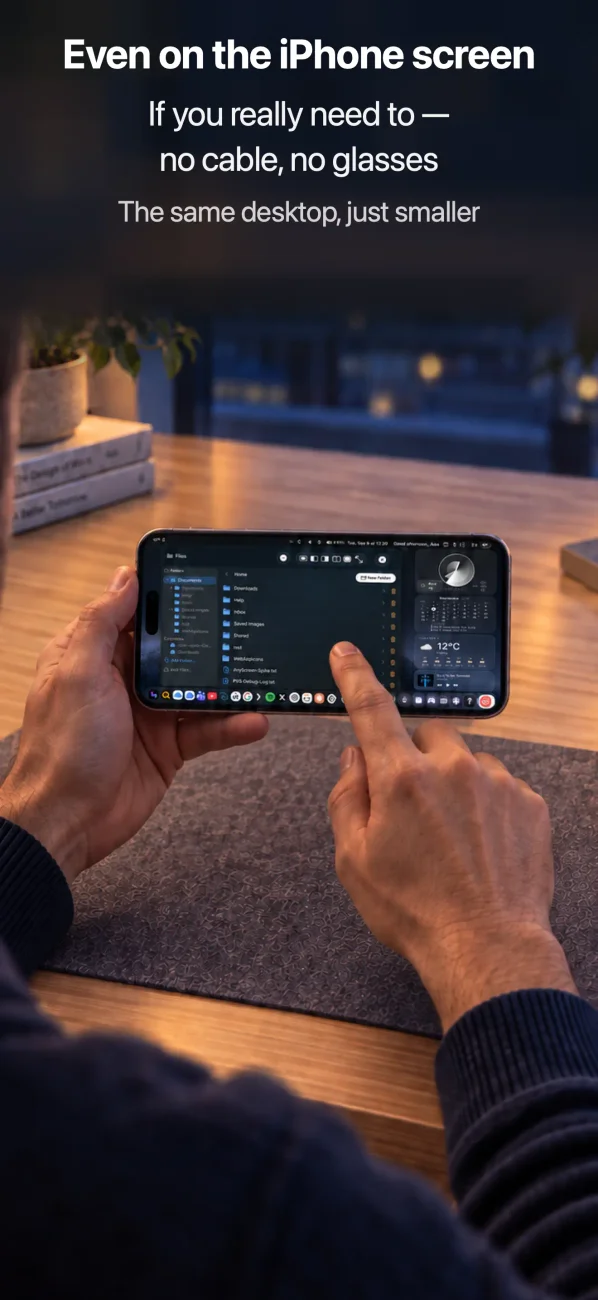
• Open on this screen — the desktop right on an iPad or iPhone Duo
WIRED? CHECK YOUR CABLE
Charging cables carry power only — including the white one in your iPhone box. A wired screen needs a USB-C cable that supports video (DisplayPort Alt Mode): the cable that came with your glasses or monitor, a Thunderbolt cable, or Apple's USB-C Digital AV Multiport Adapter for HDMI.
UNFOLD IT
On iPhone Duo the desktop fills the big inner screen. Half folded, it stands like a laptop: the desktop on top, a touchpad or a game controller below.
A REAL DESKTOP
• Windows you can move, resize, snap, minimize and fullscreen
• A desktop-class tabbed browser — Gmail, Google Docs, Office, video calls with camera and mic (Teams, Meet), file downloads
• Reader view: any article in clean, larger text, or read aloud
• Install any website as an app with its own icon
• Your phone's own apps in the dock and launcher, opening on the phone
• Screen Sharing: your Mac or Windows PC in a window, with sound via the free PXS Helper
• Play cloud games with a controller, or with your phone as one
• Spotlight-style launcher with voice input and natural-language commands
• Files, Photos, Notes, Preview (PDF markup), Camera and scanner, Clock with alarms, Calculator, video, text editor, terminal, games
• Daily Overview: calendar, tasks and weather
• A spoken greeting when you connect, in a natural voice that runs offline
• Themes and chrome styles, movable widgets, on-screen keyboard
TALK INSTEAD OF TYPING
Press Dictate under the trackpad, or the microphone in the menu bar, and speak into any field — a web form, an email, a search box. It all happens on your iPhone, so nothing is sent anywhere and it works with no signal. Requires iOS 26.
MADE FOR AR GLASSES
PXS was built for the pocket-computer dream: glasses on your face, phone in your hand, a huge desktop nobody else can see. If your glasses act as a USB-C display, they work. Switch them to 3D and the desktop gets depth, and 3D films and photos show in 3D.
TRY IT FREE FIRST
Your free trial starts when you first connect a screen — not when you install — so no trial time is wasted waiting for your glasses to arrive. After that, one purchase makes it yours forever: $39.99 at the launch price, down from $49.99 (or $24.99/year, cancel anytime). Your setup, your signed-in apps and your files always remain yours.
THE HONEST LIST
We're a small shop and we'd rather tell you up front: Apple TV+ won't play in the browser (a service choice, not an iOS limit — Netflix, HBO Max, Disney+, Prime Video, Apple Music and Plex all play fine); copy/paste works best with a Bluetooth keyboard (⌘C/⌘V); other apps' iOS notifications can't appear on the desktop; a Bluetooth mouse needs a one-time AssistiveTouch setup, and typing in Mouse Mode wants a Bluetooth keyboard (iOS hides the touch keyboard while a mouse is connected). The spoken greeting is English only. And in a car, AnyScreen is for passengers and parked use only — never while driving. Feature requests are voted on publicly at bytenine.com — the board genuinely drives the roadmap.
No ads. No tracking. No account required.
Subscriptions renew automatically unless cancelled at least 24 hours before the end of the current period. Terms of Use: https://www.apple.com/legal/internet-services/itunes/dev/stdeula/
What’s new
Version 1.4 · Nov 4, 2026
PXS 1.4 brings a Reader to the browser, game controllers to the built-in games, and Windows PCs and zoom to Screen Sharing.
THE BROWSER
• Reader: any article in clean, larger text, dark, light or sepia, and read aloud with Listen
• The Reader works in web apps too
• A ⋯ menu in the title bar: Reader, Listen, text size and page zoom, favorites, Save as Web App and Share
• Fix for iCloud: Pages, Numbers and Keynote on iCloud.com open as on a Mac, instead of asking for a tablet or desktop browser
• A document you open on iCloud.com opens in a window of its own
• Servers on your own network open by their address, over http when they have no https, and with Visit Anyway for a certificate of their own
GAMES
• The built-in games play with a game controller, or with your phone held sideways as one
• Steer with the stick: the further you push it, the faster you go
• Four button sizes for your phone as a controller, in Settings › Mouse
• The sticks on your phone take a longer push to reach full speed
SCREEN SHARING
• Now with Windows PCs: your PC in a window, with its sound, through the free PXS Helper for Windows
• As with a Mac: pair once with a six-digit code, pick a display, and control it with the pointer and the keyboard
• Zoom in up to 800% on your Mac or PC: pinch the picture or the touchpad, or use − and + in the bar
• A pinch zooms in right where your fingers or the pointer are
• Zoomed in, the picture follows the pointer to every edge, in full screen too
• Screen Sharing now has its own place in the dock
On iPhone Duo:
• Folded, the touchpad fills the outer screen, with its buttons in a bar along the bottom
• Windows from a cable fit the screen when you open the desktop on the phone
ALSO
• Premium apps come first in Apps, larger and with new icons
• A screen you connect starts at 1080p or more
• The spoken greeting starts sooner
• Your desktop on your other iPhone or iPad: PXS asks first, then brings over the web apps, the dock and the settings through iCloud
• The Launcher closes with a tap outside it, with its button on the phone, or with Esc
Plus many fixes. Tell us what you want next: the feedback board at bytenine.com drives the roadmap.
App privacy
What byteNine AS declares on the App Store about how this app handles data.
-
Data linked to you
May be collected and linked to your identity.
- Contact info
- User content
- Identifiers
-
Data not linked to you
May be collected but is not linked to your identity.
- Purchases
- Location
- Usage data
- Diagnostics
Privacy practices may vary, for example with the features you use or your age.
Information
- Seller
- byteNine AS
- Category
- Productivity
- Version
- 1.4
- Updated
- Nov 4, 2026
- Released
- Oct 6, 2026
- Size
- 213.3 MB
- Requires
- iOS 18.0 or later
- Age rating
- 17+
- Price
- Free
- In-app purchases
- Yes
- Languages
- English, Norwegian Bokmål
- Copyright
- © 2026 byteNine AS
You might also like
-
 InfiniteX2P Pro — Desktop ModePro Desktop for Your iPhone
-
 Desktop Mode OS: ProDocktiveExternal Display Multitasking
-
 XeOS: External Display DesktopPro Full Screen Desktop Mode
-
 DeskStateDesktop mode for any display
-
 DuoBook: Pocket MacTurn iPhone Duo into a Mac
-
 DeskXA Real Desktop Experience
-
 Halo OSYour pocket PC
-
 Pocket Mac LabYour Mac on iPhone and iPad
-
 Callsign: Desk Busy SignLets the room know you’re busy
-
 Binly: Notes, Links & FilesPhotos, PDFs & iCloud Sync