
CosmiCut: Spatial Video Editor
Spatial Video Workshop
Designed for iPhone, iPad, Mac
Free · In-app purchases
- Age rating4+
- CategoryPhoto & Video
- DeveloperCloverfield Technologies LLC
- LanguagesEnglish
- Size941.3 MB
Links to the official App Store page
Download.org hosts no file of CosmiCut: Spatial Video Editor. The button opens its official App Store page, published by Cloverfield Technologies LLC. Listing last checked on Nov 16, 2026.
Screenshots

About
Edit spatial videos seamlessly across iPhone, iPad, Mac, and Apple Vision Pro — and even preview the 3D effect without a headset. Built from the ground-up for Apple platforms in SwiftUI.
• Edit non-destructively. Your original clips are never altered.
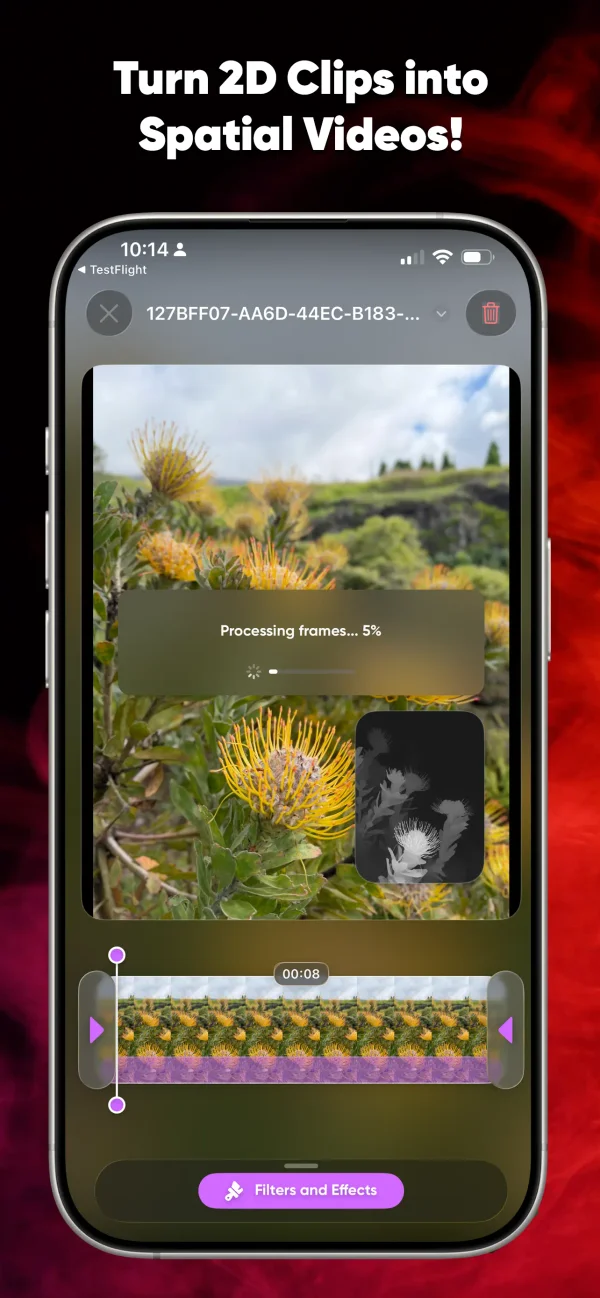
• Generate spatial videos from regular 2D clips using custom on-device machine learning models and rendering pipelines.
• Import common packed 3D video formats, including side-by-side and top/bottom, and automatically convert detected clips into spatial videos.
• Convert every 2D video in a project to spatial at once from the Project Inspector.
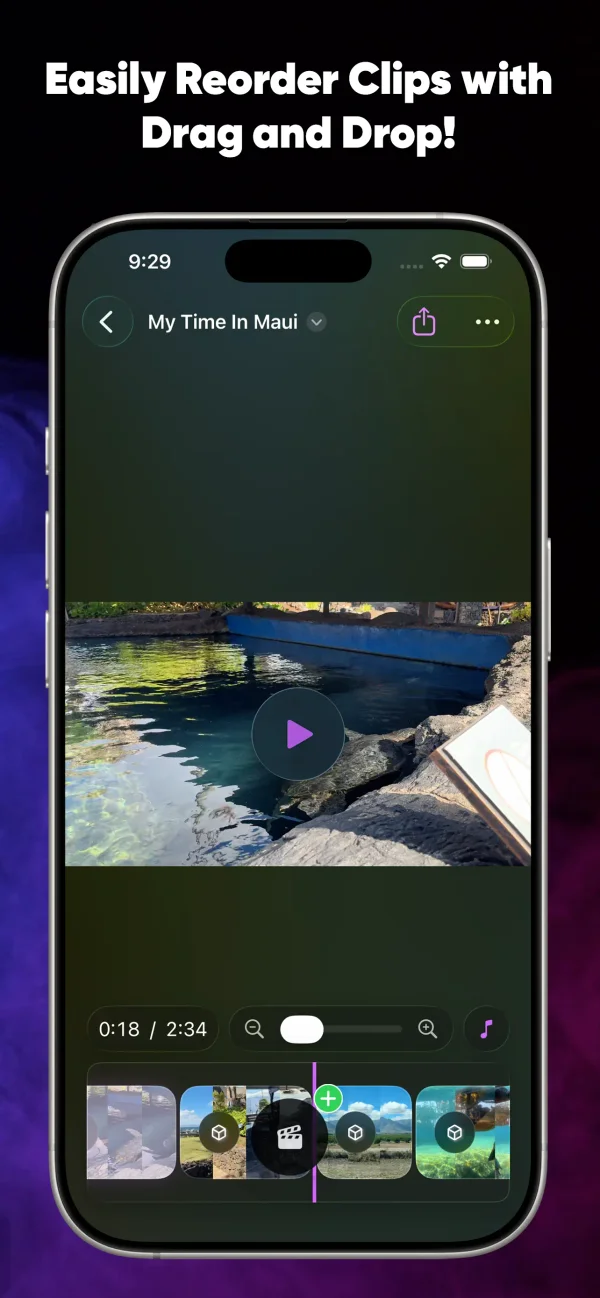
• Rearrange clips with simple drag-and-drop timeline editing.
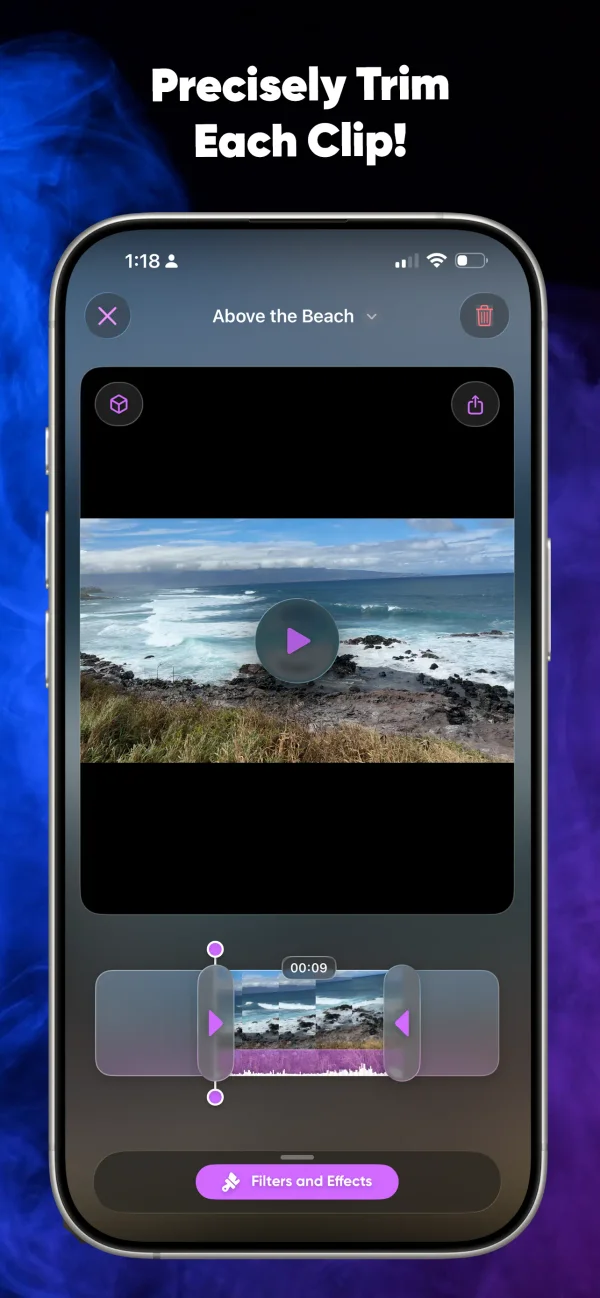
• Trim clips, apply filters, and add visual effects.
• Crop ordinary and spatial videos with freeform bounds or built-in aspect ratios, and scrub through the clip to preview the framing before applying it.
• Rotate individual clips left or right in 90-degree increments.
• Add images with automatically applied Ken Burns-style pans and zooms.
• Add Cross Dissolve, Dip to Black, Wipe, and Push transitions between clips, customize their timing, and choose a direction for Wipe and Push.
• Preview the 3D effect of spatial videos on iPhone, iPad, and Mac, and view individual clips directly in 3D on Apple Vision Pro.
• View spatial videos in true 3D on Apple Vision Pro.
• Export an animated “spatial GIF” based on a frame from a spatial clip.
• Use the export sheet to choose destination, optional spatial conversion, and output format, including Spatial Video, Side by Side, Side by Side Half, Top/Bottom, and Top/Bottom Half.
• Swap in your own music or audio tracks, then trim and tweak them.
100% Private
CosmiCut never collects or transmits your data. Everything stays on your device, always.
A subscription or one-time purchase is required to export videos without a watermark. Payment will be charged to your Apple account at confirmation of purchase. Subscriptions renew automatically unless auto-renew is turned off at least 24 hours before the end of the current billing period. Your account will be charged according to your plan for renewal within 24 hours before the end of the current billing period. You can manage or turn off auto-renew in your Apple ID account settings at any time after purchase.
Privacy Policy: https://www.cosmicut.app/#privacy
Terms of Service: https://www.apple.com/legal/internet-services/itunes/dev/stdeula/
Please reach out for support at: cloverfield.tech.llc@gmail.com
Find the User Manual at: https://cosmicut.app/docs.html
What’s new
Version 4.0 · Oct 14, 2026
Version 4.0 (2026-11)
New Timing Control
* Reverse the direction of a clip.
* Speed up or slow down a clip (and choose between a couple of motion smoothing options).
Clip Volume Control
* Adjust the volume for each clip.
New Keyboard and Mouse Controls
* On Mac, the mouse scroll-wheel now scrubs the project time forward and back.
Performance Improvements
* When returning to the Project Timeline, after editing a clip, the whole of the timeline no longer re-renders (only the thumbnails for the just-edited clip).
Export Project as Gif
* A more flexible export routine provides new 2D export options, including saving projects as animated gifs
App privacy
What Cloverfield Technologies LLC declares on the App Store about how this app handles data.
-
Data not collected
The developer does not collect any data from this app.
Privacy practices may vary, for example with the features you use or your age.
Information
- Seller
- Cloverfield Technologies LLC
- Category
- Photo & Video
- Version
- 4.0
- Updated
- Oct 14, 2026
- Released
- Feb 23, 2025
- Size
- 941.3 MB
- Requires
- iOS 26.0 or later
- Age rating
- 4+
- Price
- Free
- In-app purchases
- Yes
- Languages
- English
- Copyright
- © Cloverfield Technologies LLC
You might also like
-
 Spatial 3D StudioStep Into Your Memories
-
 Spatial Video ToolProfessional format conversion
-
 Spatial Video Studio2D to 3D for Apple Vision Pro
-
 Spatial Scene: ConverterImage Converter for 3D photo
-
 Panoramas EnvironmentsExplore stunning new worlds
-
 Spatial GlassPhoto & Video
-
 Spatial Media ToolkitConvert 2D to 3D Video & Photo
-
 AI Video Editor: MonitoAuto Captions & Teleprompter
-
 Immersive VideoThe BEST Immersive Video
-
 MVPlayer.appImmersive & 3D video player