- Age rating4+
- CategoryProductivity
- DeveloperYouru Tan
- LanguagesTraditional Chinese+ 2 more
- Size13.6 MB
Links to the official App Store page
Download.org hosts no file of CountCal: Day Tracker. The button opens its official App Store page, published by Youru Tan. Listing last checked on Nov 12, 2026.
Screenshots


About
CountCal is a calendar-based date log for work, life events, and equipment or service-use days. Tap the dates that matter, see your totals, and keep track of day limits in one place.
WORK & TRAVEL
Record work-from-home days, office attendance, business trips, annual leave, and PTO. Review your days by week, month, year, or a custom date range.
LIFE EVENTS & BIG DAYS
Keep a personal log of movie days, gym days, big meals, nights with friends, and other memorable occasions. Start with the Fitness template or create a project with your own name, color, and icon.
EQUIPMENT & SERVICE USE
Remember which dates you used a car, tools, shared equipment, or a service. Count usage days against a day-based allowance, or track them without a limit. Each project counts a calendar date once; it does not count multiple sessions within the same day.
RECORD QUICKLY, REVIEW CLEARLY
• Record today from Home, fill in past dates, or mark future plans.
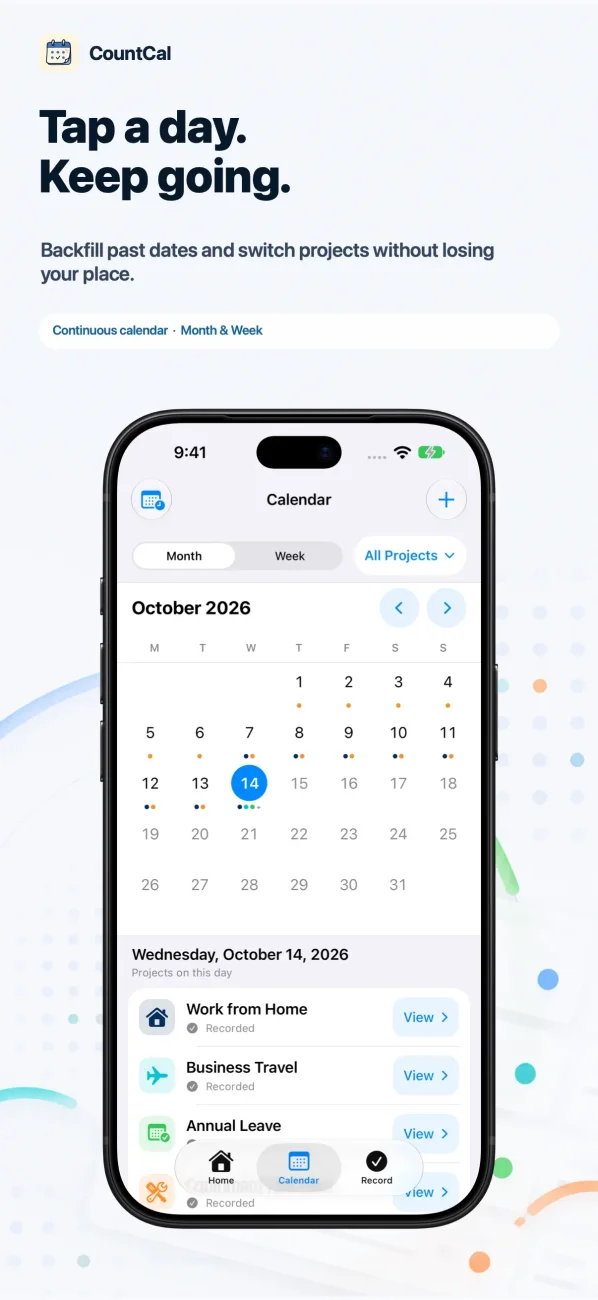
• Select a date in Calendar to see your active projects and open the relevant record.
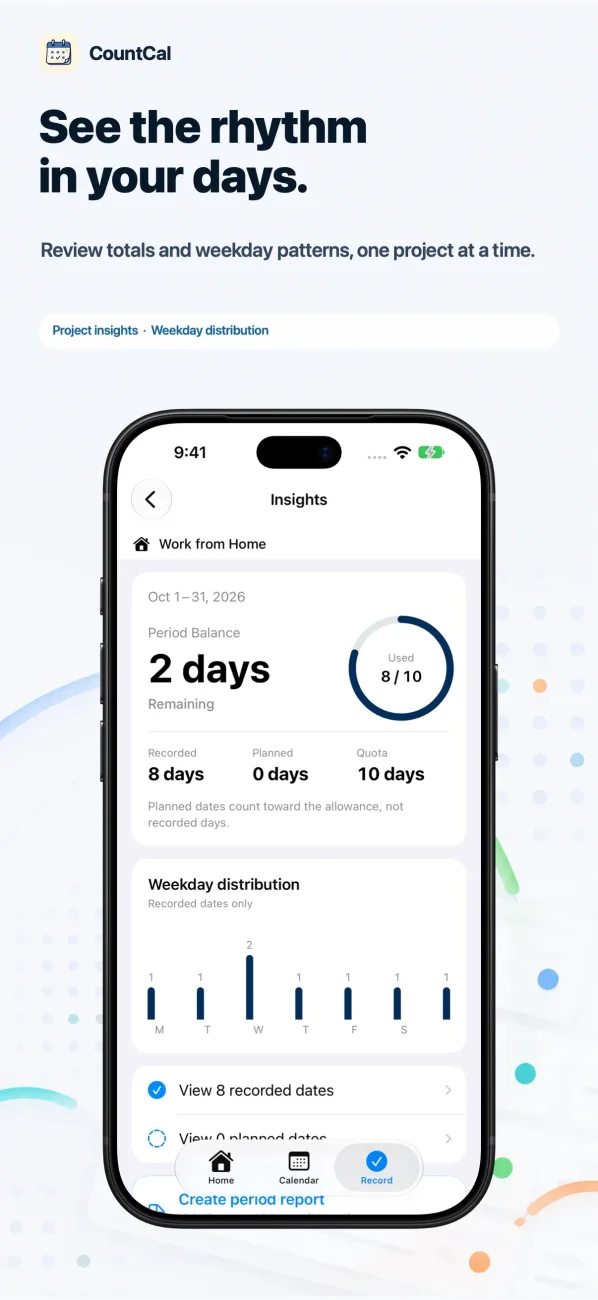
• Open Insights from Home and switch projects, or review the period you are browsing from the recording page.
• Compare recorded days, future plans, weekday patterns, and period progress.
TOTALS, LIMITS & REMINDERS
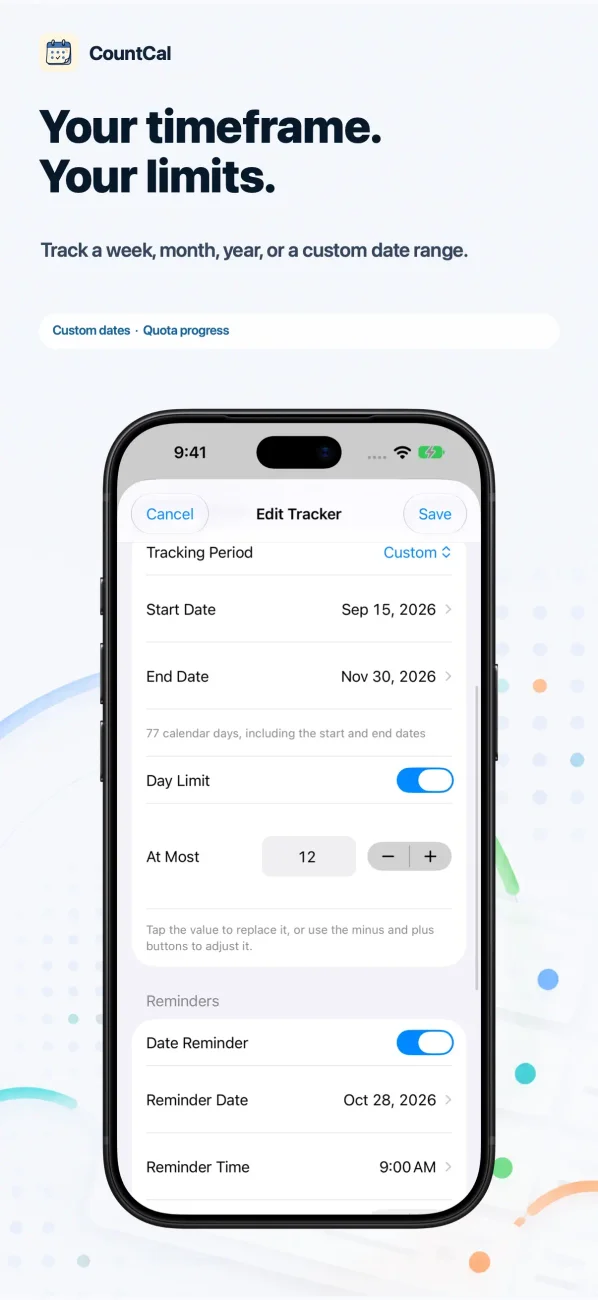
• Choose weekly, monthly, yearly, or fixed custom periods.
• Set an optional day limit and see used, remaining, and over-limit totals.
• Future dates are plans and count toward the period allowance; historical patterns use days that have already occurred.
• Keep recording even after a limit is exceeded.
• Set date reminders or remaining-days reminders.
REPORTS & EVERYDAY ACCESS
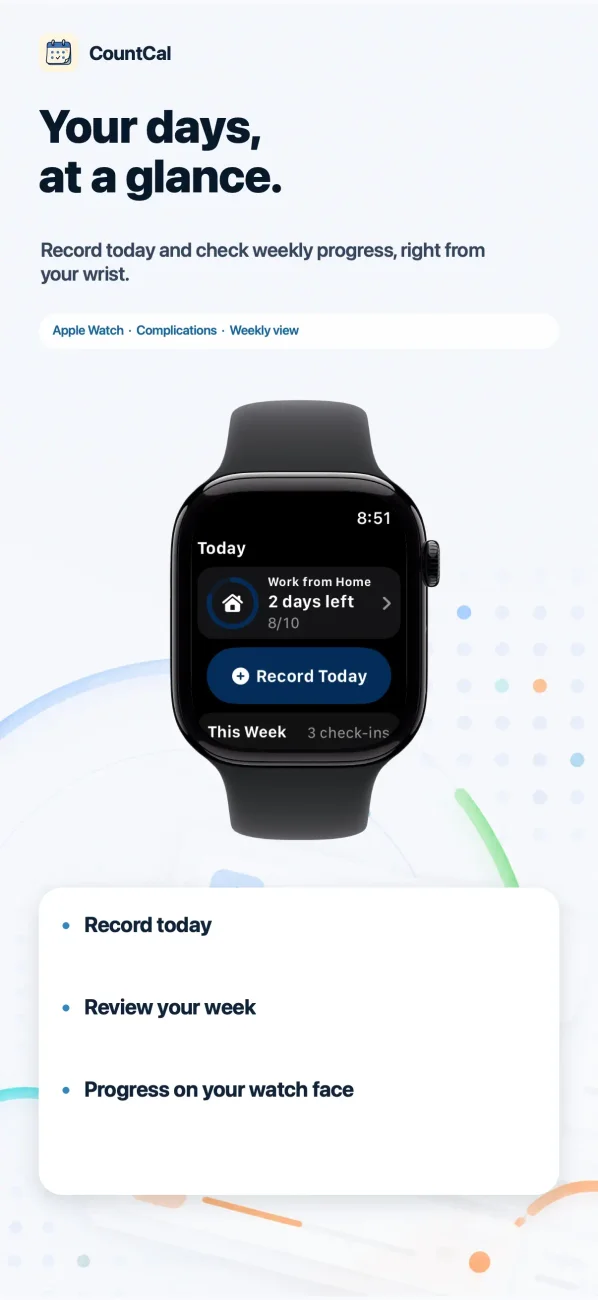
Create a report image and choose whether to hide project names, dates, and future plans before sharing. Use iPhone and iPad widgets and Shortcuts to open a project, record today, or view remaining days. The Record Today widget opens CountCal to complete the action. Apple Watch provides another way to record and review your days.
YOUR RECORDS, YOUR DEVICES
Core tracking works offline. When iCloud is available, projects and records can sync through your private iCloud database. Notification permissions and schedules are managed on each device. Archive projects or export the data visible on your device as JSON.
No developer account, subscription, or in-app purchase is required for this release. CountCal is for personal recordkeeping, not proof of tax, visa, medical, or employment compliance.
What’s new
Version 1.5.0 · Oct 14, 2026
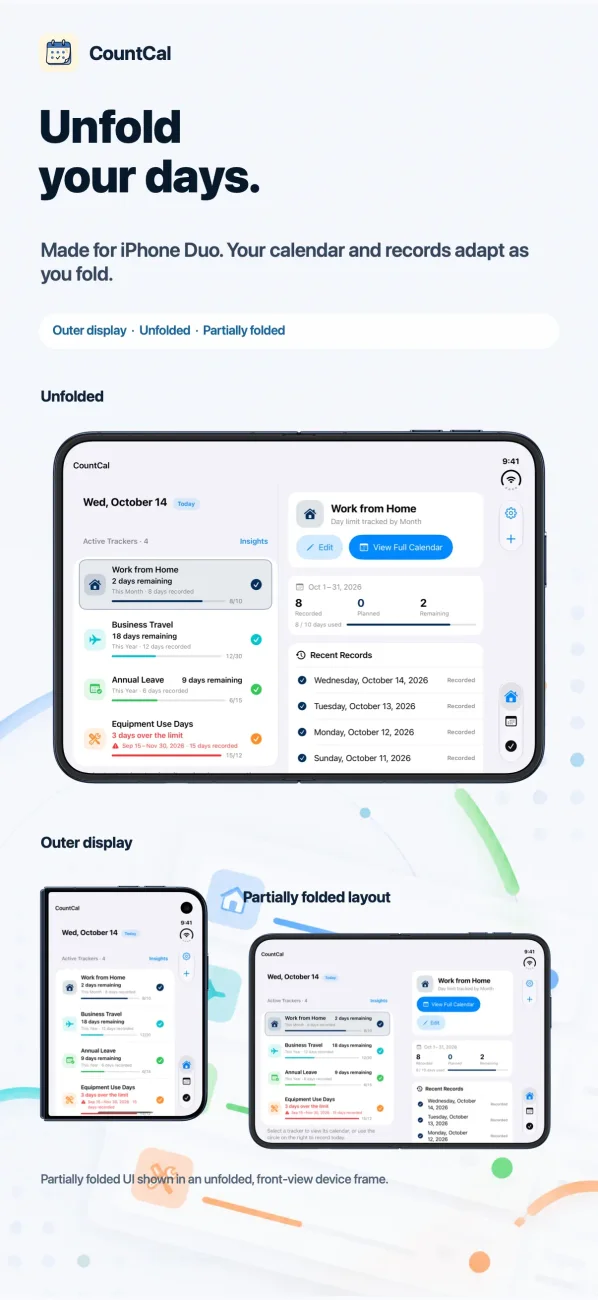
CountCal 1.5 adapts to the way you use iPhone Duo.
• Adaptive layouts for the outer display, unfolded display, and partially folded use, with your selected tracker, date, and editing progress preserved as the layout changes.
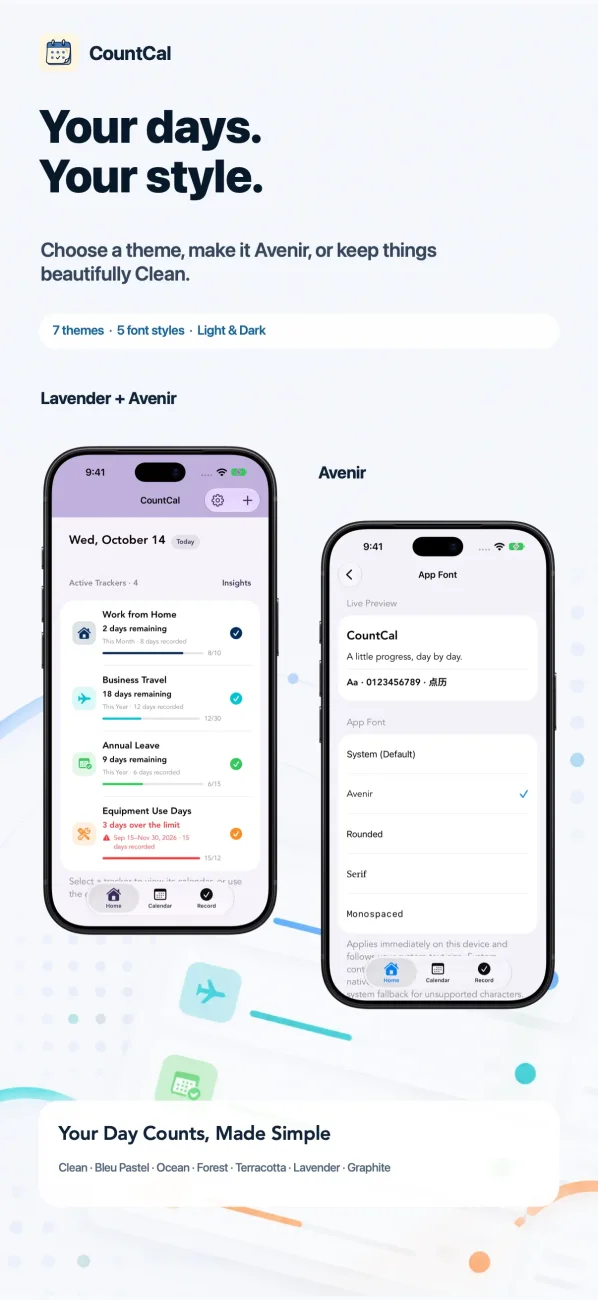
• Make CountCal your own with seven themes and five font styles, including Avenir. Choose the native Clean appearance or a richer color palette.
• Smoother calendar navigation, fixed month controls, and a fix for repeated taps on Today.
• Improved layouts for larger text and date/time selection.
App privacy
What Youru Tan declares on the App Store about how this app handles data.
-
Data not collected
The developer does not collect any data from this app.
Privacy practices may vary, for example with the features you use or your age.
Information
- Seller
- Youru Tan
- Category
- Productivity
- Version
- 1.5.0
- Updated
- Oct 14, 2026
- Released
- Aug 24, 2026
- Size
- 13.6 MB
- Requires
- iOS 17.0 or later
- Age rating
- 4+
- Languages
- Traditional Chinese, Simplified Chinese, English
- Copyright
- © 2026 YT
You might also like
-
 CountDaysNow: Event CounterCountdown Plan: Work Backwards
-
 DeskDaysTrack office days privately
-
 StarTrack - Last Time TrackerProductivity
-
 Simple Routine: Track HabitsProductivity
-
 Habit Calendar - Daily TrackerOne tap a day, all month
-
 Life Counter - Countdown & UpCoundown widgets
-
 Inventory.AICataloga con l'aiuto dell'AI
-
 Days Till by E-StringProductivity
-
 App Blocker ADHD: MindfulPauseProductivity Limit Screen Time
-
 Website Blocker: Focus & BlockApp & Site Screen Time Limit