Countdown: Event Planner
Count down to what matters
Designed for iPhone, iPad
Free · In-app purchases
- Age rating4+
- CategoryProductivity
- DeveloperLiam Watts
- LanguagesEnglish+ 1 more
- Size12.6 MB
Links to the official App Store page
Download.org hosts no file of Countdown: Event Planner. The button opens its official App Store page, published by Liam Watts. Listing last checked on Nov 18, 2026.
Screenshots
About
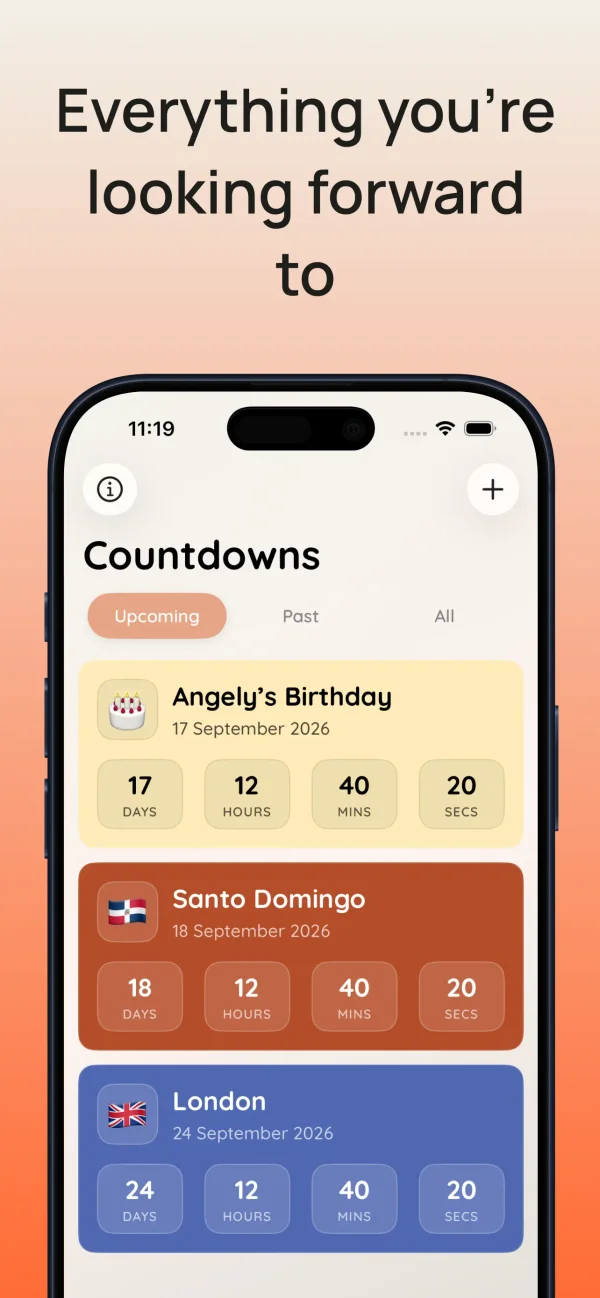
Countdown helps you keep track of the moments that matter - and everything you need to prepare for them.
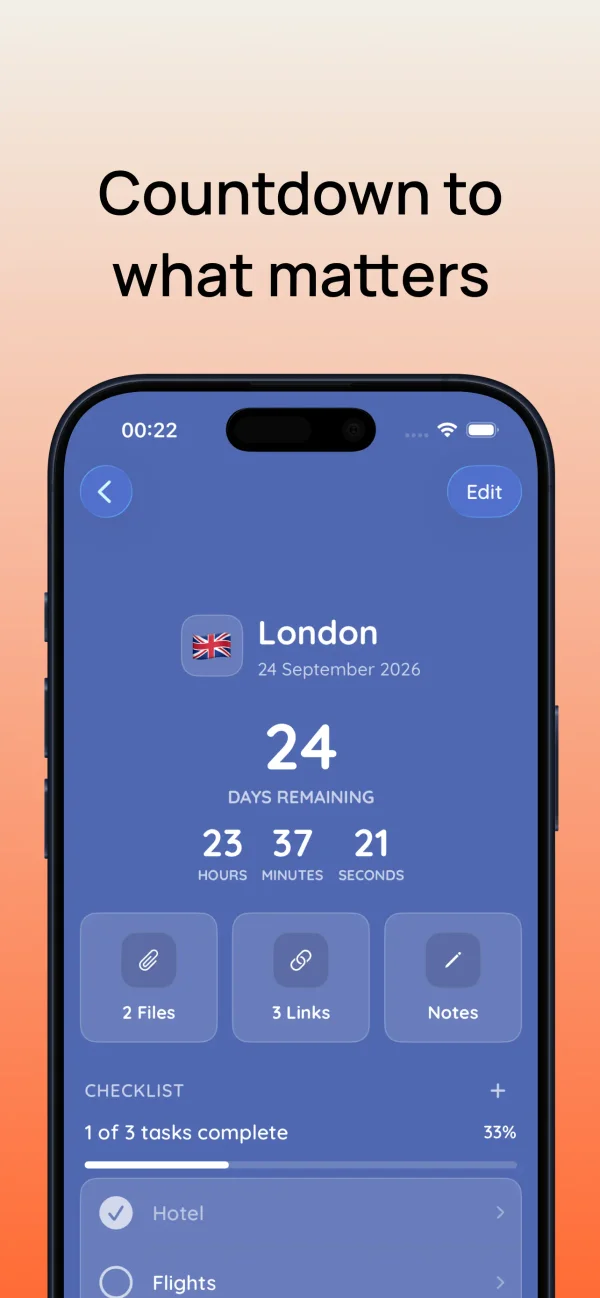
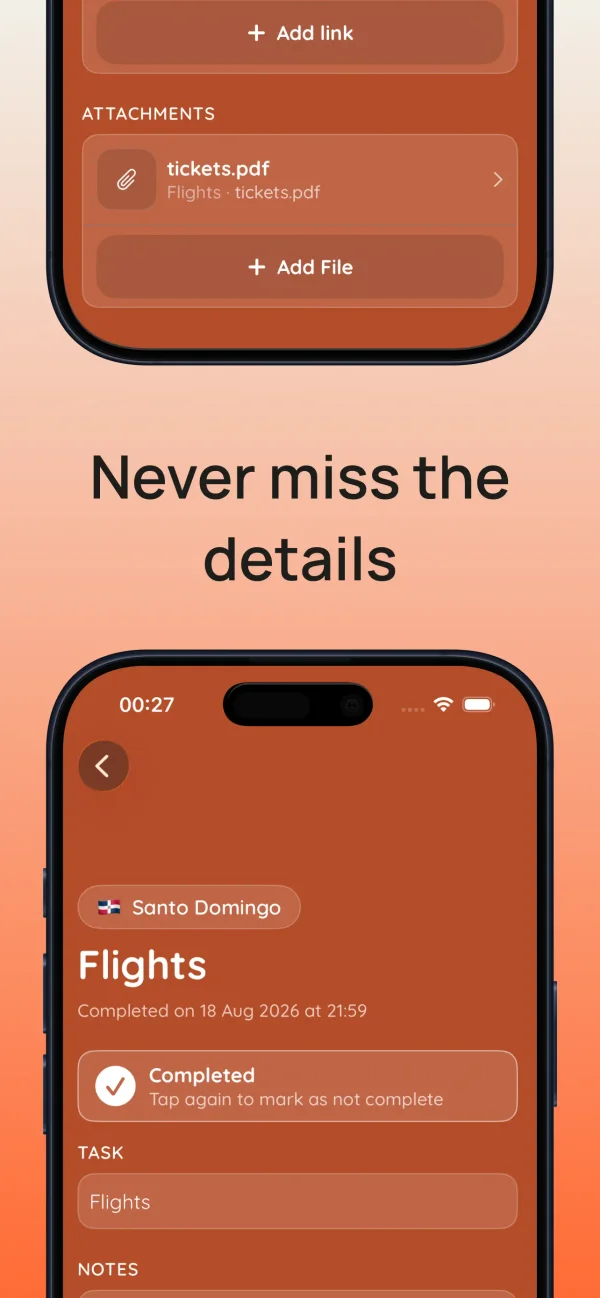
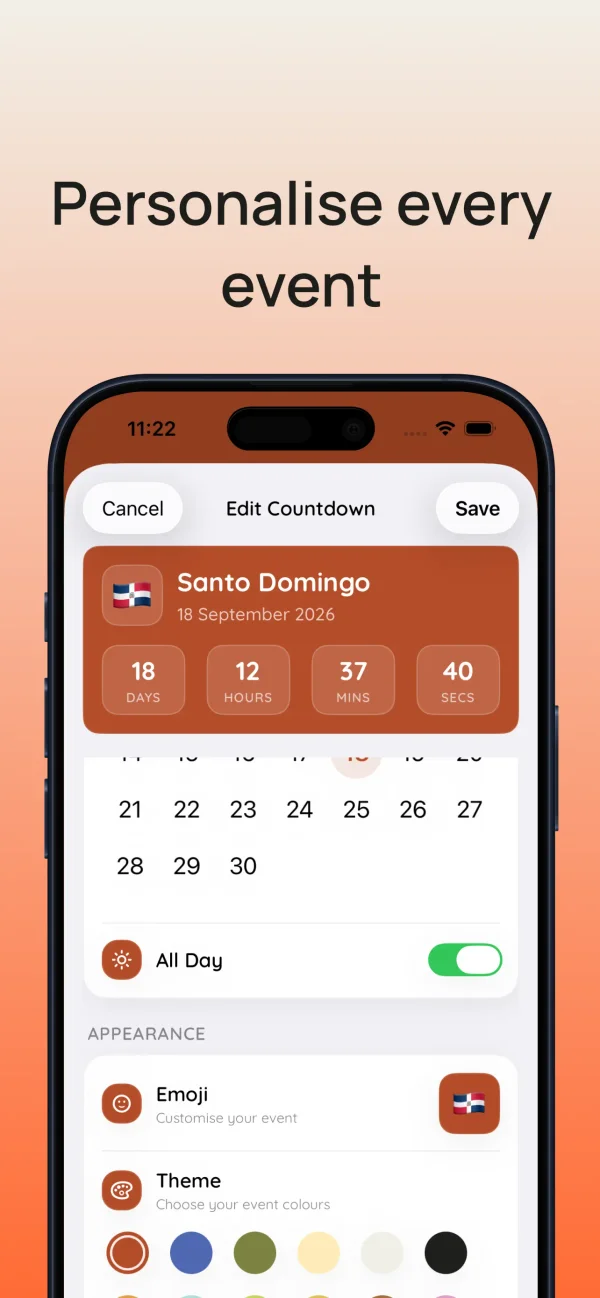
Create beautiful countdowns for holidays, birthdays, trips, deadlines, launches, celebrations and more. Each event can include checklists, links, file attachments and notes, so the details stay together instead of being scattered across different apps.
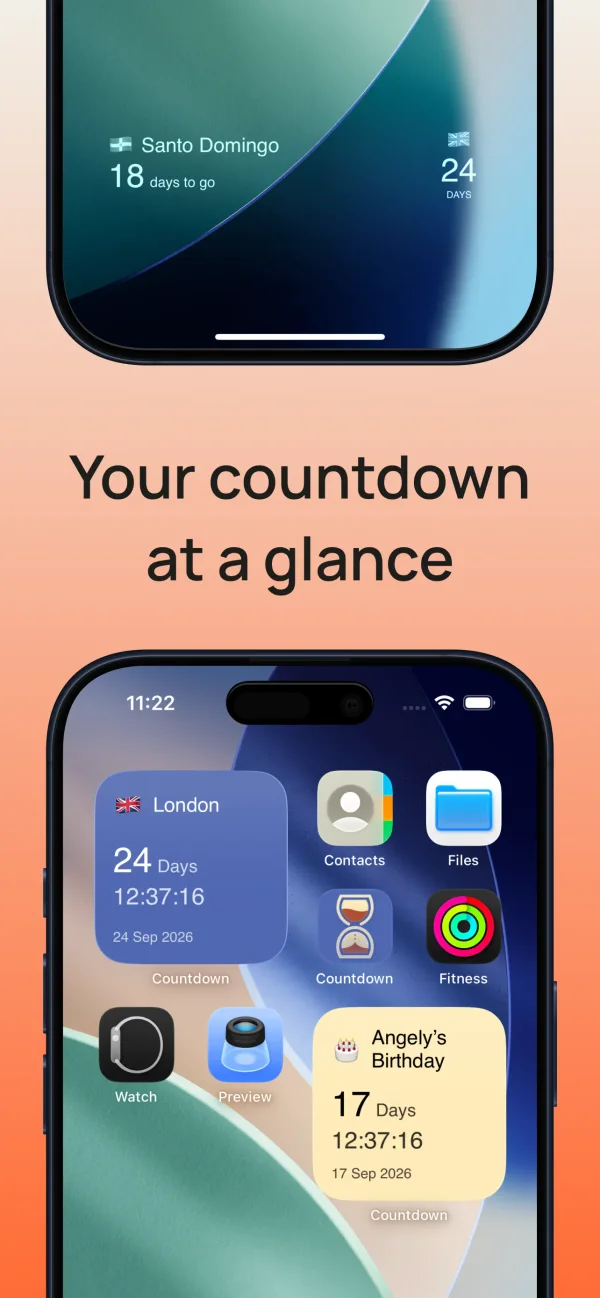
Add Countdown widgets to your Home Screen to keep upcoming events visible at a glance, and personalise each countdown with its own theme and emoji.
With Countdown you can:
- Create countdowns for any upcoming event
- Track days, hours, minutes and seconds
- Create checklists for things you need to get done
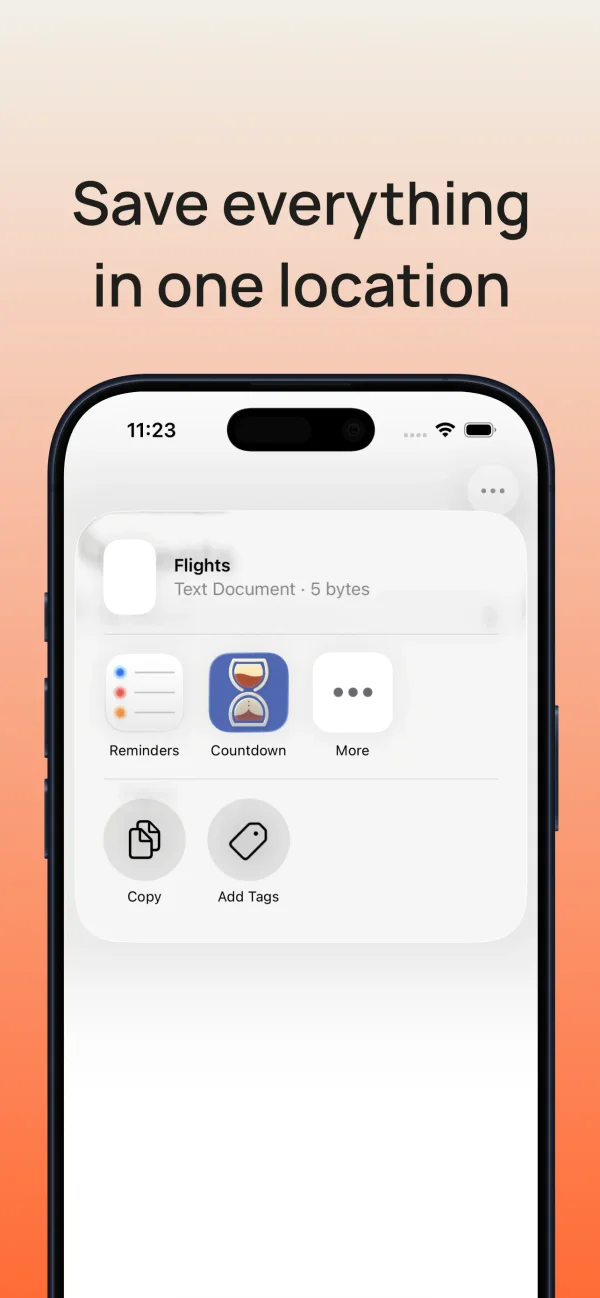
- Attach useful files directly to an event or checklist item
- Save important links alongside your plans
- Add countdown widgets to your Home Screen
- Customise events with themes and emoji
- Share files directly into Countdown from other apps
Countdown includes 3 free event slots with access to all core features. Unlock Unlimited with a single one-time purchase to create unlimited events - no subscription..
Whether you're counting down to something exciting or keeping an important deadline on track, Countdown keeps the date and the details in one place.
What’s new
Version 1.2.0 · Oct 25, 2026
Spanish support throughout the app, widgets and share extension.
Open documents from widgets. Choose a ticket or file to open directly inside Countdown while keeping your countdown visible.
Scheduled checklist items. Add a date, time and time zone, with optional reminders.
Clearer widget selection. Upcoming events appear first, followed by a separate Past events group, with search support.
Improved countdowns. See days, hours, minutes and seconds for timed and all-day events. Past events now count up.
Redesigned “Now” widgets with centred text and more balanced spacing.
Refreshed loading screen with the Countdown logo and a shimmering title.
More reliable file imports, with clearer recovery messages, retries and destination reassignment.
Better readability in dark mode, with larger text and improved colour contrast.
Clearer purchase and restore feedback, alongside fixes for editing, attachment handling and document navigation.
App privacy
What Liam Watts declares on the App Store about how this app handles data.
-
Data not collected
The developer does not collect any data from this app.
Privacy practices may vary, for example with the features you use or your age.
Information
- Seller
- Liam Watts
- Category
- Productivity
- Version
- 1.2.0
- Updated
- Oct 25, 2026
- Released
- Aug 24, 2026
- Size
- 12.6 MB
- Requires
- iOS 26.0 or later
- Age rating
- 4+
- Price
- Free
- In-app purchases
- Yes
- Languages
- English, Spanish
- Copyright
- © 2026 liamw.dev
You might also like
-
 Countdown Widget – DaysyDays Until, Days Left & Since
-
 Nexo - Milestone CounterMilestone & Day Counter
-
 Countdown: Days Until & WidgetPhotos, Birthdays & Trips
-
 Resolutions: Goal TrackerKeep track of your new habits
-
 HYBBIT: Habit Tracker & GoalsDaily, Weekly, Monthly Streaks
-
 RiskBasePowerful Assessment Software
-
 Murble: AI Voice NotesPrivate on-device voice notes
-
 Habit Tracker - HabiteeStreaks, reminders & routines
-
 Screen Time Limit - OnZenStop Doomscrolling, Block Apps
-
 Clean Your Room: ADHD CleaningStep-by-Step Chore Planner AI