Countdown - Upcoming Events
Keep track of any occasion
Designed for iPhone, iPad, Mac
Free · In-app purchases
- Age rating17+
- CategoryUtilities
- DeveloperRob Sammons
- LanguagesEnglish
- Size38.9 MB
Links to the official App Store page
Download.org hosts no file of Countdown - Upcoming Events. The button opens its official App Store page, published by Rob Sammons. Listing last checked on Nov 12, 2026.
Screenshots



About
Countdown is an easy, beautiful way to keep track of upcoming events, holidays and important dates.
Features:
• Upcoming Countdowns — Add, edit and view all your important events
• Natural-Language Creation — Quickly create countdowns using phrases such as “Holiday next Friday at 6pm”
• Past Countdowns — Revisit previous events and see how much time has passed
• Repeat and Duplicate — Reuse archived countdowns for annual or similar events
• Custom Images — Choose a photo, search the web, generate an image with Image Playground or select a colour
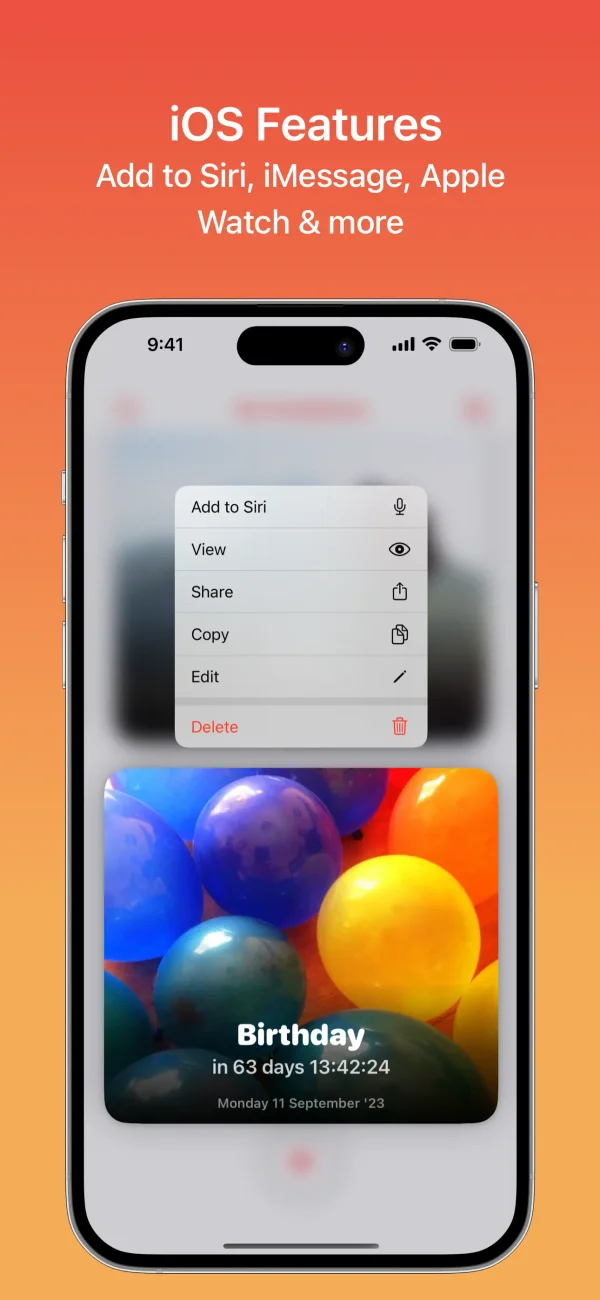
• Siri Shortcuts — Create, find and interact with countdowns using Siri and the Shortcuts app
• Apple Watch — View your countdowns directly from your wrist
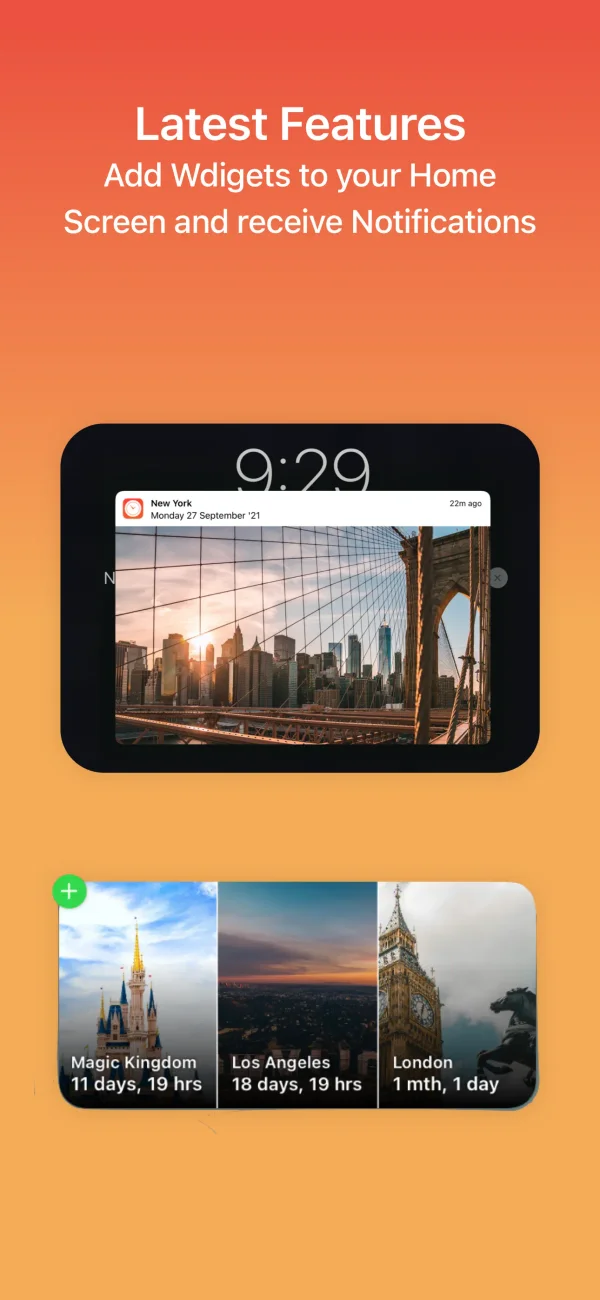
• Customisable Widgets — Display your latest countdowns or choose a specific countdown
• Lock Screen Widgets — Keep your next countdown visible from the Lock Screen
• Archive Widgets — View previous countdowns and memorable events
• Control Centre — Open Countdown quickly from Control Centre
• Flexible Reminders — Receive notifications at the event time, one day, one week or one month beforehand
• Sharing — Share beautifully generated countdown images with friends or on social media
• Full OS Support — Designed for Dark Mode, rotation, resizable layouts, Split View, Drag and Drop, VoiceOver and the latest Apple devices
• Private by Design — Your countdowns are stored on your devices and synced securely through your personal iCloud account, with no tracking or analytics
• Pay Once — No advertisements or subscriptions, with regular free updates for Countdown Pro
Countdown Pro unlocks unlimited countdowns, archived countdowns, full widget support, alternative app icons and much more with one affordable in-app purchase.
Available for iPhone, iPad and Apple Watch. Also available on Mac with your purchase.
What’s new
Version 11.0.2 · Oct 25, 2026
• Create countdowns faster using natural-language phrases
• Use new Siri Shortcuts to create, find and interact with your countdowns
• Open Countdown quickly from Control Centre
• Generate images with Image Playground or choose a custom colour
• Set multiple reminders, including at the event time or in advance
• Choose specific countdowns for supported widgets
• Discover smarter widget suggestions based on relevance
• View archived countdowns in a dedicated widget
• Repeat or duplicate archived countdowns
• Enjoy sharper, more reliable images across iPhone, widgets and Apple Watch
• Improved layouts for rotation, resizing and the latest Apple devices
• General performance improvements and bug fixes
App privacy
What Rob Sammons declares on the App Store about how this app handles data.
-
Data not collected
The developer does not collect any data from this app.
Privacy practices may vary, for example with the features you use or your age.
Information
- Seller
- Rob Sammons
- Category
- Utilities
- Version
- 11.0.2
- Updated
- Oct 25, 2026
- Released
- Mar 8, 2015
- Size
- 38.9 MB
- Requires
- iOS 17.0 or later
- Age rating
- 17+
- Price
- Free
- In-app purchases
- Yes
- Languages
- English
- Copyright
- © Rob Sammons
You might also like
-
 CountdownerSMSDynamic countdown for SMS
-
 Countdown Widget + CalendarBirthday & Event Reminder
-
 Event Countdown Timer & WidgetEvent countdown and count up
-
 Countdown Widget Maker & TimerEvents, Vacations, Halloween
-
 timer. - Multi Countdown TimerLive Activities / Widget Timer
-
 Dayfall: Countdown & WidgetsEvent Timer & Dynamic Island
-
 Count Time Until & Days SinceCountdown widget & event timer
-
 Countdown With MeEvent Countdown and Reminder
-
 Countdown Widget & CounterBirthday, Vacation, Retirement
-
 Hindsight - Time TrackerHow long has it been since...?