timer. - Multi Countdown Timer
Live Activities / Widget Timer
Designed for iPhone, iPad, iPod touch
Free · In-app purchases
- Age rating4+
- CategoryUtilities
- DeveloperTobias Hauss
- LanguagesEnglish+ 4 more
- Size29.9 MB
Links to the official App Store page
Download.org hosts no file of timer. - Multi Countdown Timer. The button opens its official App Store page, published by Tobias Hauss. Listing last checked on Nov 18, 2026.
Screenshots


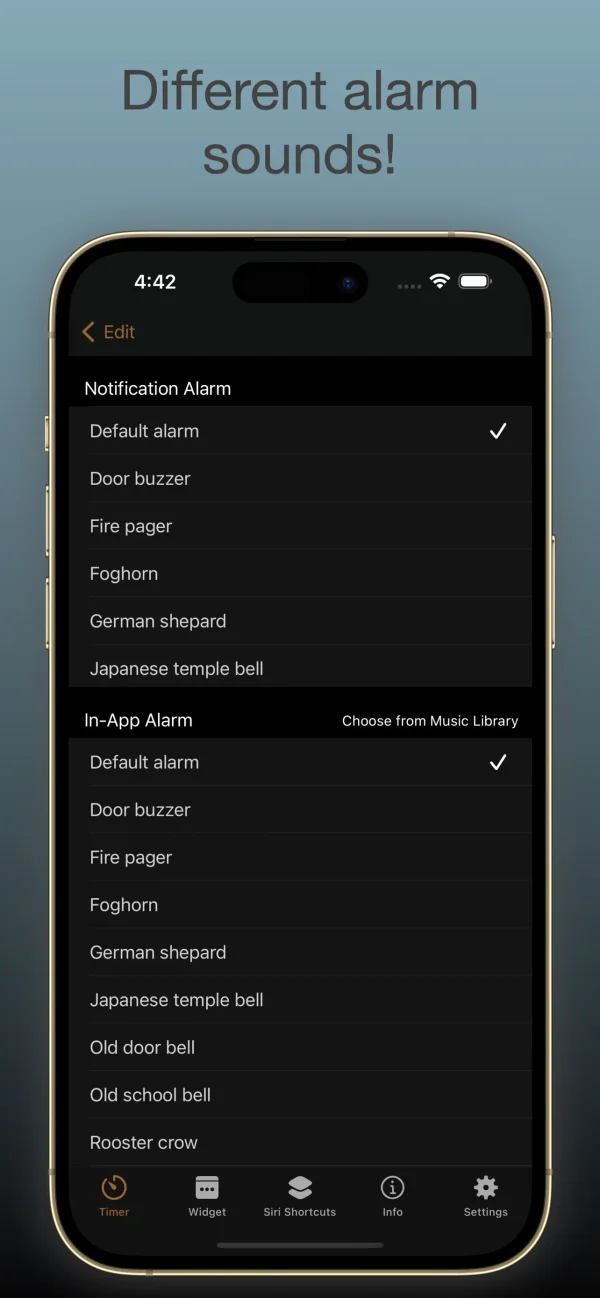
About
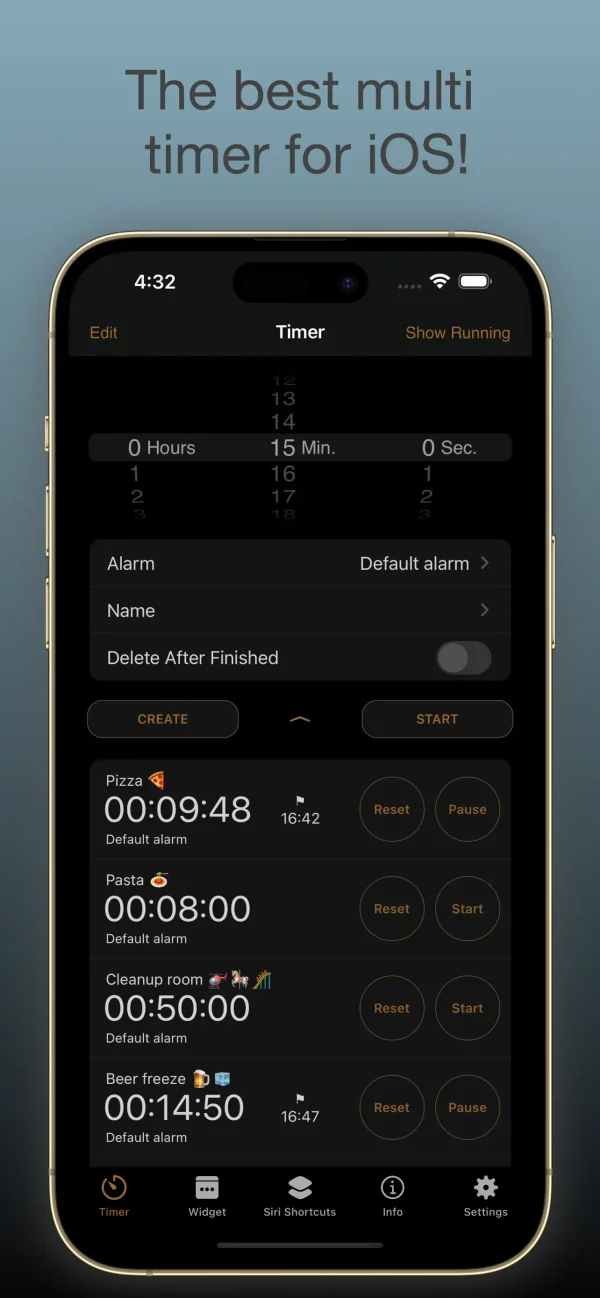
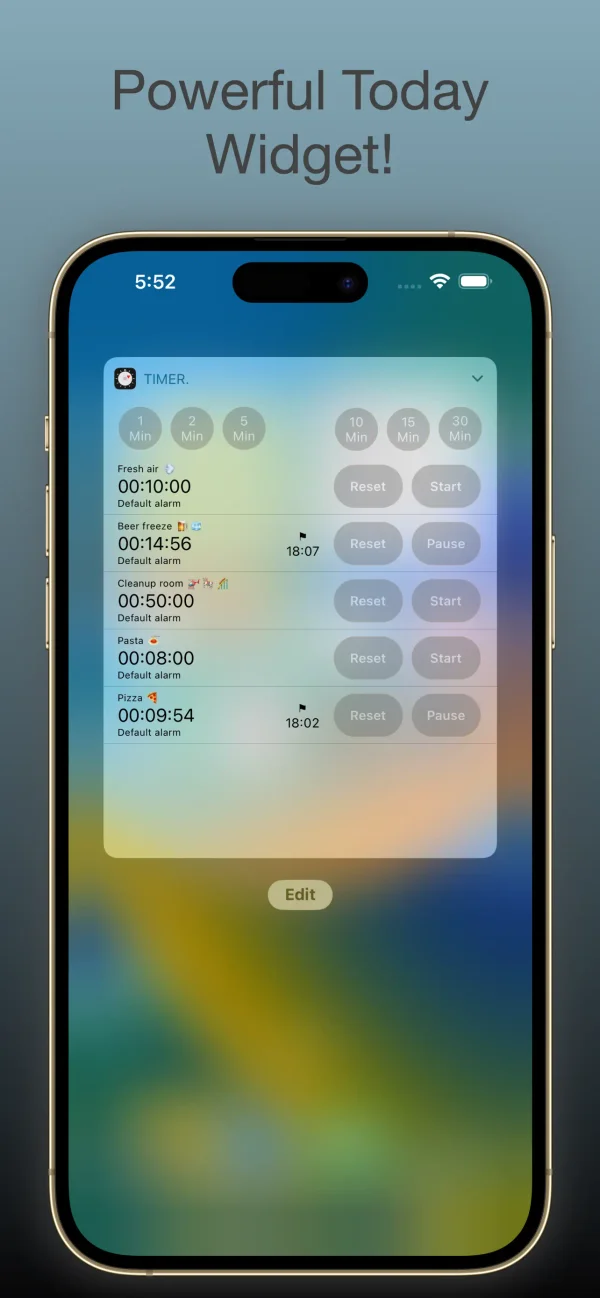
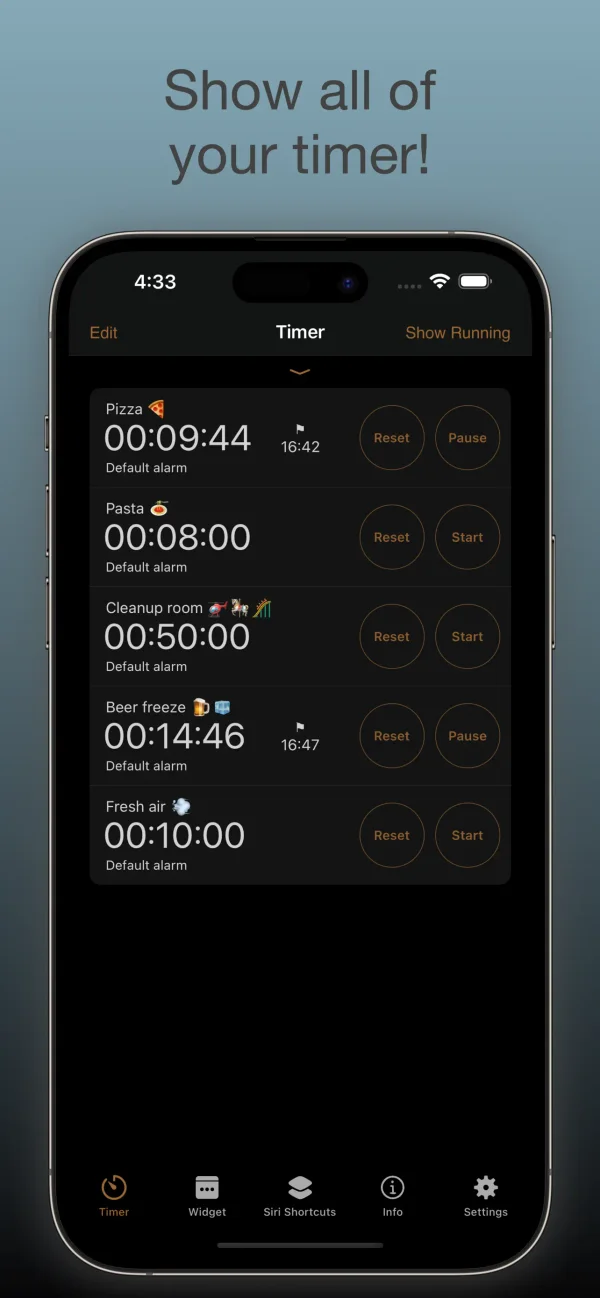
timer. is a simple and easy too use countdown timer. You are able to run several timers at the same time. The timers can be paused / resumed by the user and still run in background. Also you are able to define a sound or name. With the timer. widget and Apple Watch app you have quick and easy access to your last created timer.
Features:
- Several timers at the same time
- Save timer
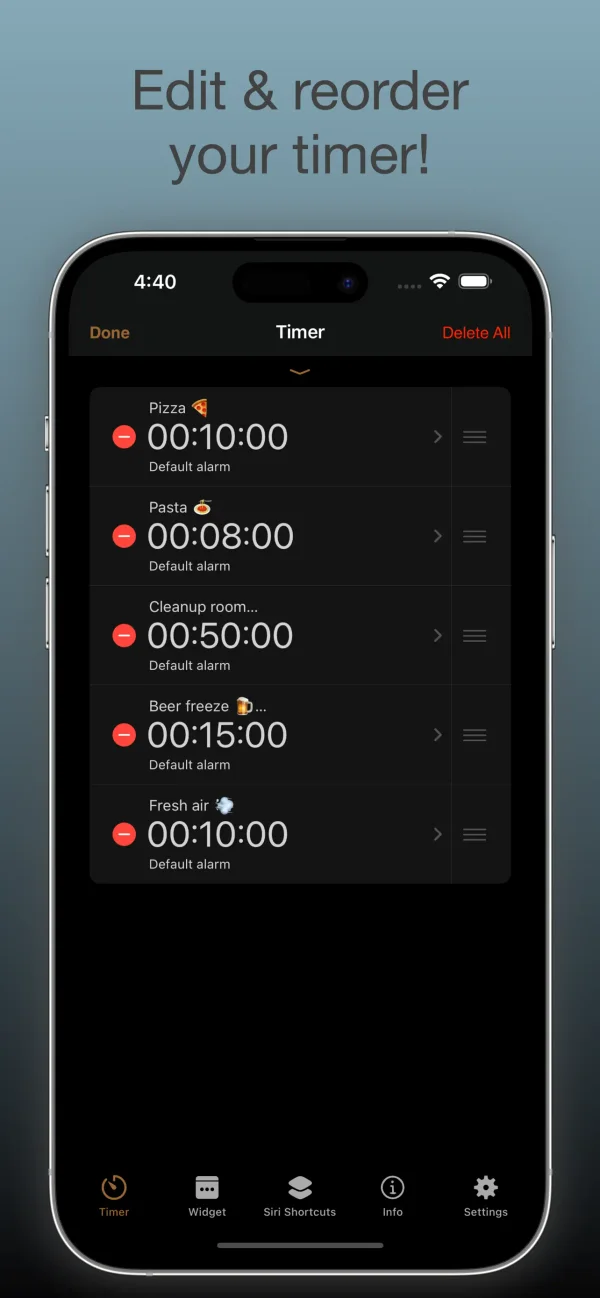
- Edit and reorder existing timers
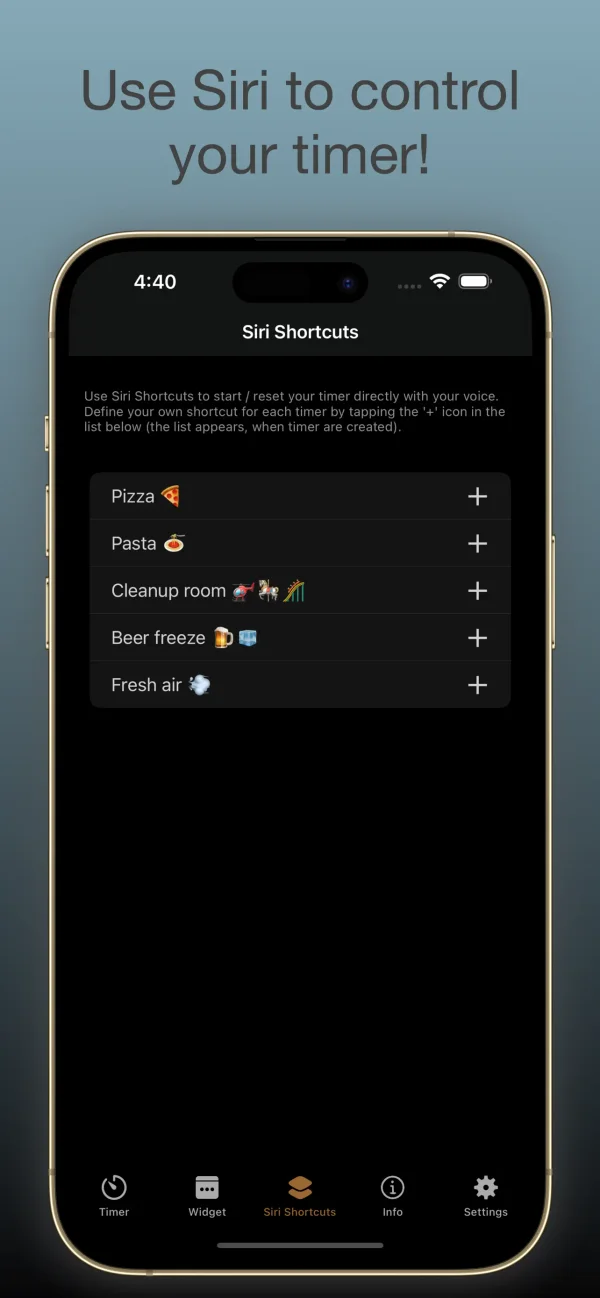
- Siri Shortcuts support
- Define timer name and alarm sound
- Define an unlimited amount of timers
- Timers still run in backround
- Choose different alarms for notification and In-App
- Choose from your favorite music for In-App alarm from your locally stored Apple Music or iTunes Music files
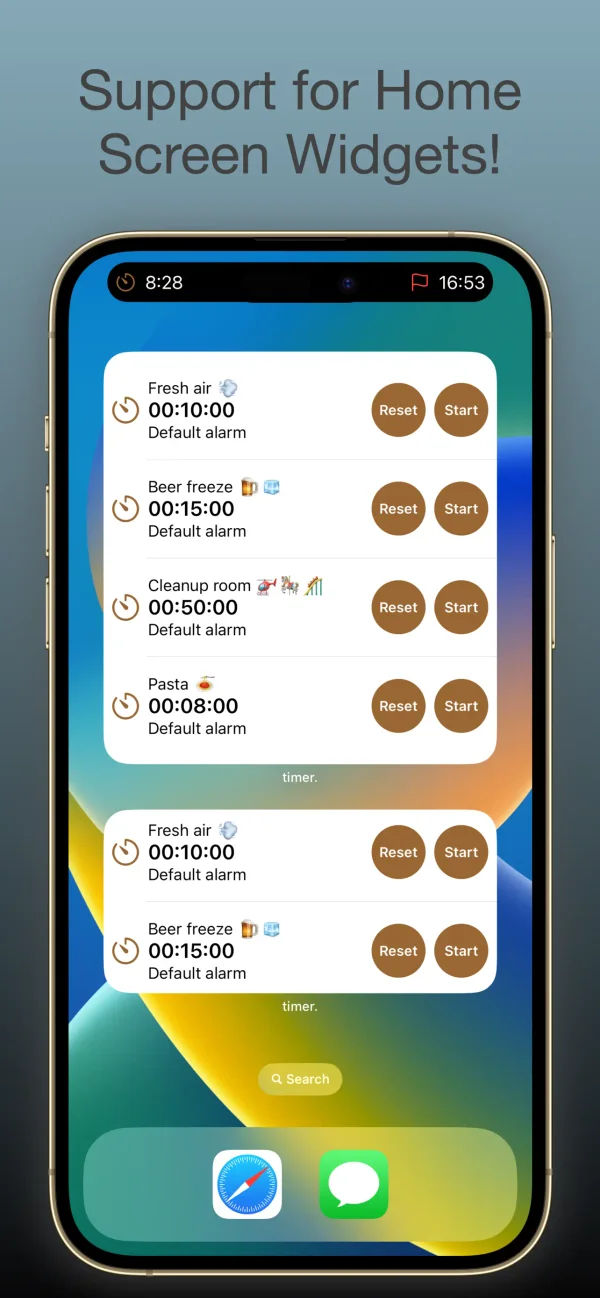
- Widget for easy access the last created timer
- Filter for running timers
- Full access to timers from widget
- Apple Watch app to view last created timer
- More than 30 different alarm sounds
- Choose between 16 modern themes for App and Widget
- Dark Mode
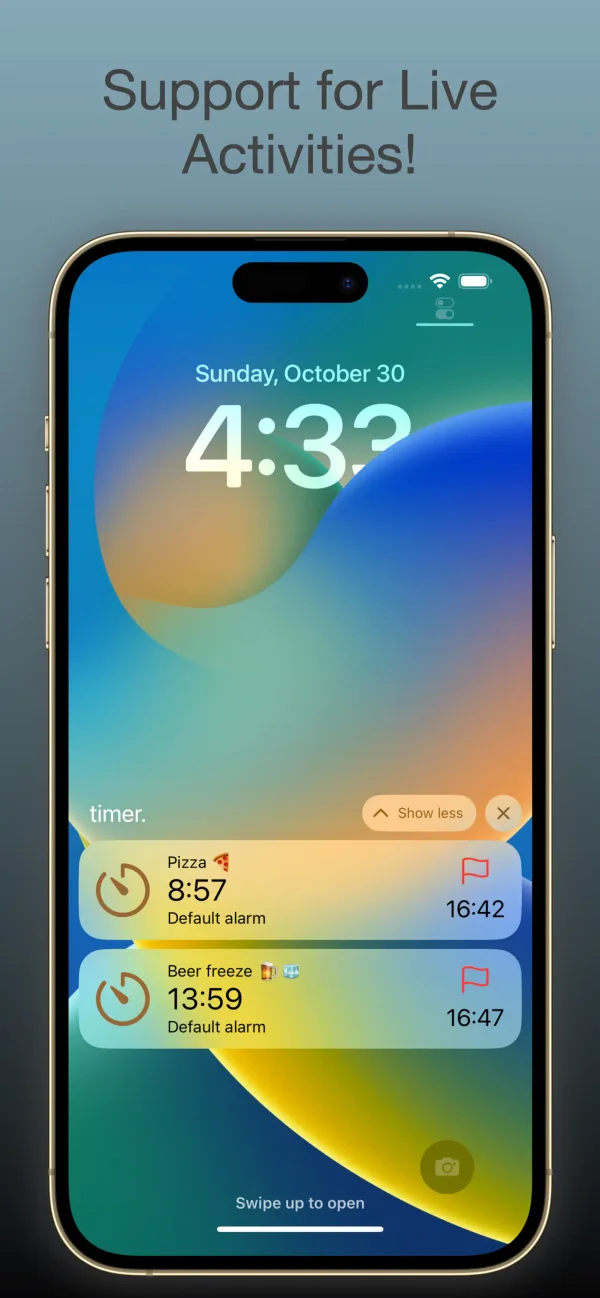
- Live Activities with Play / Pause
- Dynamic Island Support with Play / Pause
- Home Screen Widgets with Play / Pause
For feedback or feature requests visit us on twitter: https://twitter.com/timer_2018
Please note for devices which run iOS 18 or older:
The mute switch should not be active when the app is in background. Finished timers are not notified with an alarm sound. This is a limitation of iOS 18 or older. If the app is running in foreground, the alarm sounds are also played when the mute switch is active.
What’s new
Version 2.8.0 · Oct 22, 2026
What's New
• On supported Duo devices and iPad, navigation adapts with a sidebar alongside the timer view.
• The layout adjusts to screen size, orientation, and device mode.
• Start, pause, and reset timers more reliably right from the widget.
• Improvements to timer handling, background operation, and stability.
App privacy
What Tobias Hauss declares on the App Store about how this app handles data.
-
Data not collected
The developer does not collect any data from this app.
Privacy practices may vary, for example with the features you use or your age.
Information
- Seller
- Tobias Hauss
- Category
- Utilities
- Version
- 2.8.0
- Updated
- Oct 22, 2026
- Released
- Aug 3, 2018
- Size
- 29.9 MB
- Requires
- iOS 15.0 or later
- Age rating
- 4+
- Price
- Free
- In-app purchases
- Yes
- Languages
- English, German, Italian, Russian, Simplified Chinese
- Copyright
- © 2018 - 2026 @ Tobias Hauß
You might also like
-
 Multi Timer: CountdownFocus, kitchen, workouts
-
 Just TimersThe missing timers app
-
 Loop - Interval & Multi TimerFor Sport, Meditation & Study
-
 Timer-Kitchen timer&StopwatchKitchen timer & Stopwatch
-
 Usual Timer for WidgetFast Multiple Countdown Timer
-
 Repeat TimerMultitimer, Interval, Pomodoro
-
 Multiple Timer Widgets: RADStylish & Custom Countdowns
-
 StartWatch - Instant TimersStart now, then set a timer
-
 Sticky Timers and CountdownsMultiple Lockscreen Counters
-
 Timer ٞKitchen cooking alarm