Coverpad
Social Cover & Post Maker
Designed for iPhone, iPad
Free · In-app purchases
- Age rating4+
- CategoryGraphics & Design
- DeveloperMaysoft Inc.
- LanguagesEnglish+ 5 more
- Size77.9 MB
Links to the official App Store page
Download.org hosts no file of Coverpad. The button opens its official App Store page, published by Maysoft Inc. Listing last checked on Nov 15, 2026.
Screenshots


About
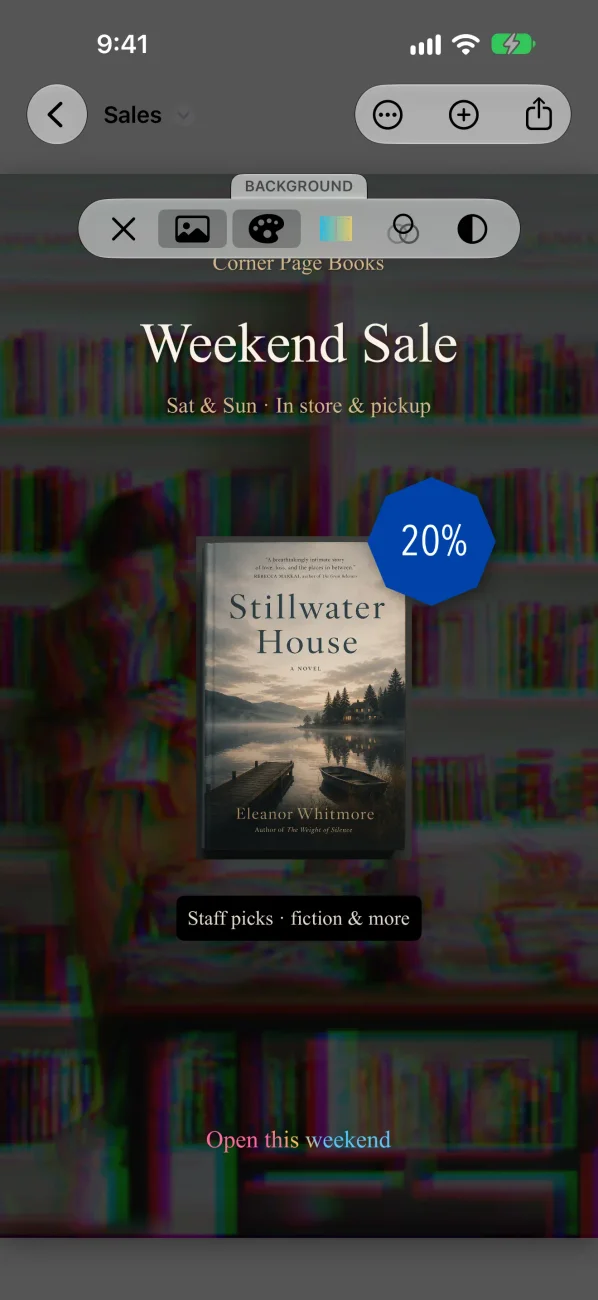
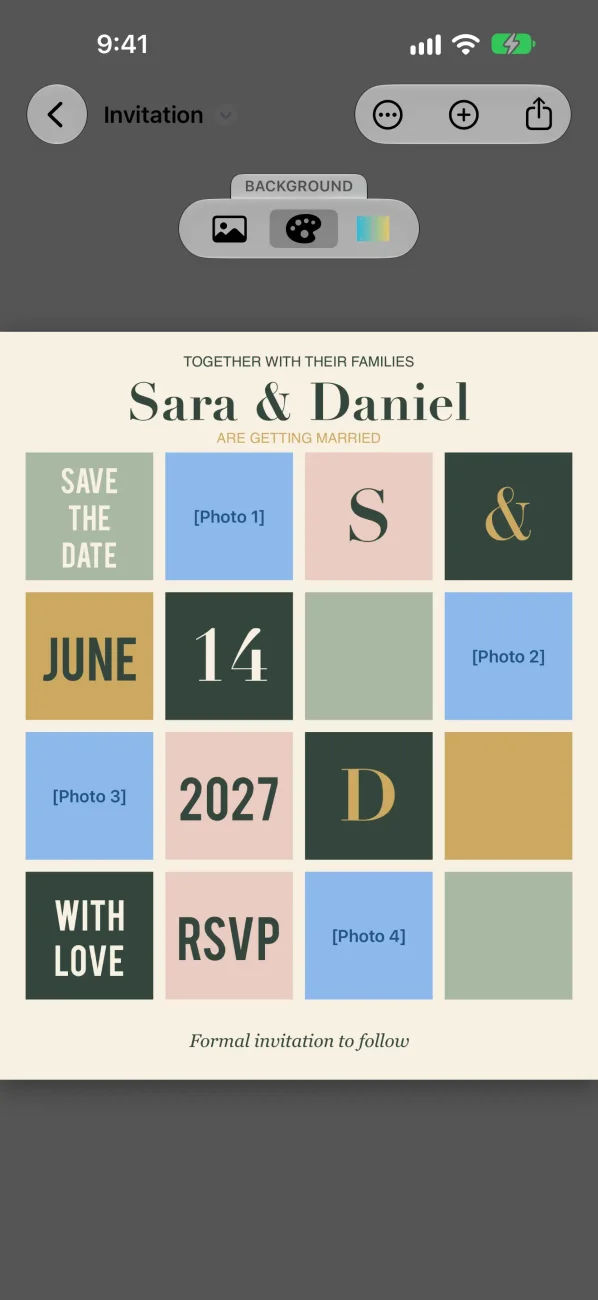
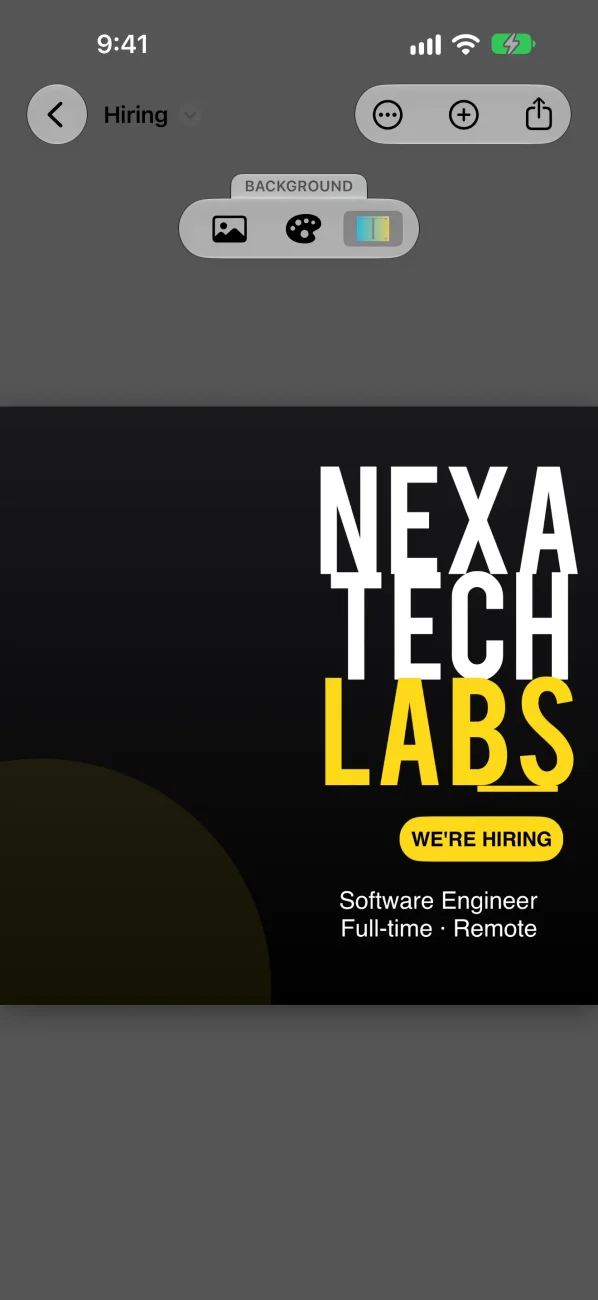
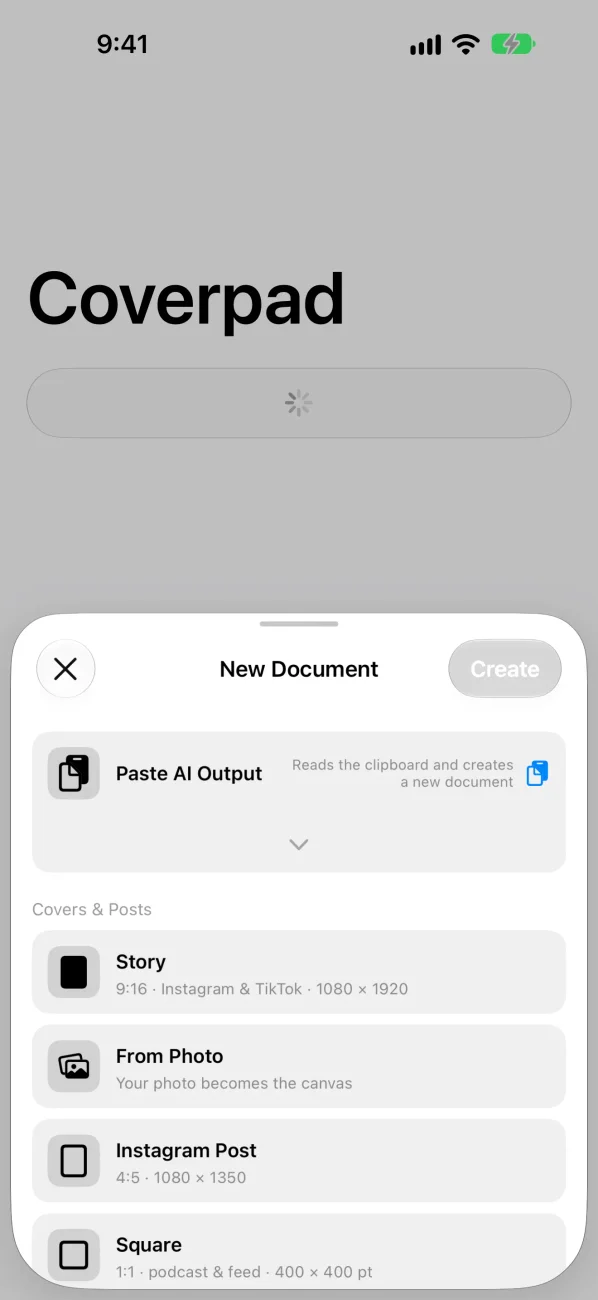
Coverpad is a layered editor for covers, thumbnails, posts, and stories. Start from a blank canvas, or draft a layout with your own AI agent — then finish every detail yourself in Coverpad.
NO AI IN THE APP. BRING YOUR OWN.
Coverpad does not include AI, does not run models, and does not generate designs for you. Use any AI agent or assistant you already have: copy Coverpad’s layout prompt, create a draft design there, then paste the result back. It opens as an editable canvas with real text, shapes, and photo slots — ready for you to refine.
YOUR DESIGNS STAY ON YOUR DEVICE.
No account. No analytics. No ads. No tracking. No identifiers. Documents live in Files on your iPhone or iPad. Optional icon and stock photo searches send only the search words — your designs and photos never leave your device for editing.
BUY ONCE.
No subscription. No ads. Try free for 14 days, then unlock every feature forever with a one-time purchase.
ADVANCED EDITING.
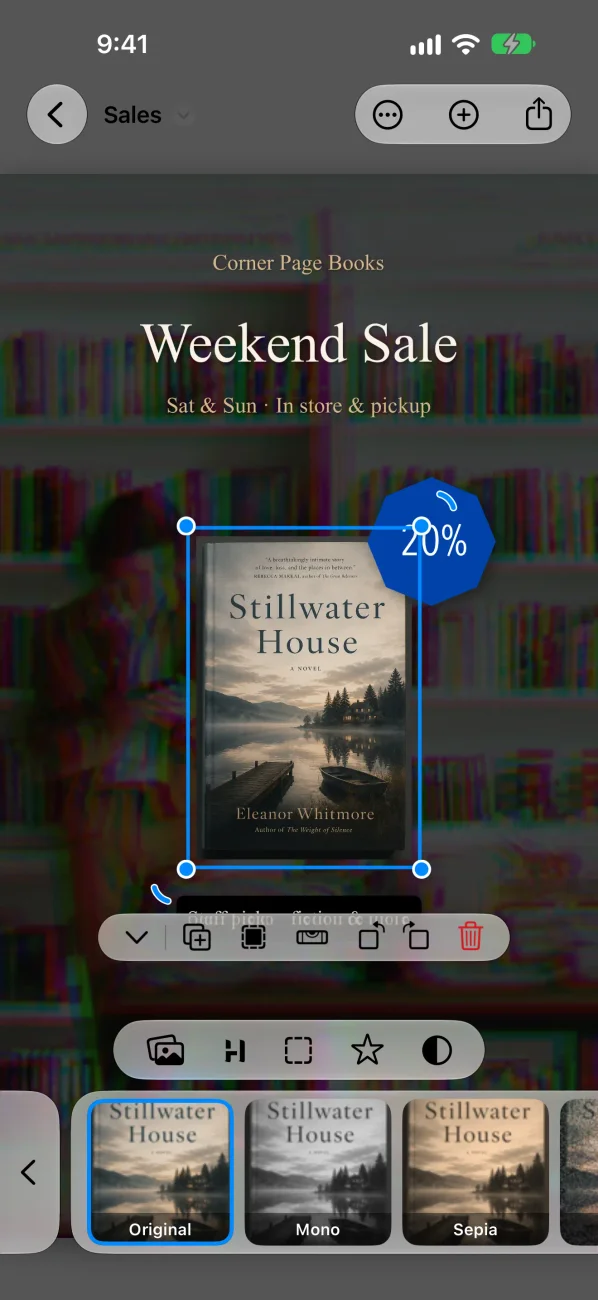
• Layers with z-order, duplicate, undo and redo
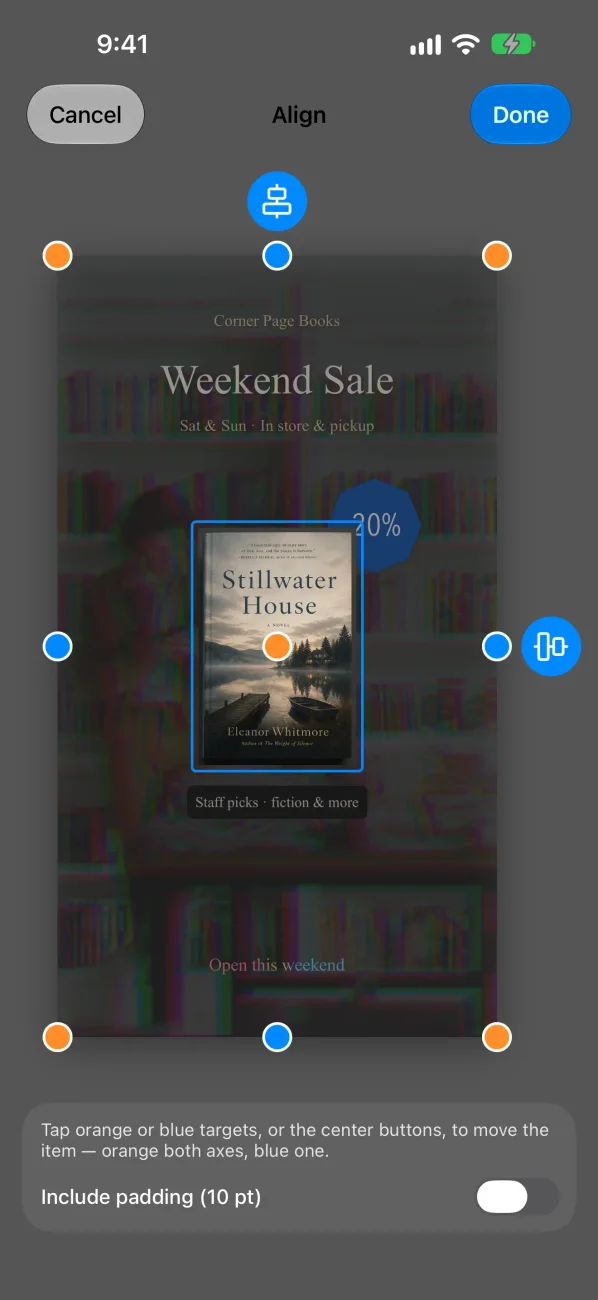
• Smart snap guides; align to canvas edges, mid-edges, and center
• Rotation; linear gradients on text, shapes, and backgrounds
• Text: bold, italic, underline, strikethrough, outline, shadow, rounded background chips
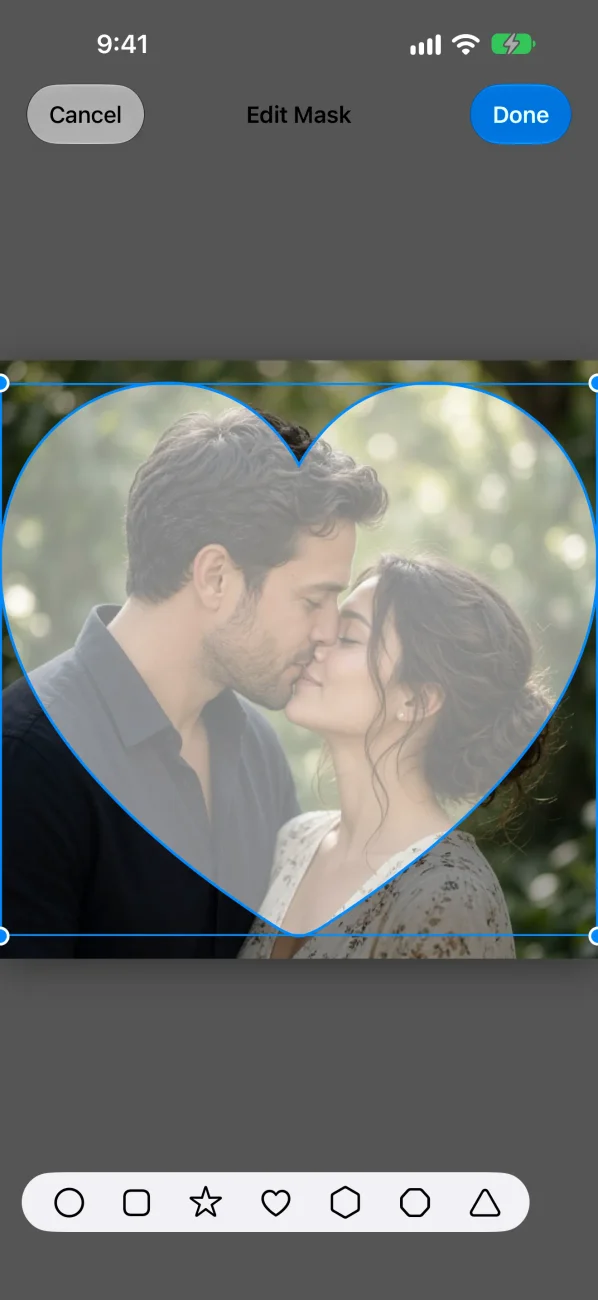
• Photos: shape masks, framing, filters, outline, shadow, opacity
• Shapes and icons; background photo framing
• Optional Pexels stock photos and Iconify icons
CUSTOM FONTS.
Browse a bundled library with favorites. Install fonts from Files, or send them from a computer over Wi‑Fi — no cable, no cloud.
SIZES & EXPORT.
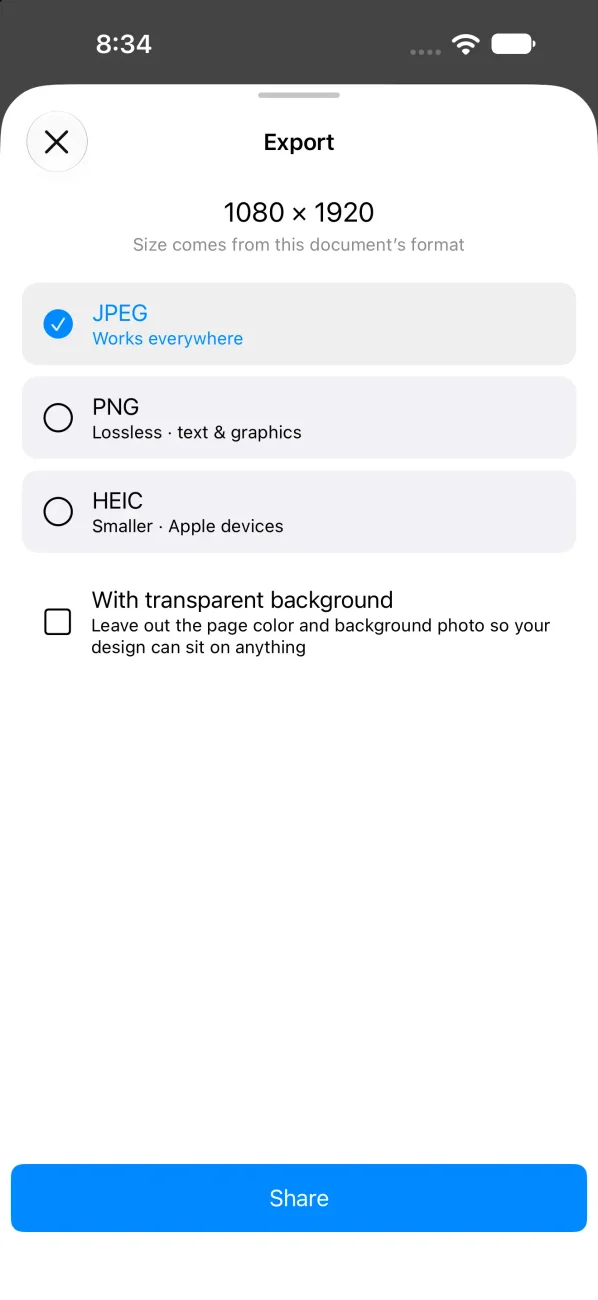
YouTube 16:9, Instagram post, story 9:16, square, A4, Letter, and custom. Export PNG, JPEG, or HEIC at the exact pixel size. Transparent PNG when you need it. Share or Save to Photos.
Built for iPhone and iPad, with keyboard shortcuts and six languages.
What’s new
Version 4.0.2 · Nov 7, 2026
Minor UI fixes and localization updates for all languages.
App privacy
What Maysoft Inc. declares on the App Store about how this app handles data.
-
Data not collected
The developer does not collect any data from this app.
Privacy practices may vary, for example with the features you use or your age.
Information
- Seller
- Maysoft Inc.
- Category
- Graphics & Design
- Version
- 4.0.2
- Updated
- Nov 7, 2026
- Released
- Jun 30, 2015
- Size
- 77.9 MB
- Requires
- iOS 18.6 or later
- Age rating
- 4+
- Price
- Free
- In-app purchases
- Yes
- Languages
- English, French, Hindi, Japanese, Simplified Chinese, Spanish
- Copyright
- © 2026 Maysam Shahsavari
You might also like
-
 Cartoon Yourself·Toon Me Photo Editor
-
 Product Photo Maker: SellerKitBackground Remover & Editor
-
 JPG Converter.Convert HEIC to JPG
-
 AI Background Remover- RetouchRemove Objects, outline & blur
-
 Blur Video·Blur Video Background
-
 Image Play StudioOn-Device AI Art Generator
-
 Image Resizer.Photo Size - Resize & Compress
-
 Sprite PencilCreate Pixel Art
-
 Image resizer, converter iSizePhoto resize, crop, fit, print
-
 EverMemory: Photo AnimatorAnimate Photos, Image to Video