
- Age rating4+
- CategoryGraphics & Design
- Developer256 Arts
- LanguagesEnglish+ 6 more
- Size11.9 MB
Links to the official App Store page
Download.org hosts no file of Sprite Pencil. The button opens its official App Store page, published by 256 Arts. Listing last checked on Nov 23, 2026.
Screenshots

About
Pixel art, made simple and made to feel great.
Sprite Pencil is a focused pixel-art editor for sprites, icons, and game assets. A small set of carefully chosen tools and a drawing engine built exclusively for Apple devices make every pixel land exactly where you meant it, whether you draw with a finger or with Apple Pencil.
Draw
• Pencil, eraser, and fill tools
• Highlight and shadow brushes that shade automatically
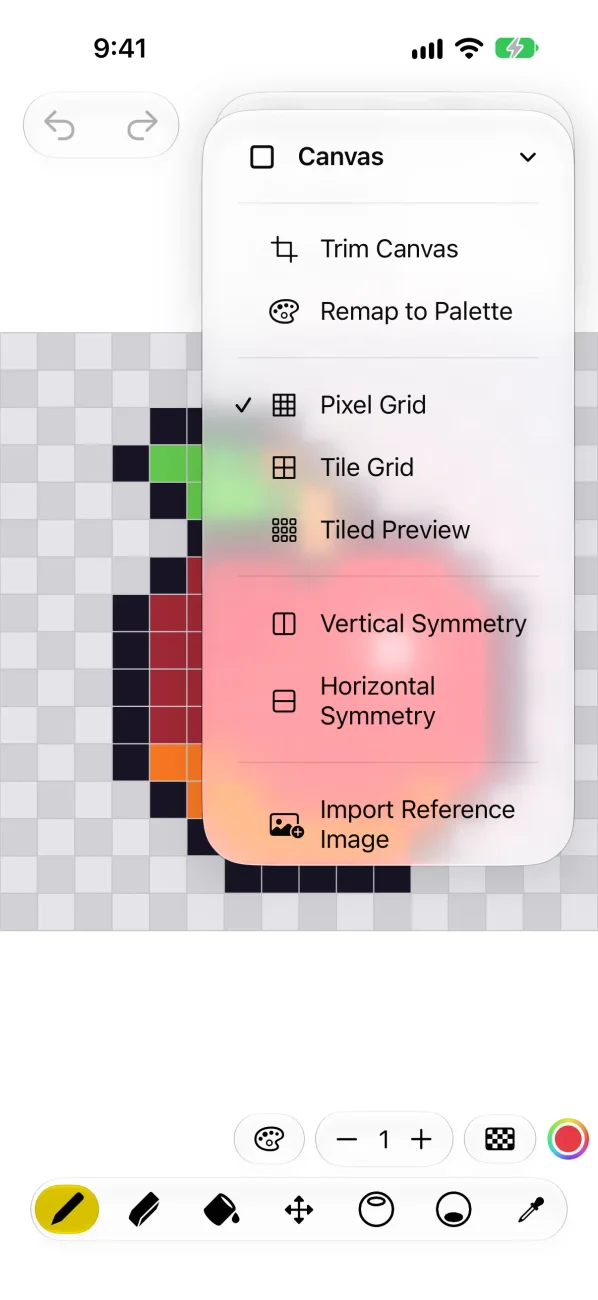
• Symmetry mode to mirror strokes as you draw
• Dithering for classic checkered patterns
• Flip, rotate, and outline a whole sprite in a tap
• Full undo and redo
Color
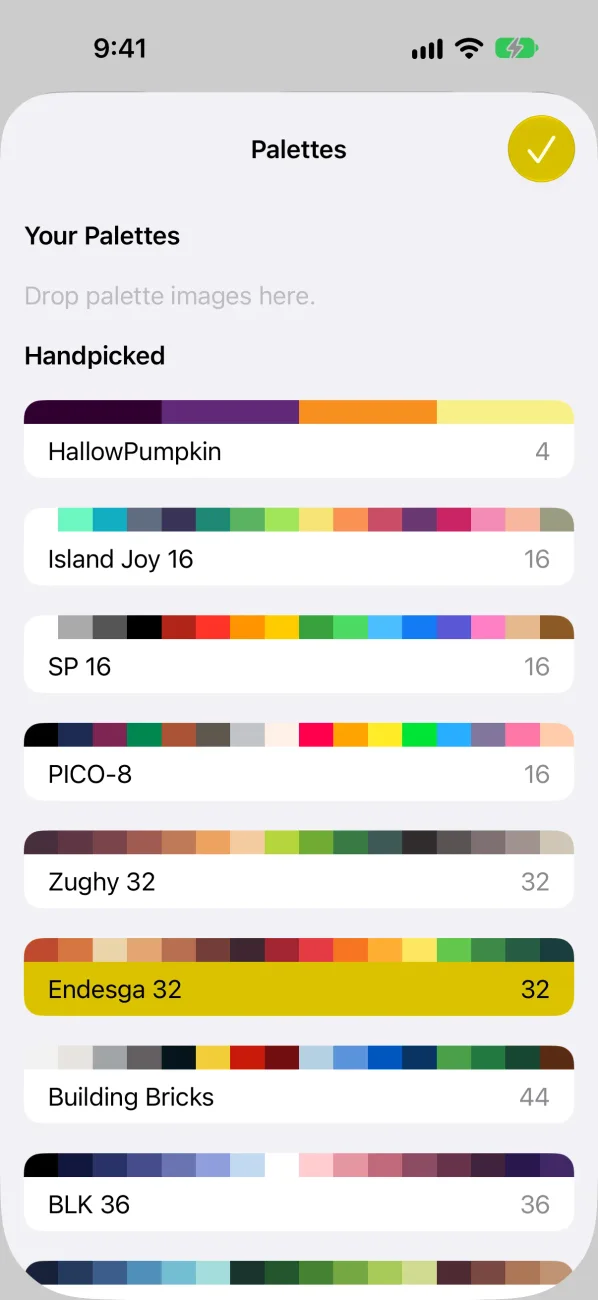
• Handpicked palettes, plus seasonal picks
• Building Bricks colors
• Import any palette from Lospec
Your Files, Your Way
• Sprites are plain PNG files, so any app can open them
• Edit images in place wherever they live, including iCloud Drive
• Share your art scaled up so it stays crisp
Show It Off
• Pin a favorite sprite to your Home Screen with a widget
• Draw and send pixel-art stickers right in Messages
What’s new
Version 5.0 · Oct 28, 2026
This update brings smarter tools and a more polished Mac experience.
• New: a bucket fill toggle to recolor every pixel of a tapped color at once, plus Remap to Palette to snap your whole image to your palette's nearest colors
• New: Tiled Preview shows your sprite repeated around the canvas, perfect for seamless tiles
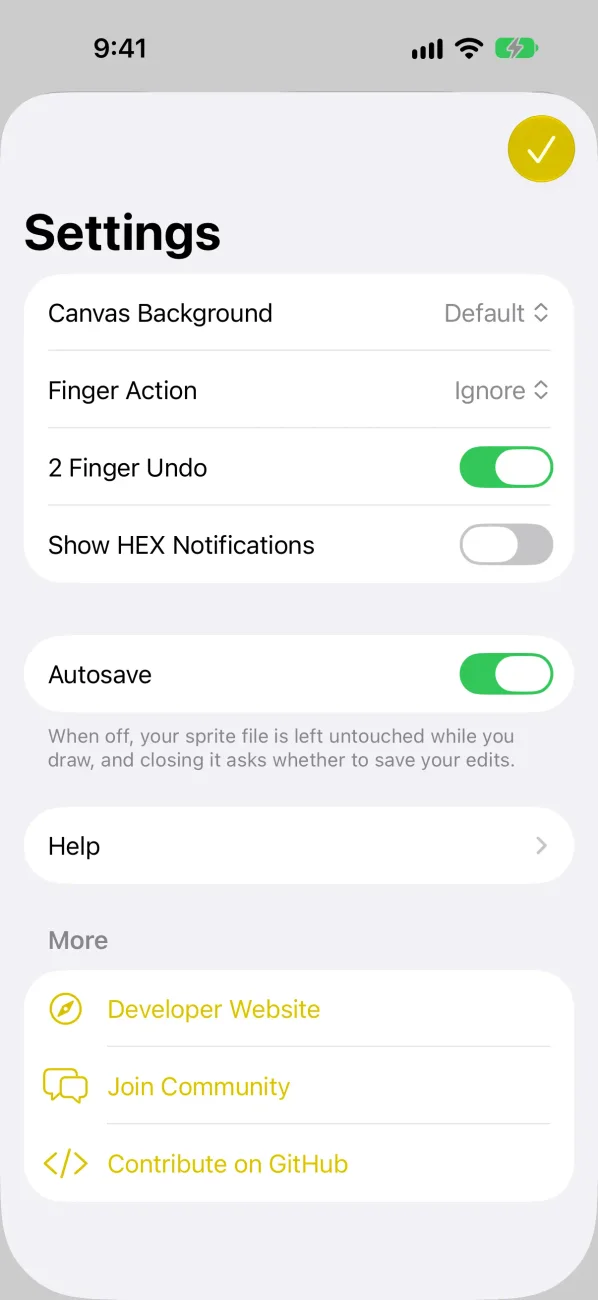
• New: import a reference image behind the canvas, and an Autosave setting for more control over when your work is saved
• Refined Mac and visionOS toolbars, plus new languages: Simplified Chinese, Japanese, German, French, and Spanish
• Bug fixes and improvements
App privacy
What 256 Arts declares on the App Store about how this app handles data.
-
Data used to track you
May be used to track you across apps and websites owned by other companies.
- Identifiers
-
Data linked to you
May be collected and linked to your identity.
- Location
- Identifiers
- Usage data
-
Data not linked to you
May be collected but is not linked to your identity.
- Diagnostics
Privacy practices may vary, for example with the features you use or your age.
Information
- Seller
- 256 Arts Inc.
- Category
- Graphics & Design
- Version
- 5.0
- Updated
- Oct 28, 2026
- Released
- Oct 14, 2018
- Size
- 11.9 MB
- Requires
- iOS 27.0 or later
- Age rating
- 4+
- Price
- Free
- Languages
- English, French, German, Japanese, Russian, Simplified Chinese, Spanish
- Copyright
- © 256 Arts Inc.
You might also like
-
 Pixel art maker - InkticaSprite and texture maker
-
 DS Card - Markdown text cardConvert text to pretty image
-
 Screenshot Editor - SnapItHighlight, Redact, Mockup
-
 Pixen - pixel art editorHandcrafted pixel art editor
-
 Sprite Artisan Pixel ArtMake Pixel art, Sprite Sheet
-
 CoverpadSocial Cover & Post Maker
-
 Sprite TightPixel Art and GIF creator
-
 Litur - Color LibraryFor Designers & Makers
-
 Sprite CreatorThe Pixel Art Maker
-
 Pixel Editor: Avatar GeneratorCreate 8 Bit, Art Maker Studio