
CraftOS-PC
Modern ComputerCraft emulator
Designed for iPhone, iPad, iPod touch
Free · In-app purchases
- Age rating4+
- CategoryDeveloper Tools
- DeveloperJack Bruienne
- LanguagesEnglish
- Size11.1 MB
Links to the official App Store page
Download.org hosts no file of CraftOS-PC. The button opens its official App Store page, published by Jack Bruienne. Listing last checked on Nov 12, 2026.
Screenshots
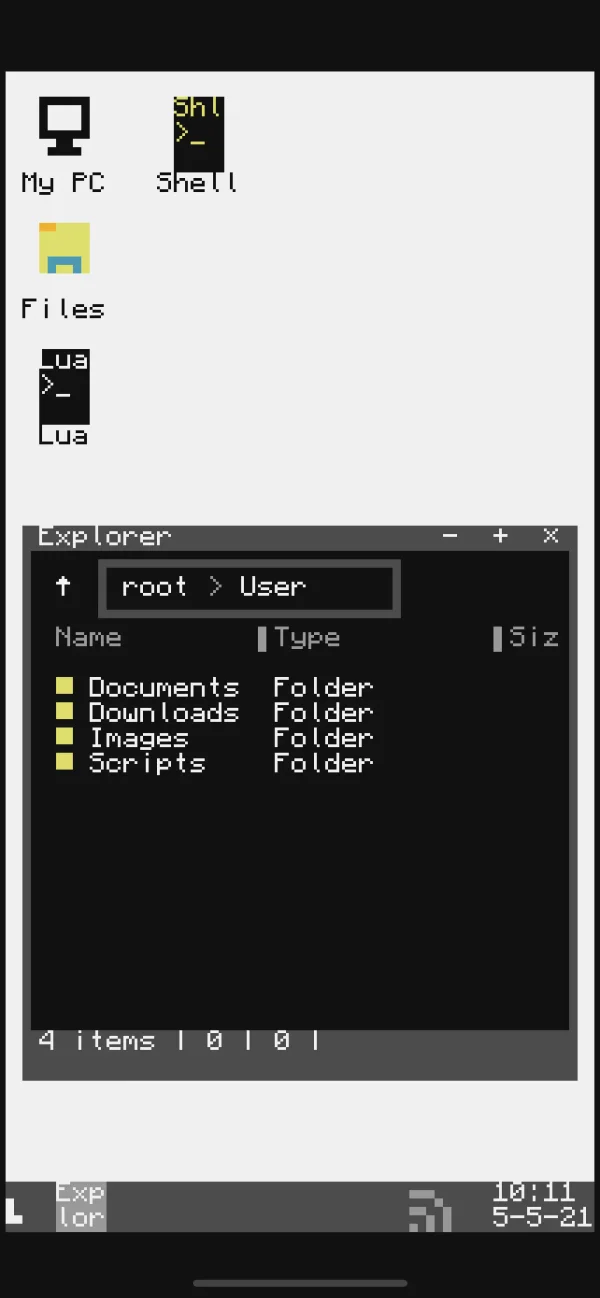
About
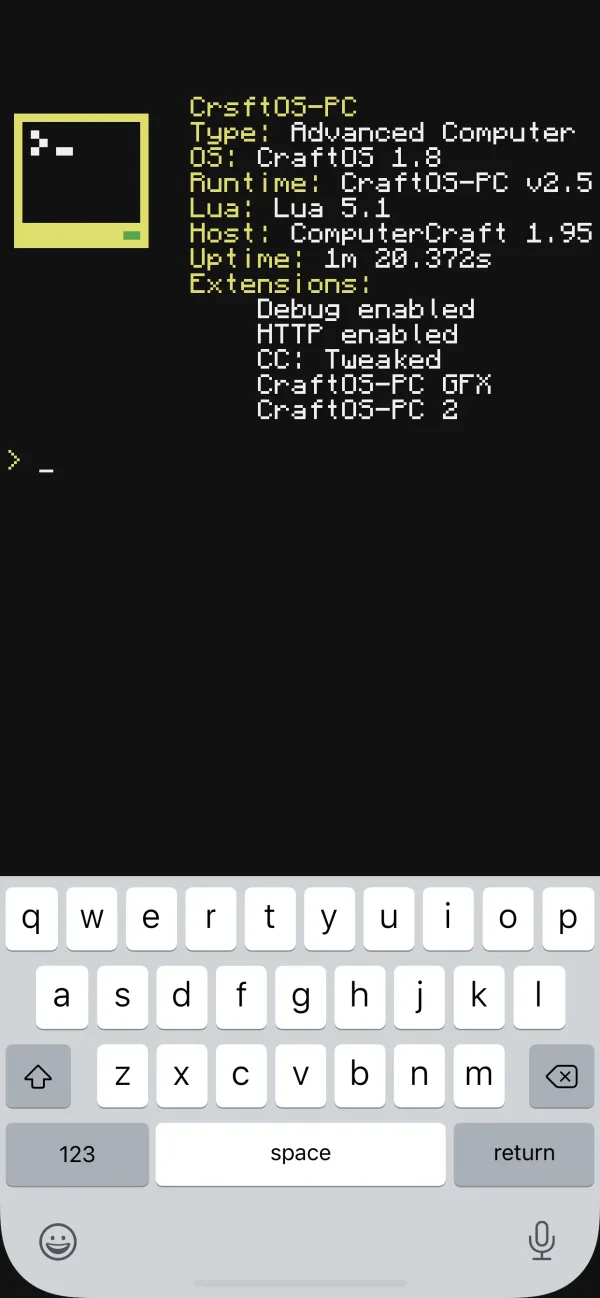
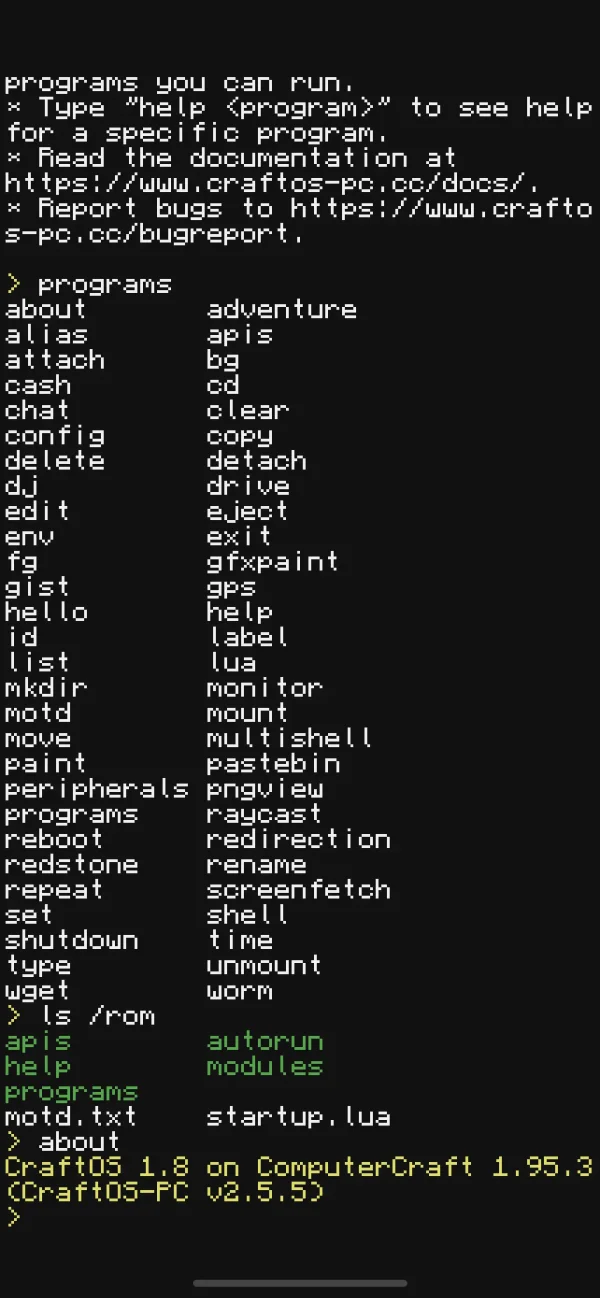
CraftOS-PC is a fantasy terminal that allows you to write and run programs inside an ‘80s-style text console.
CraftOS-PC emulates the popular Minecraft mod "ComputerCraft", which adds programmable computers to Minecraft using the Lua programming language. CraftOS-PC takes this experience outside Minecraft to allow you to run the same programs anywhere you go.
CraftOS-PC provides a set of functions (called APIs) that make it super easy to do simple tasks such as write text to the screen, read files, and more. The simplicity of these functions makes CraftOS-PC great for new programmers, but their power makes it possible to write all sorts of complex programs with less code.
If you aren’t ready to write programs yet, there’s already a large number of programs for ComputerCraft that will work in CraftOS-PC, ranging from simple games to whole graphical operating systems. These can be downloaded through the built-in Pastebin and GitHub Gist clients.
• Full Lua 5.2+ scripting environment and command-line REPL
• 16-color text-based terminal display
• Expansive virtual filesystem for program and data storage
• Built-in shell with syntax similar to most desktop shells
• APIs to easily access terminal, filesystem, Internet, event queue, and more
• Built-in programs make it easy to navigate & edit files without a single line of code
• Plenty of help documents to assist programmers
• Compatibility with thousands of existing ComputerCraft programs
• Over 3x faster than Minecraft mod and comparable emulators
• Emulation of all peripherals available in ComputerCraft
• Easily access configuration from inside CraftOS
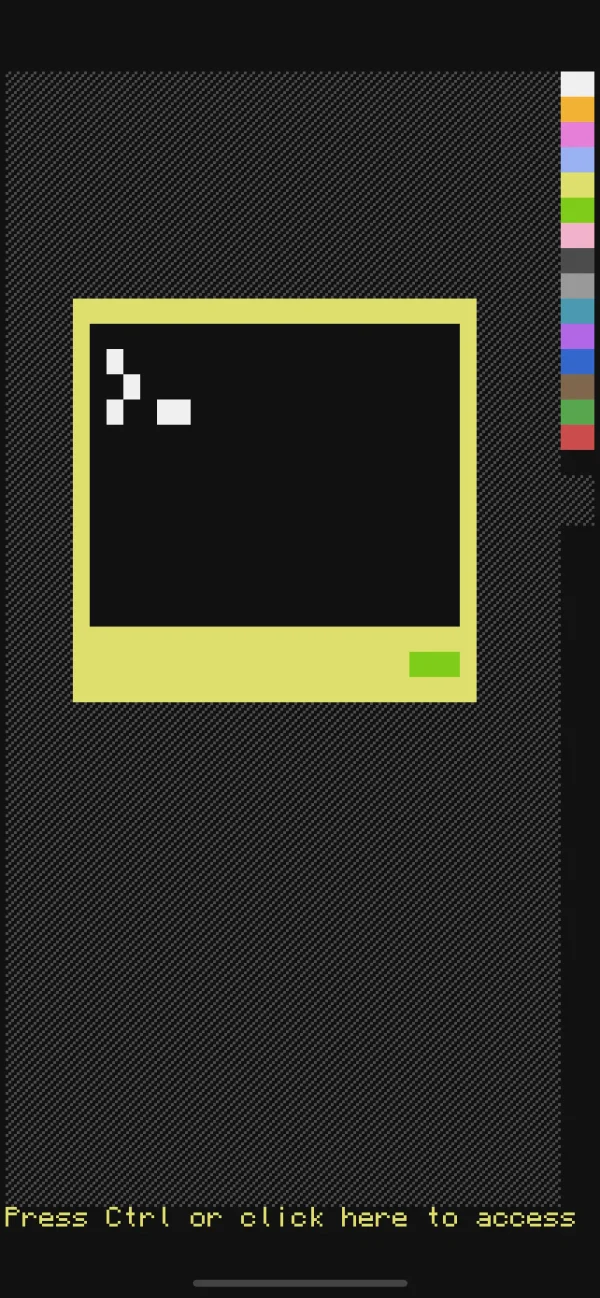
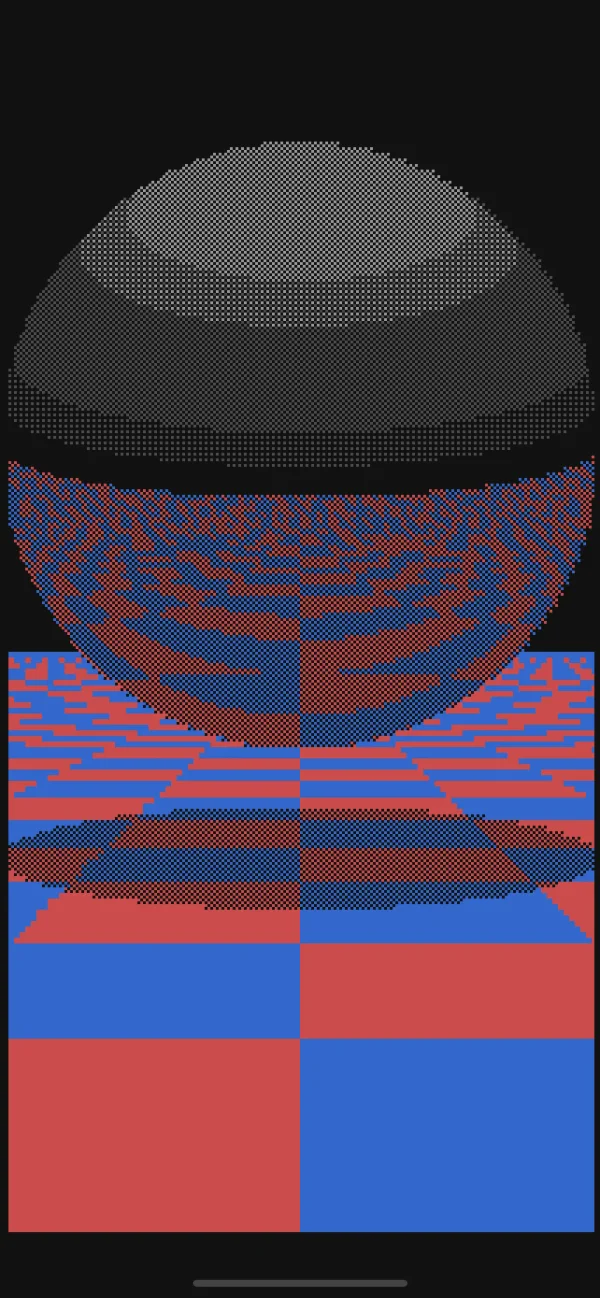
• Exclusive graphics mode providing up to 256-color, pixel-based screen manipulation
• Edit Lua scripts from CraftOS or other code editing apps
• Open-source app makes it easy to suggest and contribute changes
Documentation on all of the APIs that ComputerCraft provides are available at https://tweaked.cc, and CraftOS-PC’s unique APIs are described at https://www.craftos-pc.cc/docs/.
Join the CraftOS-PC community at https://www.craftos-pc.cc/discord!
What’s new
Version v2.8.1 · Mar 14, 2024
Happy new year! This release of CraftOS-PC finally brings Lua 5.2 support along with compatibility with CC: Tweaked 1.109.3. In addition, it adds a new WebSocket server API, and lots and lots of critical crash fixes.
This version is a breaking release. Notably, all files are now handled in binary mode, which may break programs that have embedded UTF-8 characters (this was always discouraged for this reason). In addition, bytecode dumping and loading is disabled in standards mode, but it remains enabled when standards mode is disabled. However, despite the introduction of the goto keyword, it remains a valid identifier, so programs with variables or functions named goto should continue to function.
• Updated CC:T version to 1.109.3
• Update to Lua 5.2
• getfenv/setfenv now only work on Lua functions.
• Add support for goto.
• Remove support for dumping and loading binary chunks.
• Only disabled in standards mode
• File handles, HTTP requests and websocket messages now use raw bytes rather than converting to UTF-8.
• fs.open now supports r+/w+ modes.
• Add allow_repetitions option to textutils.serialiseJSON.
• math.random now uses Lua 5.4's random number generator.
• tostring now correctly obeys __name.
• Rewrote WebSocket server API (#337)
• Use server = http.websocketServer(port) to create a server handle
• server.listen() waits for a new connection, and returns a new WebSocket handle
• Handles have an additional clientID field for identifying the client connection
• server.close() closes the server
• Events are now under the websocket_server_ domain
• WebSocket close events now send the close code if available
• Fixed WebSocket ping messages causing the socket to close
• Fixed many memory corruption issues around ropes
• Fixed some issues with debug hooks and yielding
• Fixed crash when erroring from a debug hook (#326)
• Debuggers now inherit the mount list from the original computer (#327)
• Fixed memory reporting when using string.rep (#328)
• Fixed fs.getFreeSpace not checking parent directories if the path doesn't exist (#330)
• Fixed crash when using HTTP in the VS Code extension (#332)
• Fixed repeated websocket.close calls causing a crash (#336)
• xpcall error handlers can now yield
• Added onboarding screen for navigation bar instructions
App privacy
What Jack Bruienne declares on the App Store about how this app handles data.
-
Data not collected
The developer does not collect any data from this app.
Privacy practices may vary, for example with the features you use or your age.
Information
- Seller
- Jack Bruienne
- Category
- Developer Tools
- Version
- v2.8.1
- Updated
- Mar 14, 2024
- Released
- Jul 23, 2021
- Size
- 11.1 MB
- Requires
- iOS 13.0 or later
- Age rating
- 4+
- Price
- Free
- In-app purchases
- Yes
- Languages
- English
- Copyright
- © 2019-2024 JackMacWindows.
You might also like
-
 Terminal Emulator appDeveloper Tool
-
 Love2D StudioCode and debug Love2D games
-
 TFLite LiteRT TensorFlow TestNeural Engine & GPU inference
-
 Secure TerminalSSH & SFTP & XWindow
-
 Rubyist - Ruby ScriptingRun and Automate Ruby Code
-
 Commander | Terminal CommandsTerminal Commands
-
 LispPad GoWrite Scheme code on the go
-
 Lua IDEfor Mobile Devices
-
 Vision DetectorRun your Vision CoreML model
-
 SNMP Network MonitorSNMP Insights and SSH Console