- Age rating4+
- CategoryPhoto & Video
- Developermoonbear
- LanguagesEnglish
- Size90.9 MB
Links to the official App Store page
Download.org hosts no file of CreativePass. The button opens its official App Store page, published by moonbear. Listing last checked on Nov 13, 2026.
Screenshots
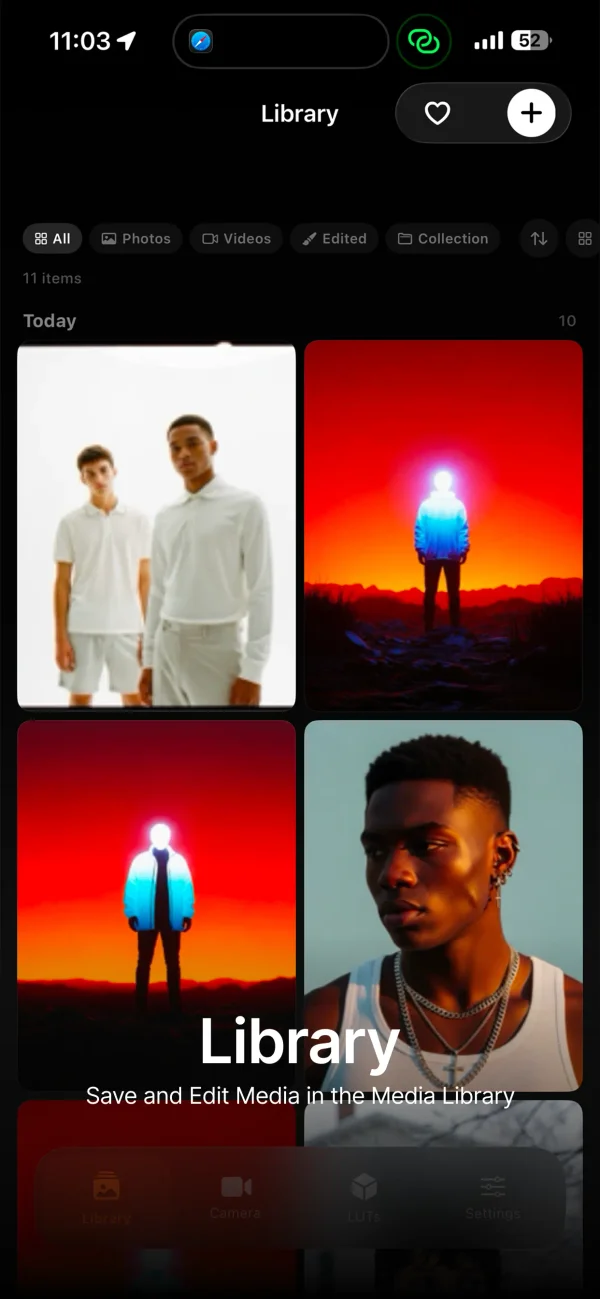
About
CreativePass — LUTs, Effects & Creator Tools
CreativePass is a creator-first photo and video editor built for speed, precision, and cinematic results.
Designed for photographers, filmmakers, and content creators, Creative Pass gives users professional-grade color tools, real-time effects, and production features all in one streamlined app.
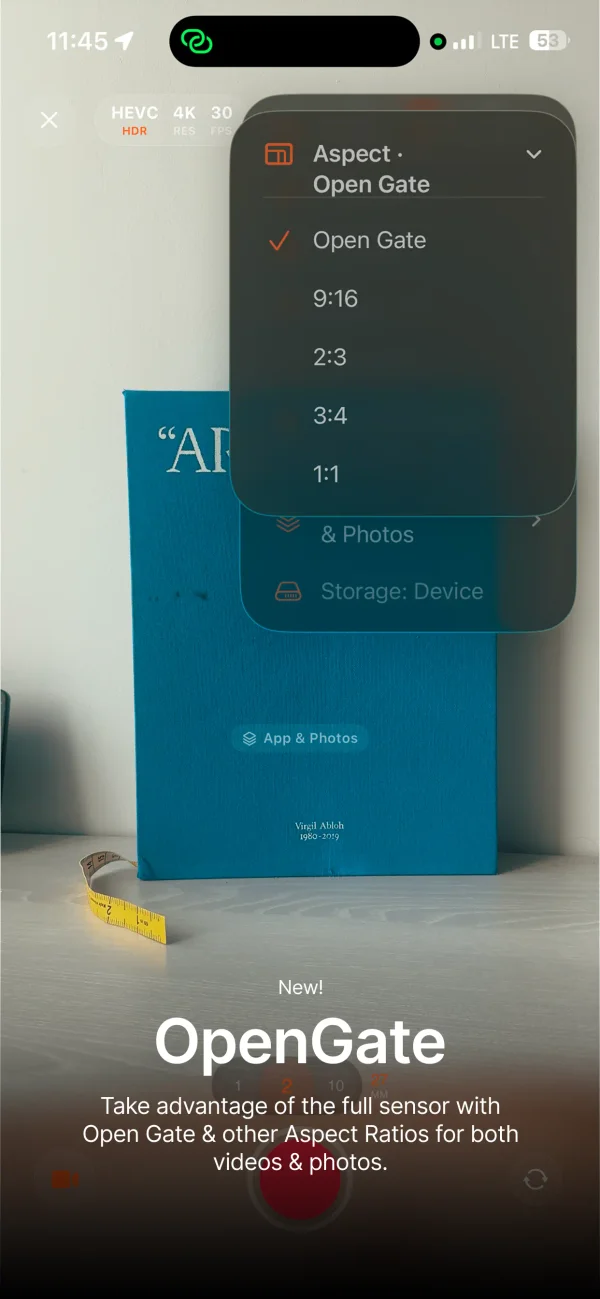
Shoot With Creative Control
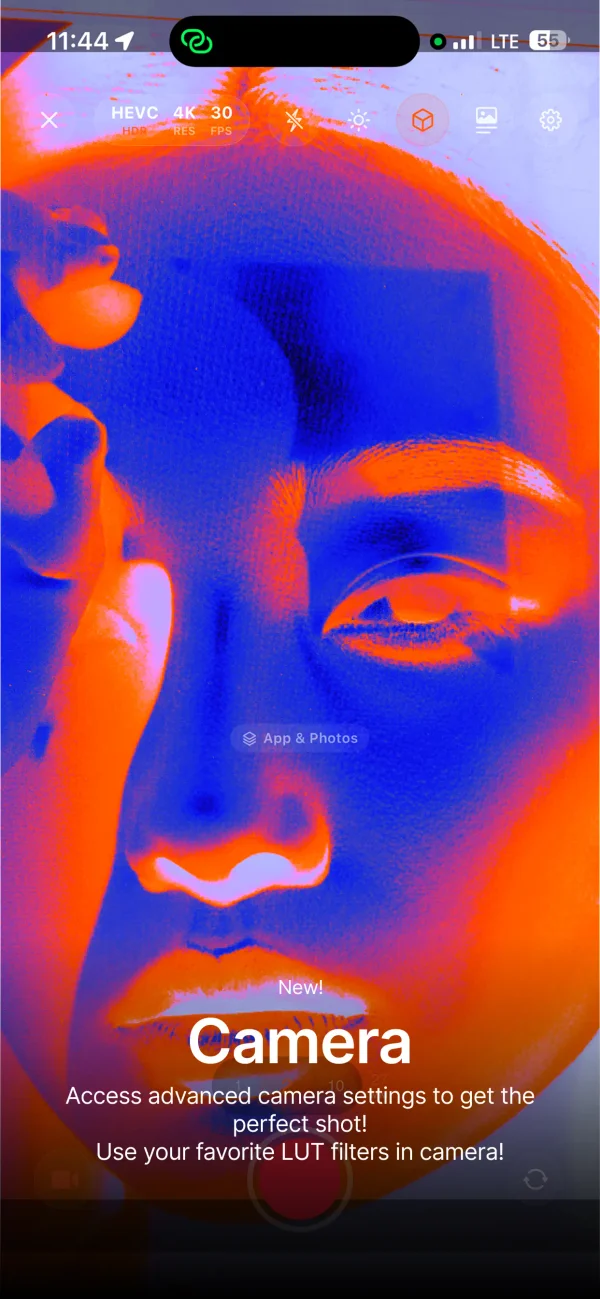
Capture content using the built-in pro camera featuring live LUT preview, manual controls, and real-time visual adjustments so you can see your look before you hit record.
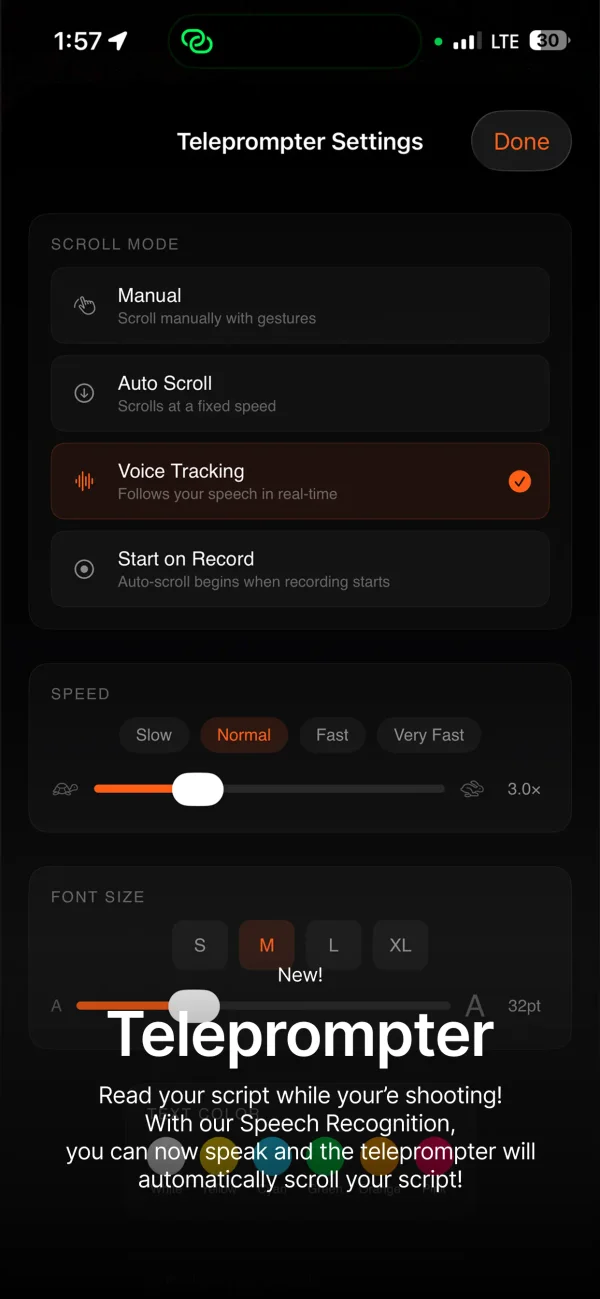
Use speech-recognition teleprompting to deliver scripts smoothly on camera without losing eye contact.
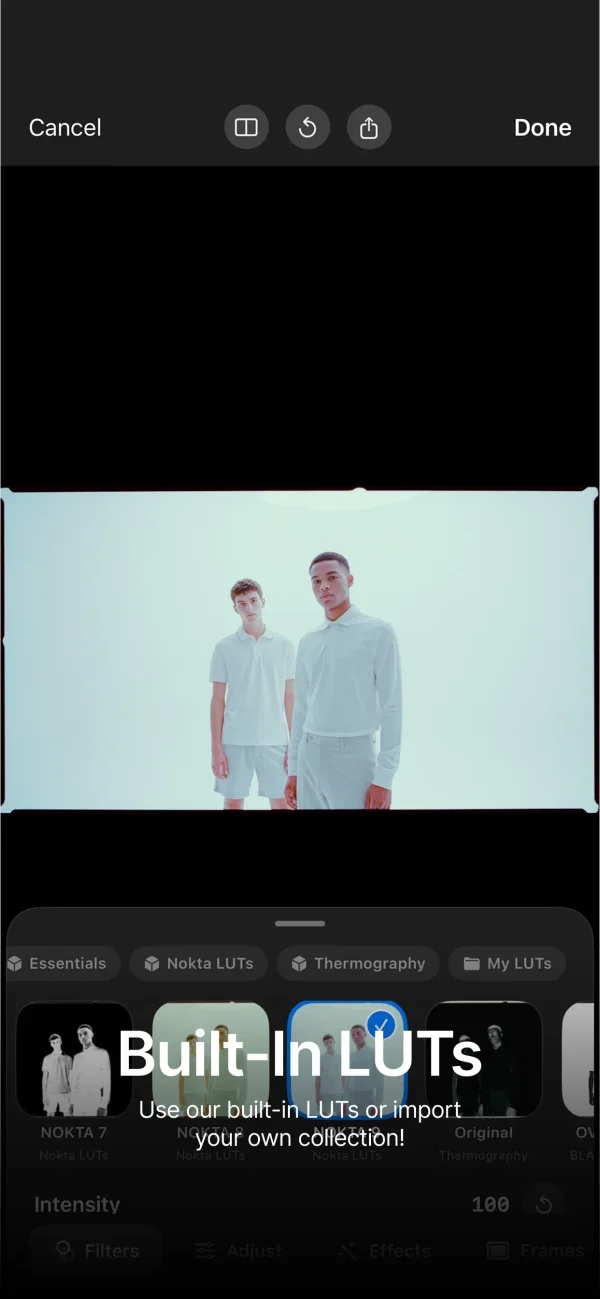
Free Photo Editor With LUTs
Transform your images instantly using included LUT presets, ready right out of the box.
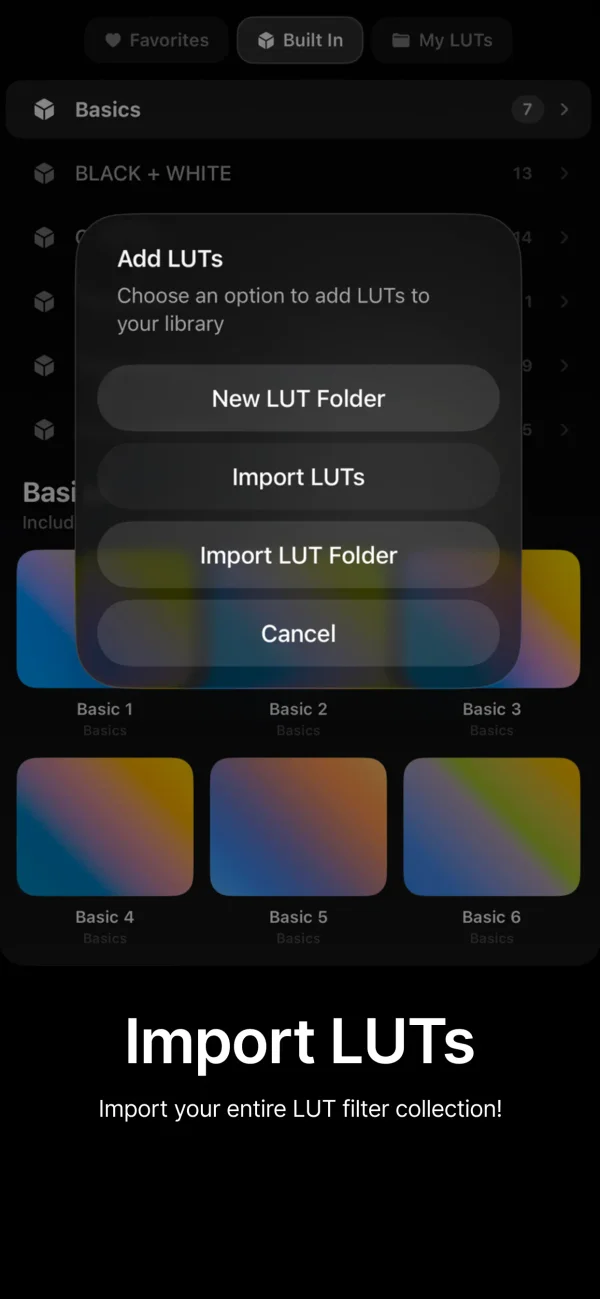
• Import your own LUTs
• Save favorites into folders
• Apply looks in seconds
• Fine-tune with precision controls
Adjust brightness, contrast, vibrance, fade, and more to craft anything from bold social edits to soft cinematic grades.
Advanced Creative Effects
Professional visual tools designed to give your work a distinctive signature look:
• Bloom glow effect
• Halation film simulation
• Highlight & shadow shaping
• Color tone sculpting
Create subtle film emulation or push your visuals into stylized cinematic territory.
Video Editing With Real-Time LUTs
Apply LUTs and color adjustments directly to video using the same tools you use for photos.
Preview changes instantly and export clips optimized for social platforms.
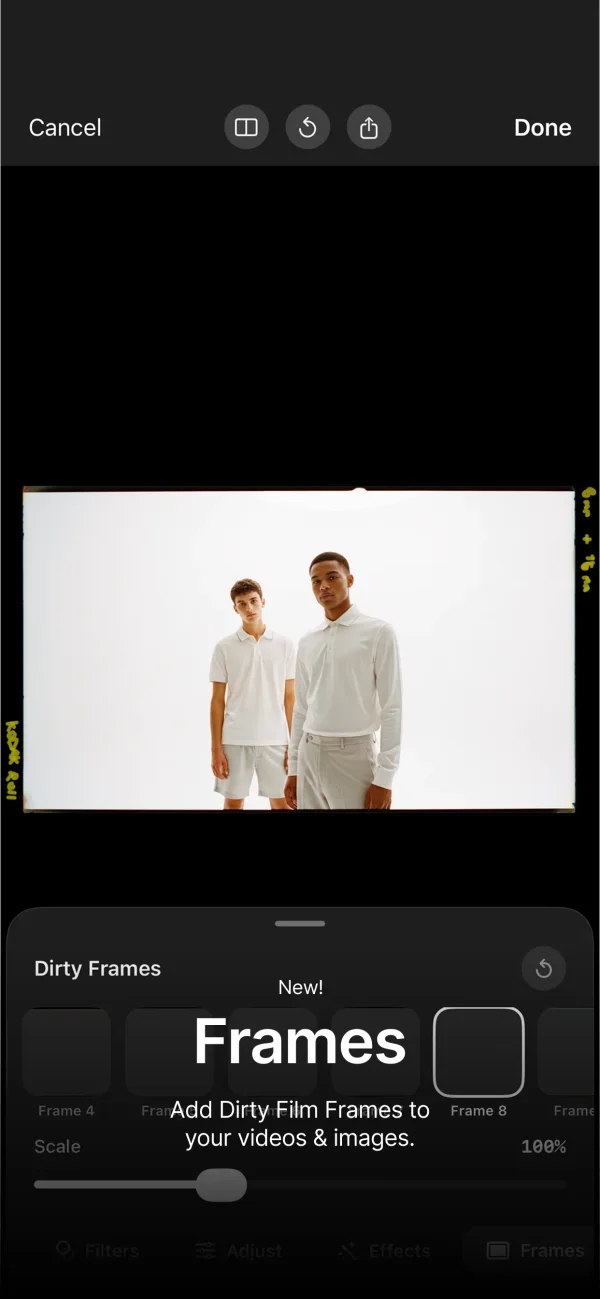
Add text, overlays, and frames for quick thumbnails, titles, social visuals, or branded content without switching apps.
Built for Creators Who Move Fast
CreativePass eliminates slow workflows by combining camera, editing, and design into a single creative environment.
No clutter. No distractions.
Just tools that keep up with your ideas.
What’s new
Version 5.0 · Oct 2, 2026
- Bug Fixes & Improvements
App privacy
What moonbear declares on the App Store about how this app handles data.
-
Data not collected
The developer does not collect any data from this app.
Privacy practices may vary, for example with the features you use or your age.
Information
- Seller
- Moon Bear LLC
- Category
- Photo & Video
- Version
- 5.0
- Updated
- Oct 2, 2026
- Released
- Feb 20, 2026
- Size
- 90.9 MB
- Requires
- iOS 26.0 or later
- Age rating
- 4+
- Price
- Free
- Languages
- English
- Copyright
- © MoonBear LLC
You might also like
-
 Radiant: Film & Digital CameraRAW, LUT, Video & Analog Looks
-
 AcetatePro RAW camera + film LUTs
-
 WholegrainAdvanced Film Emulation
-
 LUT Designer: Color GradingVideo Looks & Filters
-
 LogBloom: LUT Video GradingCinematic LUT color grading
-
 theLAB - MobileFilm Grain & Analog Editor
-
 Campera - Point & Shoot CameraFilm-quality photos, instantly
-
 Koloristika • The CameraCinema Color Science.
-
 Razr - Street CameraStreet and Travel Photography
-
 Halationify - Analog PhotosRealistic Analog Halations