
CS Scanner-PDF Scanner App
PDF Converter,Document Scanner
Designed for iPhone, iPod touch
Free
- Age rating4+
- CategoryProductivity
- DeveloperShanghai Yijing Network Technology Company Ltd.
- LanguagesEnglish+ 2 more
- Size21.9 MB
Links to the official App Store page
Download.org hosts no file of CS Scanner-PDF Scanner App. The button opens its official App Store page, published by Shanghai Yijing Network Technology Company Ltd. Listing last checked on Nov 16, 2026.
Screenshots
About
Efficient scanning and smart management make digitizing paper documents simple. CS Scanner employs cutting-edge image processing technology to provide you with an exceptional scanning experience and document management services.
Quick and High-Definition Scanning
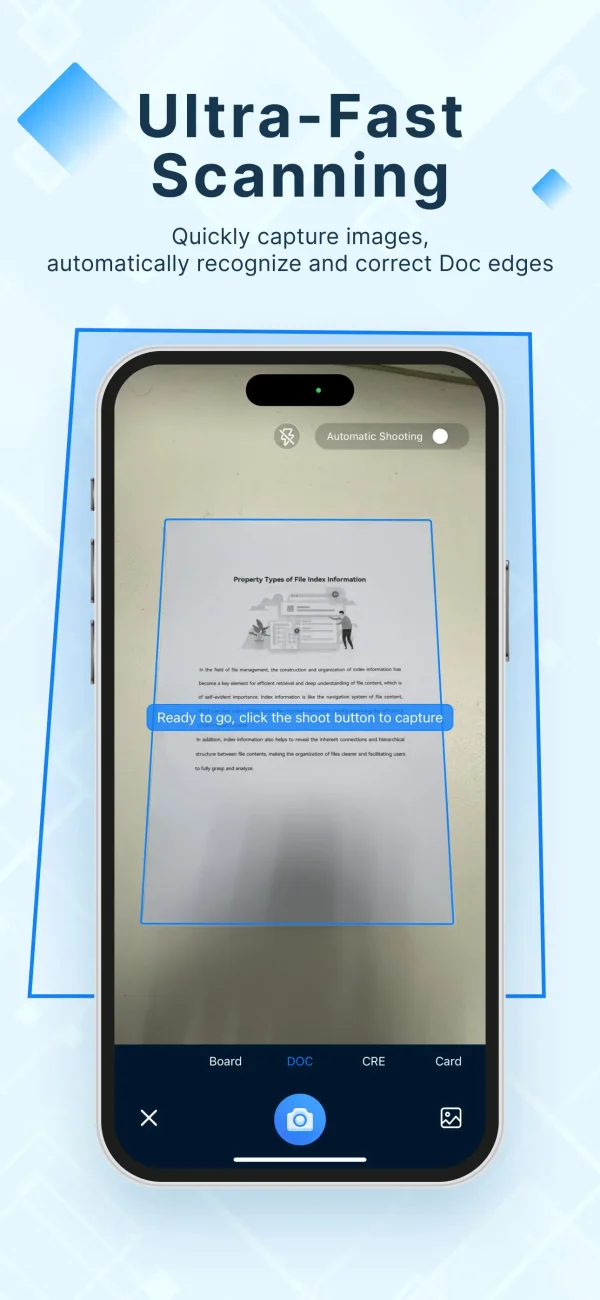
• Automatic edge detection and intelligent correction
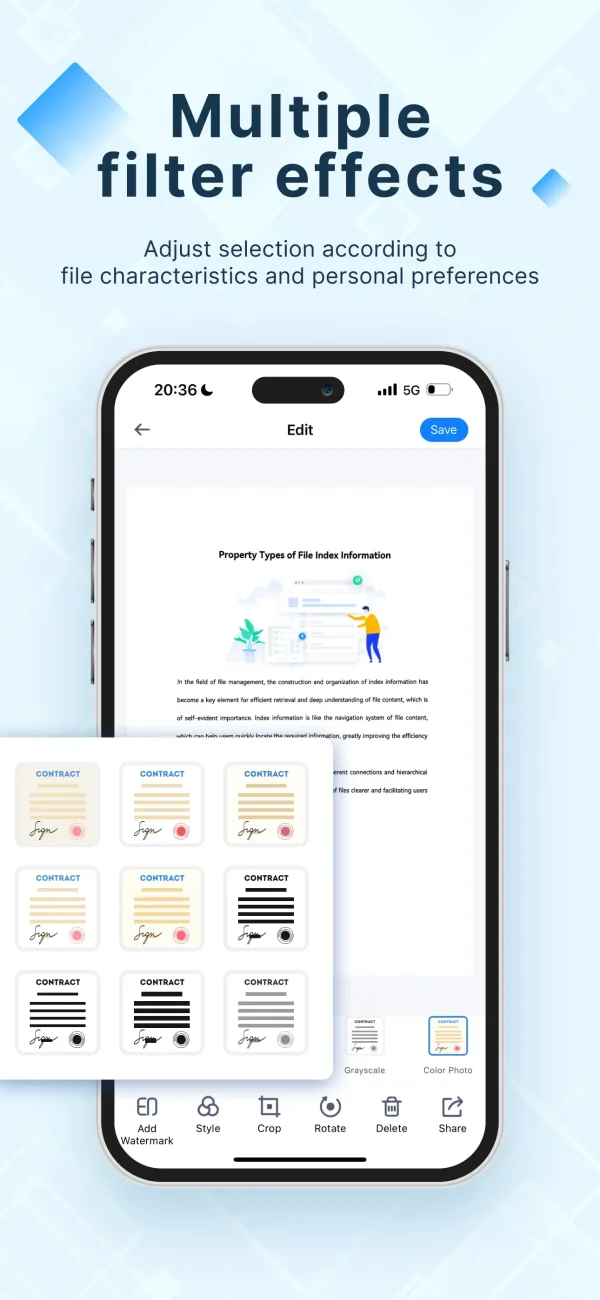
• Various image enhancement modes to authentically restore paper documents
• Batch scanning to handle multiple pages at once
Multi-Scenario Intelligent Optimization
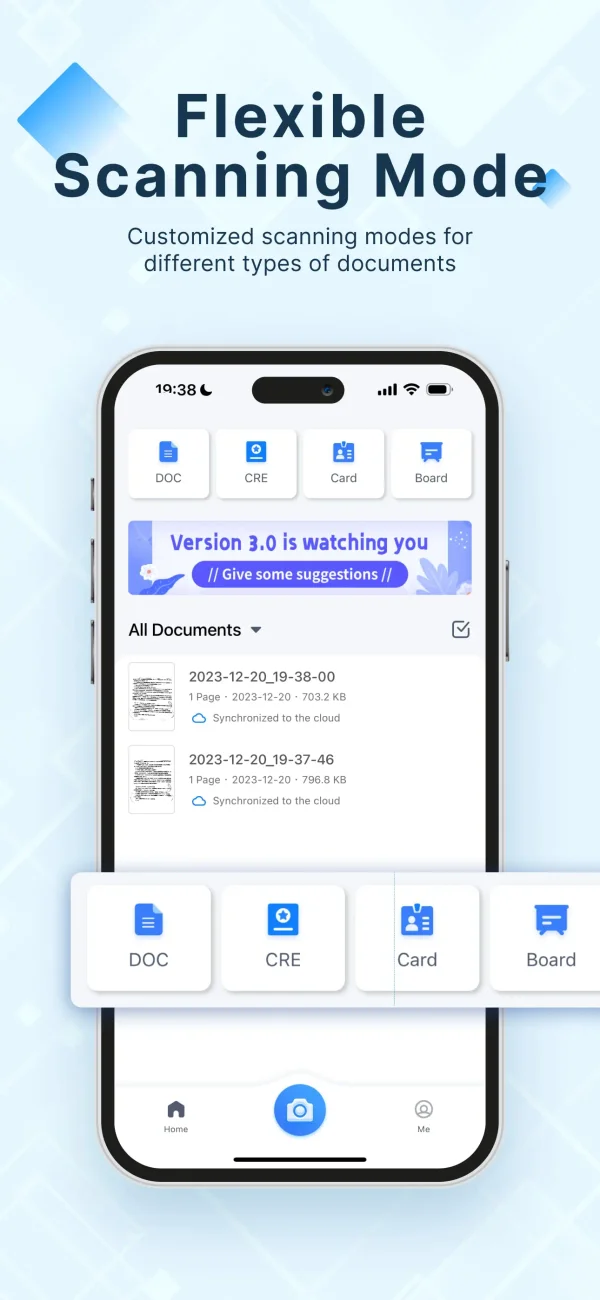
• Customized scanning solutions for different types of files such as documents, IDs, receipts, and business cards
• Intelligent analysis of lighting conditions, automatic adjustment of contrast and sharpness to ensure scan quality
OCR Text Recognition
• Supports text recognition in multiple languages, accurately extracting text from images
• One-click text copying
Document Format Conversion
• One-click conversion of scanned files to PDF, JPG office formats
• Maintains original layout, no need for re-editing
PDF Document Editing
• Adjust page order, flexibly combine documents
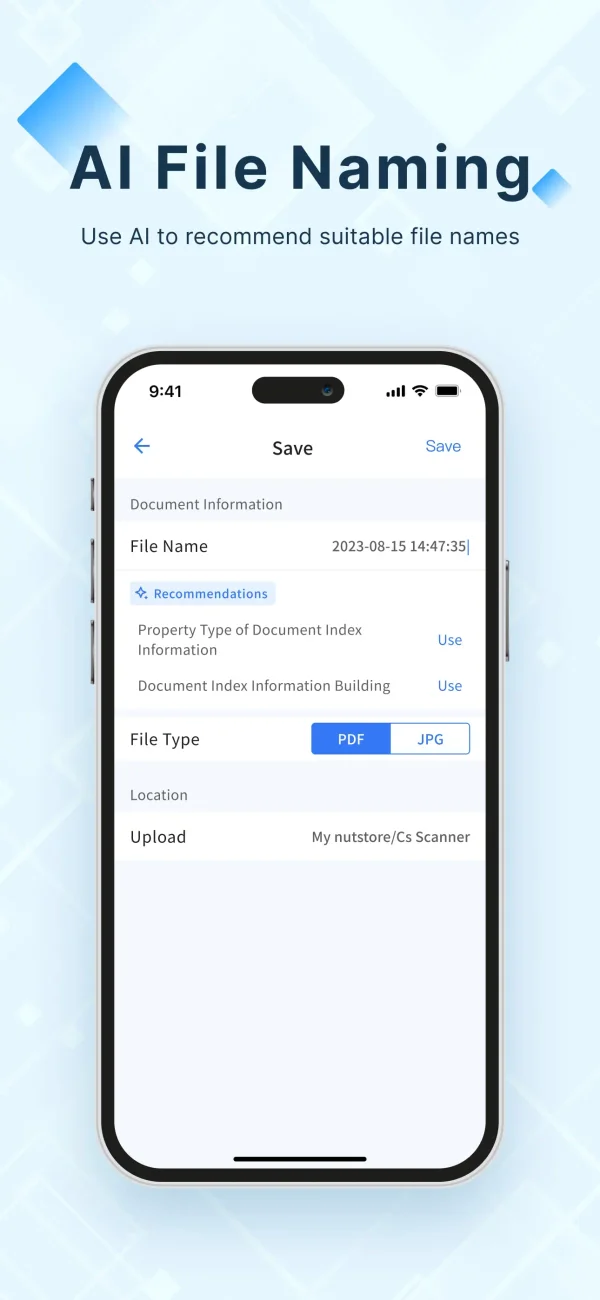
AI Intelligent Renaming
• Uses AI technology to automatically generate suitable file names for scanned files
• Smart recognition of document content, naming files based on themes, dates, and other key information
• Eliminate messy filenames and quickly build an organized document library
Privacy Protection
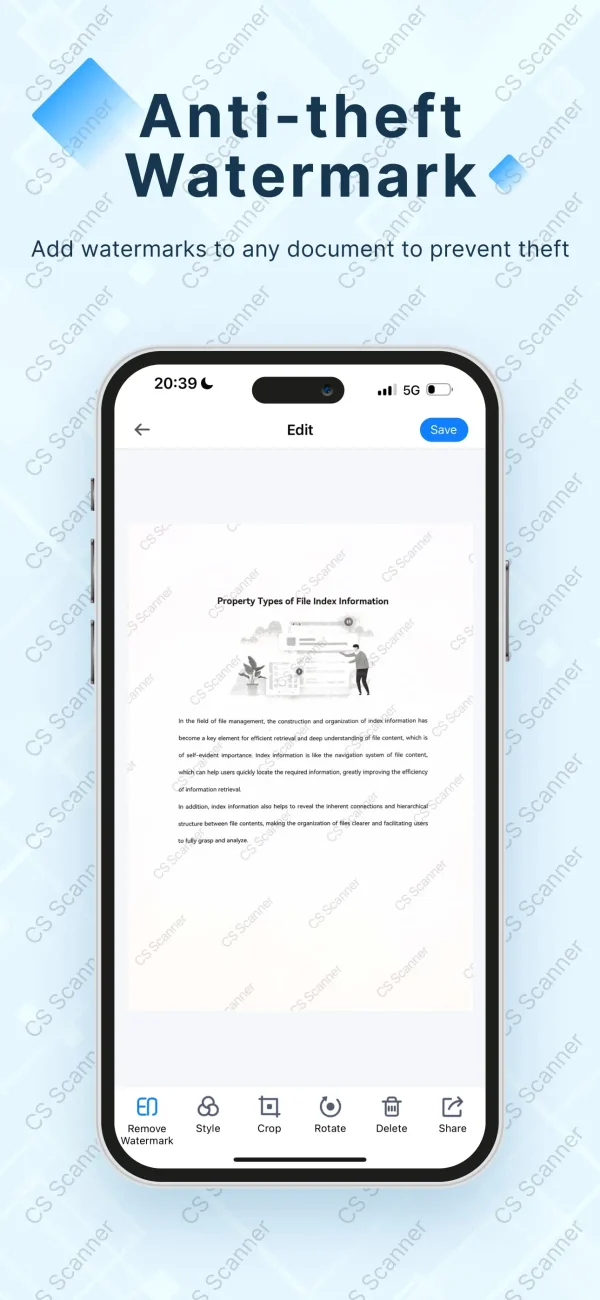
• Custom watermarks to fully protect document copyrights
Typical Application Scenarios:
• Students: Scanning and archiving class notes, collecting materials for assignments and papers
• Office Workers: Scanning and archiving meeting materials, electronic storage of documents
• Finance: Scanning records of invoices and receipts, electronic management of reimbursement documents
• Personal: Scanning backups of IDs and contracts, digitizing important family documents
Download CS Scanner now and make document management smart and efficient. We are committed to creating a safe, convenient, and professional personal document management solution that makes work and life easier and more enjoyable.
If you have any questions or suggestions, feel free to contact us:
• Customer Service Email: ios.feedback@nutstore.net
• Official Website: https://www.jianguoyun.com/static/html/ScanPaper-landing/index.html
What’s new
Version 3.3.13 · Dec 3, 2024
Other known issues fixed.
App privacy
What Shanghai Yijing Network Technology Company Ltd. declares on the App Store about how this app handles data.
-
Data not linked to you
May be collected but is not linked to your identity.
- User content
- Identifiers
- Usage data
- Diagnostics
Privacy practices may vary, for example with the features you use or your age.
Information
- Seller
- Shanghai Yijing Network Technology Company Ltd.
- Category
- Productivity
- Version
- 3.3.13
- Updated
- Dec 3, 2024
- Released
- Jun 19, 2018
- Size
- 21.9 MB
- Requires
- iOS 14.0 or later
- Age rating
- 4+
- Price
- Free
- Languages
- English, Japanese, Simplified Chinese
- Copyright
- © Shanghai Yijing Network Technology Corp., Ltd
You might also like
-
 Nutstore-Cloud Storage&BackupSecure file sync, share
-
 PDF Scanner:File Scanner AppText Scan & Edit with OCR
-
 全能扫描仪-拍文件相片照片扫描仪Productivity
-
 PDF Scanner:Photo to PDFDocuments Scan,Photo Converter
-
 ScannerHD:Scanner to scan PDFCam Documents PDF Converter
-
 汉王扫描王-图片转Word与PDFProductivity
-
 手机扫描王-文件全能助手&PDF图片转Word、一键计数测距Productivity
-
 Scanner: Document Scan AppPDF/OCR docs scan
-
 ScanScan(白描)-OCR Text ScannerDocument to pdf, Image to text
-
 讯飞笔记-专注于语音笔记管理的备忘录云笔记Productivity