CuaderNote: Notes & Flashcards
Spaced Repetition & PDF Study
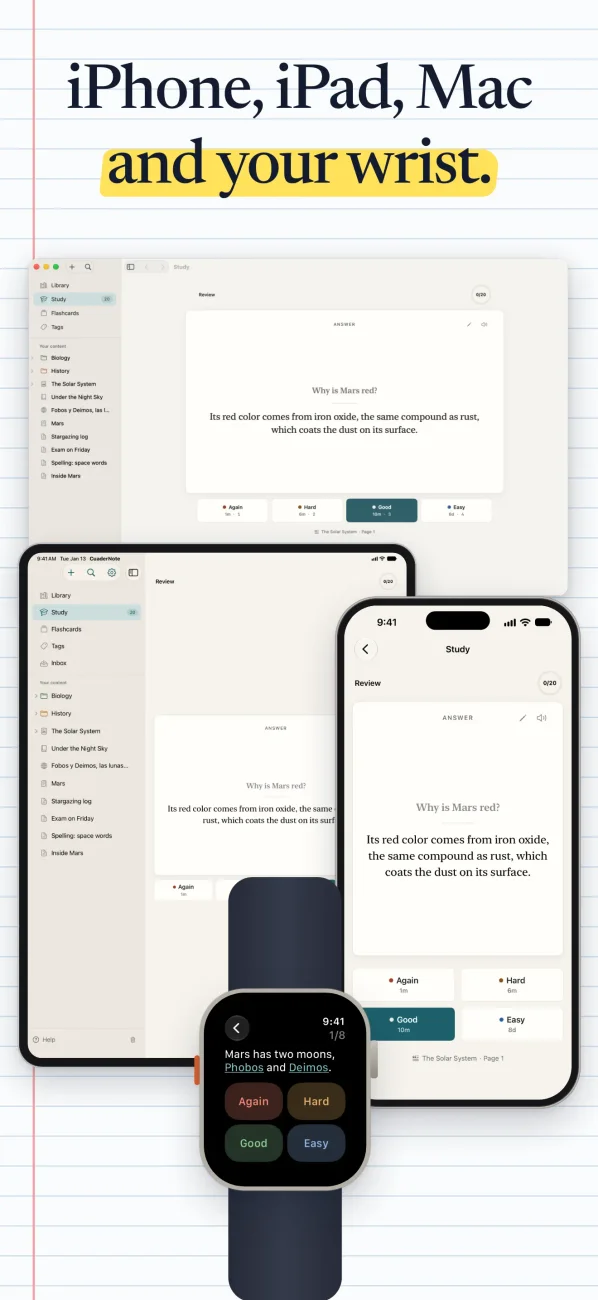
Designed for iPhone, iPad, Mac
Free
- Age rating4+
- CategoryEducation
- DeveloperDistributed Ledger SLU
- LanguagesEnglish+ 2 more
- Size36.3 MB
Links to the official App Store page
Download.org hosts no file of CuaderNote: Notes & Flashcards. The button opens its official App Store page, published by Distributed Ledger SLU. Listing last checked on Nov 24, 2026.
Screenshots


About
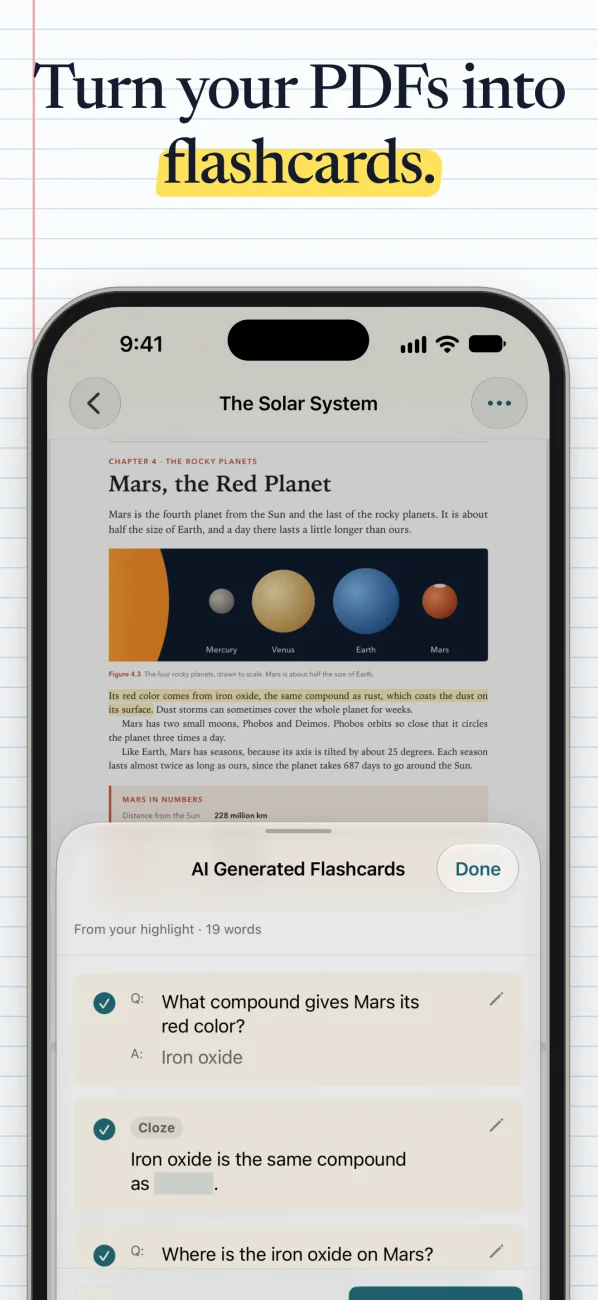
Highlight a PDF, turn what matters into flashcards, and let spaced repetition ask you again right before you'd forget it. CuaderNote keeps your notes, PDFs, handwritten notebooks and flashcards in one app for iPhone, iPad and Mac, and you can review on Apple Watch.
What people use it for:
• Exam prep: highlight a passage in your lecture PDF, tap Create Card, and it's in tomorrow's review.
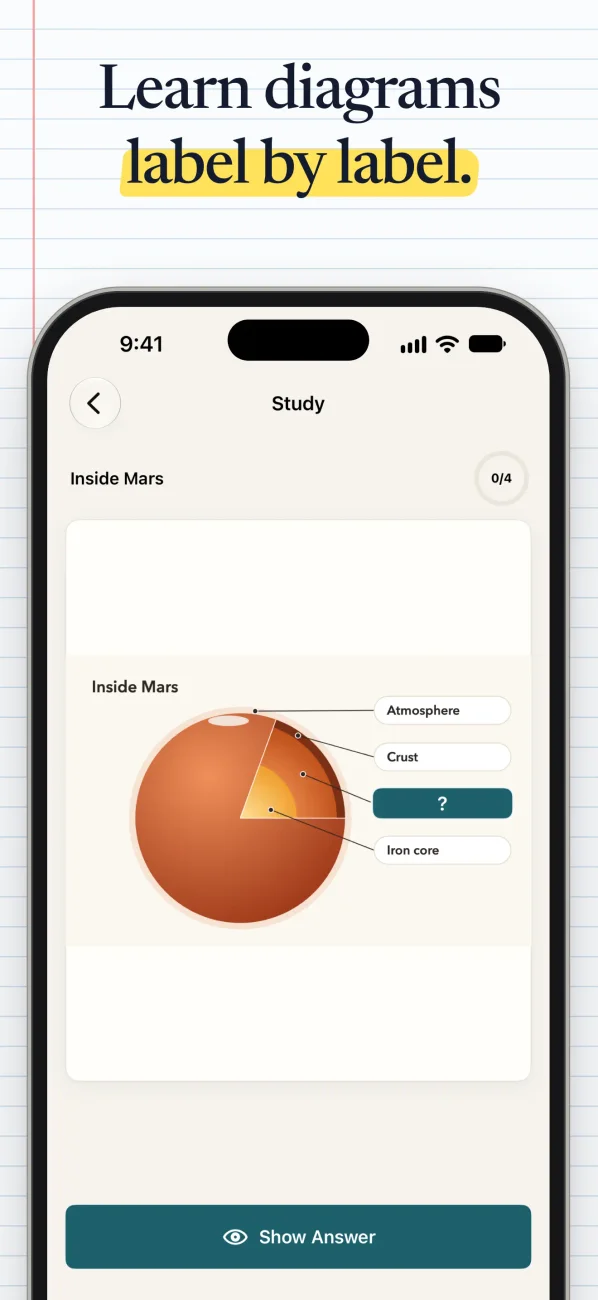
• Med school and anatomy: hide the labels of a diagram and review each one as its own card.
• Language vocabulary: write "perro >> dog" in a note, choose Both Directions, and the card asks you both ways.
• Weekly spelling lists: turn on Dictation and CuaderNote reads each word aloud, then checks your spelling letter by letter.
• Handwritten notes on iPad with Apple Pencil, or typed notes on the Mac with keyboard shortcuts.
HIGHLIGHTING ISN'T STUDYING
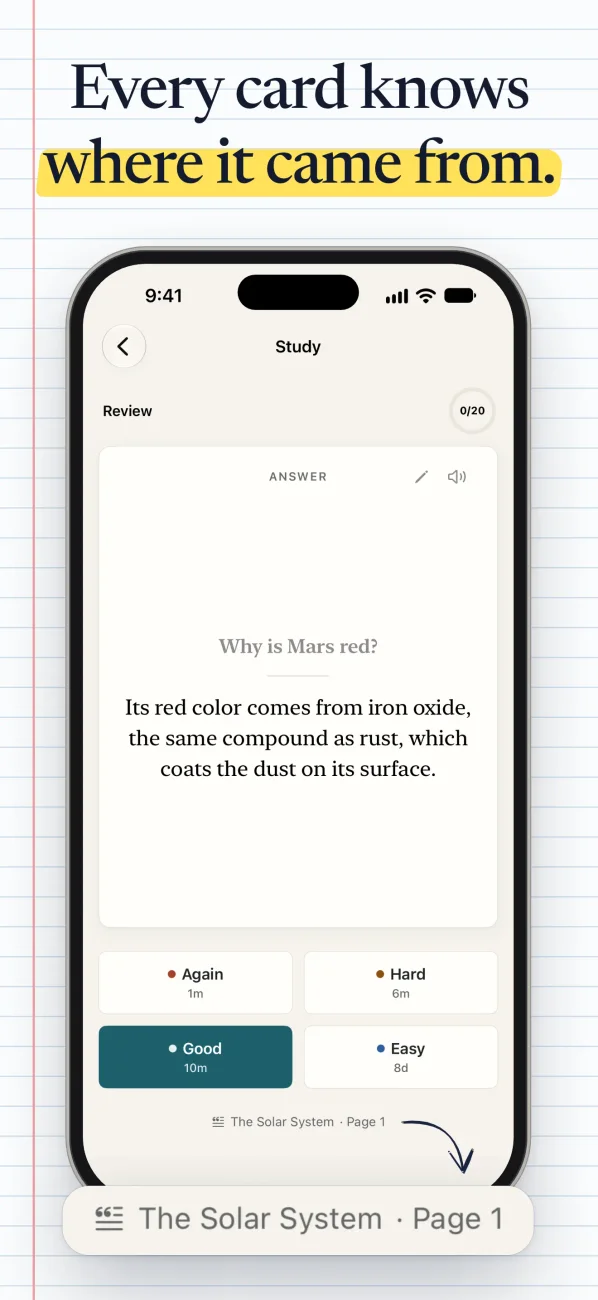
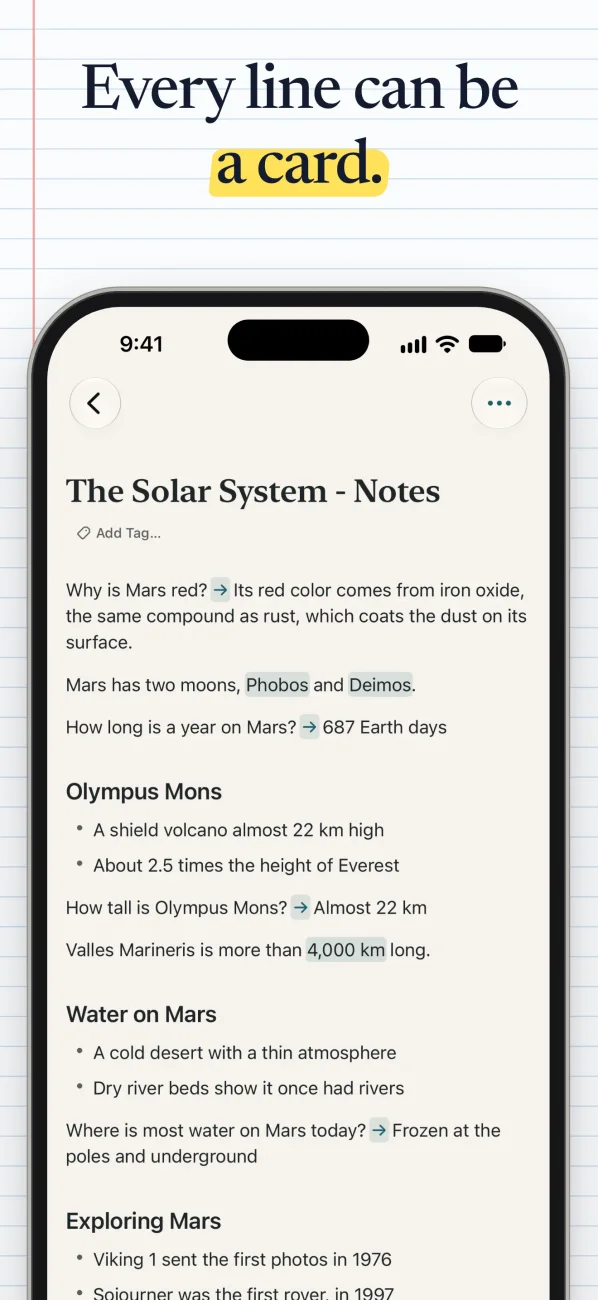
Highlighting feels like progress, but you remember what you practice recalling. In CuaderNote a highlight becomes a card in one tap, with no AI and no account: the passage is the answer and you write the question. In Study, every card says where it came from, the book and page or the note, and one tap takes you back to the passage.
READ
Import PDFs and EPUBs or save web articles. Highlight in four colors, add sticky notes, draw on your PDFs and keep a linked note beside each document. Look up a word in the dictionary, and read books in White, Sepia or Night.
WRITE
A block editor where a line becomes a card as you type: Question >> Answer, clozes with {{ }}, lists and sets. Link notes with [[ ]], start from templates like Cornell or Zettelkasten, and write math in LaTeX.
DRAW
Notebooks with 19 paper templates. Write with Apple Pencil, a finger or a mouse, select with the lasso, and turn part of a page into an image occlusion card without copying it out again.
REMEMBER
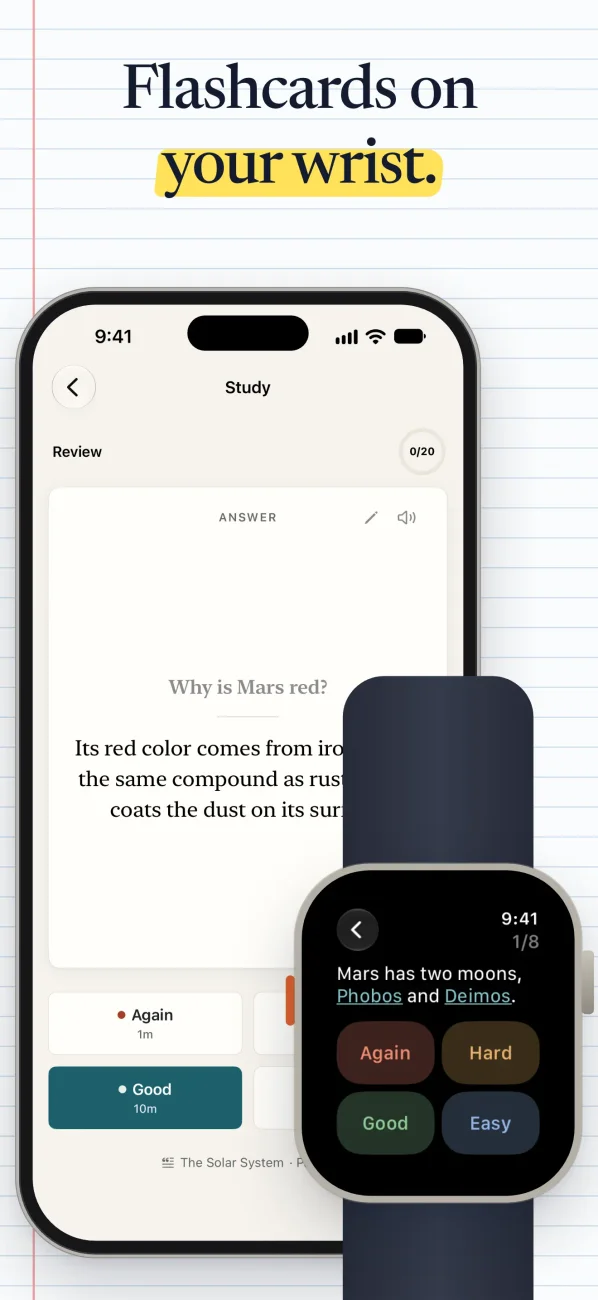
FSRS schedules every card. Each session starts with what's due and adds up to 20 new cards a day. A daily reminder, a Home Screen widget and the badge on the app icon tell you when cards are waiting. On Apple Watch you can review them from your wrist, with your iPhone nearby or not.
OPTIONAL AI
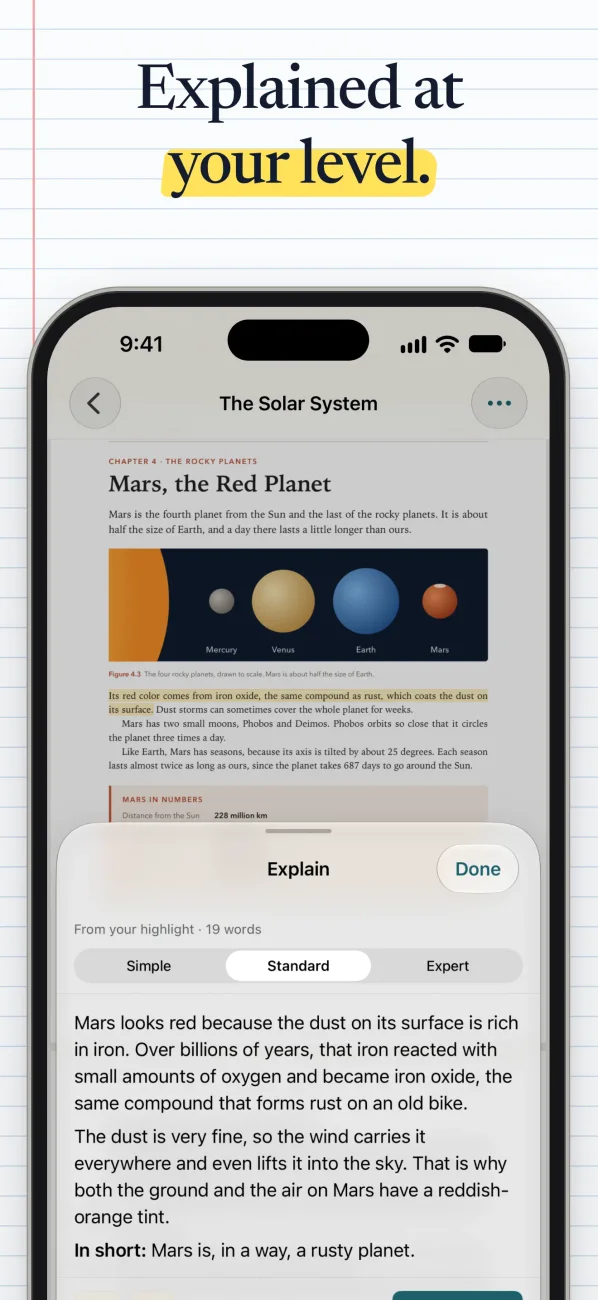
If you want a hand, AI can suggest cards from a passage or a lasso selection, explain or summarize text, translate, and read your handwriting. These tools need an account and come with a limited number of uses. Everything else works without one.
The interface is in English, Spanish and French. Your library lives on your devices and syncs through your own iCloud.
Write. Draw. Read. Remember.
What’s new
Version 0.65.0 · Nov 23, 2026
• Bring your cards from a spreadsheet: copy two columns, questions on the left and answers on the right, paste them in a note, and check the cards before they're made. Sets exported from other flashcard apps work too, from the library's + menu.
• Share your cards: Share Cards, in a note's … menu, sends them as text, and whoever pastes it into CuaderNote gets the same cards. You can also export them as a spreadsheet file for other flashcard apps.
• List cards from the / menu: write the question, press Return, and each item below becomes part of the answer.
• Make dictation cards from any line's menu. Turning dictation off now offers to remove the braces.
• In a document's highlight list, each highlight shows how many notes link to it. Tap the number to open one where it mentions the highlight.
• On a smaller iPad in portrait, opening the inspector closes the library, so the page stays in view.
App privacy
What Distributed Ledger SLU declares on the App Store about how this app handles data.
-
Data linked to you
May be collected and linked to your identity.
- Contact info
- User content
- Identifiers
- Usage data
Privacy practices may vary, for example with the features you use or your age.
Information
- Seller
- Distributed Ledger SLU
- Category
- Education
- Version
- 0.65.0
- Updated
- Nov 23, 2026
- Released
- Sep 1, 2026
- Size
- 36.3 MB
- Requires
- iOS 17.0 or later
- Age rating
- 4+
- Price
- Free
- Languages
- English, French, Spanish
- Copyright
- © 2026 Distributed Ledger SLU
You might also like
-
 NaviNotesStudy smarter with boards & AI
-
 Claypad: AI NotebookHandwritten Notes & AI Tutor
-
 Kanji Loom: Learn by PartsComponents, families, practice
-
 Recall: Flashcards & FSRSAnki & Quizlet decks, offline
-
 Cue: Hands-Free FlashcardsStudy with your ears
-
 Topos: AI Memory PalaceAncient Memory Meets Modern AI
-
 Daily Decks: FlashcardsSpaced repetition, FSRS & AI
-
 BurmaLang : Learn BurmeseLearn Burmese Language
-
 Scale ÈtudeEar training, any instrument
-
 Hey Memora: Study FlashcardsLecture PDFs to spaced review