Cube Mentor: 3x3 Solver
Beginner's step-by-step guide
Designed for iPhone, iPod touch
Free
- Age rating4+
- CategoryEducation
- DeveloperVishnu Vidyadharan
- LanguagesEnglish
- Size22.1 MB
Links to the official App Store page
Download.org hosts no file of Cube Mentor: 3x3 Solver. The button opens its official App Store page, published by Vishnu Vidyadharan. Listing last checked on Nov 16, 2026.
Screenshots
About
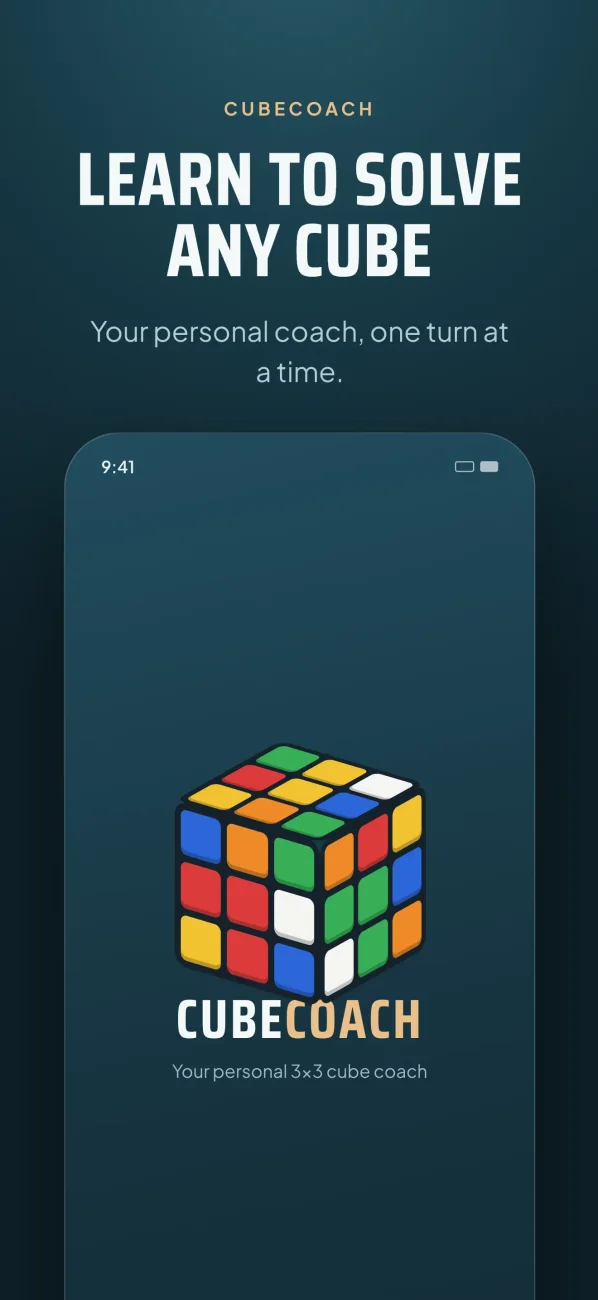
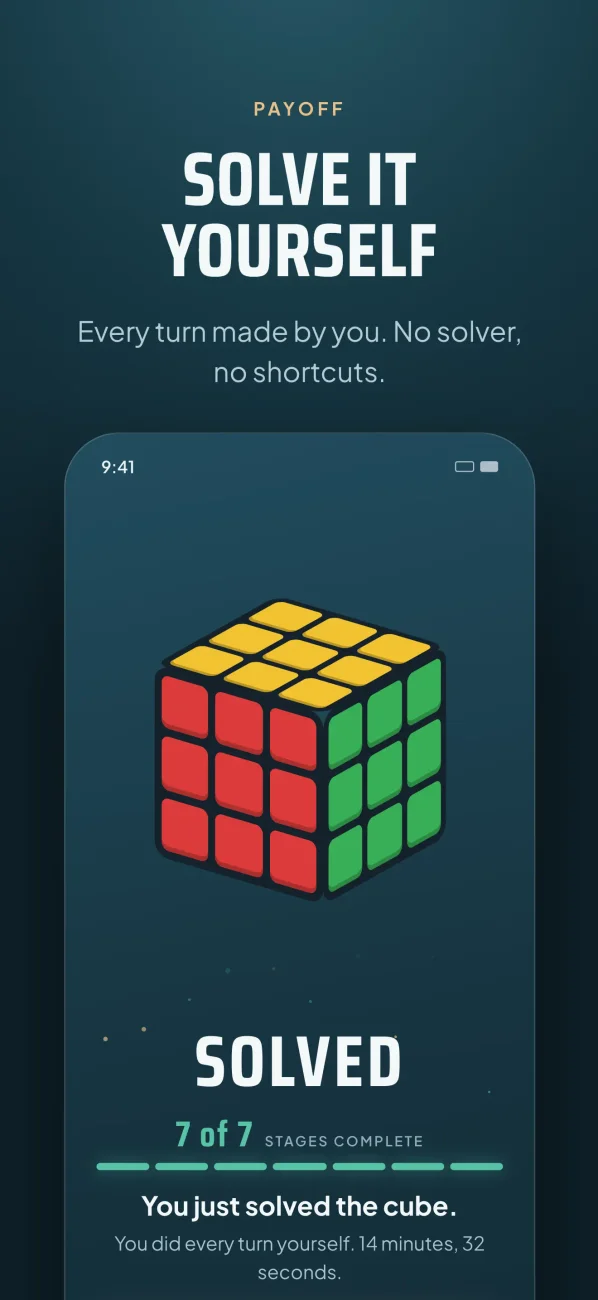
Most cube apps solve the cube for you. Cube Mentor teaches you to solve it yourself — one stage at a time, with a 3D cube that shows you exactly which way to turn.
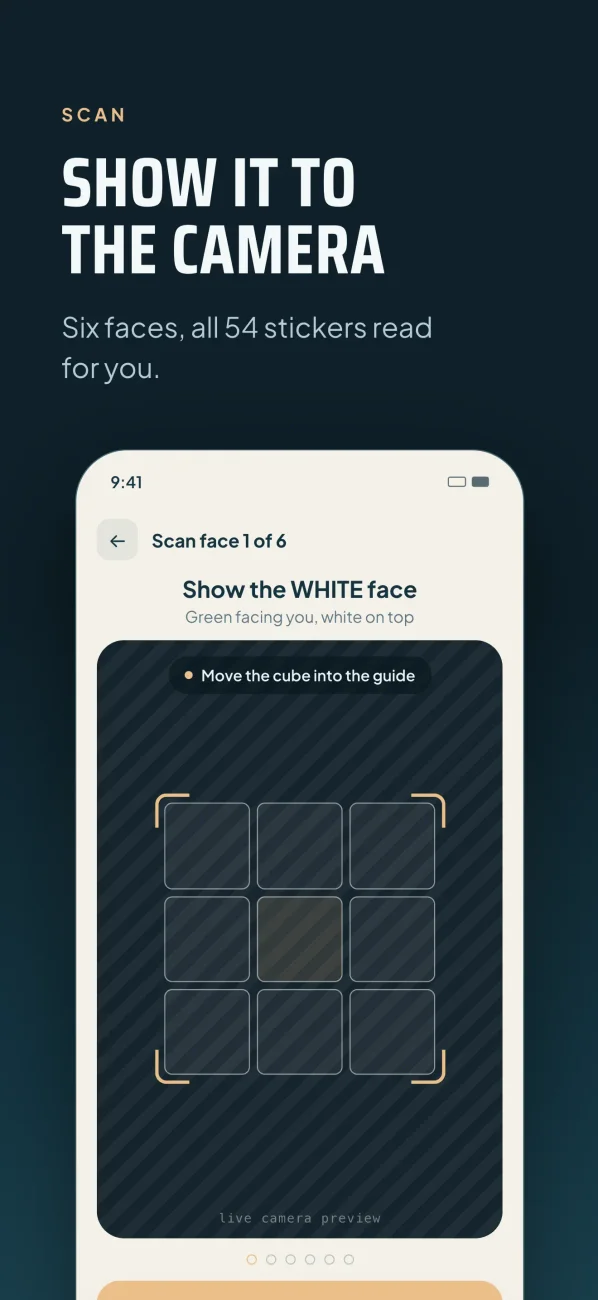
Point your camera at each face. Cube Mentor reads the colors, works out which stage your cube is already at, and coaches you from there. No memorizing a wall of notation, no scrubbing back through a video, no guessing what "R U R' U'" is supposed to mean.
HOW IT WORKS
1. Scan — hold up each face and let the camera read it. Or type the colors in by hand if you'd rather.
2. Learn — Cube Mentor works out the stage your cube is actually at, and teaches that stage.
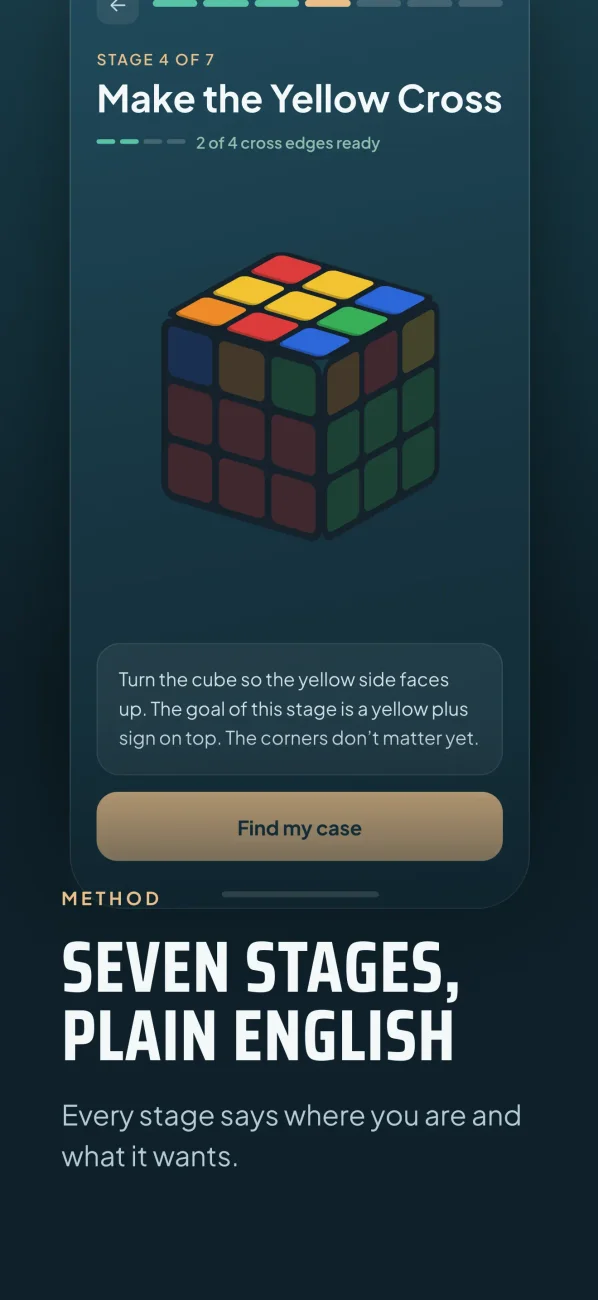
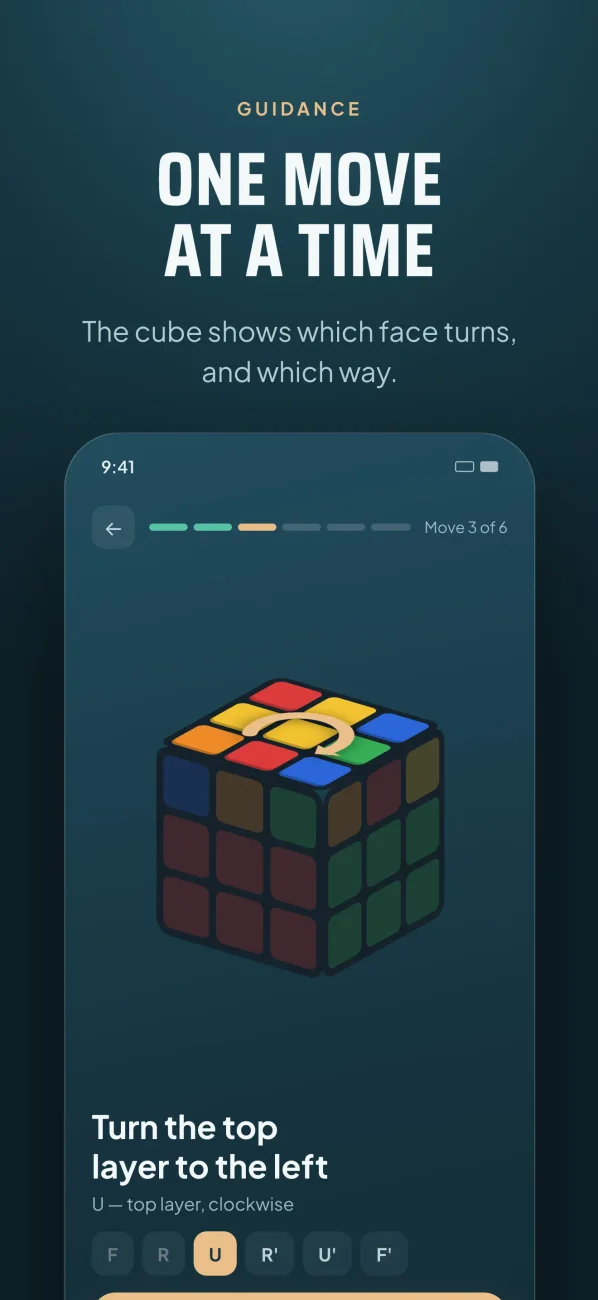
3. Turn — a 3D cube shows every move with an arrow. Follow along on the cube in your hands.
THE SEVEN STAGES
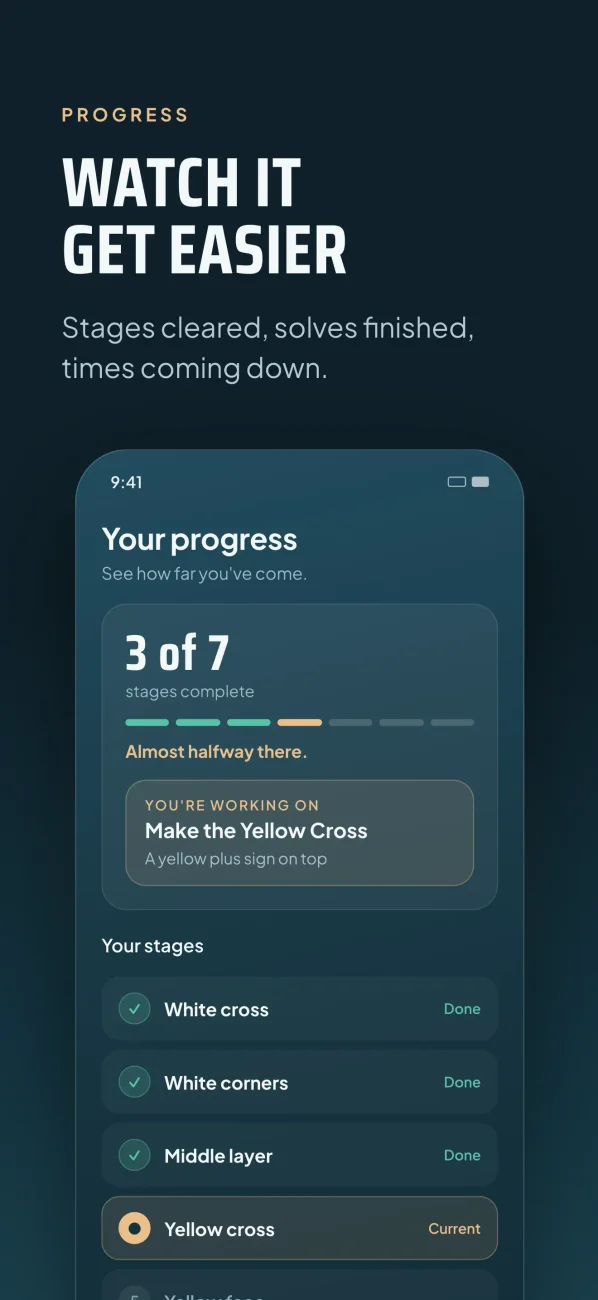
1. White cross — four white edges around the white center
2. White corners — finish the first layer
3. Middle layer — the left and right algorithms
4. Yellow cross — a yellow plus sign on top
5. Yellow face — all nine yellow squares
6. Corner positions — move corners into place
7. Final edges — the last four pieces
Finish a stage and Cube Mentor names what you just achieved and what it means for the cube in your hands.
WHY CUBE MENTOR
• Learn to solve it. You are taught the moves, not handed an answer to copy.
• Never guess your next turn. The arrow shows you the face and the direction.
• Built for complete beginners. No cube vocabulary needed to start.
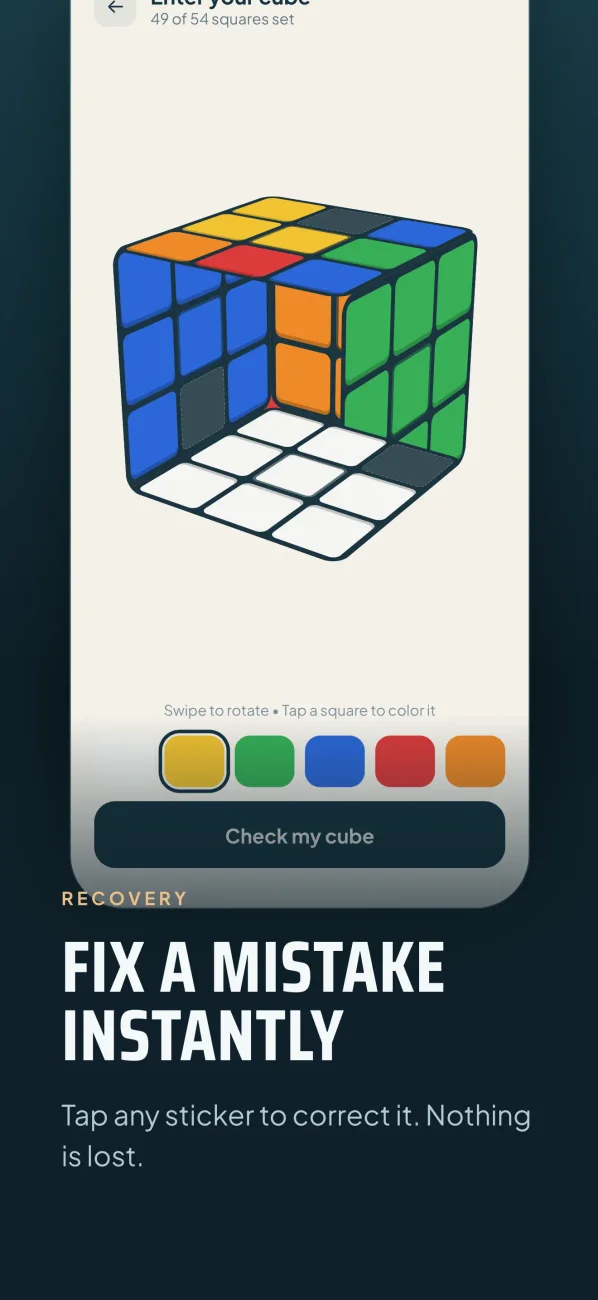
• Camera scanning, with a manual color editor available at every step.
• It tells you when to rotate the whole cube, so you always know how to hold it.
• Pick up where you left off — your stage is remembered between sessions.
• Screen-reader labels throughout, and every move described in plain language.
• Reduced-motion support, and layouts that hold up at double text size.
PRIVACY
• Makes no network requests at all. There is no server, and nothing to sync.
• Works completely offline. Always. There is no online mode to fall back to.
• No ads.
• No account, no sign-up, no email address.
• No analytics, no tracking, no third-party SDKs.
• The camera is the only permission you are ever asked for, and it is used only to read the colors on your cube.
WHO IT'S FOR
Anyone holding a scrambled 3x3 who has never solved one. Anyone who followed a tutorial once, got lost somewhere around the middle layer, and put the cube back in a drawer. Anyone who has quietly meant to learn this for years and never got round to it.
Looking for a cube solver that explains itself instead of just printing a solution? That's this.
Cube Mentor covers the standard 3x3 cube. Once installed it appears on your home screen as Cube Coach.
You already own the cube. This is the coach.
App privacy
What Vishnu Vidyadharan declares on the App Store about how this app handles data.
-
Data not collected
The developer does not collect any data from this app.
Privacy practices may vary, for example with the features you use or your age.
Information
- Seller
- Vishnu Vidyadharan
- Category
- Education
- Version
- 1.0
- Updated
- Sep 11, 2026
- Released
- Sep 11, 2026
- Size
- 22.1 MB
- Requires
- iOS 15.0 or later
- Age rating
- 4+
- Price
- Free
- Languages
- English
- Copyright
- © 2026 Vishnu Vidyadharan
You might also like
-
 CubeMaster 3D Solver Guide3D Rubik Solver & Trainer
-
 Cubelab LBLLearn to solve a 3x3 cube
-
 Cubi – Learn to Solve the CubeBeginner 3x3 puzzle lessons
-
 Cubofix: Cube Solver & TimerScan your cube, solve it in 3D
-
 Cube Solver: Speed Cube TimerLearn CFOP, PLL & OLL in 3D
-
 CubeSteps: Cube Solver & GuideLearn Algorithms, Step by Step
-
 Cube Coach: Learn to SolveScan & solve 3x3 to 5x5 cubes
-
 Piano & Stickers: Ear TrainingPerfect Pitch Game for Kids
-
 Rock Identifier & Stone ScanCrystal, Mineral & Gem Scanner
-
 xcross.gg Timer Rubik & CubeSpeedcubing, stats and algs