
CueCam: Teleprompter
Read it. Record it. Post it.
Designed for iPhone, iPad
Free · In-app purchases
- Age rating4+
- CategoryProductivity
- DeveloperRajan Nagar
- LanguagesEnglish
- Size5.9 MB
Links to the official App Store page
Download.org hosts no file of CueCam: Teleprompter. The button opens its official App Store page, published by Rajan Nagar. Listing last checked on Nov 18, 2026.
Screenshots


About
Read your script. Don't memorize it.
CueCam is a calm, easy-on-the-eyes teleprompter that helps you speak with confidence, whether you're filming a video or giving a speech. Read on a warm, book-like screen, or record yourself while your words scroll right over the live camera. Your script stays on screen to guide you, but it never appears in the video.
WHY CUECAM
- Looks like a reader, not a gadget. Warm, low-contrast themes that are kind to your eyes.
- Record-ready. The teleprompter floats over the camera so you keep eye contact with the lens.
- Everything stays on your device. No account, no cloud, no subscription.
MADE FOR
- Creators filming TikToks, Reels, YouTube videos, and talking-head content
- Speakers, presenters, and anyone reading vows, a toast, or a pitch
- Teachers, coaches, and course creators recording lessons
FEATURES
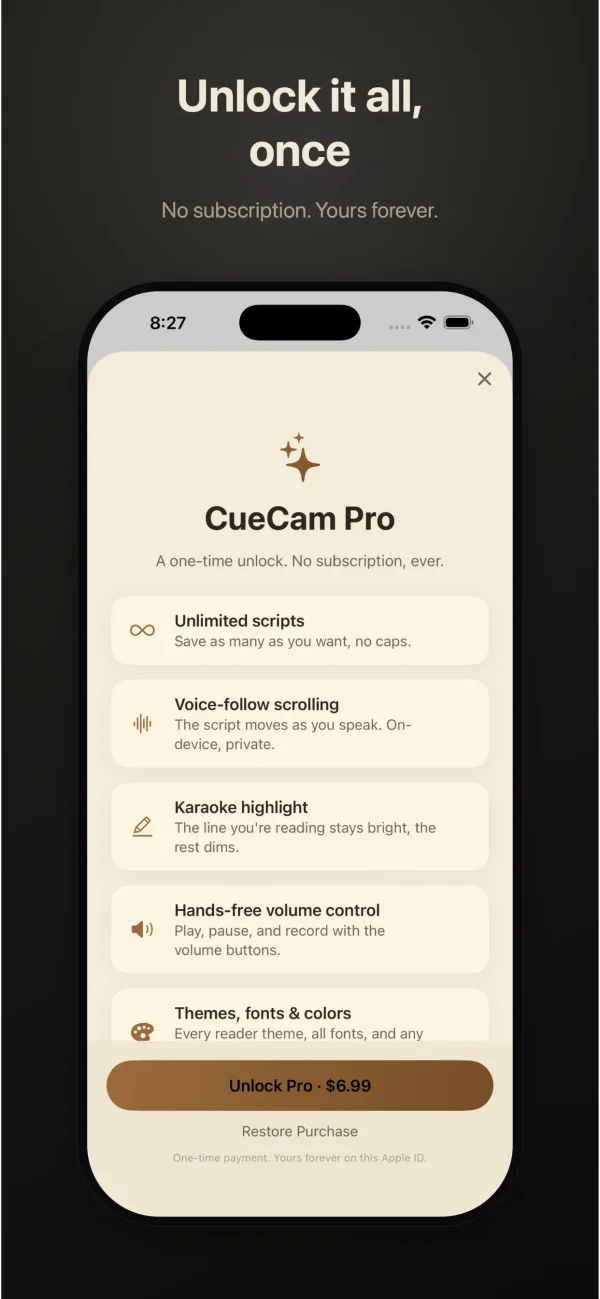
- Screen mode: read on a full-screen, distraction-free prompter
- Camera mode: scroll over the live camera and record, then save to Photos or share to TikTok and Instagram
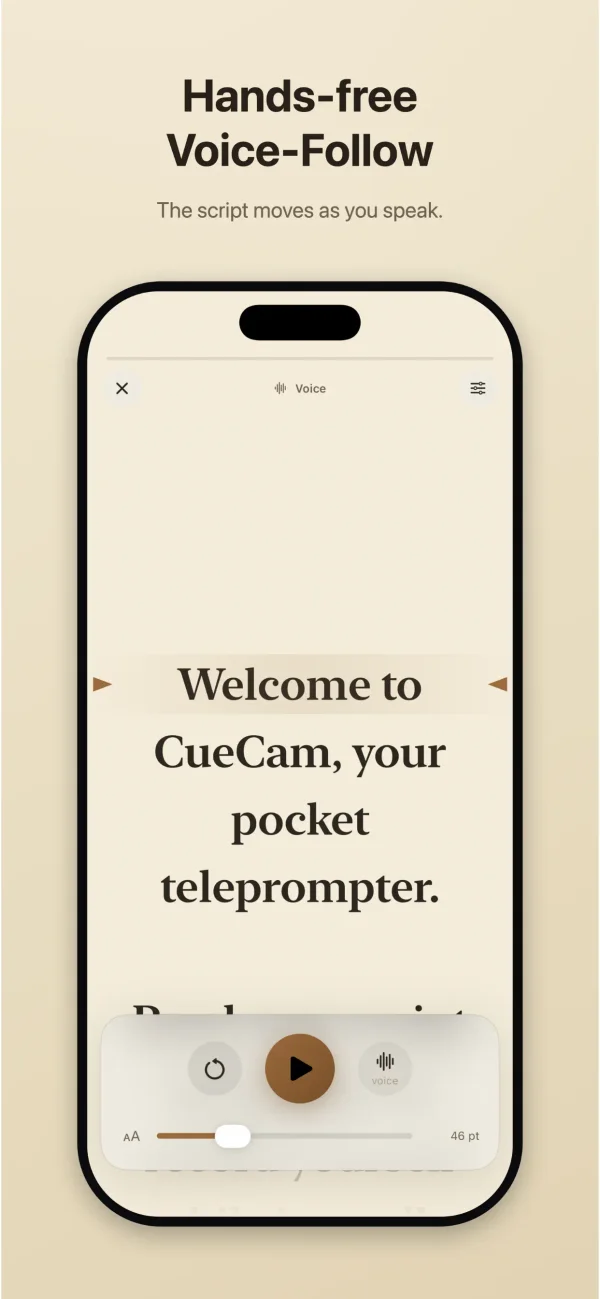
- Voice-follow: the script moves as you speak, using on-device speech recognition
- Karaoke highlight: the line you're reading stays bright while the rest dims
- Hands-free volume control: play, pause, or record with the volume buttons
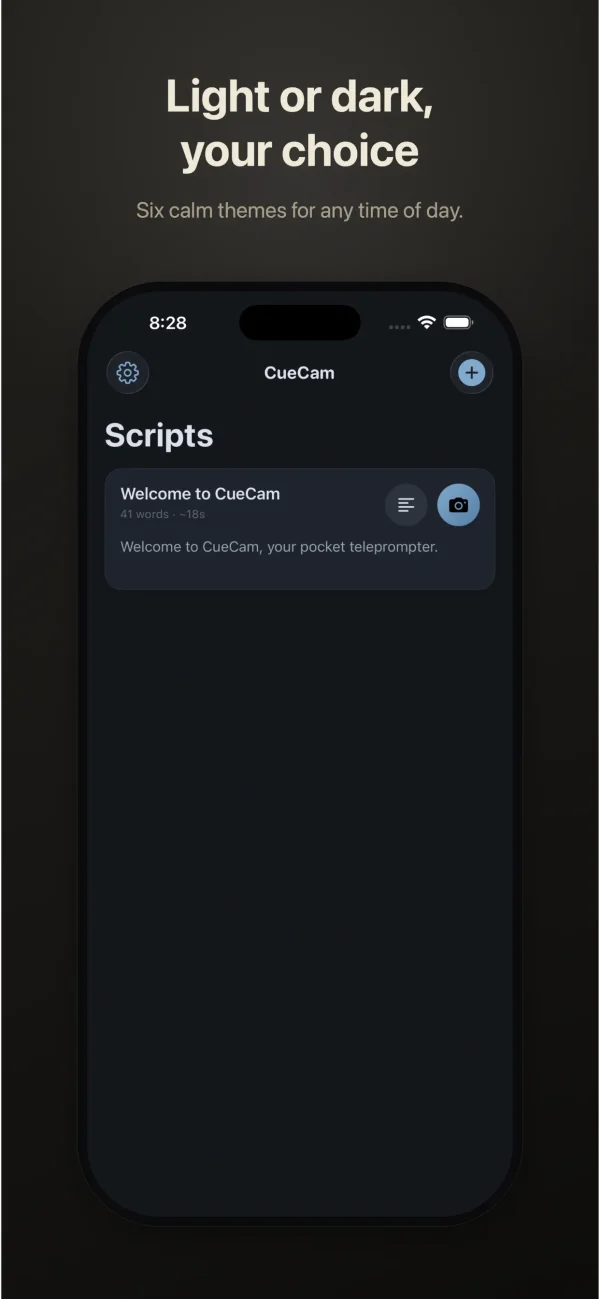
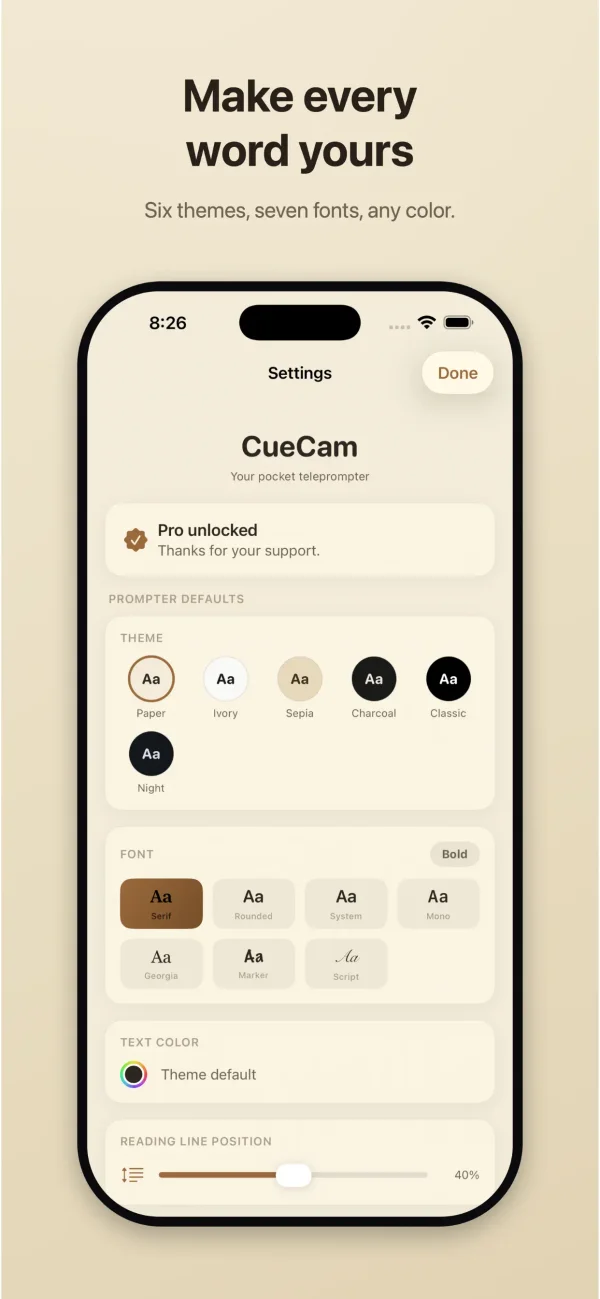
- Six reader themes (light and dark), seven fonts, custom text color, adjustable size and reading position
- Aspect guides for 9:16, 1:1, and 16:9 so you frame perfectly for every platform
- 3-2-1 countdown, mirror mode for beam-splitter rigs, and smooth, steady scrolling
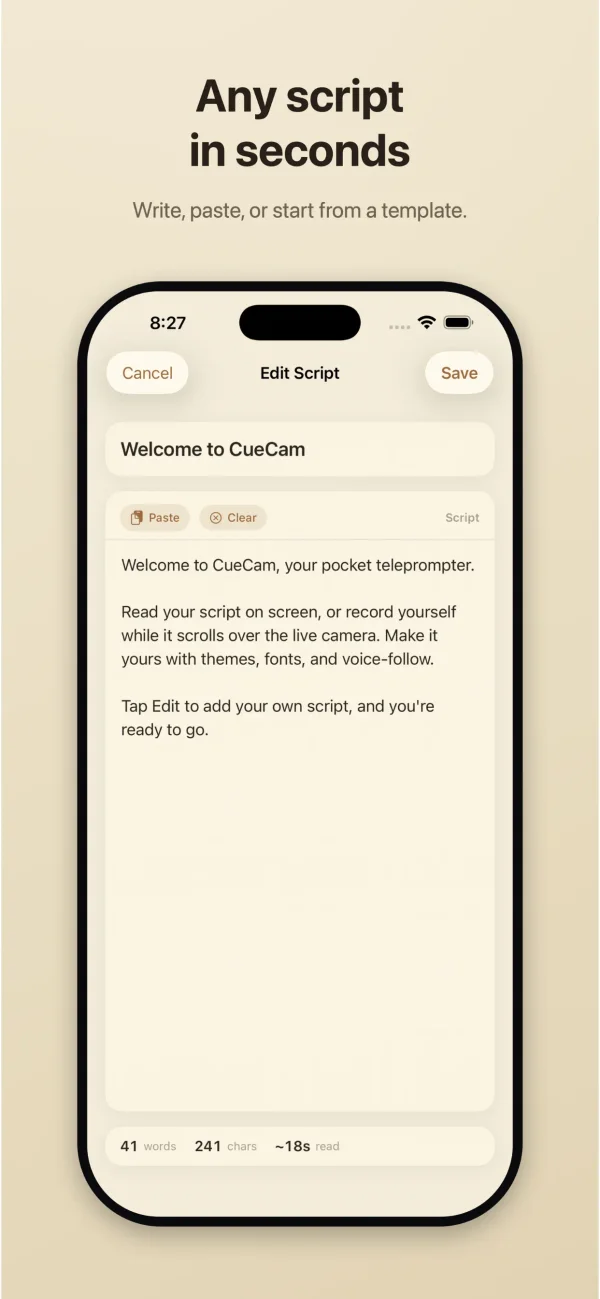
- Starter templates: YouTube intro, TikTok hook, best man speech, wedding vows, sales pitch, product demo
- Write or paste any script, and share it as a PDF
FREE TO START
Use CueCam free with up to three scripts, the Paper theme, and core reading and recording. Unlock CueCam Pro once (no subscription) for unlimited scripts, every theme and font, custom colors, voice-follow, karaoke highlight, mirror mode, and hands-free control.
Your words, your pace, your story. Just press play.
What’s new
Version 1.0.3 · Aug 14, 2026
The screen now stays awake while you read. No more auto-lock mid-script.
Voice-follow got a big upgrade: it reacts faster, tracks the exact line you are reading at the arrows, keeps following after a pause or a drag, and recovers automatically on long scripts.
Camera mode improvements: recordings keep the correct orientation when you film in landscape, a phone call mid-recording now saves the footage you already captured, and the volume buttons use the system camera-button support on iOS 17.2 and later.
Also: smoother scrolling over video, a quicker app launch, and VoiceOver labels throughout the app.
Questions or ideas? We read everything: rajan_nagar94@hotmail.com
App privacy
What Rajan Nagar declares on the App Store about how this app handles data.
-
Data not collected
The developer does not collect any data from this app.
Privacy practices may vary, for example with the features you use or your age.
Information
- Seller
- Rajan Nagar
- Category
- Productivity
- Version
- 1.0.3
- Updated
- Aug 14, 2026
- Released
- Jun 10, 2026
- Size
- 5.9 MB
- Requires
- iOS 17.0 or later
- Age rating
- 4+
- Price
- Free
- In-app purchases
- Yes
- Languages
- English
- Copyright
- © 2026 Soft Computers
You might also like
-
 Cuepact TeleprompterSimple teleprompter
-
 Quick Notes Jot Pad & WriteMemo Draft History Log Swipe
-
 Habitly: Habits, Journal & AILearn, reflect & find your way
-
 Streak Tracker: HabitugDaily Habit Builder
-
 Meeting Note Taker - WayaLecture Recorder Transcript AI
-
 Pomodoro Timer: Tempo FocusStudy Tracker & App Blocker
-
 My Wallet AI Expense TrackerBudget Planner, Money Manager
-
 Inkfluence - eBook MakerAI Book Writer, PDF, Audiobook
-
 Video Teleprompter – CueSyncVoice Scroll & Script Reader
-
 Transcriber: Offline speechOffline voice memo to text