- Age rating4+
- CategoryMusic
- DeveloperMOTU Inc.
- LanguagesEnglish
- Size75.5 MB
Links to the official App Store page
Download.org hosts no file of CueMix Pro. The button opens its official App Store page, published by MOTU Inc. Listing last checked on Nov 15, 2026.
Screenshots

About
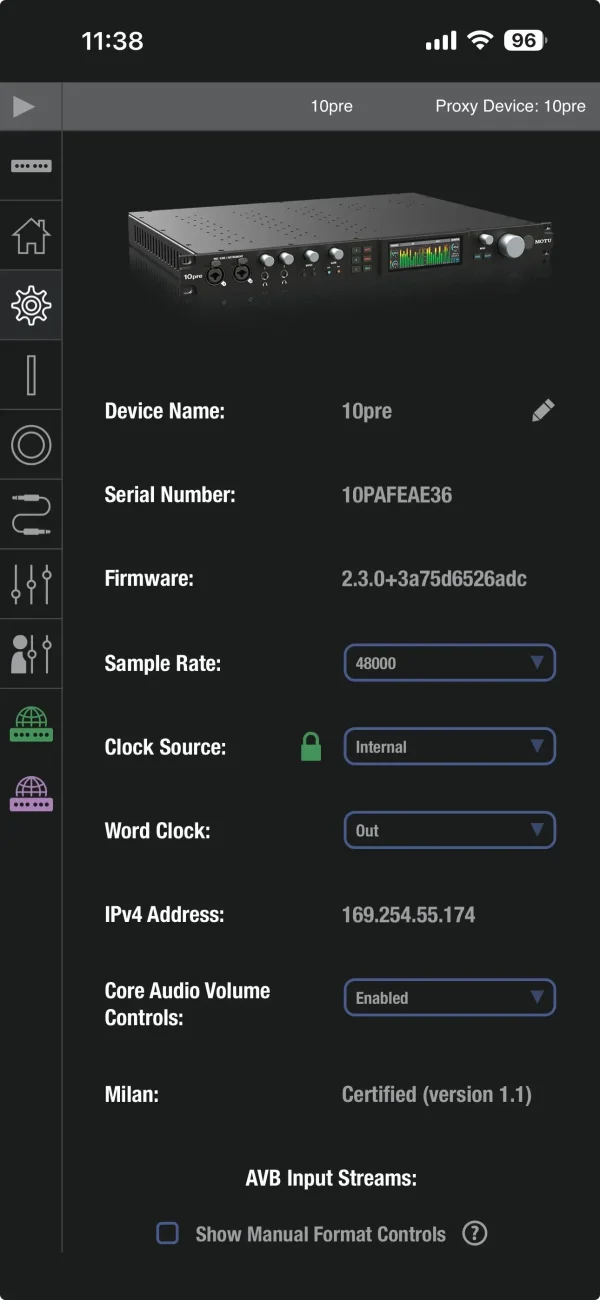
CueMix Pro™ provides fast and easy access to all of the settings and features in a MOTU 16A, 848 or 10pre Thunderbolt/USB audio interface from your iPhone or iPad. Use the Discovery tab to select any available 16A, 848 or 10pre device to control. It could be connected directly to your iOS device or connected to a Mac or PC on the same network as your iOS device.
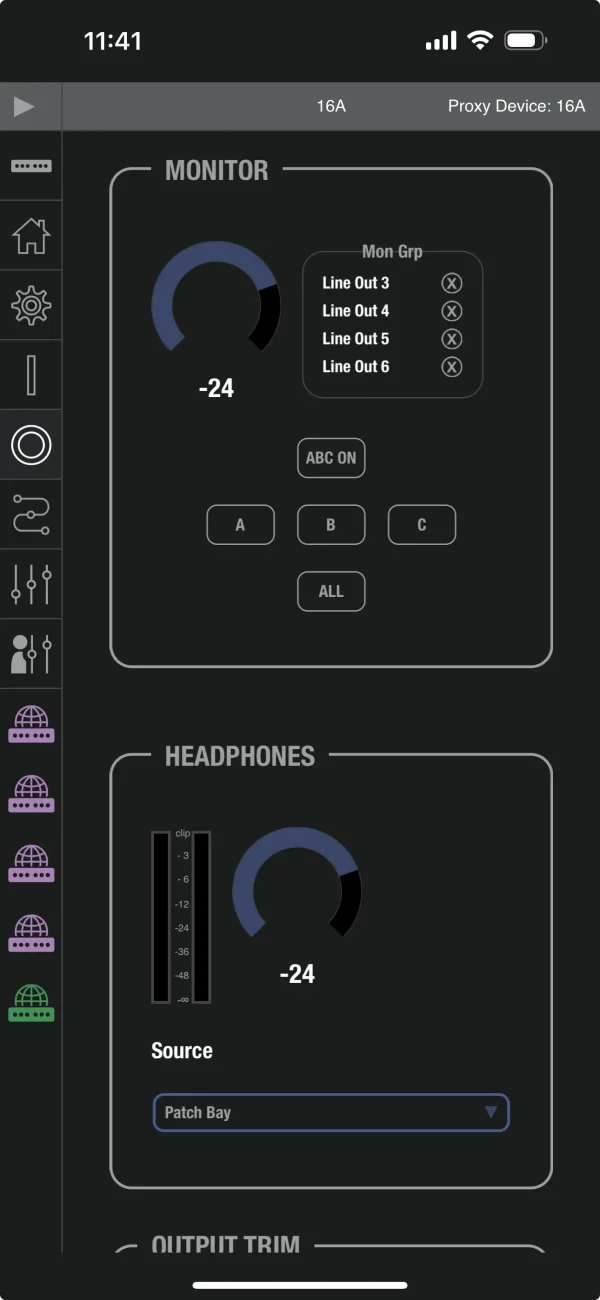
Use CueMix Pro’s Home tab to control the headphone volume or monitor volume, choose outputs for the Monitor Group, and control the Talkback feature. Use the Inputs and Outputs tabs to adjust analog input and output levels with trim or boost. In the Outputs tab, you can control the device’s A/B/C monitor switching feature, which lets you compare your DAW mix on up to three different sets of monitors.
Using intuitive, virtual patch cords in the Patchbay tab, or the comprehensive Routing tab, you can easily route any source signal to any destination. You can even split any source to multiple destinations. The Patchbay also lets you route up to 128 channels of audio to and from an AVB network connected to the network ports.
What’s new
Version 1.1.12 · Jul 7, 2026
New features and improvements:
• Improvements to AVB stream UI.
• Added status indicator lights to show whether or not each stream is bound (connected) to another stream on the AVB network. Additional statuses may be shown for devices that support Milan.
• Show the current format of each input stream in the Device, Patchbay, and Routing tabs.
• Added optional controls to manually configure input stream formats from the Device and Patchbay tabs.
• Show the maximum buffer length for each input stream (helps inform an upper bound when selecting a presentation time offset for an output stream.)
• Show the MSRP accumulated latency for input streams that report this information (helps inform a lower bound when selecting a presentation time offset for an output stream.)
• Show the ATDECC entity ID and stream number for the device to which an input stream is connected when the output stream device is offline.
• Added controls to set the presentation time offset for output streams that support this property.
• Added a sample rate control for stream format configuration UI.
• For each output stream on the Device and Patchbay tabs, show a list of all bound input streams with a button to unbind them individually, as well as a button to unbind all.
• Indicate Milan support on the Device tab, and show the Milan certification version for certified devices.
• For third-party AVB devices, added an option to enable or disable automatic configuration of stream sample rates after changing the device sample rate. Enabled by default.
• Enabled AVB stream name editing for Milan AVB devices.
• Improved text and graphics clarity on some displays.
Bug fixes:
• Fixed a bug where dynamics meters would not render in the talkback effects thumbnail on the Home tab.
• Fixed a bug on iPhone where compressor and gate meters would not render in the "Dynamics" tab of the mixer channel settings view.
• More improvements to touch responsiveness when scroll momentum is active.
App privacy
What MOTU Inc. declares on the App Store about how this app handles data.
-
Data not collected
The developer does not collect any data from this app.
Privacy practices may vary, for example with the features you use or your age.
Information
- Seller
- MOTU
- Category
- Music
- Version
- 1.1.12
- Updated
- Jul 7, 2026
- Released
- Apr 1, 2025
- Size
- 75.5 MB
- Requires
- iOS 18.0 or later
- Age rating
- 4+
- Price
- Free
- Languages
- English
- Copyright
- © 2026 MOTU Inc
You might also like
-
 Quanta 2Granular Synth
-
 KnobblerAbleton Live Touch Control
-
 ADI-2 Remote for iPadMusic
-
 FabFilter Pro-Q 4High-quality equalizer plug-in
-
 Fields - Audio RecorderField Recorder + Audio Editor
-
 FreezeSliceDrones, pads and tempo chops
-
 Microwave 1Music
-
 AudioPipelineAUv3 Plugins (Send+Receive)
-
 UxMIDI ToolsCME USB MIDI hardware devices
-
 RackDocs - Eurorack ReferenceDocument Your Modular Synth