Culmina: Project Planner
Stages, tasks, budgets & goals
Designed for iPhone, iPad
Free · In-app purchases
- Age rating4+
- CategoryProductivity
- DeveloperLester Romero Bernardo
- LanguagesEnglish+ 1 more
- Size31.6 MB
Links to the official App Store page
Download.org hosts no file of Culmina: Project Planner. The button opens its official App Store page, published by Lester Romero Bernardo. Listing last checked on Nov 23, 2026.
Screenshots


About
Bring complex projects from first idea to finished result with one clear plan and a next step in view.
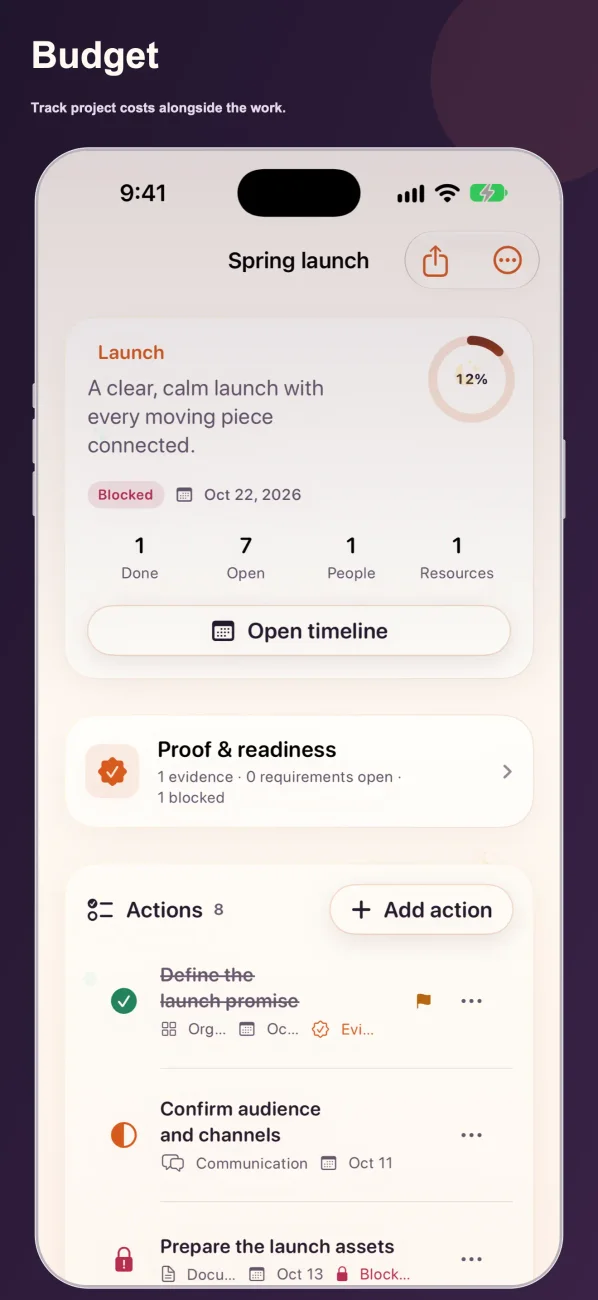
Culmina is a project planner for launches, events, trips, home projects and personal goals. Break each result into stages and actions, connect what depends on what, and keep dates, people, decisions, files and costs with the work.
PLAN THE WORK
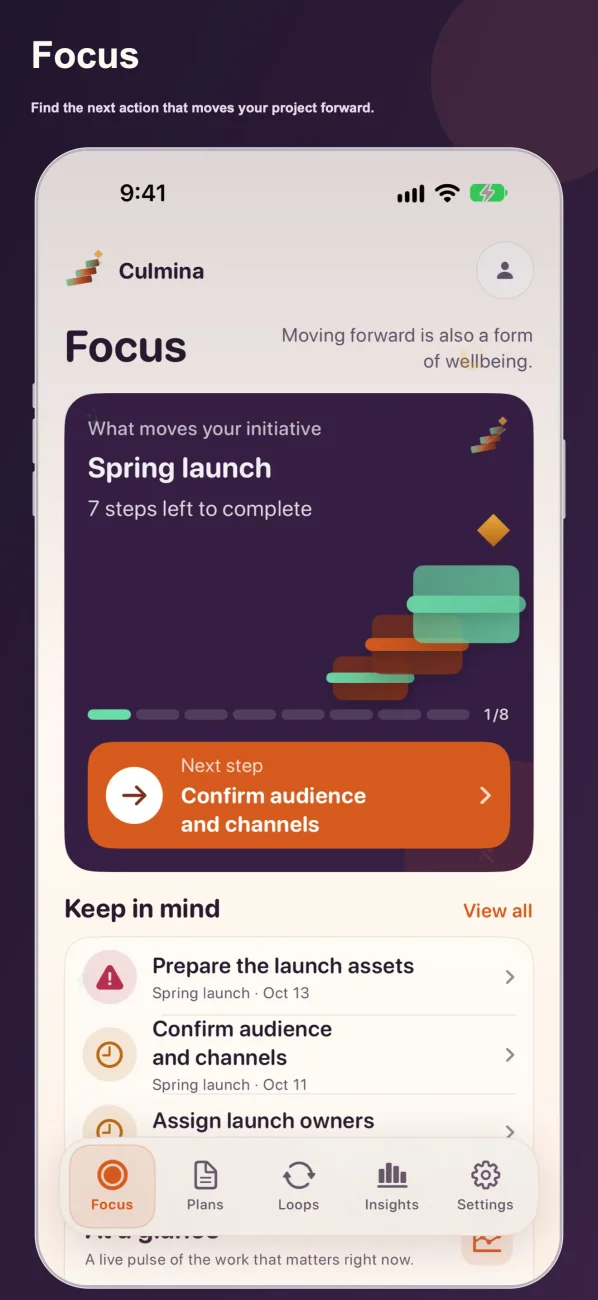
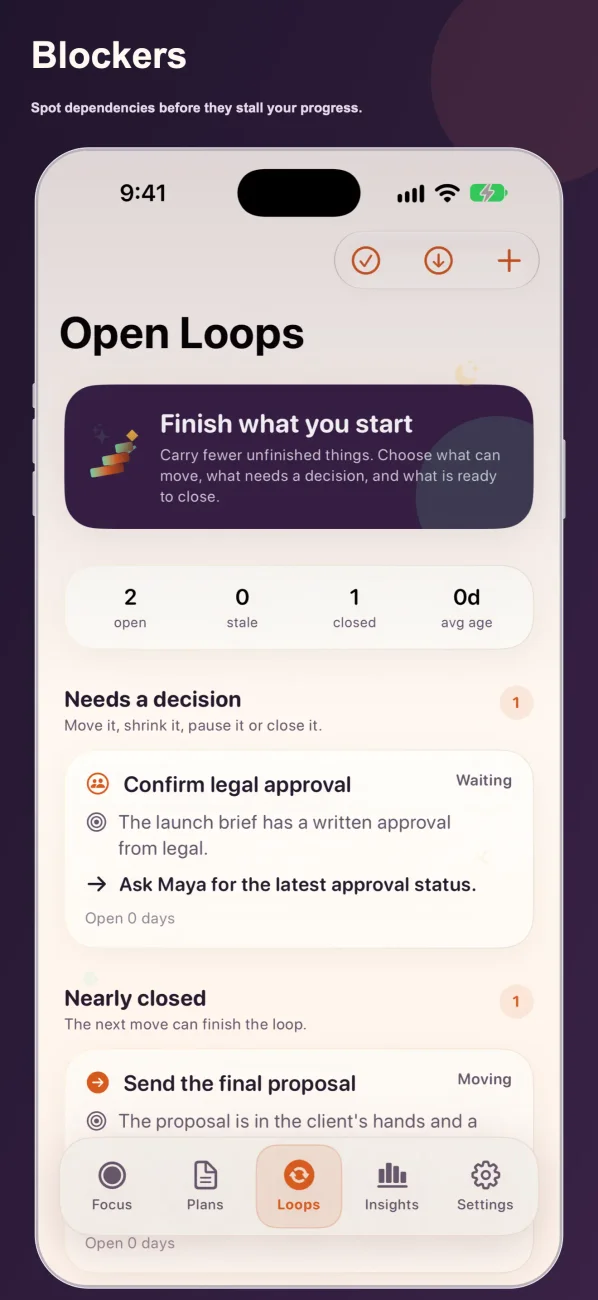
Set a goal, divide it into stages and actions, and add owners, due dates and priorities. Link dependencies to see what must happen first. Use Focus and Agenda to find upcoming and overdue actions.
KEEP PROJECT CONTEXT IN ONE PLACE
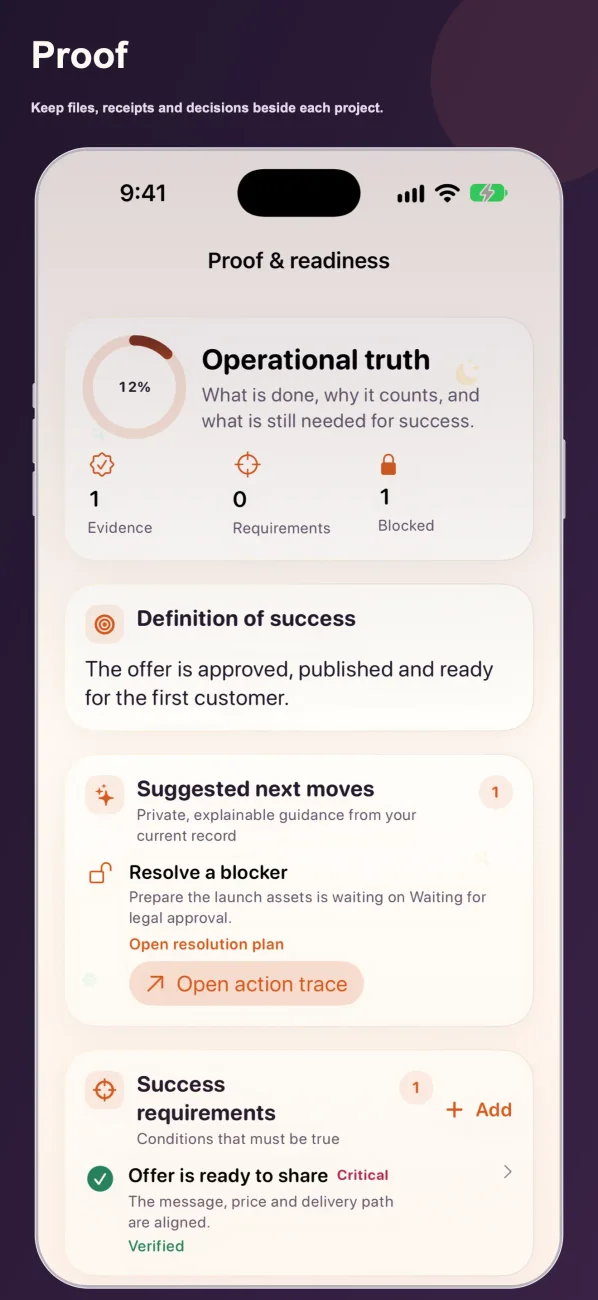
Keep people and roles, notes, decisions, documents, photos, links, invoices and receipts with the project. Find the details behind each action without losing sight of the plan.
TRACK THE BUDGET
Record a budget, expenses, income and payments alongside your project. See the costs connected to each result as work moves forward.
FOLLOW DATES AND PROGRESS
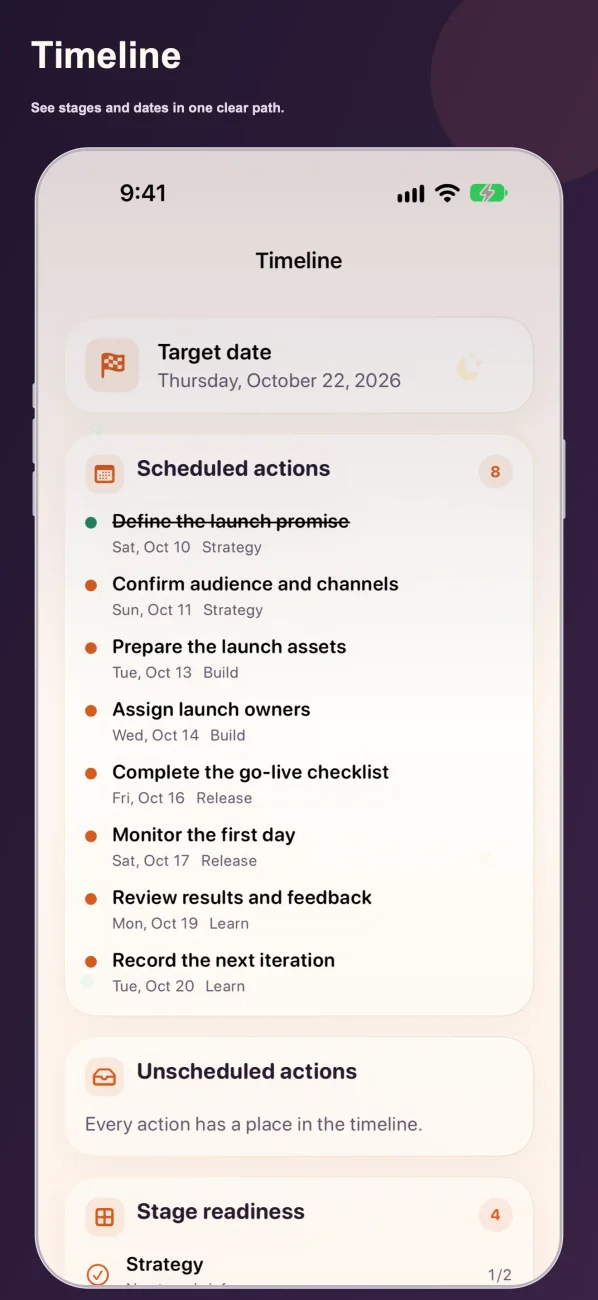
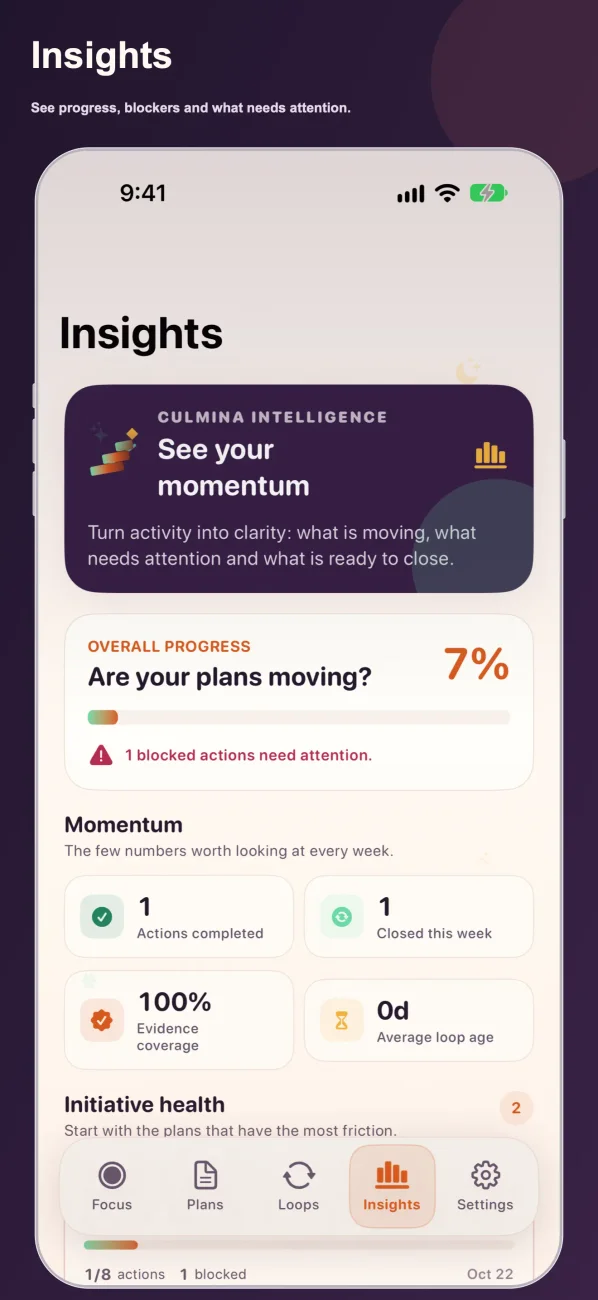
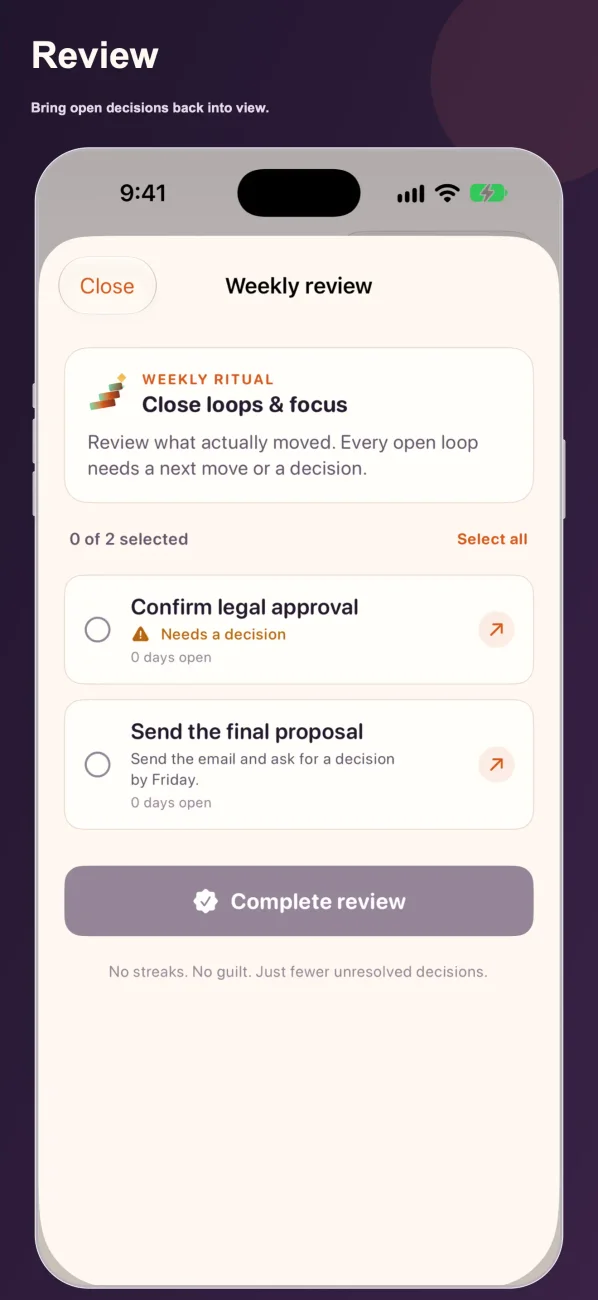
Use the timeline to follow milestones and key dates. Review project activity, spot blockers and set local reminders for important moments.
START FROM A TEMPLATE
Build a launch, event, trip, home project or personal goal from a reusable template, then shape the stages to fit your plan. Archive completed work, restore it when needed, or export and import a complete project file.
YOUR WORKSPACE, ON YOUR DEVICES
Your workspace is stored on your device. When iCloud is enabled, it syncs between your Apple devices using the same iCloud account. Culmina does not support live shared projects or sync between different iCloud accounts. Export a project or share a progress summary when you choose.
ACCESS AND OPTIONAL PURCHASES
Full access periods and available features depend on your account and are shown in the app. A temporary access period does not start a subscription or charge you automatically. When full access ends, available options can include a monthly or annual auto-renewing subscription, a lifetime purchase, or read-only access to view and export your workspace where eligible. Prices and terms appear before you confirm a purchase.
Privacy Policy: https://lbernardo-dev.github.io/apps/en/case-studies/culmina/privacy/
Terms of Use (EULA): https://www.apple.com/legal/internet-services/itunes/dev/stdeula/
What’s new
Version 1.1.0 · Nov 9, 2026
Access transition notices now stay visible until you accept. Meet the Culmina icon, with clearer Focus, Agenda and project routes. Optional product analytics stays off until you enable it.
App privacy
What Lester Romero Bernardo declares on the App Store about how this app handles data.
-
Data not collected
The developer does not collect any data from this app.
Privacy practices may vary, for example with the features you use or your age.
Information
- Seller
- Lester Romero Bernardo
- Category
- Productivity
- Version
- 1.1.0
- Updated
- Nov 9, 2026
- Released
- Oct 25, 2026
- Size
- 31.6 MB
- Requires
- iOS 26.0 or later
- Age rating
- 4+
- Price
- Free
- In-app purchases
- Yes
- Languages
- English, Spanish
- Copyright
- © 2026 RomeroDev
You might also like
-
 Padool: 90-Day Focus System1 aim. 3 commitments. 90 days.
-
 Slotmark: Reminder & To DoTasks manager & calendar
-
 CopyAgain: Clipboard ManagerText Snippets & Paste Keyboard
-
 Kapy - Cozy Habit TrackerCapybara, Goals & Routines
-
 Afternoon: Habit TrackerTasks, Streaks, & Achievements
-
 Habo (habit tracker)Private Minimal Daily Habits
-
 Educamos MensajeríaProductivity
-
 Timestripe: Life Goal PlannerWeekly, Monthly, Yearly Plans
-
 Teleprompter & Video RecorderSpeak Confidently on Camera
-
 Phone Call Recorder App。Record Incoming Phone Calls