
CutCut Golf
Local Golf Swing Video Cutter
Designed for iPhone
Free · In-app purchases
- Age rating4+
- CategorySports
- Developer宇 史
- LanguagesEnglish+ 1 more
- Size7.9 MB
Links to the official App Store page
Download.org hosts no file of CutCut Golf. The button opens its official App Store page, published by 宇 史. Listing last checked on Nov 17, 2026.
Screenshots

About
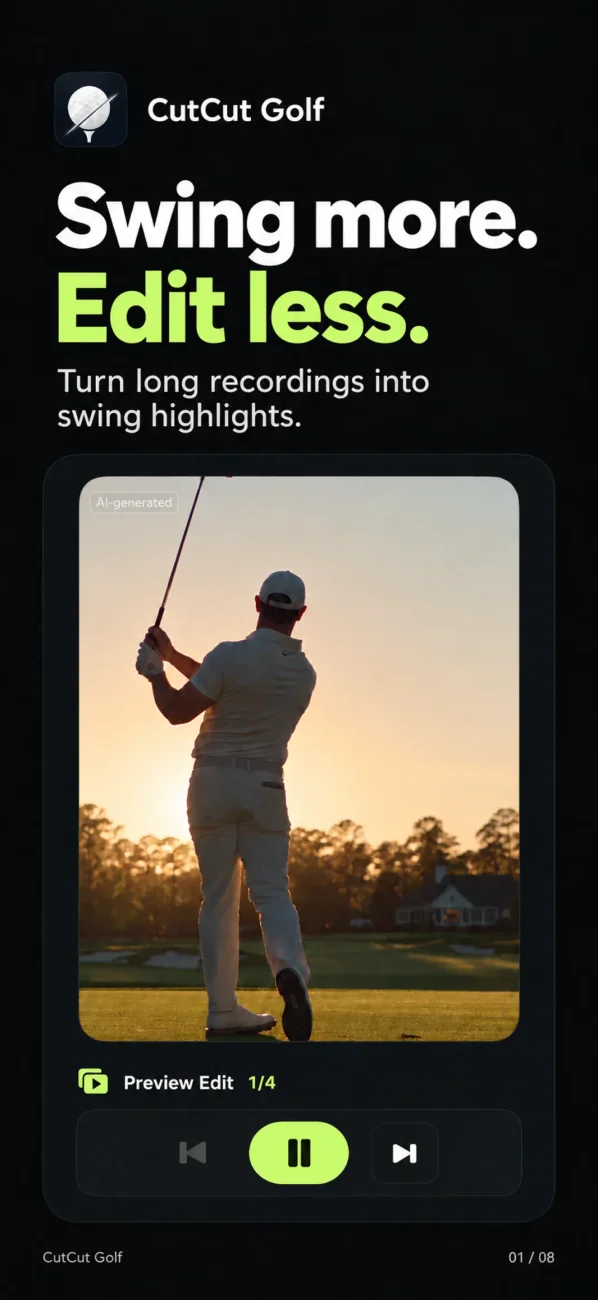
Turn your golf practice footage into swing clips worth watching again.
CutCut Golf finds candidate swing clips on your iPhone. Review them, adjust their start and end points, and keep the swings you want. Merge your kept clips into one video, or save each clip separately.
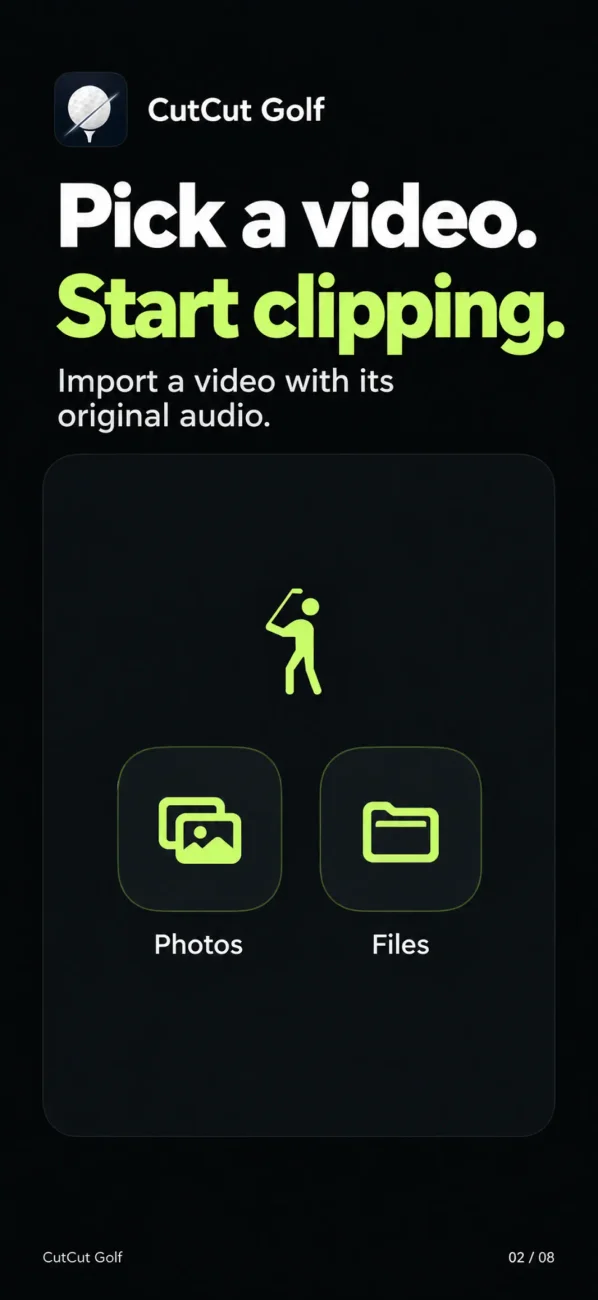
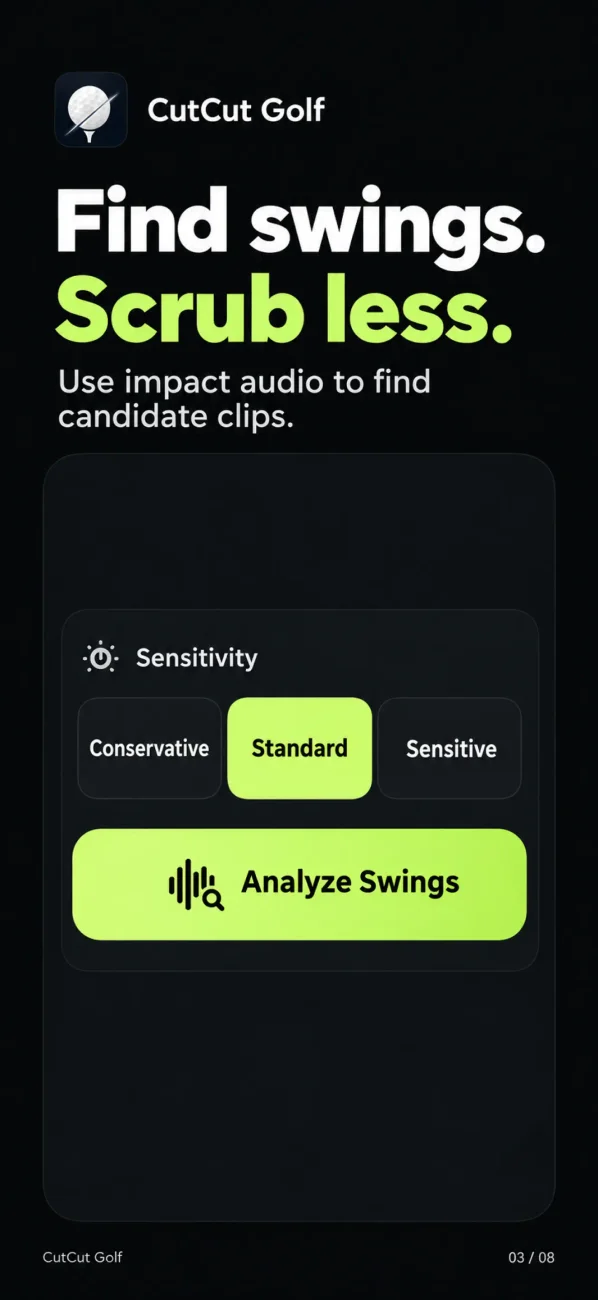
Import 1–9 videos from Photos or Files, with up to two hours of footage in one project. Use footage with its original impact sounds, which are needed to find candidate clips.
• New to CutCut? A short walkthrough uses a built-in sample to show you the editing flow. Skip it or revisit it whenever you like.
• Set independent Before Impact and After Impact presets from 0 to 30 seconds. Both cannot be zero at the same time.
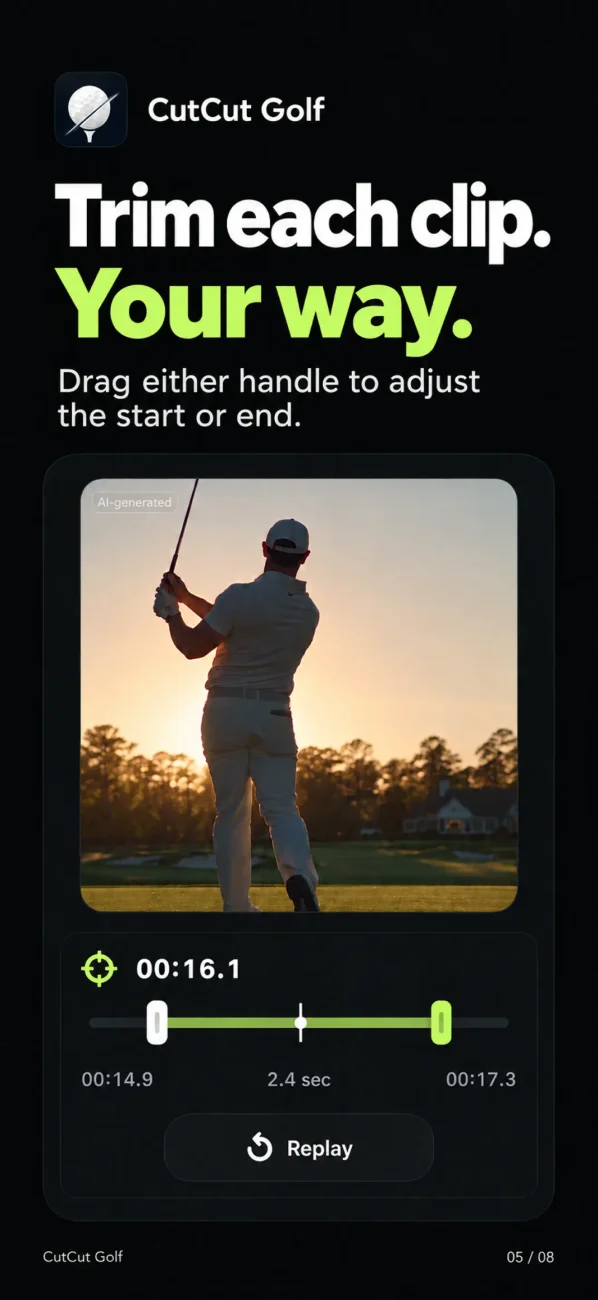
• Adjust each clip freely. Either trim handle can cross the white impact marker. Hold near a timeline edge to keep scrolling.
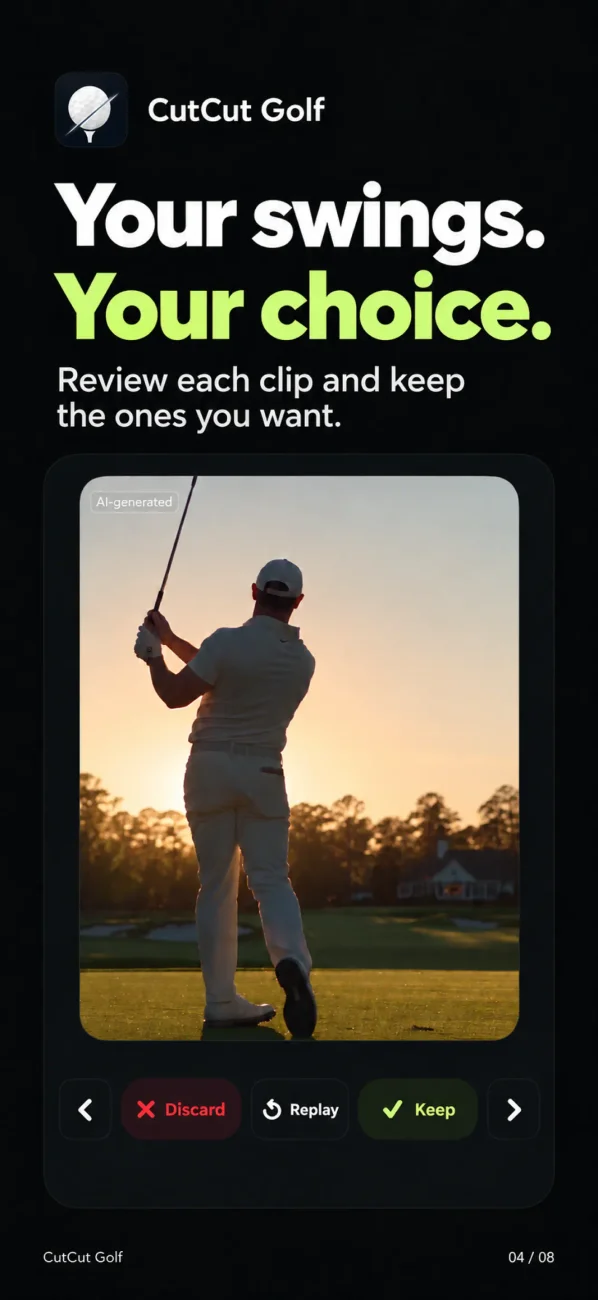
• Keep or discard clips individually. Replay the current selection without changing your decisions.
• Ready before you've reviewed every candidate? Continue with the clips you've kept. Unreviewed clips are never added automatically.
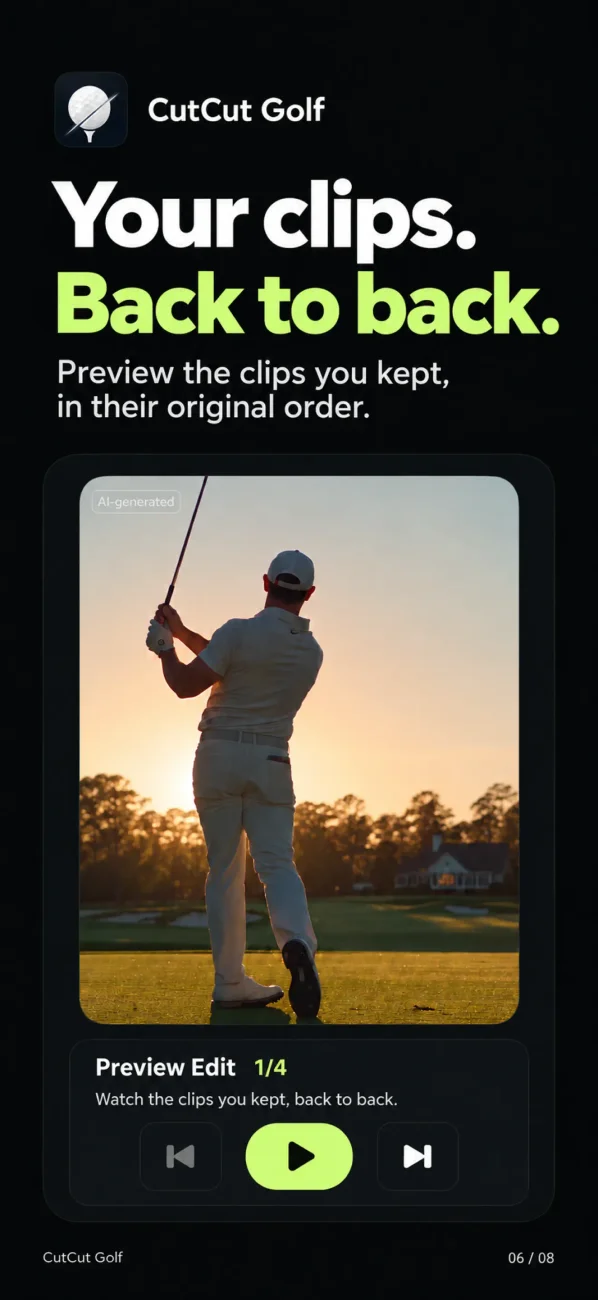
• Preview your kept clips in order, choose Merge Clips or Separate Clips, then tap Finalize Clips. Save the finished output to Photos or share it.
• Return to Home and resume your current project. Starting a new project requires confirmation.
Your original videos are not changed.
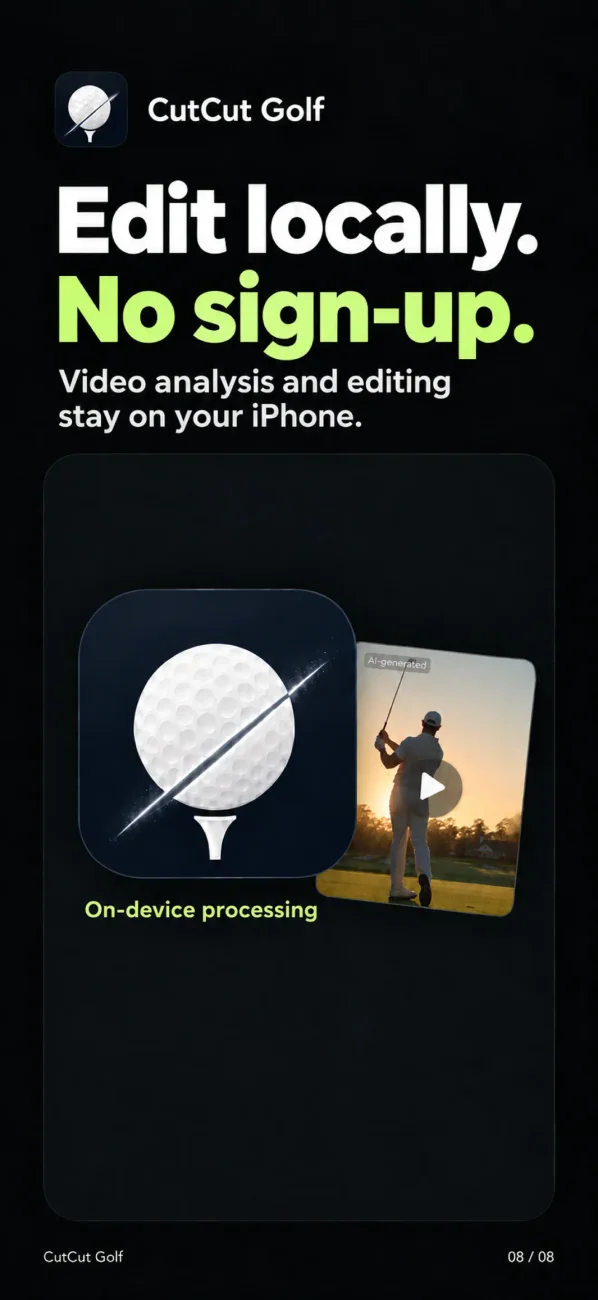
No CutCut account is required. Video analysis and editing happen on your iPhone, without uploading your original footage to the developer.
Save or share output from two projects for free. A project uses one allowance only after a video or clip is successfully saved to Photos or shared. Finalizing and previewing alone do not count, and an unsuccessful delivery does not count. Saving or sharing the same completed project again does not use another allowance. A one-time in-app purchase unlocks CutCut Pro for lifetime use, with no subscription. Restore Purchases is supported. The App Store shows the current local price in the app.
Designed for iPhone, with Simplified Chinese and English. If you have not chosen a language in CutCut, the app follows your device’s supported language preferences, with English as the fallback. Choose English or 中文 directly on the walkthrough welcome screen, or use the language menu at the top. Your saved choice is remembered between launches.
What’s new
Version 1.1.1 · Oct 14, 2026
A clearer start, in your language.
• CutCut now starts in English or Chinese based on your device’s language preferences.
• Switch between English and 中文 right on the walkthrough welcome screen.
• Your saved language choice stays the same.
App privacy
What 宇 史 declares on the App Store about how this app handles data.
-
Data not collected
The developer does not collect any data from this app.
Privacy practices may vary, for example with the features you use or your age.
Information
- Seller
- 宇 史
- Category
- Sports
- Version
- 1.1.1
- Updated
- Oct 14, 2026
- Released
- Sep 11, 2026
- Size
- 7.9 MB
- Requires
- iOS 17.0 or later
- Age rating
- 4+
- Price
- Free
- In-app purchases
- Yes
- Languages
- English, Simplified Chinese
- Copyright
- © 2026 Yu Shi
You might also like
-
 一杆高尔夫Sports
-
 Golf Nice Shot: Ball TracerShot Trace, Swing Video Editor
-
 F4Golf - AI Caddie & TracerGlobal Courses, Teetime, Free
-
 LovePuttingSports
-
 Teeo - Your AI Golf CompanionSwing Analyzer & Video Coach
-
 AirSwing: Golf Swing TrackerTempo, Tracking & Sharing
-
 超级挥杆Sports
-
 Golf TrajexGolf Ball Tracer & Editor
-
 Plumb Bob: Golf Green ReaderPutting line, break & slope
-
 Golfora: AI Golf Swing CoachSwing Analyser & Drills