- 対象年齢4+
- カテゴリスポーツ
- 開発元宇 史
- 言語英語ほか1言語
- サイズ7.9 MB
App Storeの公式ページにリンクしています
Download.orgはCutCut Golfのファイルを一切ホストしていません。ボタンを押すと、宇 史が公開しているApp Storeのアプリページが開きます。ページの最終確認:2026/11/17。
スクリーンショット

概要
開発元はこのテキストをお使いの言語で提供していません。
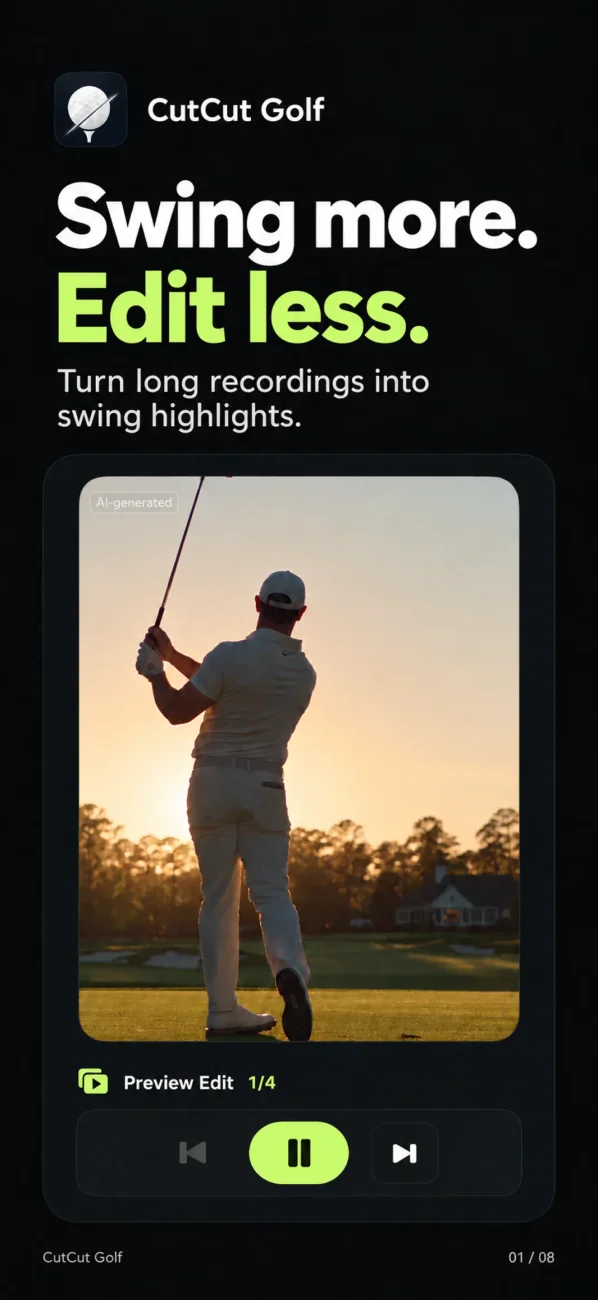
Turn your golf practice footage into swing clips worth watching again.
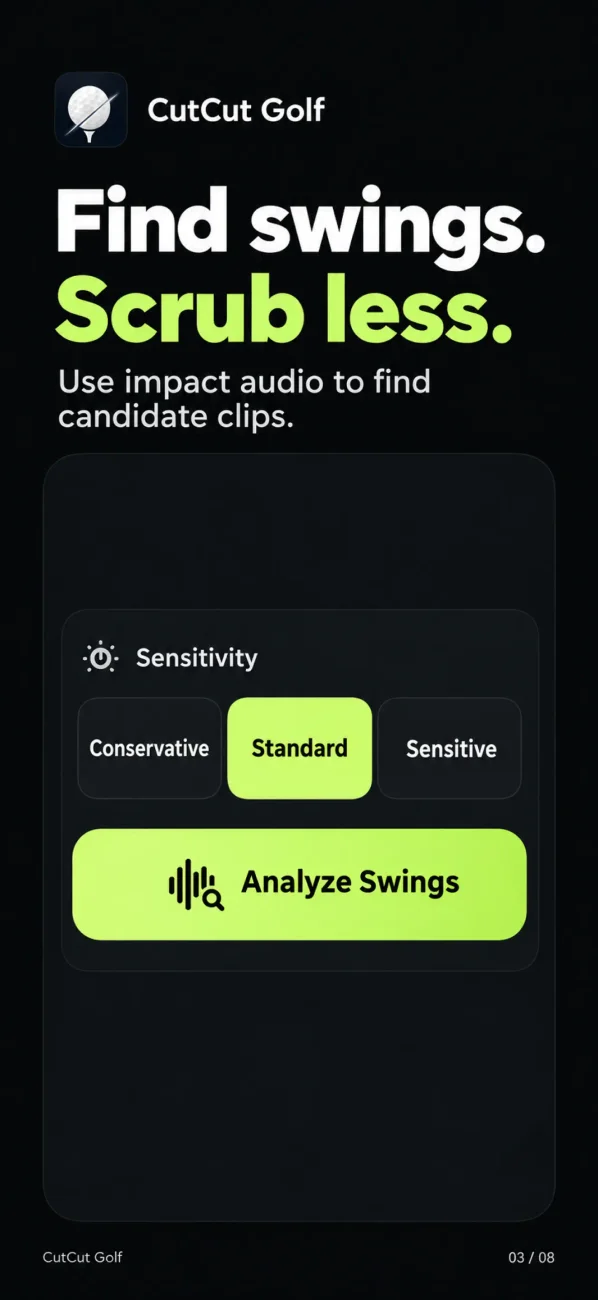
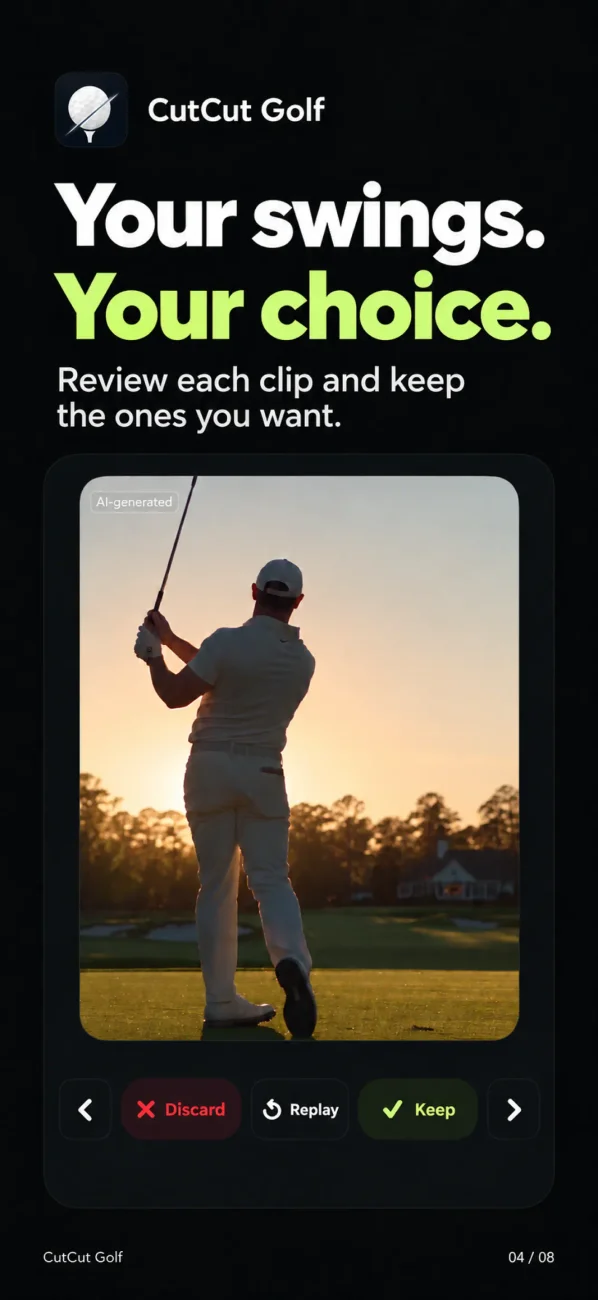
CutCut Golf finds candidate swing clips on your iPhone. Review them, adjust their start and end points, and keep the swings you want. Merge your kept clips into one video, or save each clip separately.
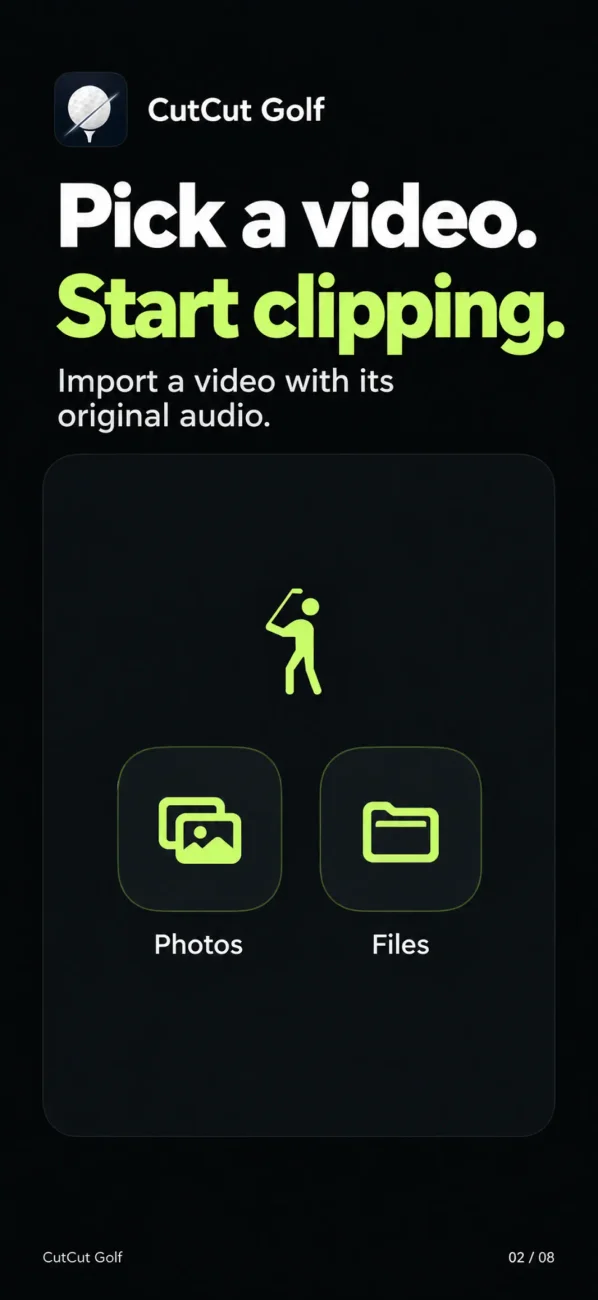
Import 1–9 videos from Photos or Files, with up to two hours of footage in one project. Use footage with its original impact sounds, which are needed to find candidate clips.
• New to CutCut? A short walkthrough uses a built-in sample to show you the editing flow. Skip it or revisit it whenever you like.
• Set independent Before Impact and After Impact presets from 0 to 30 seconds. Both cannot be zero at the same time.
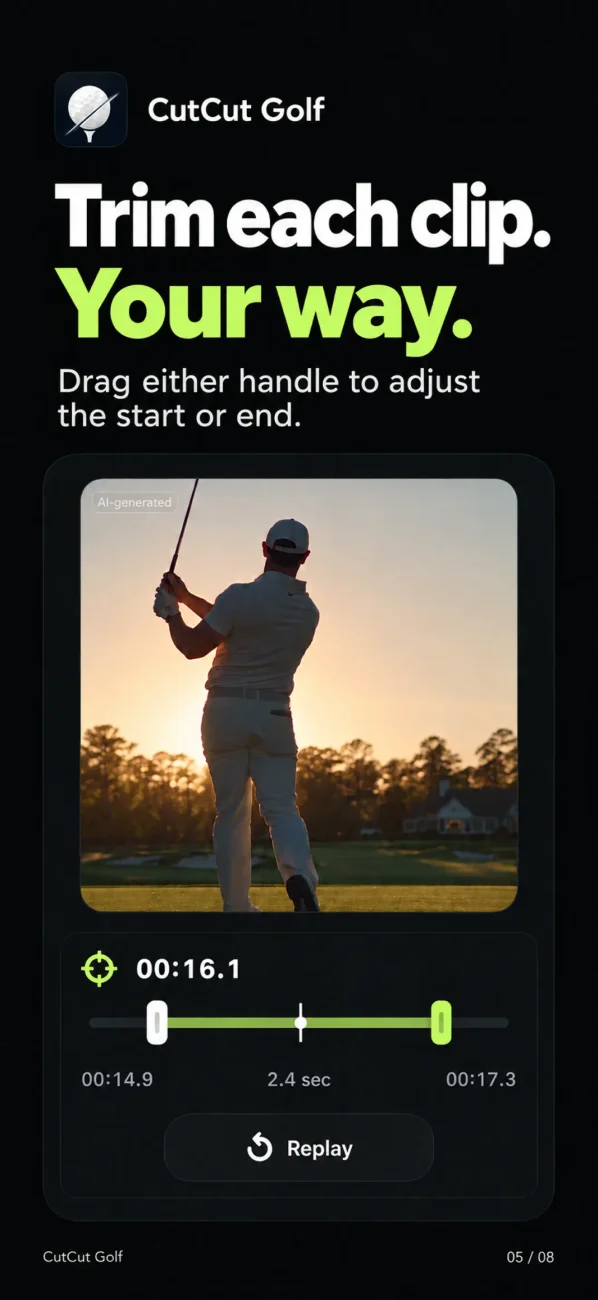
• Adjust each clip freely. Either trim handle can cross the white impact marker. Hold near a timeline edge to keep scrolling.
• Keep or discard clips individually. Replay the current selection without changing your decisions.
• Ready before you've reviewed every candidate? Continue with the clips you've kept. Unreviewed clips are never added automatically.
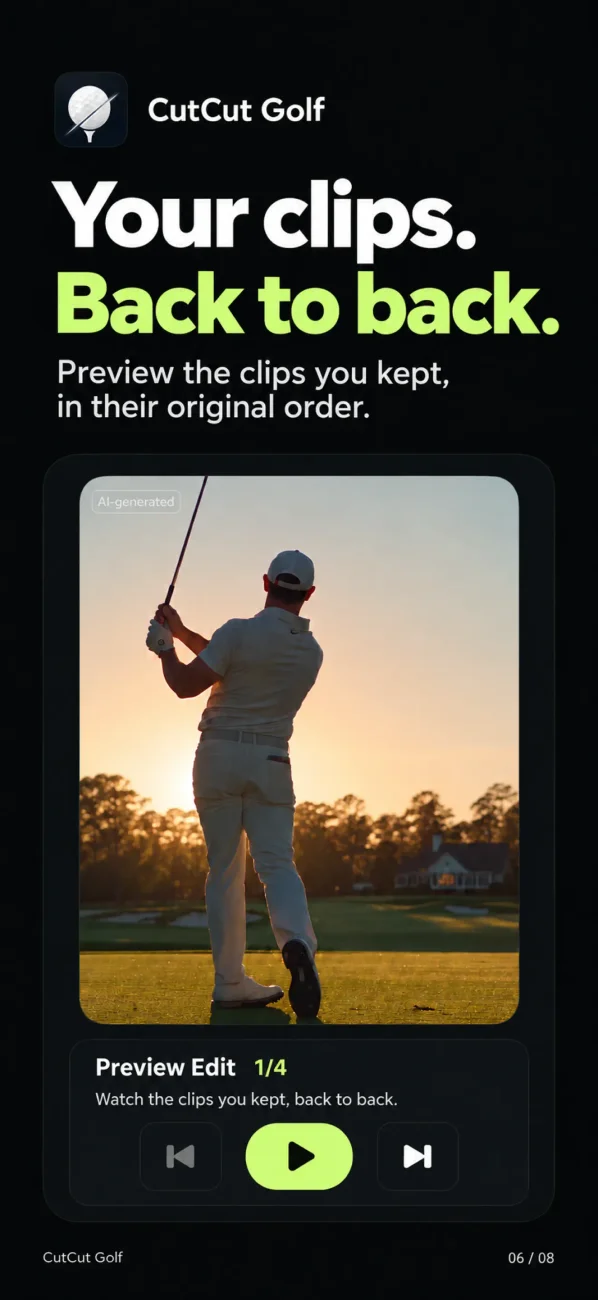
• Preview your kept clips in order, choose Merge Clips or Separate Clips, then tap Finalize Clips. Save the finished output to Photos or share it.
• Return to Home and resume your current project. Starting a new project requires confirmation.
Your original videos are not changed.
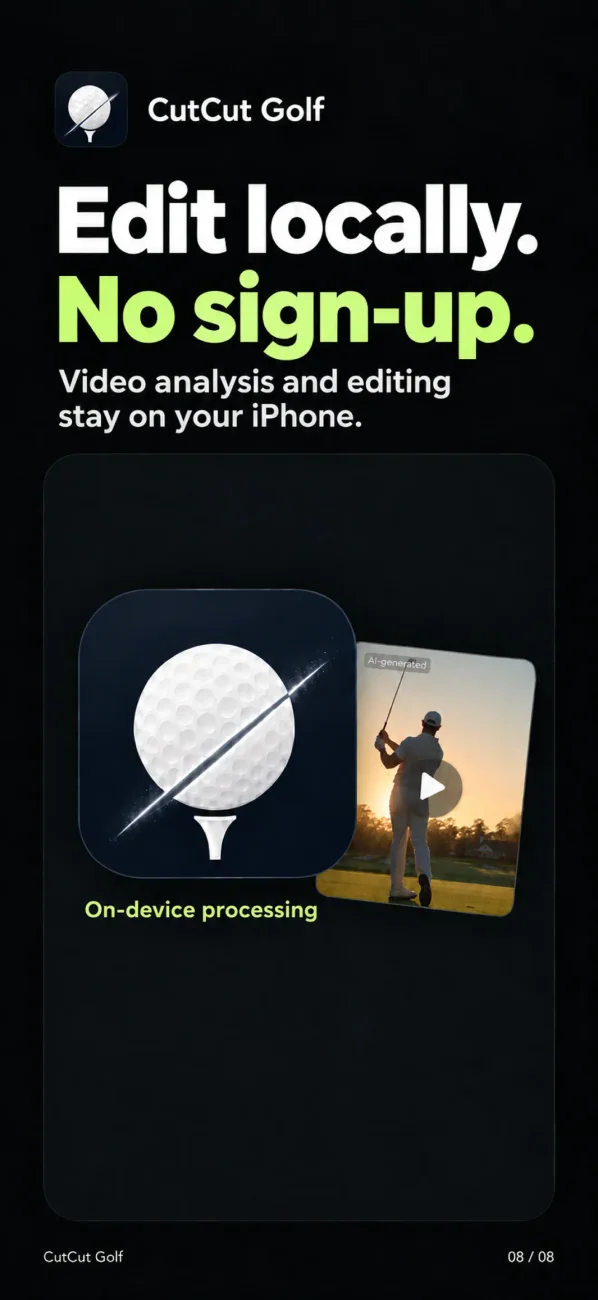
No CutCut account is required. Video analysis and editing happen on your iPhone, without uploading your original footage to the developer.
Save or share output from two projects for free. A project uses one allowance only after a video or clip is successfully saved to Photos or shared. Finalizing and previewing alone do not count, and an unsuccessful delivery does not count. Saving or sharing the same completed project again does not use another allowance. A one-time in-app purchase unlocks CutCut Pro for lifetime use, with no subscription. Restore Purchases is supported. The App Store shows the current local price in the app.
Designed for iPhone, with Simplified Chinese and English. If you have not chosen a language in CutCut, the app follows your device’s supported language preferences, with English as the fallback. Choose English or 中文 directly on the walkthrough welcome screen, or use the language menu at the top. Your saved choice is remembered between launches.
新機能
バージョン 1.1.1 · 2026/10/14
A clearer start, in your language.
• CutCut now starts in English or Chinese based on your device’s language preferences.
• Switch between English and 中文 right on the walkthrough welcome screen.
• Your saved language choice stays the same.
アプリのプライバシー
このアプリのデータの取り扱いについて、宇 史がApp Storeで申告している内容です。
-
データの収集なし
開発元はこのアプリからデータを収集しません。
プライバシーの取り扱いは、ご利用の機能やお客様の年齢などに応じて異なる場合があります。
情報
- 販売元
- 宇 史
- カテゴリ
- スポーツ
- バージョン
- 1.1.1
- 更新日
- 2026/10/14
- リリース
- 2026/9/11
- サイズ
- 7.9 MB
- 必要条件
- iOS 17.0以降
- 対象年齢
- 4+
- 価格
- 無料
- アプリ内課金
- あり
- 言語
- 英語, 簡体字中国語
- 著作権
- © 2026 Yu Shi