
Cutlist Optimizer 4 / SmartCut
Get the most from materials
Designed for iPhone, iPad
Free · In-app purchases
- Age rating4+
- CategoryUtilities
- DeveloperJG Media Limited
- LanguagesEnglish+ 29 more
- Size7.6 MB
Links to the official App Store page
Download.org hosts no file of Cutlist Optimizer 4 / SmartCut. The button opens its official App Store page, published by JG Media Limited. Listing last checked on Nov 20, 2026.
Screenshots
About
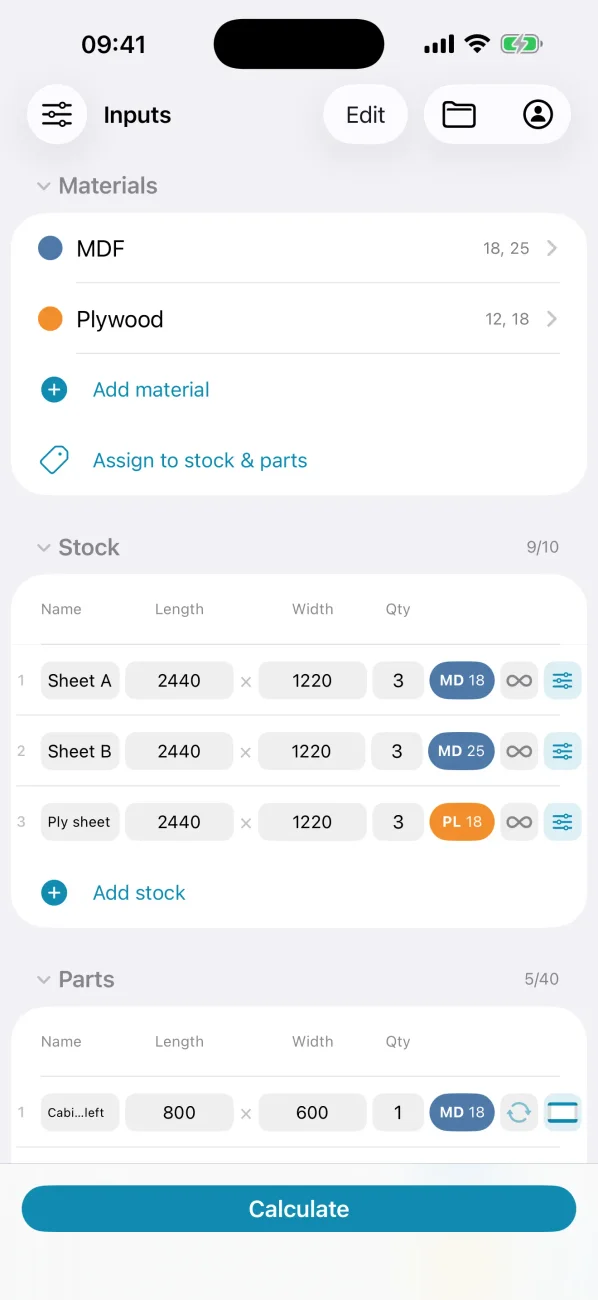
SmartCut is a cutlist optimizer for iPhone and iPad. Enter your parts and the sheets or lengths you can buy, and it works out how to cut them with the least waste.
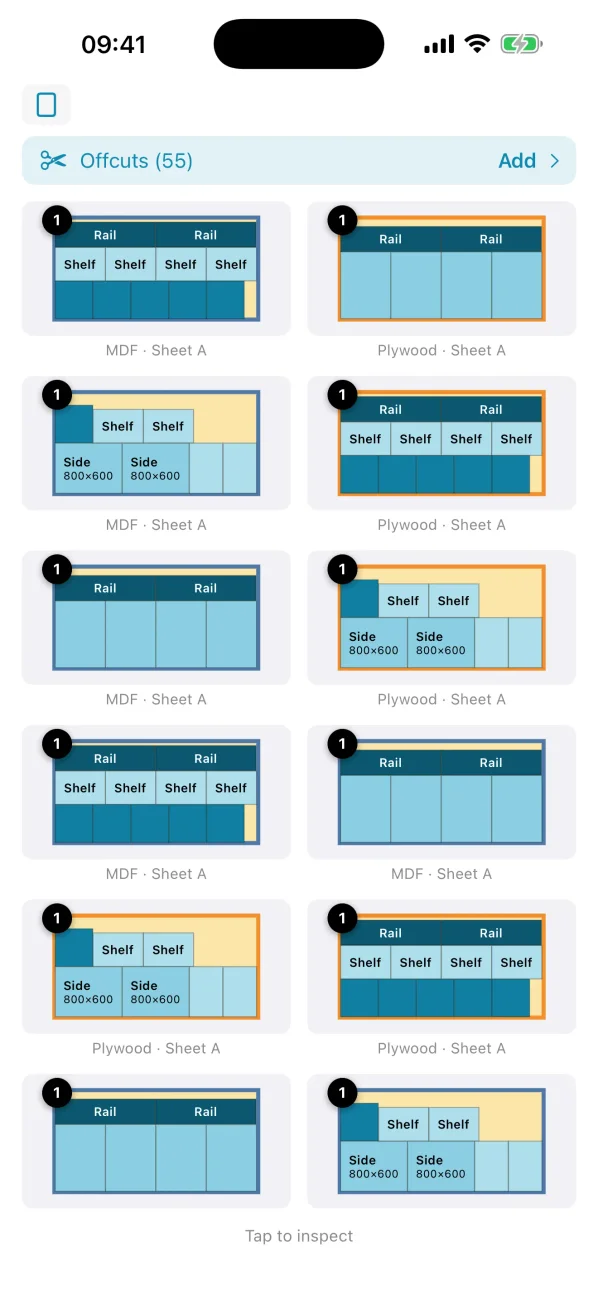
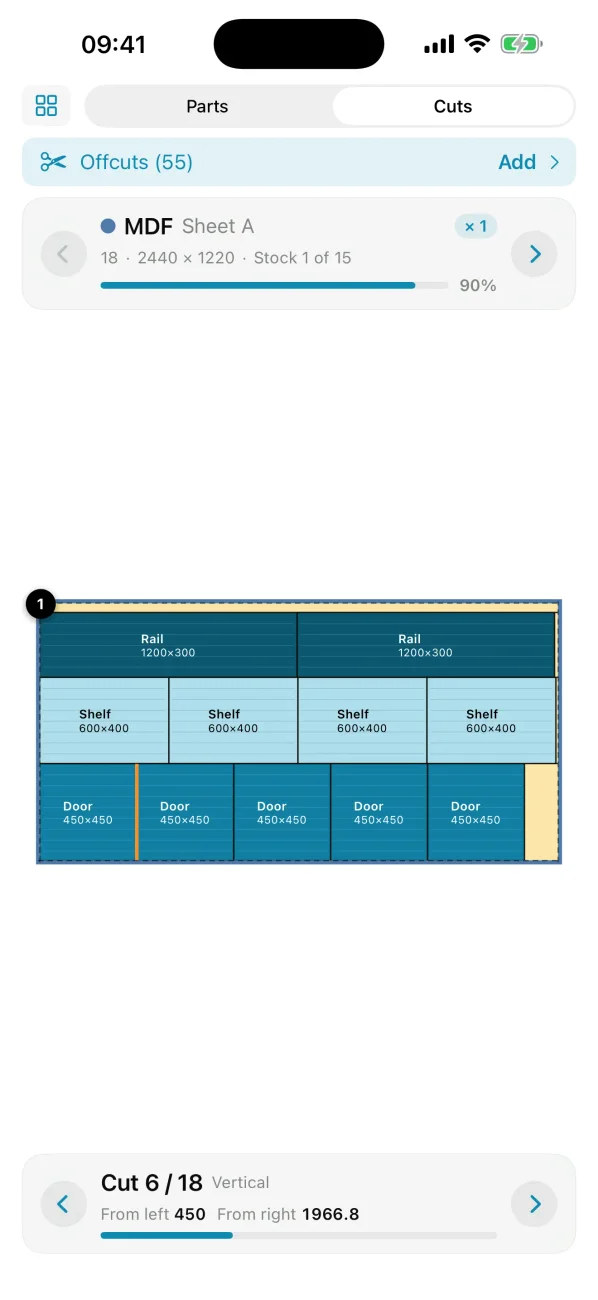
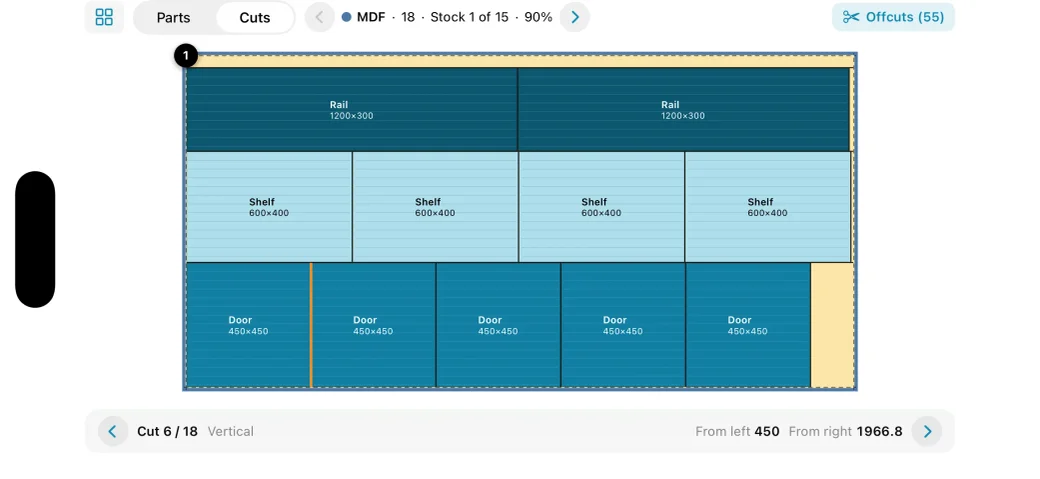
You get the cutting diagrams, the number of sheets you need, where every offcut falls, and a cut-by-cut sequence you can follow at the saw.
MATERIALS
Sheet materials such as plywood, MDF, chipboard, acrylic, glass and sheet metal, and linear stock such as construction timber, bar, pipe and extrusion. Work in decimals or fractions, in whichever units you use.
CUT TYPES
• Guillotine — for saws that cut edge to edge in a straight line, such as a table saw or beam saw. Choose length cuts for ripping, or width cuts for cross-cutting on a mitre saw or a cross-cut sled.
• Efficiency — the default. Prioritises the fewest cuts and the least waste, ideal for a jigsaw, laser cutter or CNC.
REAL-WORLD DETAIL
The plan matches how the material will actually be cut:
• Blade width, so the kerf is not quietly ignored
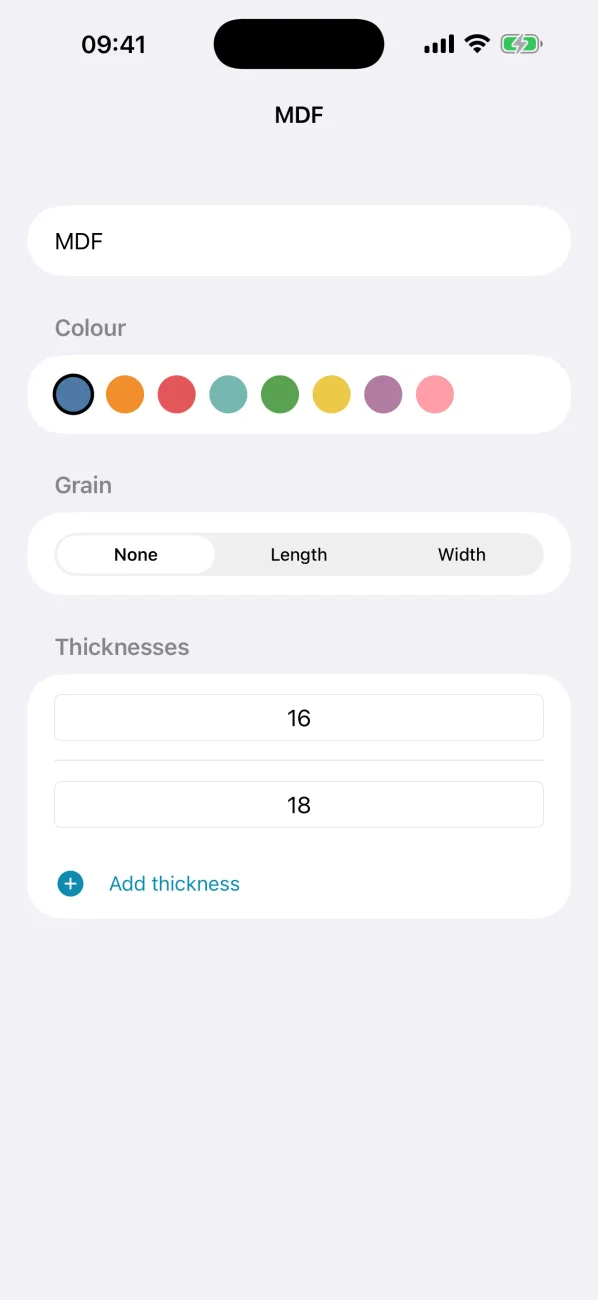
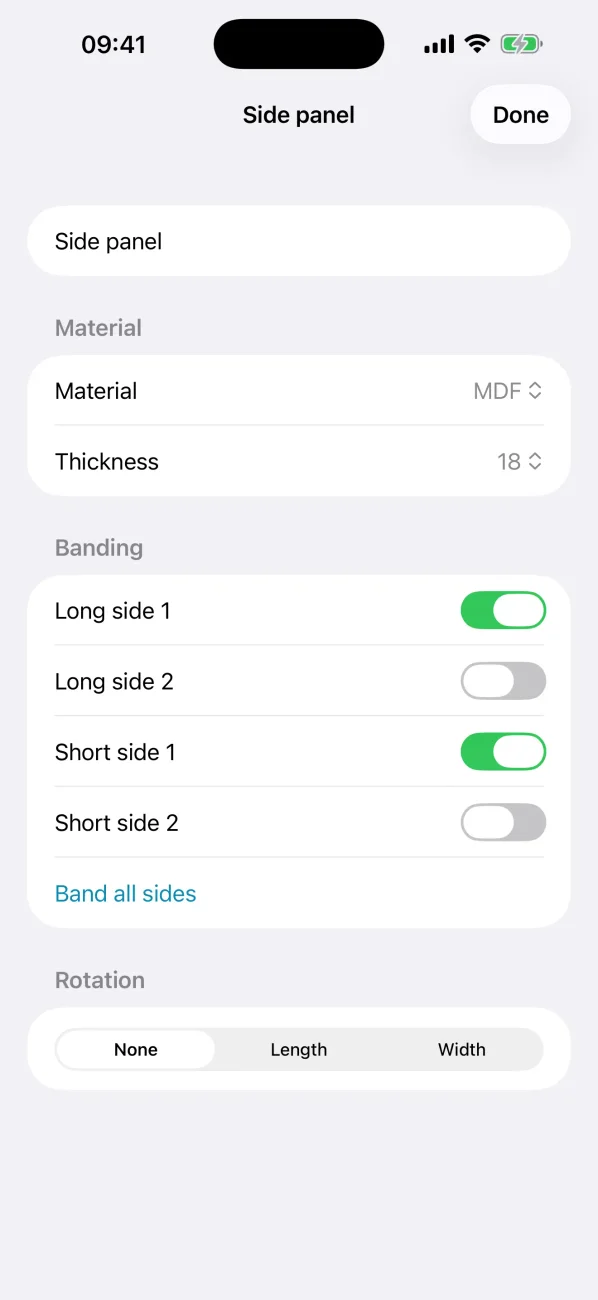
• Grain direction, with a per-part lock to length or width
• Edge banding on any side of a part
• Stock trim, to skip damaged or unsquare edges
• Infinite stock, when you can buy as many sheets as you need
FEATURES
• Fast and accurate layouts
• Sheet / 2D / boards / panels
• Linear / 1D / bars / rods
• Decimals and fractions, with quick fraction entry
• Colour-coded materials, so a mixed job stays readable
• Stack identical layouts
• Save and reopen projects
• Export to PDF to print for the workshop
AT THE SAW
Step through the cuts one at a time, with measurements shown from both sides so you can check yourself against either edge. Or print the PDF and take it to the bench.
ALSO AVAILABLE
Cutlist Evolution runs the same optimizer in any web browser, on Windows, Mac, Linux and Chromebook, with nothing to install. cutlistevo.com
FEEDBACK
hello@cutrevolution.com
TERMS OF USE
https://www.apple.com/legal/internet-services/itunes/dev/stdeula/
What’s new
Version 4.1.4 · Nov 13, 2026
Bug fixes and improvements.
App privacy
What JG Media Limited declares on the App Store about how this app handles data.
-
Data linked to you
May be collected and linked to your identity.
- Contact info
Privacy practices may vary, for example with the features you use or your age.
Information
- Seller
- JG Media Limited
- Category
- Utilities
- Version
- 4.1.4
- Updated
- Nov 13, 2026
- Released
- Aug 7, 2021
- Size
- 7.6 MB
- Requires
- iOS 16.0 or later
- Age rating
- 4+
- Price
- Free
- In-app purchases
- Yes
- Languages
- English, Catalan, Croatian, Czech, Danish, Dutch, Finnish, French, German, Greek, Hindi, Hungarian + 18 more
- Copyright
- © 2026 JG Media Limited
You might also like
-
 CutList OptimizerSave Time & Save Money
-
 CutList OptimizerSave Money, Save Materials
-
 Cut Master ProLinear and sheet optimization
-
 CutList Optimizer - LinearOptimize Length Cuts
-
 CutList: Plywood OptimizerSheet Cutting for Woodworkers
-
 cut list calculatorCutList Optimizer
-
 Cutlist Optimizer - MDF MasterOffcut Layout to reduct waste
-
 Cut Optimizer – Cut ListSheet, Panel & Linear Cutting
-
 RedX Stairs - 3D CalculatorDesign & Calculate Stairs
-
 CutList Pro: Cutlist OptimizerBoard Foot Calculator & Plans