CyberVault: Password Manager
Zero-Knowledge Password Vault
Designed for iPhone
Free
- Age rating4+
- CategoryProductivity
- DeveloperCybervision Systems LLC
- LanguagesEnglish+ 1 more
- Size3.9 MB
Links to the official App Store page
Download.org hosts no file of CyberVault: Password Manager. The button opens its official App Store page, published by Cybervision Systems LLC. Listing last checked on Nov 10, 2026.
Screenshots


About
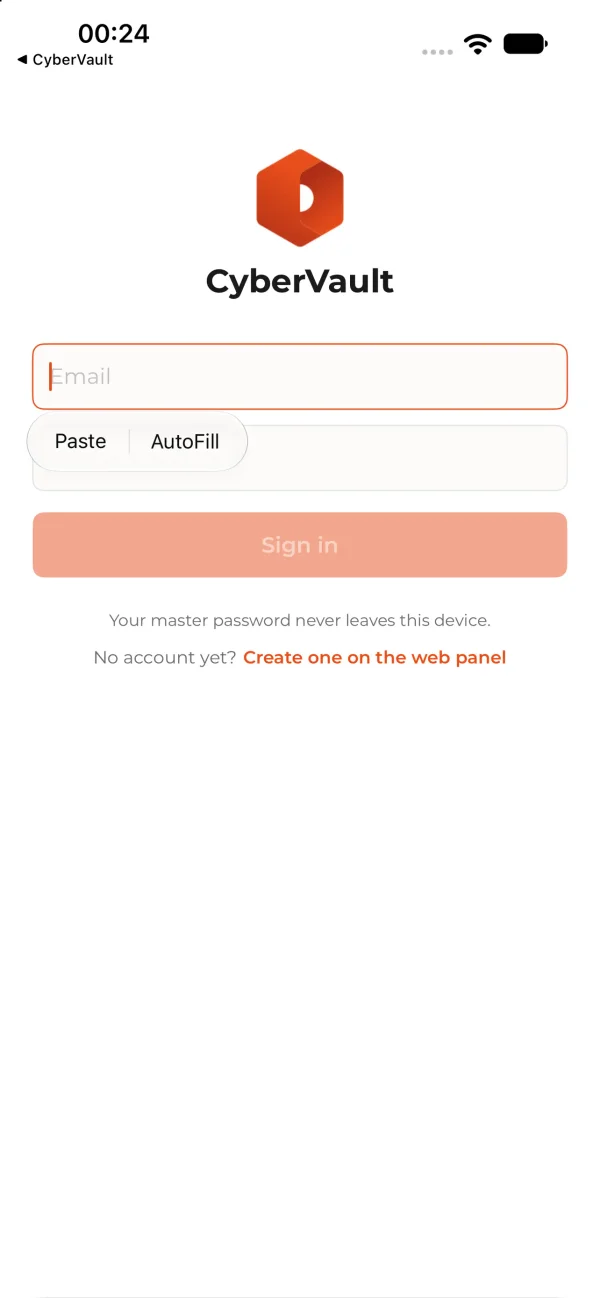
CyberVault is a zero-knowledge password manager: your master password and vault key are derived and used entirely on your device. We never see your passwords, and we couldn't read your vault even if we wanted to everything is encrypted before it ever reaches our servers.
KEY FEATURES
Secure vault for passwords, notes, and sensitive items, synced across your devices
Built-in password generator for strong, unique passwords
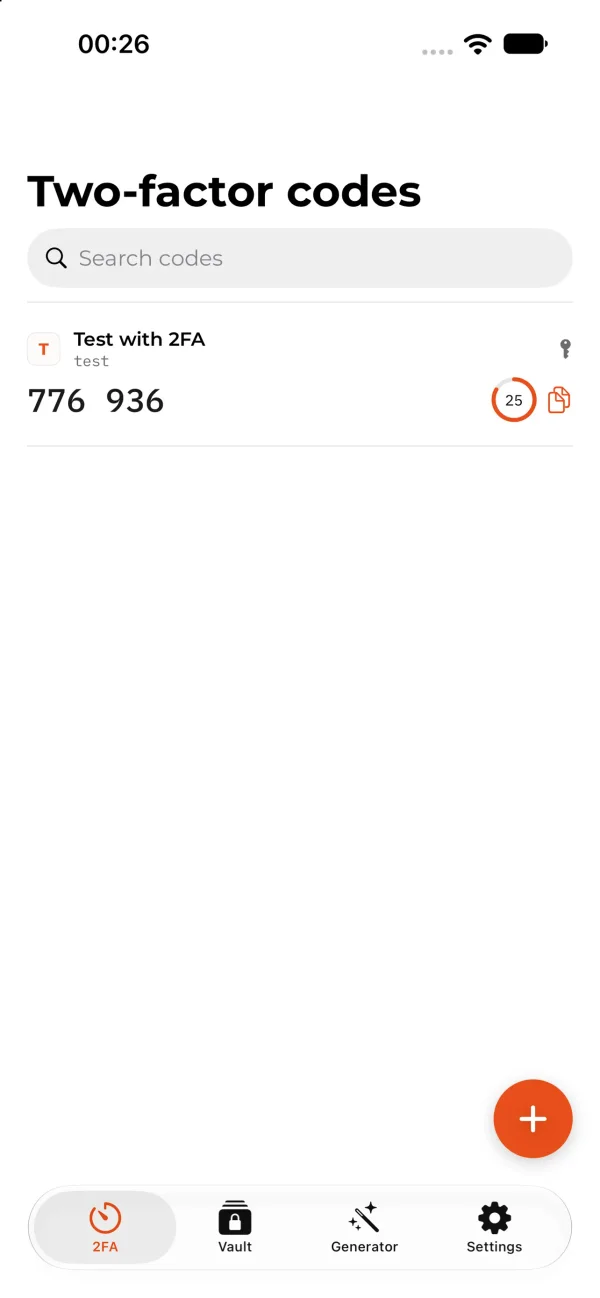
Two-factor authentication codes (TOTP) stored alongside each credential, generated locally no separate authenticator app needed
Biometric unlock (Face ID / Touch ID) for fast, secure access
Works alongside the CyberVault browser extension and web app one vault, everywhere
SECURITY, BY DESIGN
AES-256-GCM encryption for every stored secret, with a unique key per credential
PBKDF2 key derivation (600,000 iterations) your master password never travels over the network
Zero-knowledge architecture: even a full breach of our servers would expose nothing usable without your master password
Optional two-factor authentication for your CyberVault account itself
WHO IT'S FOR
Anyone who wants a straightforward, secure password manager that keeps their data genuinely private individuals and teams alike.
Questions or feedback? Reach us at privacy@cybervision.io.
What’s new
Version 1.0.1 · Oct 14, 2026
New: Send. Share a password or secret text through an encrypted link that expires. You choose how long it lasts and how many times it can be opened, and you can add an extra password.
Swipe left or right to move between tabs.
Tap anywhere on a 2FA code to copy it, with a clear “Copied” confirmation.
New tab icons and a cleaner, larger look in the Vault, with a single font throughout.
The password generator now lives inside the Vault.
Fixed a blank screen that could appear when allowing notifications after signing in with Face ID.
App privacy
What Cybervision Systems LLC declares on the App Store about how this app handles data.
-
Data linked to you
May be collected and linked to your identity.
- Contact info
- User content
- Identifiers
Privacy practices may vary, for example with the features you use or your age.
Information
- Seller
- Cybervision Systems LLC
- Category
- Productivity
- Version
- 1.0.1
- Updated
- Oct 14, 2026
- Released
- Oct 13, 2026
- Size
- 3.9 MB
- Requires
- iOS 17.0 or later
- Age rating
- 4+
- Price
- Free
- Languages
- English, Portuguese
- Copyright
- © 2026 Cybervision Systems LLC
You might also like
-
 Password Manager – SecureVaultProductivity
-
 Password Manager: SafeKeySecure Vault Keeper
-
 MyPasswords Password ManagerYour passwords in one place
-
 Vaultix: Password ManagerOffline vault, 2FA & autofill
-
 TagoIOEasy IoT. Powerful Outcomes.
-
 Password Manager-Secret LockerBiometric Locker For Passwords
-
 #1 Password ManagerManage & Secure Your Passwords
-
 Appifex - AI App BuilderTurn ideas into apps with AI
-
 TextTuner: Swiftkey KeyboardAI Text Message
-
 Offline Image ConverterConvert image formats