
#1 Password Manager
Manage & Secure Your Passwords
Designed for iPhone, iPad, iPod touch
Free · In-app purchases
- Age rating4+
- CategoryProductivity
- DeveloperCompaNova LLC
- LanguagesEnglish+ 16 more
- Size52.5 MB
Links to the official App Store page
Download.org hosts no file of #1 Password Manager. The button opens its official App Store page, published by CompaNova LLC. Listing last checked on Nov 21, 2026.
Screenshots

About
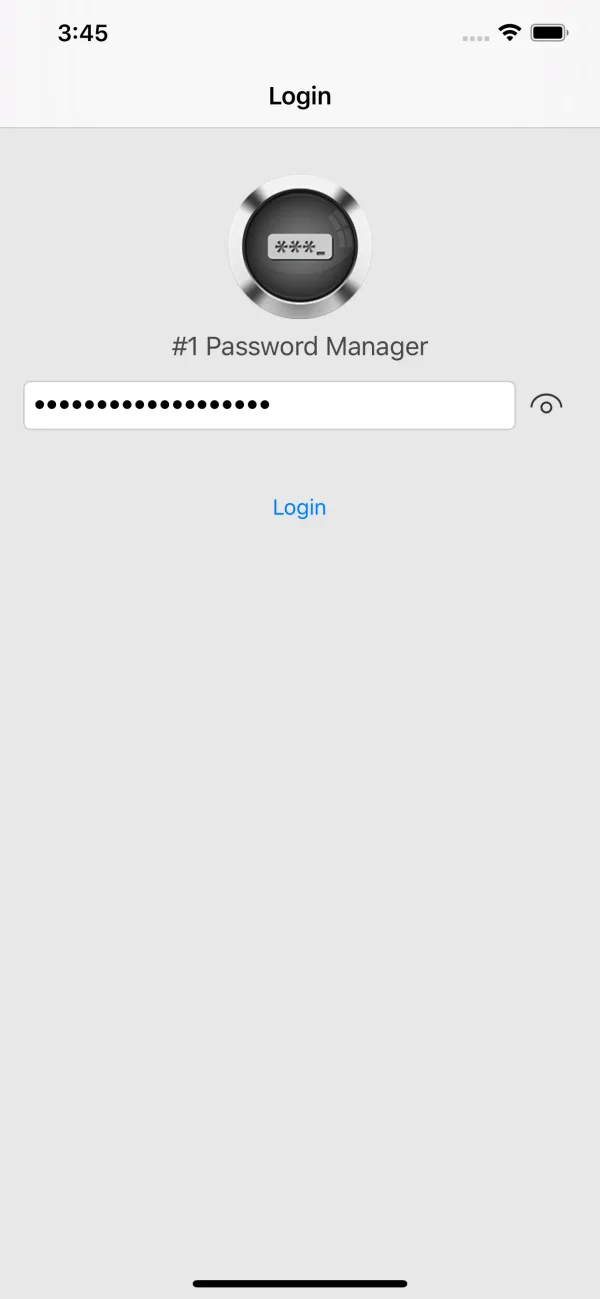
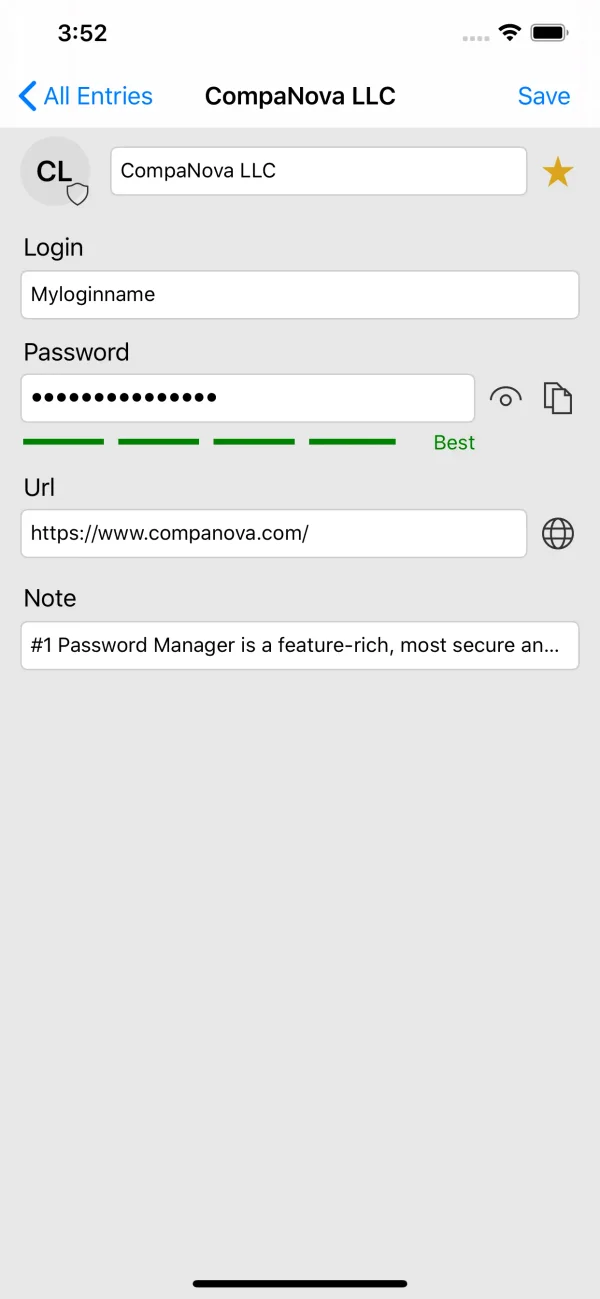
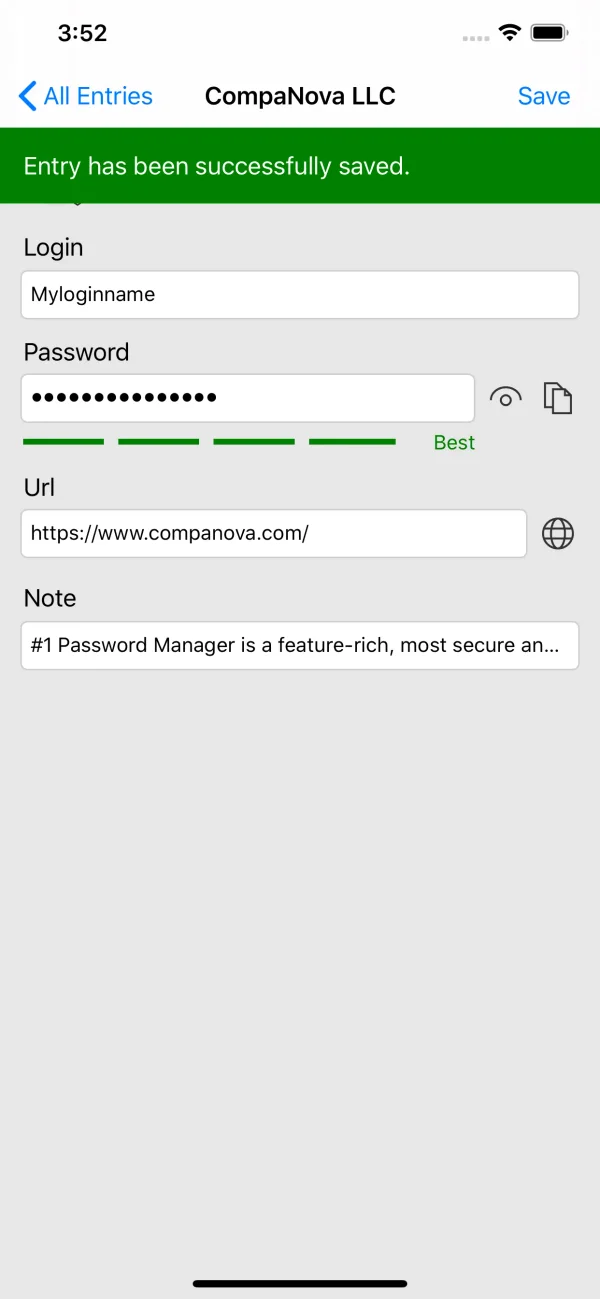
#1 Password Manager is a feature-rich, most secure and safe application for managing passwords and other sensitive personal data. It uses the best practices and most advanced security standards to keep your private data protected and safe. With #1 Password Manager you will never lose or forget your passwords. No need to write them down or store in clear text. Since #1 Password Manager stores and encrypts passwords using the Advanced Encryption Standard (AES)/Rijndael algorithm with the 256 bit key, your passwords and private data are always stored encrypted and never leave your device. This means you don’t need to worry about your private data being unsafe somewhere in the “cloud”. Even if your device is lost or stolen, your data is still safe, as there is no way to get to your passwords without a Master Password which is hashed using Sha512 – the most advanced hashing algorithm.
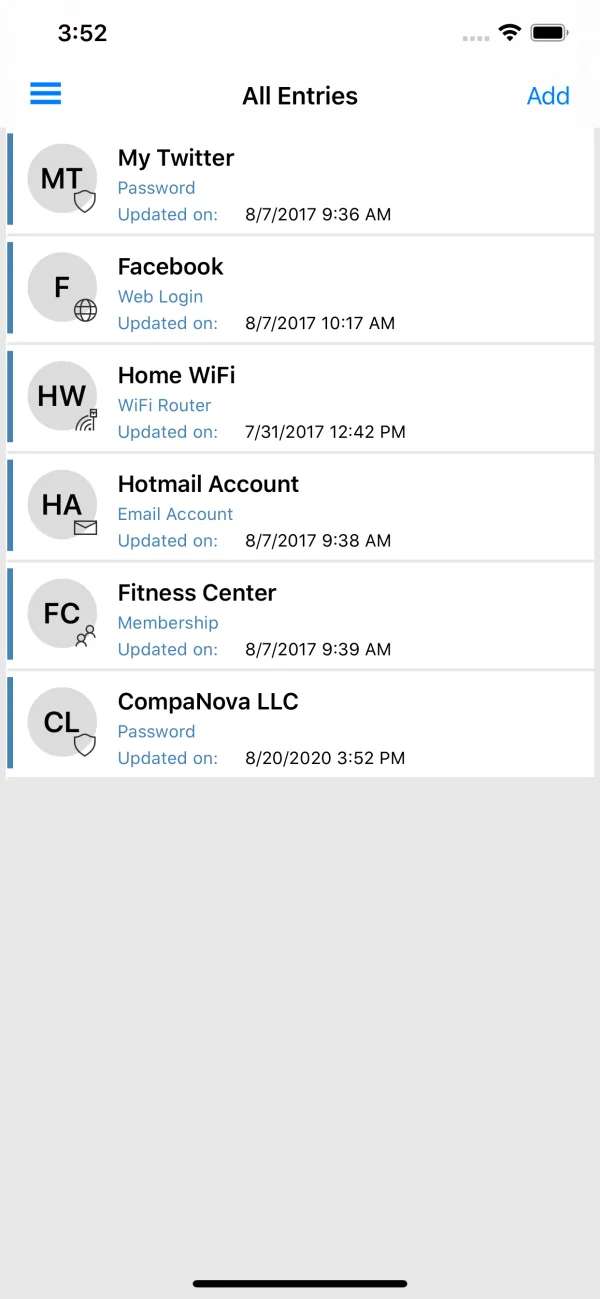
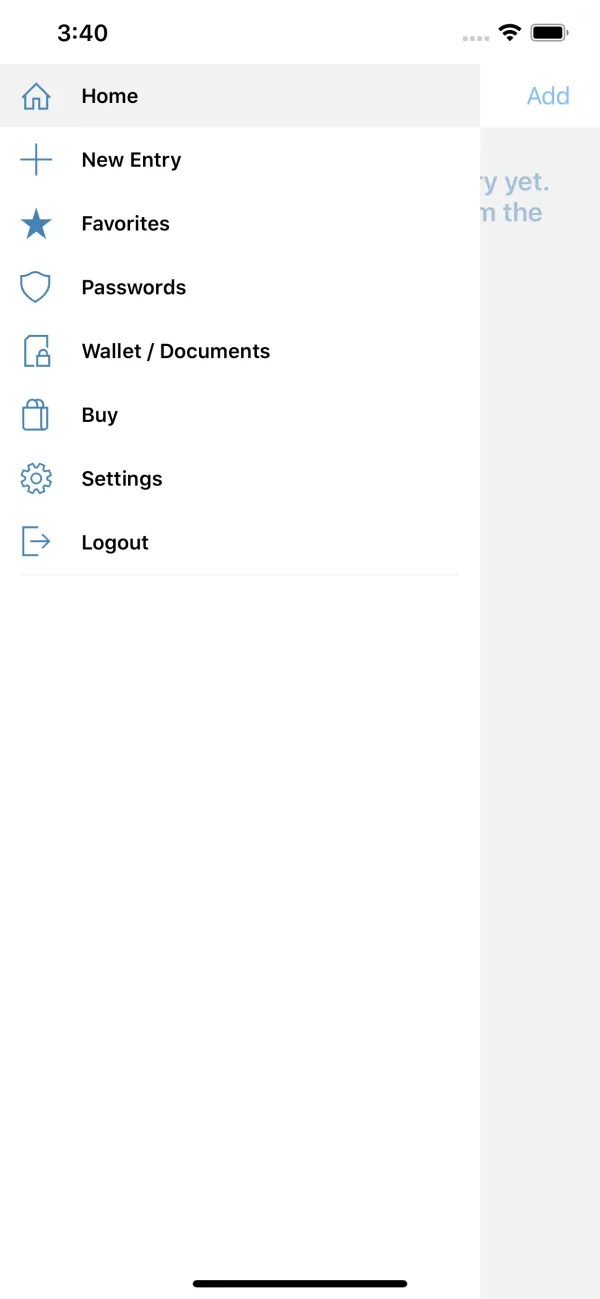
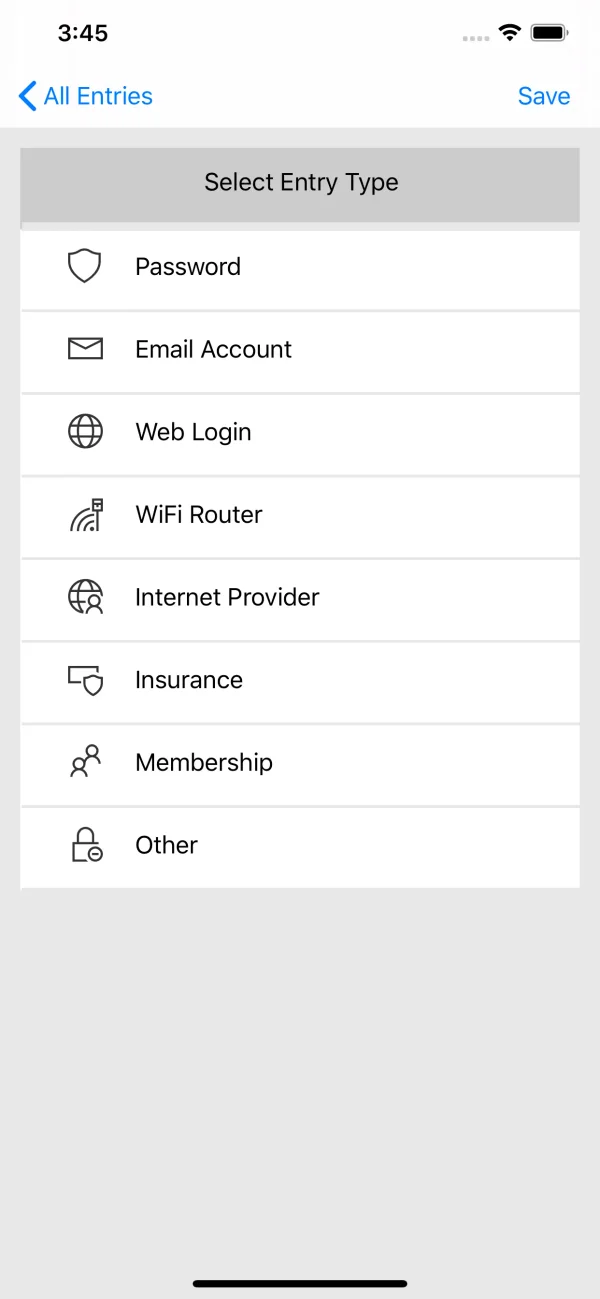
Besides top security features, #1 Password Manager offers an easy to use and intuitive user interface. There are multiple templates to choose from to generate new secure password entries. Passwords are conveniently grouped based on the type and category. A quick search feature provides an easy and fast way to find specific entries. Passwords can be added to the “Favorites” list for a quick access. The built-in app-to-app integration with browsers makes it easy to open and login in into your favorite web sites.
#1 Password Manager also offers the Password Generator and Password Strength test features. With just one click you can easily generate new random, but strong secure passwords or test your existing password strength.
#1 Password Manager features:
- Local protected password storage (no “clouds” or shared drives to worry about)
- Advanced security protection using best practices and security standards
- Advanced Encryption Standard (AES)/Rijndael algorithm with the 256 bit key to keep you private data safe and secure
- #1 Password Manager never has access to your encryption key and keeps it protected with the Master Password which is hashed using Sha512 algorithm
- Backup and Restore capabilities that let users archive(save) and recover passwords from the backup file
- Conveniently organizes passwords, logins, and personal entries by Categories and Types
- Quick search through all the entries and a separate “Favorite” list for your mostly used entries
- Sort functionality to order and access entries by different fields
- Copy and Paste functionality to quickly create and share entries
- Ability to change your Master Password
- Generate new random, strong and secure passwords (passwordgen/passwordgenerator)
- Test your Password Strength
- Store all your usernames, logins, passwords and other personal/private data securely on your local device
- Sensitive data is always encrypted at rest
- Enhanced security that locks Application access after some time of inactivity
- Best Application for protecting privacy and private data
- Free Password Manager
- Best Password Manager
- 1Password
What’s new
Version 1.0.7 · Apr 8, 2024
We update #1 Password Manager regularly by adding new features and making improvements to the application. Do not miss one!
This release contains:
- Added ability to Generate new Random and Secure Passwords
- Support for Dark Mode
- Quality and UI improvements
App privacy
What CompaNova LLC declares on the App Store about how this app handles data.
-
Data used to track you
May be used to track you across apps and websites owned by other companies.
- Location
- Identifiers
- Usage data
- Diagnostics
-
Data not linked to you
May be collected but is not linked to your identity.
- Location
- Identifiers
- Usage data
- Diagnostics
Privacy practices may vary, for example with the features you use or your age.
Information
- Seller
- CompaNova LLC
- Category
- Productivity
- Version
- 1.0.7
- Updated
- Apr 8, 2024
- Released
- Aug 22, 2020
- Size
- 52.5 MB
- Requires
- iOS 9.0 or later
- Age rating
- 4+
- Price
- Free
- In-app purchases
- Yes
- Languages
- English, Czech, Danish, Dutch, French, German, Indonesian, Italian, Japanese, Polish, Portuguese, Russian + 5 more
- Copyright
- © 2020 - 2024 CompaNova LLC
You might also like
-
 *Passwords* Copy to PastePowerful Password Manager
-
 KeyZ: Password ManagerAccess all your passwords
-
 Vaultix: Password ManagerOffline vault, 2FA & autofill
-
 Password Manager ManagerPassPassword keeper and generator
-
 Sésame secure Password ManagerPasskeys, autofill, vault
-
 aWallet Password ManagerWallet Password Manager
-
 Sticky Password Manager & SafeThe secure password manager
-
 Password Manager: SafePasskeys & 2FA
-
 iPassworder Password ManagerEasiest way to store passwords
-
 Password Manager'Lock Apps Keep Vault Safe