
- Age rating4+
- CategoryPhoto & Video
- DeveloperKoki Endo
- LanguagesJapanese+ 1 more
- Size3.9 MB
Links to the official App Store page
Download.org hosts no file of D-pla-pra. The button opens its official App Store page, published by Koki Endo. Listing last checked on Nov 12, 2026.
Screenshots

About
[Features]
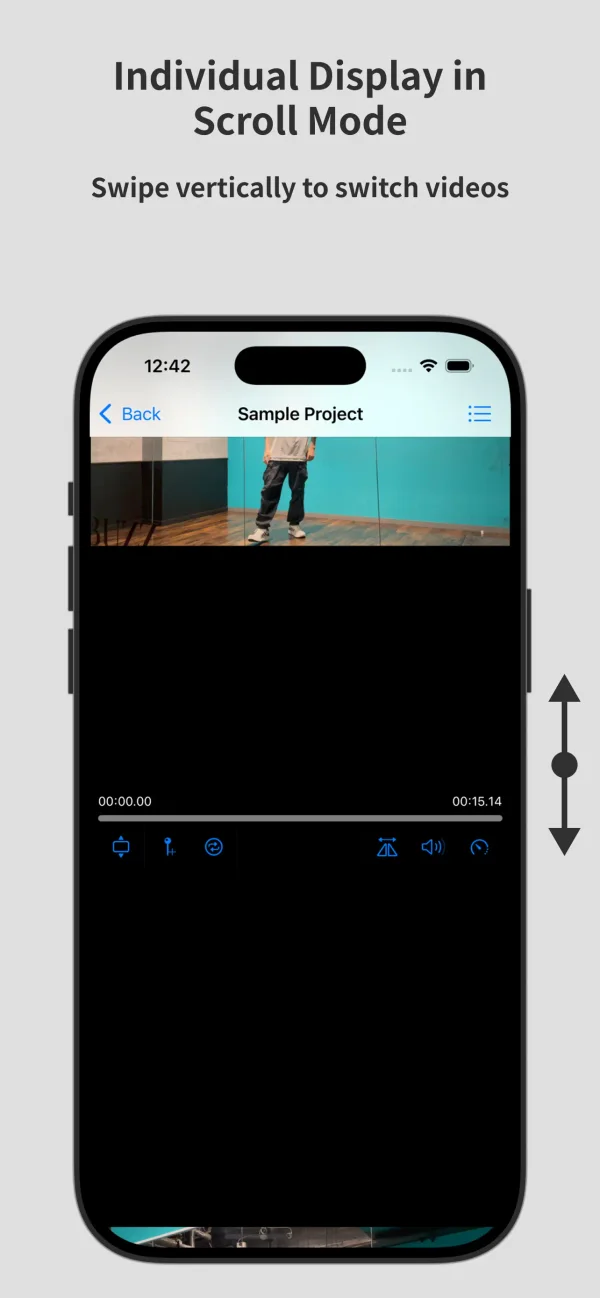
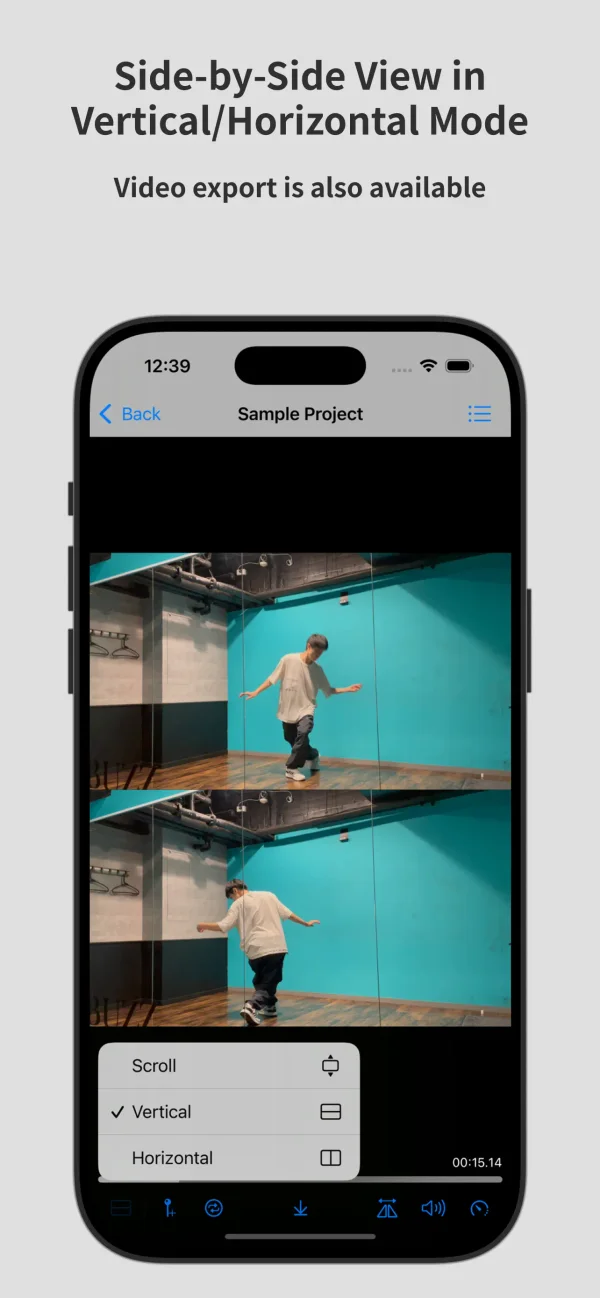
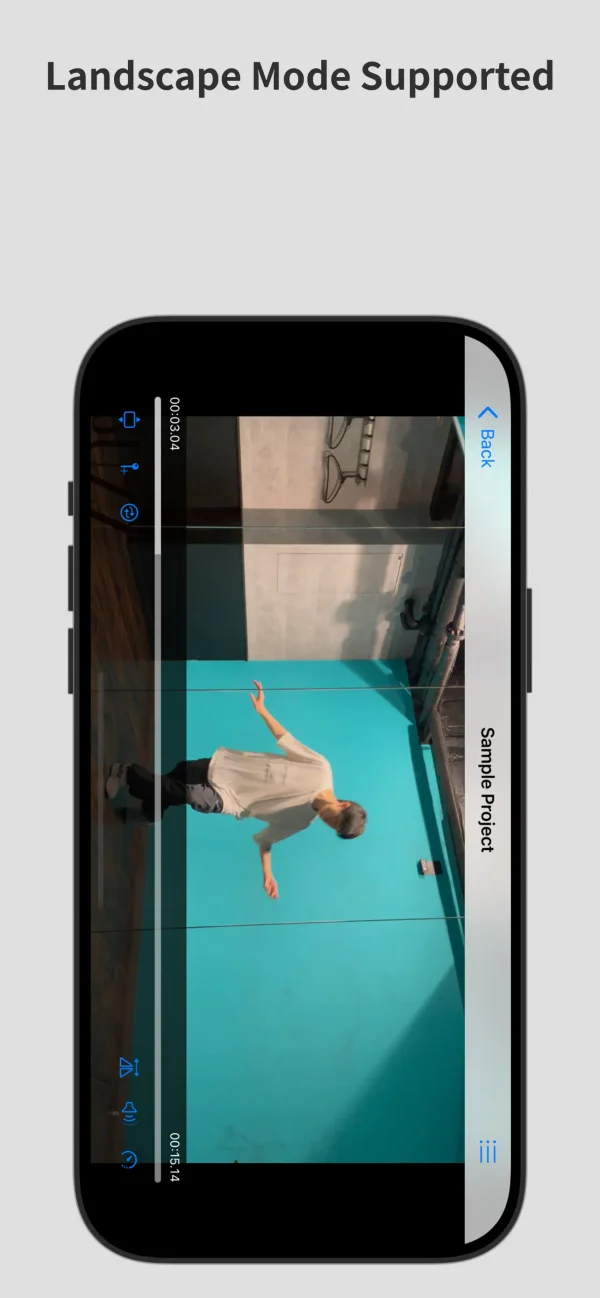
■ Simultaneous Playback of Multiple Dance Videos
Compare a sample video and your own video side-by-side, or view videos shot from various angles all at once!
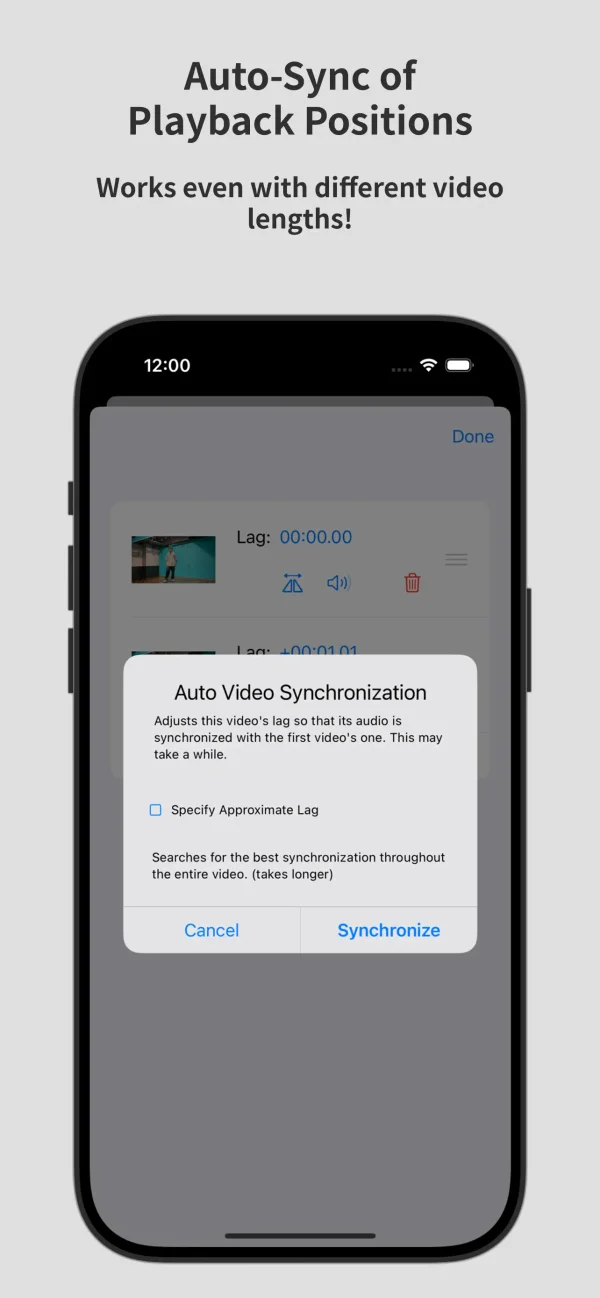
Plus, the app automatically synchronizes the playback positions by analyzing the audio of your videos, making it easy to align the timing of different clips!
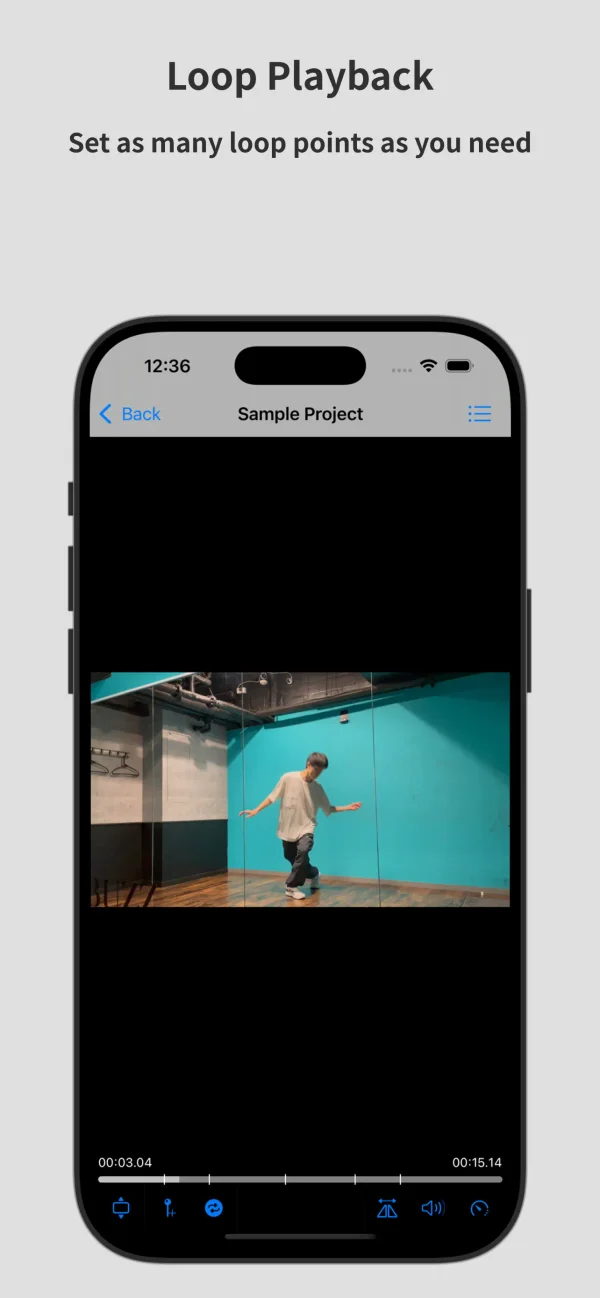
■ Loop Playback
Set specific segments within a video for seamless loop playback!
You can set any number of loop points.
Perfect for repeatedly watching and practicing a specific movement from a sample performance!
■ Adjustable Playback Speed
Change the speed from 0.1× to 1.0× in 0.1 increments!
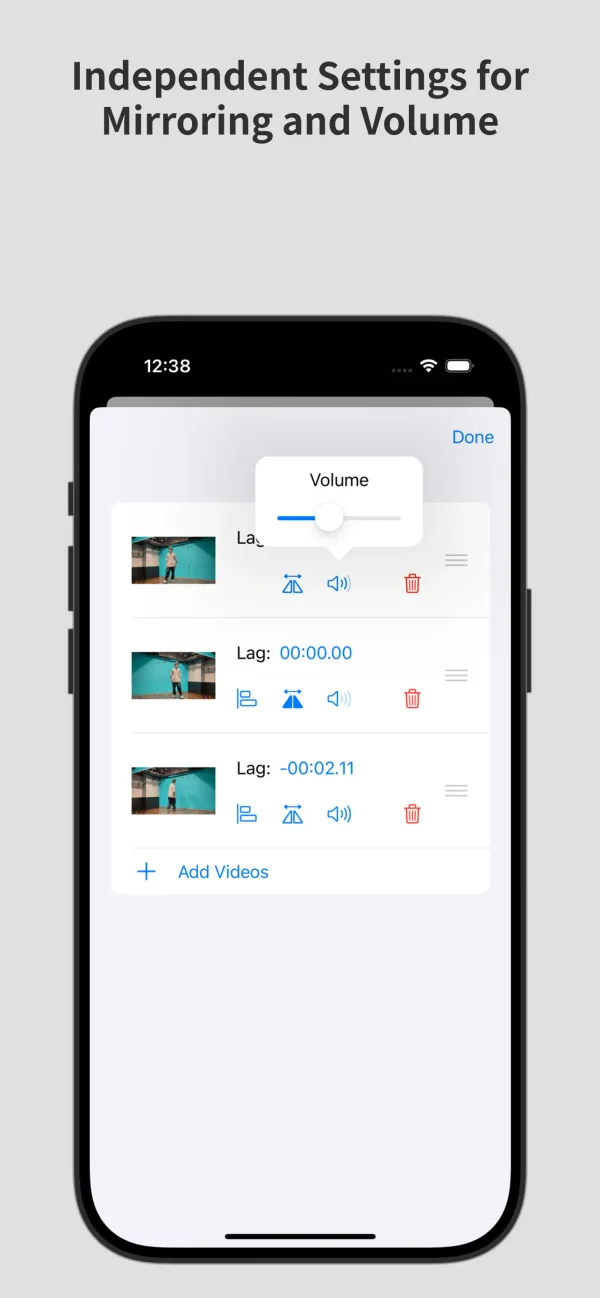
■ Individual Video Volume Control
Adjust the volume for each video from 0% to 100% in 10% increments.
This is useful for balancing volume differences between multiple video sources!
■ Horizontal Flipping
You can flip any video horizontally, ideal for mirroring the movements.
[Example Use Cases]
・Copying Idol Dances
Idol MVs and TV performances often feature camera cuts or close-ups that obscure the choreography. Collect multiple videos (MV, performance clips, etc.) and play them simultaneously with this app. You'll instantly see which video shows the full move, allowing for highly efficient practice!
・Side-by-Side Comparison of Sample and Personal Videos
Comparing a sample video directly with your practice video makes it easier to spot where your movements deviate. Automatic playback synchronization ensures a perfect comparison, even if the videos are of different lengths!
[Important Notes]
・This app plays videos saved in your Photos Library. It cannot play online videos such as those from YouTube.
・Due to device specifications, playback may become laggy if videos have a high resolution or if you play too many videos simultaneously.
・All features are available for free, but the free version has a limit on the number of projects (groups of videos for simultaneous playback) you can create. You can create as many projects as you like by purchasing the paid option, "Remove Project Limit."
What’s new
Version 1.1.0 · Dec 29, 2025
・Now supports iPad.
・Minor usability improvements.
App privacy
What Koki Endo declares on the App Store about how this app handles data.
-
Data used to track you
May be used to track you across apps and websites owned by other companies.
- Identifiers
- Usage data
- Diagnostics
-
Data linked to you
May be collected and linked to your identity.
- Identifiers
- Usage data
- Diagnostics
-
Data not linked to you
May be collected but is not linked to your identity.
- Diagnostics
Privacy practices may vary, for example with the features you use or your age.
Information
- Seller
- Koki Endo
- Category
- Photo & Video
- Version
- 1.1.0
- Updated
- Dec 29, 2025
- Released
- Oct 15, 2025
- Size
- 3.9 MB
- Requires
- iOS 18.4 or later
- Age rating
- 4+
- In-app purchases
- Yes
- Languages
- Japanese, English
- Copyright
- © 2025 RendoB
You might also like
-
 Frame by Frame: Slow Mo VideoDance practice & form analysis
-
 MiKiMI - モデル撮影マッチングPhoto & Video
-
 FormSync: Swing & Form CompareSide by side video analysis
-
 レップリ - 超かんたんにイラストをネップリ byメディバンPhoto & Video
-
 MOVINdow - Multi Video PlayerPhoto & Video
-
 Re-PlayerReplay favorite parts
-
 おそろカメラーお手本写真を完全再現Photo & Video
-
 Video Player-Frame Step & LoopEasy & Slow Motion & Repeat
-
 Tap to Blur: AI Photo EditorAuto blur faces, objects & bg
-
 Video Teleprompter CameraRead Scripts, Record & Edit