- Age rating4+
- CategoryUtilities
- DeveloperKai Yang Tay
- LanguagesEnglish
- Size30.8 MB
Links to the official App Store page
Download.org hosts no file of Daily Sift. The button opens its official App Store page, published by Kai Yang Tay. Listing last checked on Nov 20, 2026.
Screenshots



About
Clean up your photo library without the overwhelm.
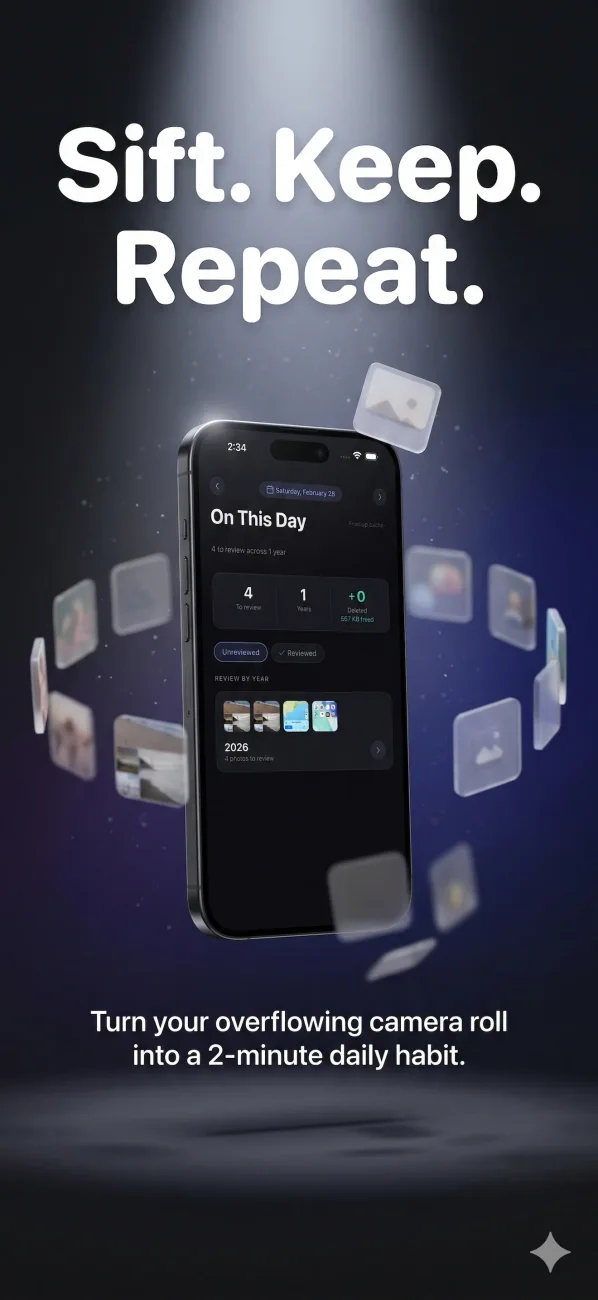
Daily Sift turns your endless camera roll into a calm, daily habit. Each day, it finds the photos and videos you took on this calendar date in past years and asks one simple question for each: keep or delete? Over time, your library gets lighter, your storage freer, and you revisit old memories along the way.
How it works
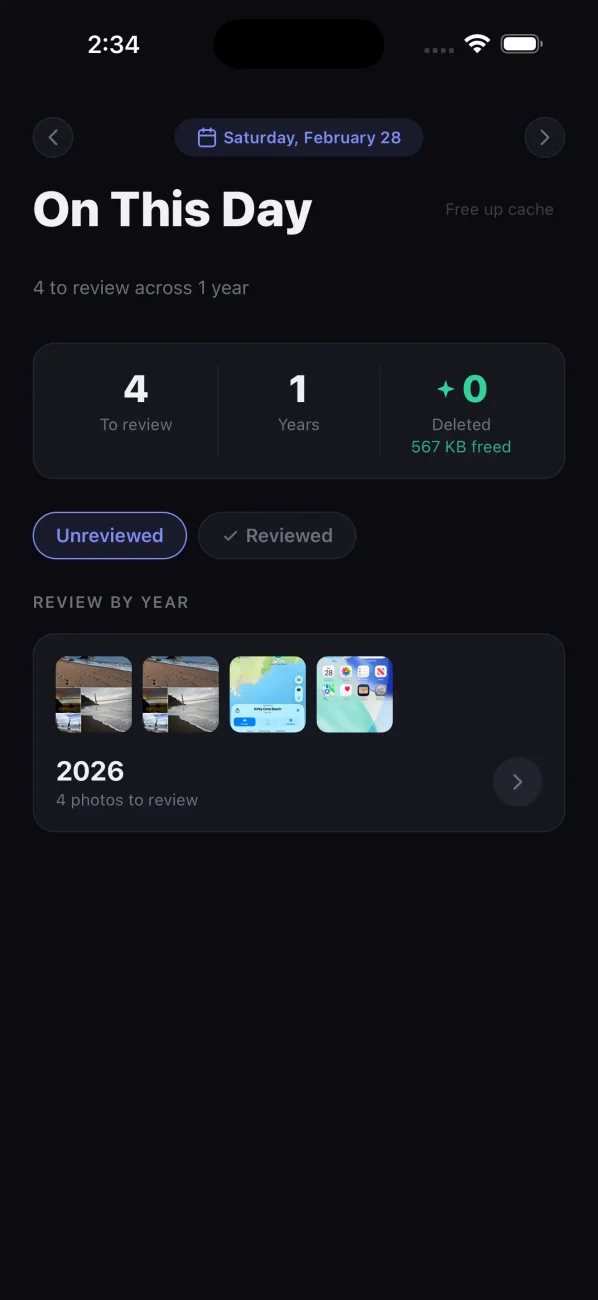
- On This Day batches: See photos and videos taken on today’s date across previous years, in small, focused batches.
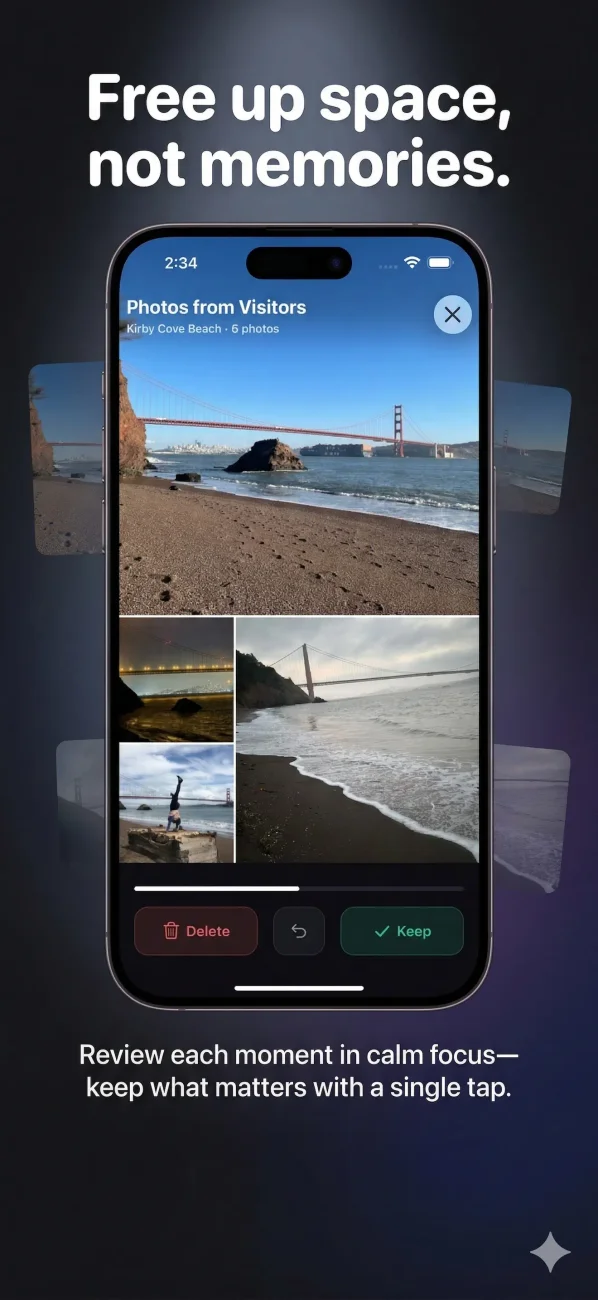
- Simple keep / delete flow: Review one item at a time in a full-screen, distraction-free view with clear Keep and Delete buttons.
- Reviewed vs. Unreviewed: Mark items as “reviewed” so you don’t waste time re-deciding on the same photos.
- Year by year view: Browse your “On This Day” memories grouped by year, from newest to oldest.
- Video-friendly: See video thumbnails instantly and tap to play with native iOS controls.
- Smart with iCloud: Thumbnails appear even when items are only in iCloud; full photos and videos are only loaded when needed.
Why Daily Sift?
Most photo cleaners show you thousands of images at once and expect you to power through a giant project. Daily Sift takes the opposite approach: a tiny batch each day that fits into your existing routine. It’s a gentle, low-pressure way to finally get control of your camera roll.
Privacy & data
Daily Sift works directly with your iPhone’s photo library using Apple’s system APIs.
Your photos stay on your device. They are not uploaded to our servers.
You’re in control - iOS handles permissions and Recently Deleted recovery.
Turn a messy camera roll into a simple daily ritual - one date at a time.
What’s new
Version 1.5.2 · Jun 27, 2026
Minor update to styling
App privacy
What Kai Yang Tay declares on the App Store about how this app handles data.
-
Data not collected
The developer does not collect any data from this app.
Privacy practices may vary, for example with the features you use or your age.
Information
- Seller
- Kai Yang Tay
- Category
- Utilities
- Version
- 1.5.2
- Updated
- Jun 27, 2026
- Released
- Mar 3, 2026
- Size
- 30.8 MB
- Requires
- iOS 15.1 or later
- Age rating
- 4+
- Price
- Free
- Languages
- English
- Copyright
- © 2026 Kai Yang Tay