Blurt
Large Full Screen Messages
Designed for iPhone, iPad
Free · In-app purchases
- Age rating4+
- CategoryUtilities
- DeveloperYodel Code
- LanguagesEnglish
- Size3.2 MB
Links to the official App Store page
Download.org hosts no file of Blurt. The button opens its official App Store page, published by Yodel Code. Listing last checked on Nov 21, 2026.
Screenshots
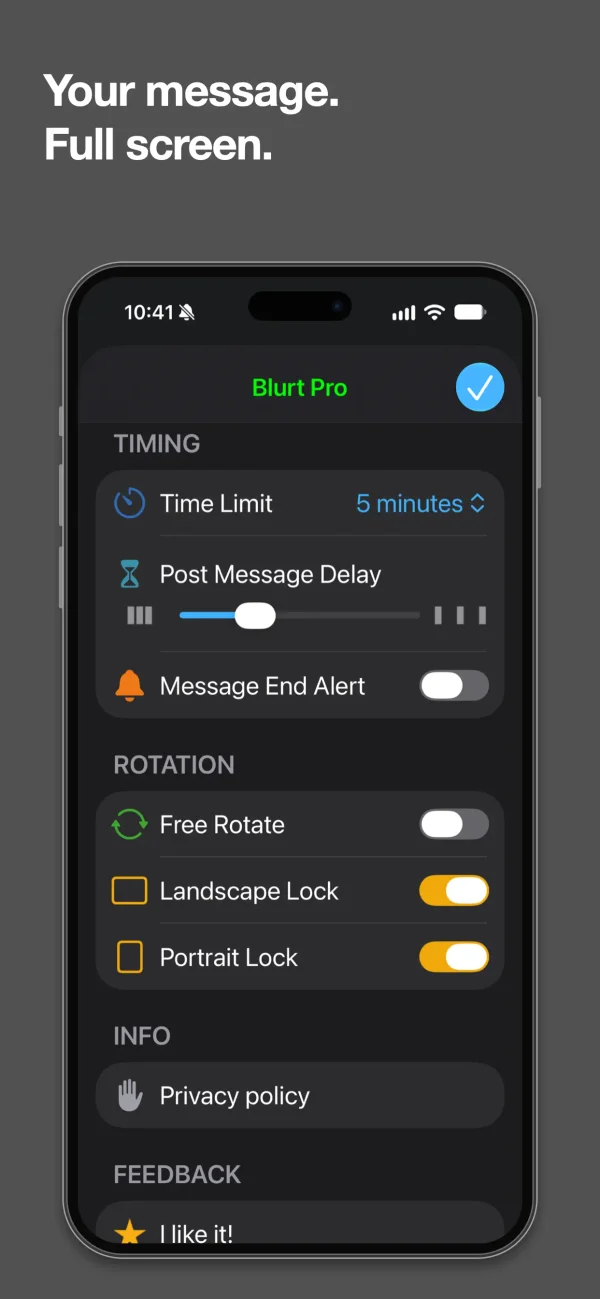
About
Say it so they can see it.
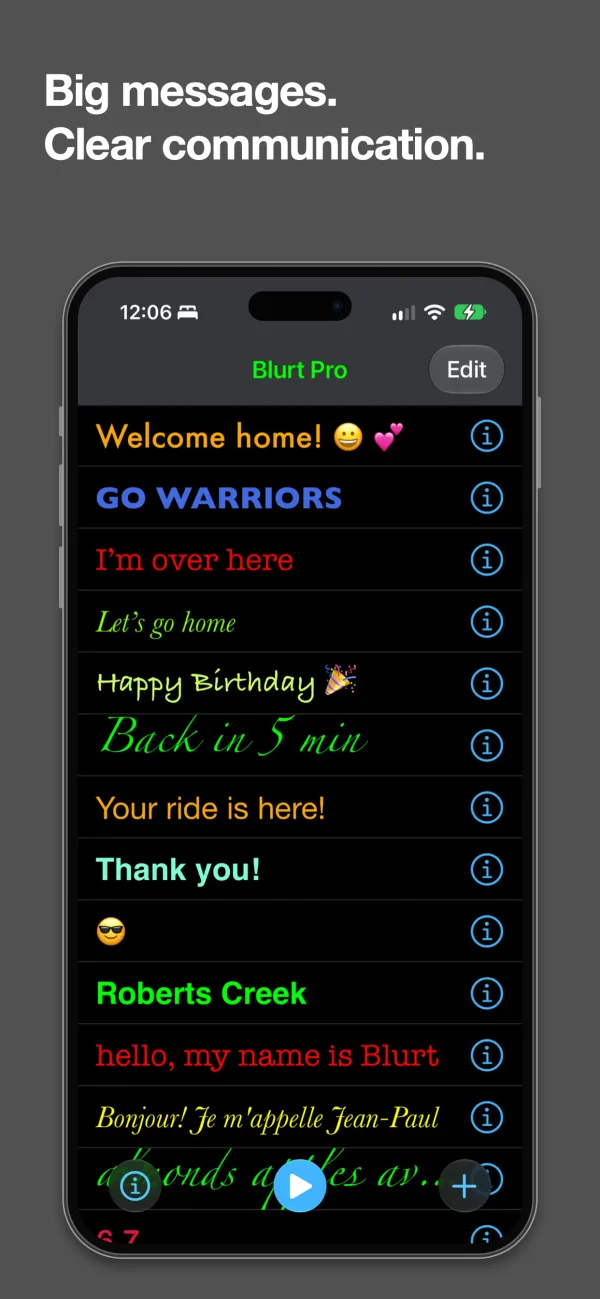
Blurt turns your iPhone or iPad into a bold, full-screen message display. Whether you’re across a noisy room, meeting someone at the airport, trying to get someone’s attention, or simply need your words to travel farther, Blurt makes your message hard to miss.
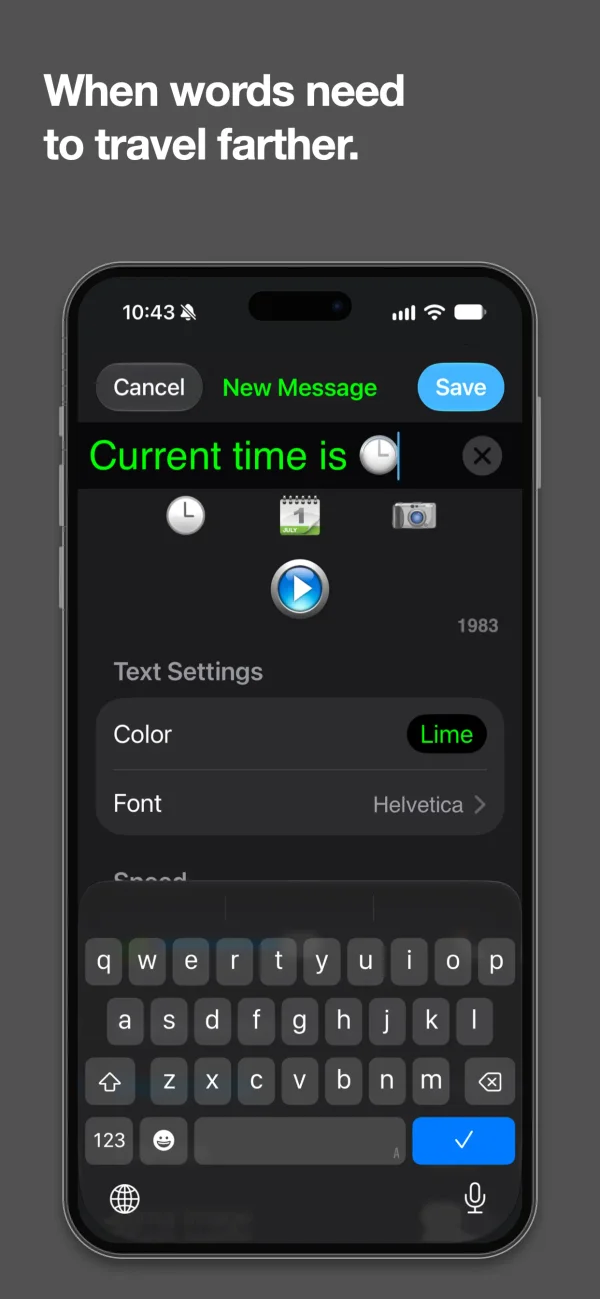
Type a message, choose how it looks, and display it full screen in seconds.
Blurt lets you:
• Display large, highly visible messages
• Create messages on the fly with Siri AI
• Scroll text or fit it to the screen
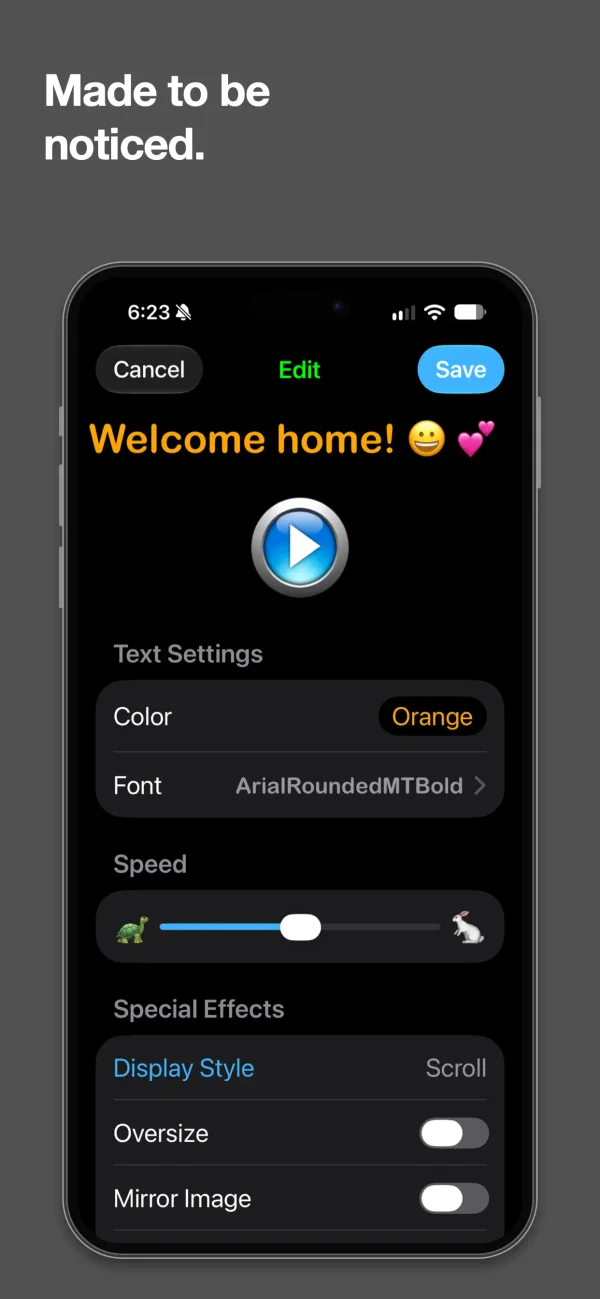
• Choose colors and fonts
• Adjust scrolling speed
• Add emoji to your messages
• Use oversize text for maximum visibility
• Mirror messages when needed
• Add effects such as bounce
• Save messages so they’re ready to use again
• Control orientation and message timing
Blurt is useful anywhere speaking isn’t practical — crowded rooms, concerts, sporting events, airports, classrooms, conferences, noisy workplaces, through windows or glass barriers, and countless everyday situations.
Sometimes a text message isn’t enough. Blurt it!
What’s new
Version 5.2.2 · Nov 17, 2026
We all make mistakes. This update fixes an orientation bug while displaying large text on the inner screen of the iPhone Duo. The good news? Support for the iPhone Duo is even better now! There's also new support for a tap and drag gesture to reorder the list of messages without having to be in Edit mode.
Don't forget Blurt supports Siri AI. The same simple idea that has always made Blurt useful is still at its heart: say it so they can see it.
To use Siri AI, simply say "Blurt something", "Show a Blurt", or "Start a Blurt". Siri AI will ask you what you want to display on Blurt and then start scrolling that message full screen. Tap the playing message and then tap the "Save" icon if you want to save it to your main message list.
To open Blurt, type a new message and select different display options, tell Siri AI "New Blurt", "Create a Blurt", or "Make a new Blurt".
Note: Messages are stored on each device. Your iPhone and iPad each keep their own set — creating a message on one won't make it appear on the other. Syncing across devices may come in a future update.
App privacy
What Yodel Code declares on the App Store about how this app handles data.
-
Data not collected
The developer does not collect any data from this app.
Privacy practices may vary, for example with the features you use or your age.
Information
- Seller
- Yodel Code LLC
- Category
- Utilities
- Version
- 5.2.2
- Updated
- Nov 17, 2026
- Released
- Apr 16, 2009
- Size
- 3.2 MB
- Requires
- iOS 26.0 or later
- Age rating
- 4+
- Price
- Free
- In-app purchases
- Yes
- Languages
- English
- Copyright
- © 2026 Yodel Code
You might also like
-
 E145 Virtual PanelEmbraer 145 Virtual Panel
-
 LED Sign - Scrolling TextFullscreen LED Marquee Display
-
 LED Banner Maker: Neon ScrollScrolling Text Sign & Marquee
-
 Say It On BillboardDigital Signage: iPad, AppleTV
-
 Yodel People CountingUtilities
-
 Daily SiftClean up your photo library
-
 Golden Ratio Calculator ProAspect Ratio for Layouts
-
 LED Banner: Scroller & MarqueeScrolling Text & Light Board
-
 logSPLNoise meter
-
 Noticket HandheldUtilities