
DanceCopilot: 8-Count Practice
Beat Detection, Loop & Compare
Designed for iPhone, iPad
Free · In-app purchases
- Age rating4+
- CategoryUtilities
- Developer吁 朴
- LanguagesEnglish+ 1 more
- Size291.8 MB
Links to the official App Store page
Download.org hosts no file of DanceCopilot: 8-Count Practice. The button opens its official App Store page, published by 吁 朴. Listing last checked on Nov 16, 2026.
Screenshots

About
Learn choreography from your own videos, one 8-count at a time.
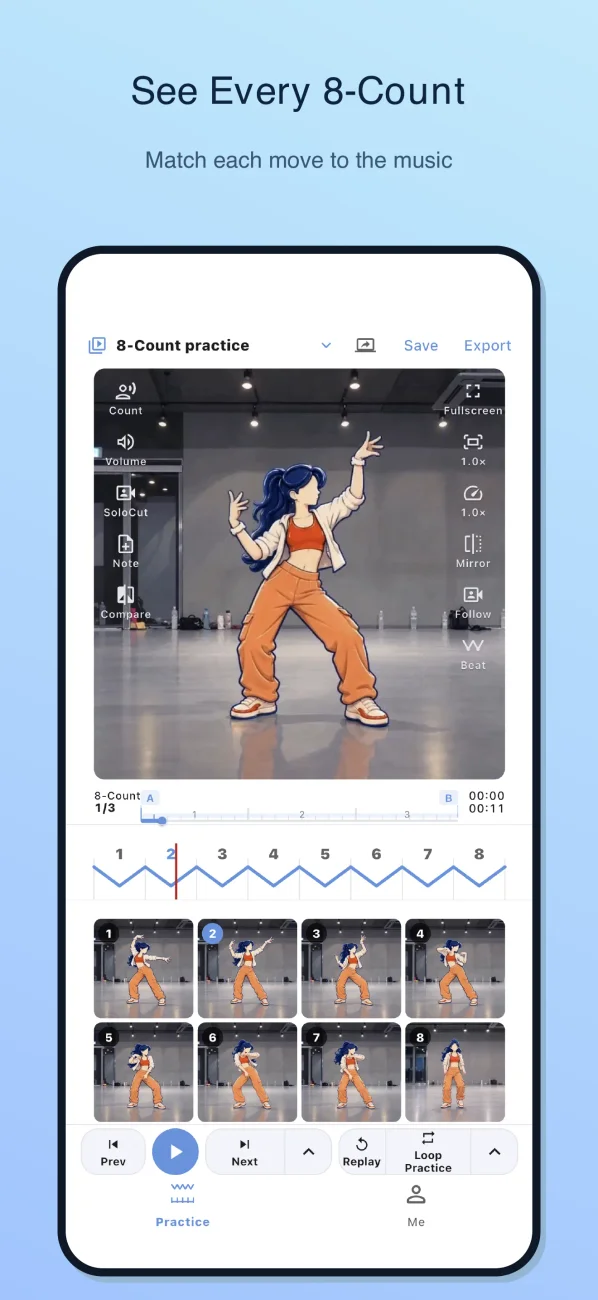
Import a dance video from Photos and turn it into a practice session on your iPhone or iPad. See how each move fits the music, slow down the details, repeat a tricky section, and compare your practice side by side.
SEE THE MOVES, COUNT BY COUNT
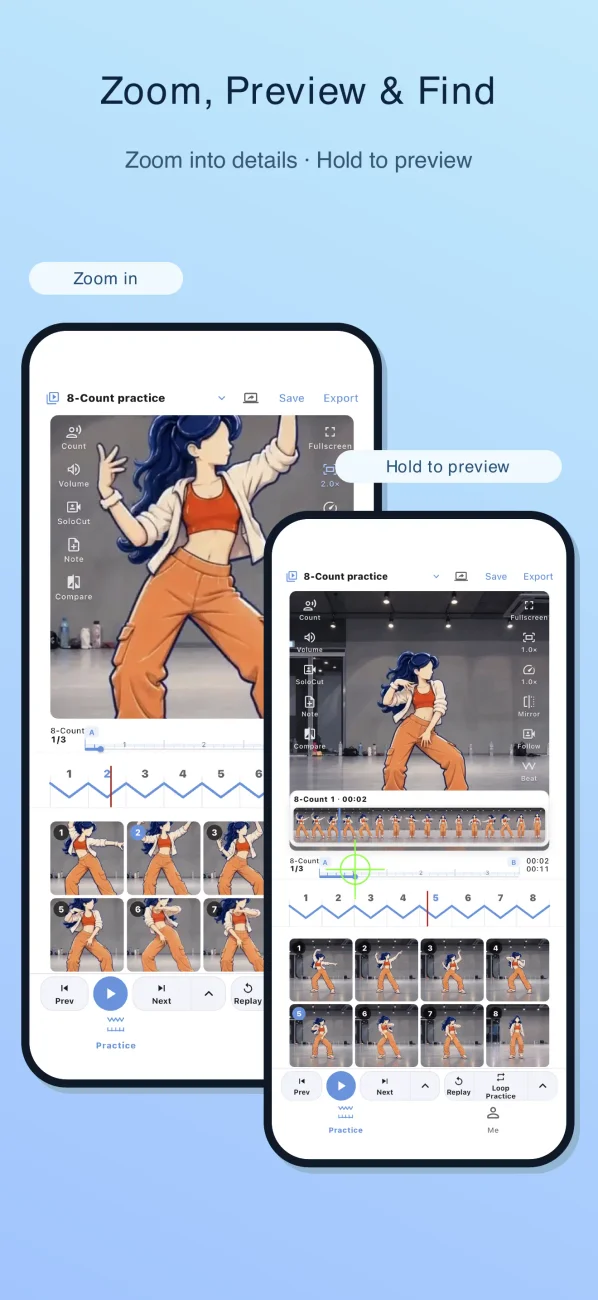
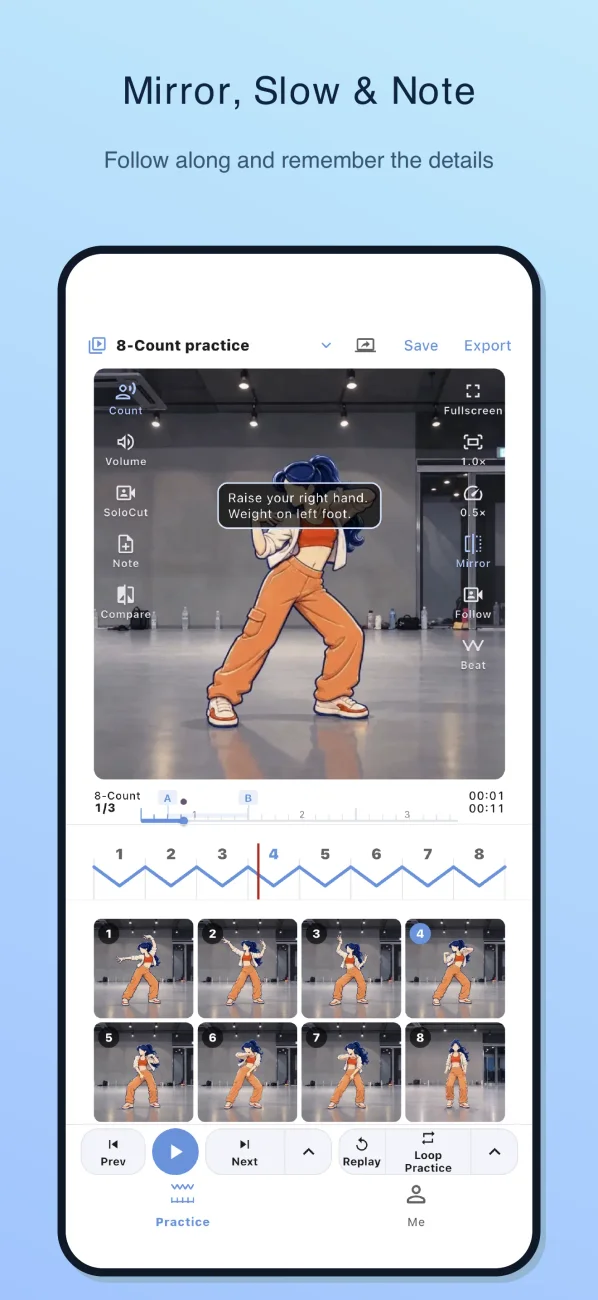
Explore an interactive 8-count ruler with a move preview for each count. Drag through the sequence or tap a preview to revisit a moment. Zoom in to study hand and foot details. The count previews follow your zoom and pan. Press and hold the progress bar to preview nearby moments before choosing where to resume. Use Next Beat to watch the movement between two beats, then pause and continue at your pace.
MIRROR, SLOW DOWN, AND LOOP
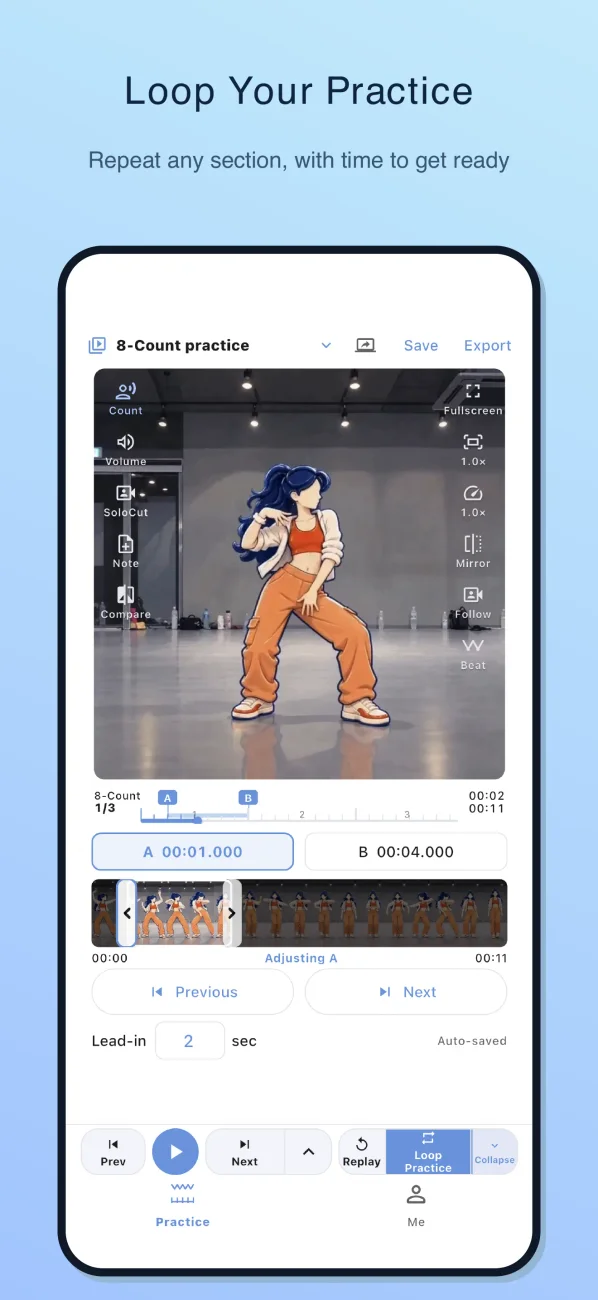
Mirror the video to follow the choreography. Adjust playback speed, choose any A–B section, and repeat it while you practice. Set a lead-in so you have time to get ready. Add notes to remember details you want to work on.
FOLLOW THE MUSIC
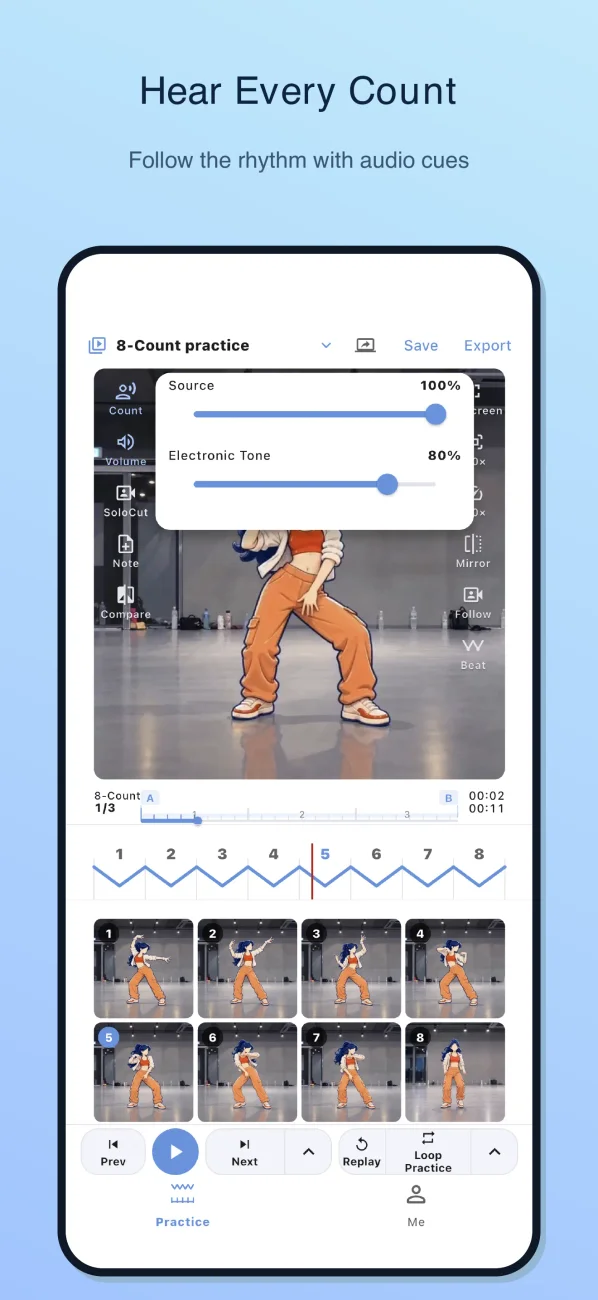
Analyze musical beats on your device and adjust their alignment when needed. Turn on audio beat cues to hear the rhythm while you practice.
PRACTICE IN FULLSCREEN
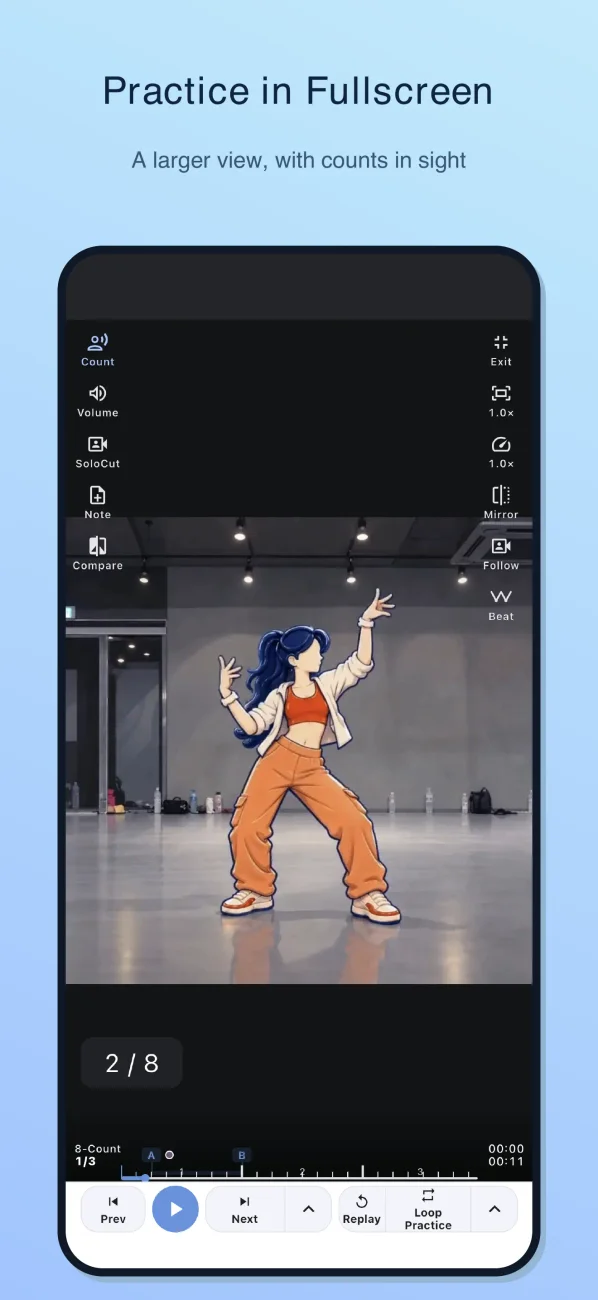
Open a larger practice view with an on-screen 8-count indicator. On iPad, practice in portrait or landscape.
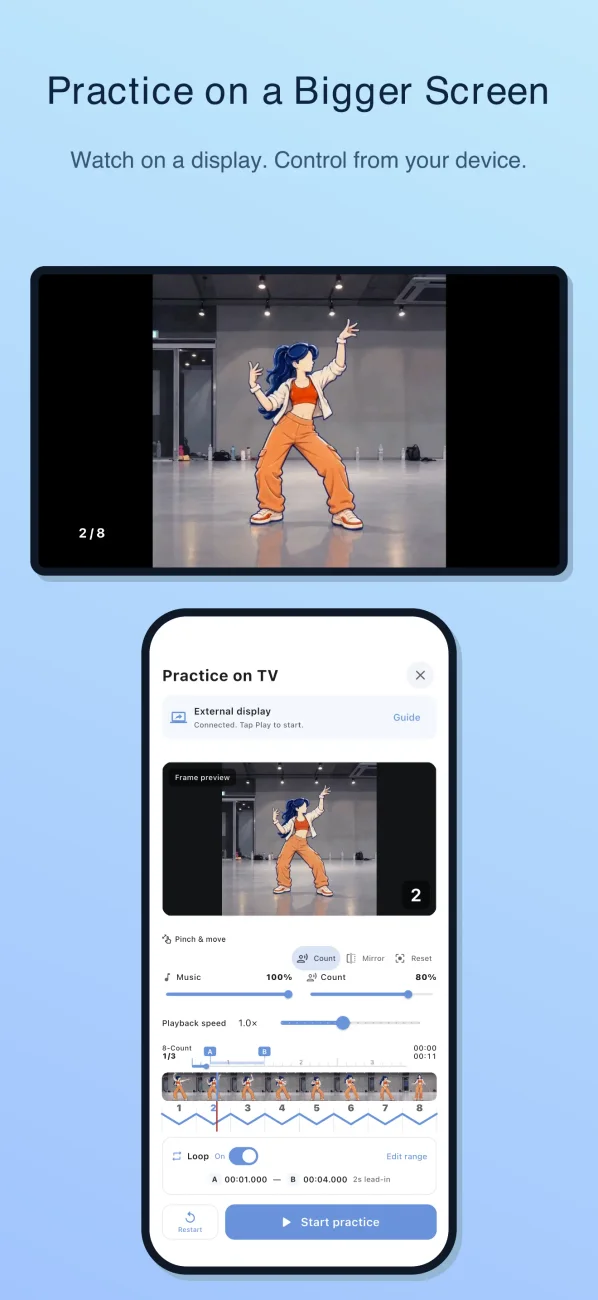
PRACTICE ON A BIGGER SCREEN
Use Screen Mirroring in Control Center to connect to a compatible AirPlay display, Apple TV, or Mac. Watch the practice video and counts on the external display while controlling playback, speed, mirror, and loops from your iPhone or iPad. A compatible receiver and network setup are required.
RECORD AND COMPARE
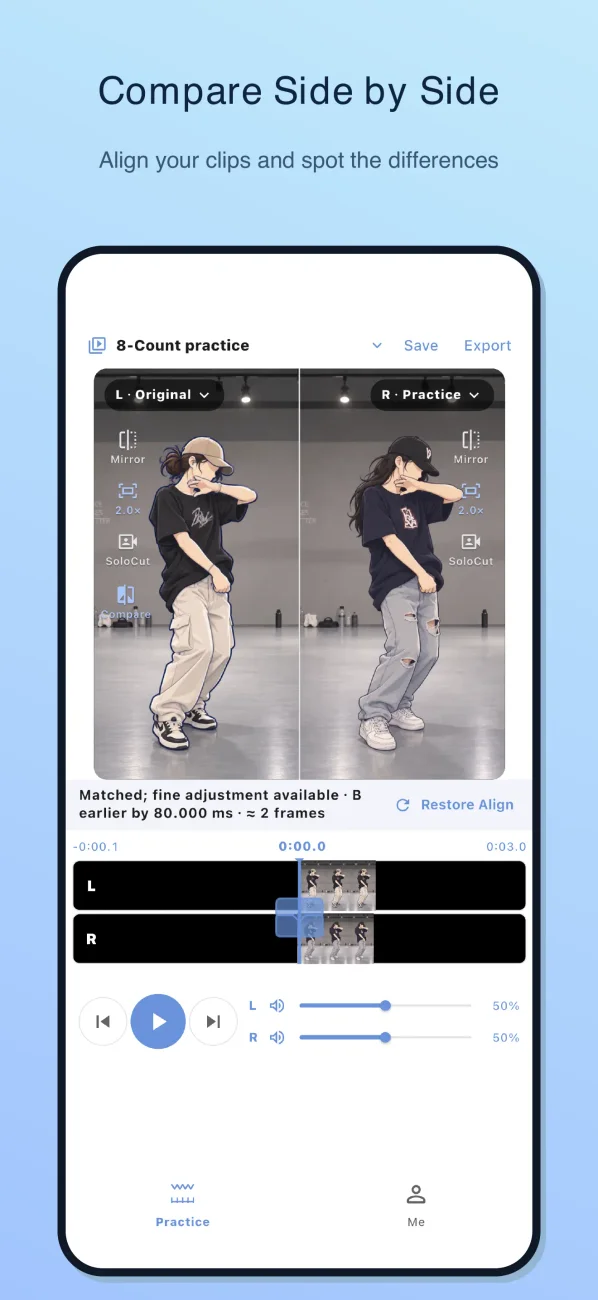
Record your practice and view it beside a reference video. Align the clips by their audio and fine-tune the timing to review movement and rhythm. Export breakdown or comparison videos.
KEEP ONE DANCER IN VIEW
Select a dancer and create a clip that tracks them as they move. Focus on the person you want to learn from, then use the clip for practice or comparison.
ON-DEVICE VIDEO PROCESSING, NO SIGN-UP
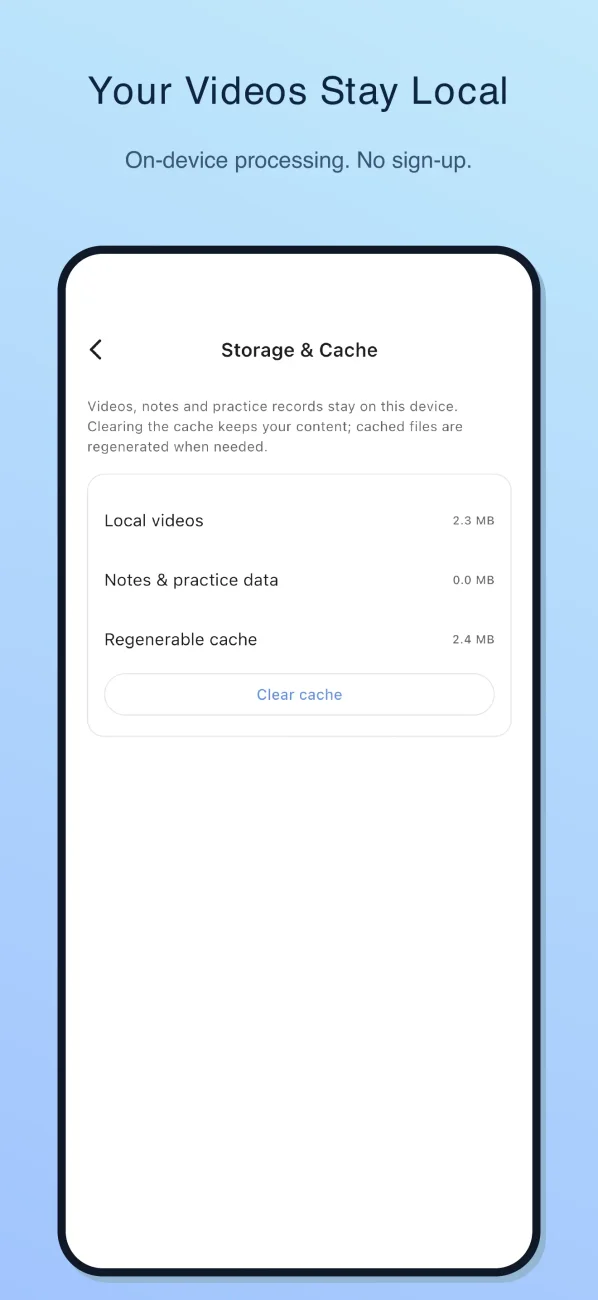
Video processing, beat analysis, and project data stay on your device. Your media is not uploaded to developer servers. Purchases, restoring purchases, and external links require an internet connection.
TRY IT, THEN UNLOCK FOREVER
Includes 10 successful external video imports with 8-count practice on this device. The built-in 12-second sample does not use the allowance. Reimporting a video counts as another import; opening an existing video does not. Deleting videos or reinstalling the app does not restore used imports. After the allowance is used, a one-time purchase unlocks further external video imports. Existing videos remain available with the advanced practice tools. Lifetime Membership is a non-consumable purchase with no automatic renewal. Restore it using the Apple Account used to purchase.
This video is imported from your photo library. DanceCopilot only processes local videos, and video-related content in the app is never uploaded to the cloud. All processing takes place locally, helping protect your privacy. DanceCopilot does not include a dance course library or online video downloader.
Support: https://dancecopilot.cn/support/
Privacy: https://dancecopilot.cn/privacy
Terms of Use: https://www.apple.com/legal/internet-services/itunes/dev/stdeula/
What’s new
Version 1.0.5 · Oct 24, 2026
Practice on a bigger screen: use Screen Mirroring to connect to a compatible AirPlay display, with playback, speed, mirror, and loop controls on your iPhone or iPad.
Improved video trimming and thumbnail loading.
Improved screen-mirroring transitions, end-of-video playback, and replay.
App privacy
What 吁 朴 declares on the App Store about how this app handles data.
-
Data linked to you
May be collected and linked to your identity.
- Purchases
- Identifiers
- Usage data
- Other data
Privacy practices may vary, for example with the features you use or your age.
Information
- Seller
- 吁 朴
- Category
- Utilities
- Version
- 1.0.5
- Updated
- Oct 24, 2026
- Released
- Oct 9, 2026
- Size
- 291.8 MB
- Requires
- iOS 16.0 or later
- Age rating
- 4+
- Price
- Free
- In-app purchases
- Yes
- Languages
- English, Simplified Chinese
- Copyright
- © 2026 Piao Yu
You might also like
-
 Dancebeatthe media player for dancer
-
 BurroLoop: Video LooperPerfect Your Dance. On Repeat.
-
 DanceCamUtilities
-
 Novella AIShort-Form Stories. AI-Crafted
-
 东华智能物业Utilities
-
 镜汇智ֹּ营ּUtilities
-
 动作比对-AI骨骼分析评分教练Utilities
-
 Fontastic: Font KeyboardType Fancy Text Everywhere
-
 Dance Clock: Push-Up AlarmHeavy Sleepers: Loud Wake Up
-
 VidiVac - Video CompressorFree Up Storage. Keep Quality.