
Dango AI
Quality focused AI Audio tools
Designed for iPhone, iPod touch
Free · In-app purchases
- Age rating4+
- CategoryUtilities
- Developer长春肉片丝瓜科技有限公司
- LanguagesEnglish+ 2 more
- Size33.3 MB
Links to the official App Store page
Download.org hosts no file of Dango AI. The button opens its official App Store page, published by 长春肉片丝瓜科技有限公司. Listing last checked on Nov 12, 2026.
Screenshots


About
Dango AI, a long-standing separation tool highly praised by users in the community for its focus on sound quality, has now launched a mobile version ^_^
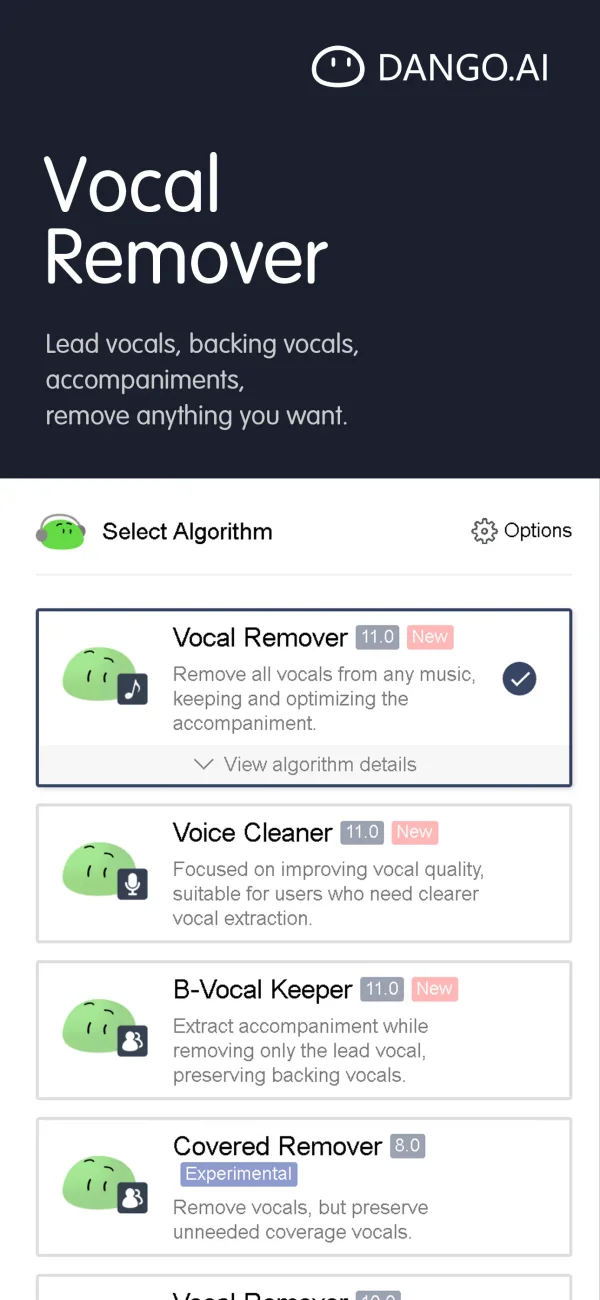
Vocal Remover:
Separate backing tracks, lead vocals, and back vocals from any audio.
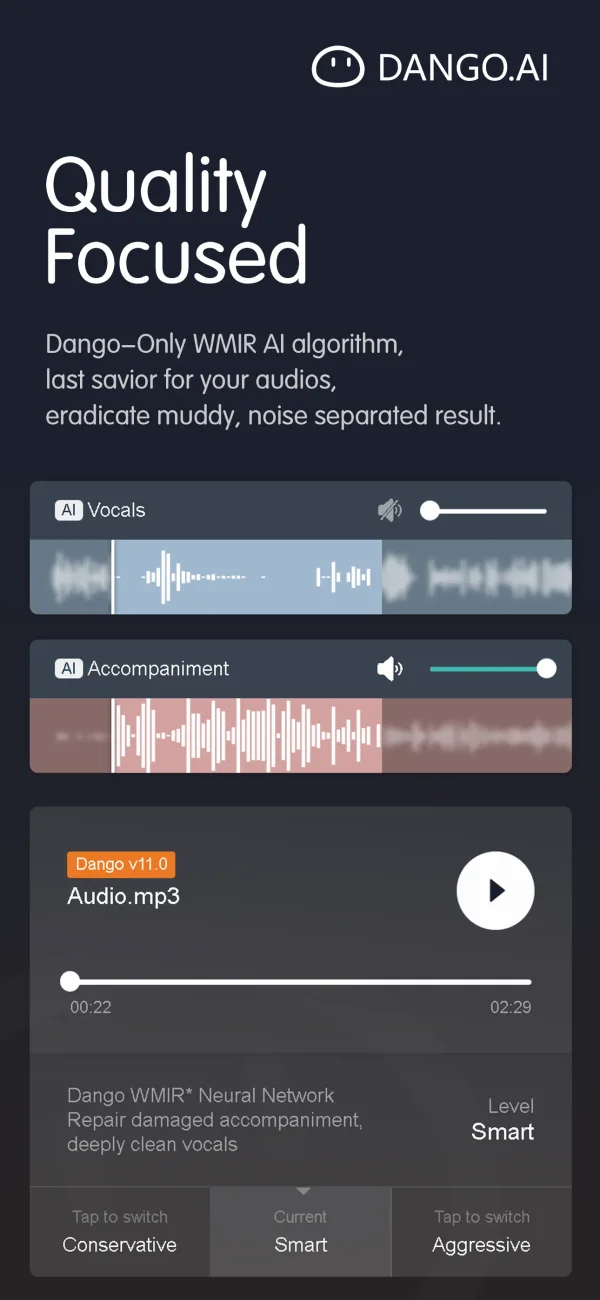
Dismiss muddy or incomplete results? Try Dango's WMIR neural network with its AI Defect Restoration module. It not only removes but also "repairs" damaged instrument parts hidden by vocals, restoring crisp, clear sound.
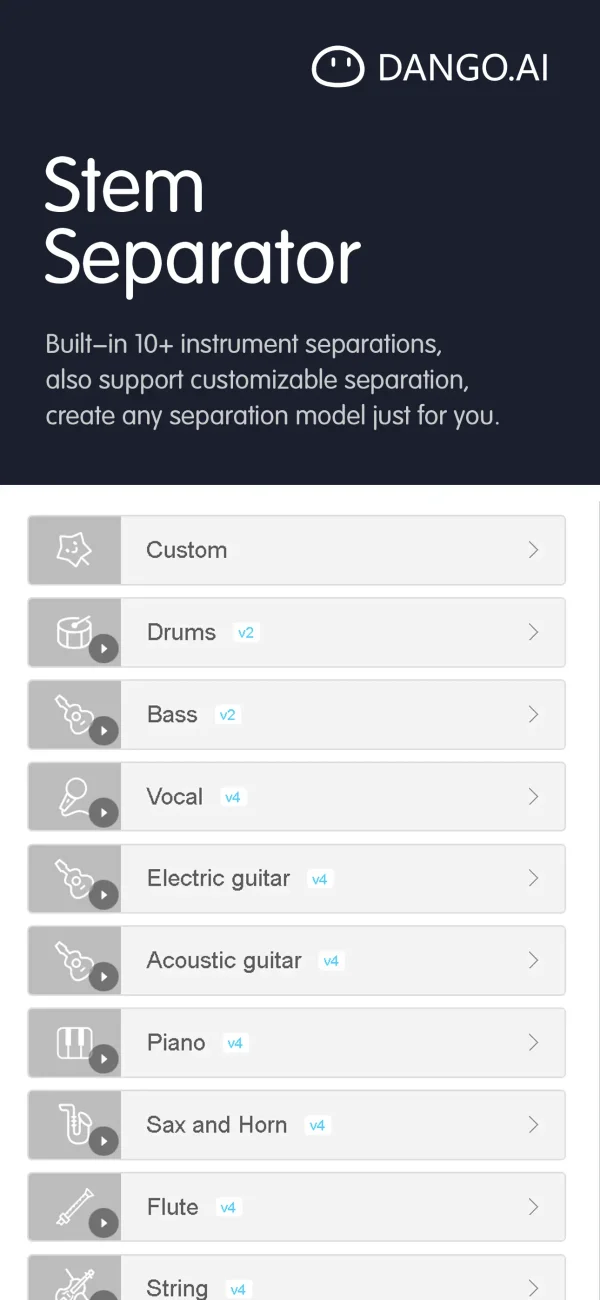
Stem Separator:
Isolate or remove any instrument from music.
Built-in models handle vocals, drums, bass, guitar, piano, sax, strings, erhu, and more. Our unique "Custom Separation" lets you target any sound using your own audio sample.
Lossy Audio Fixer:
Restore lossy files (MP3, OGG) to near-lossless quality.
Unlike other methods that add artificial hiss, Dango's algorithm genuinely regenerates high-frequency energy and harmonics—perfect for salvaging rare or old recordings.
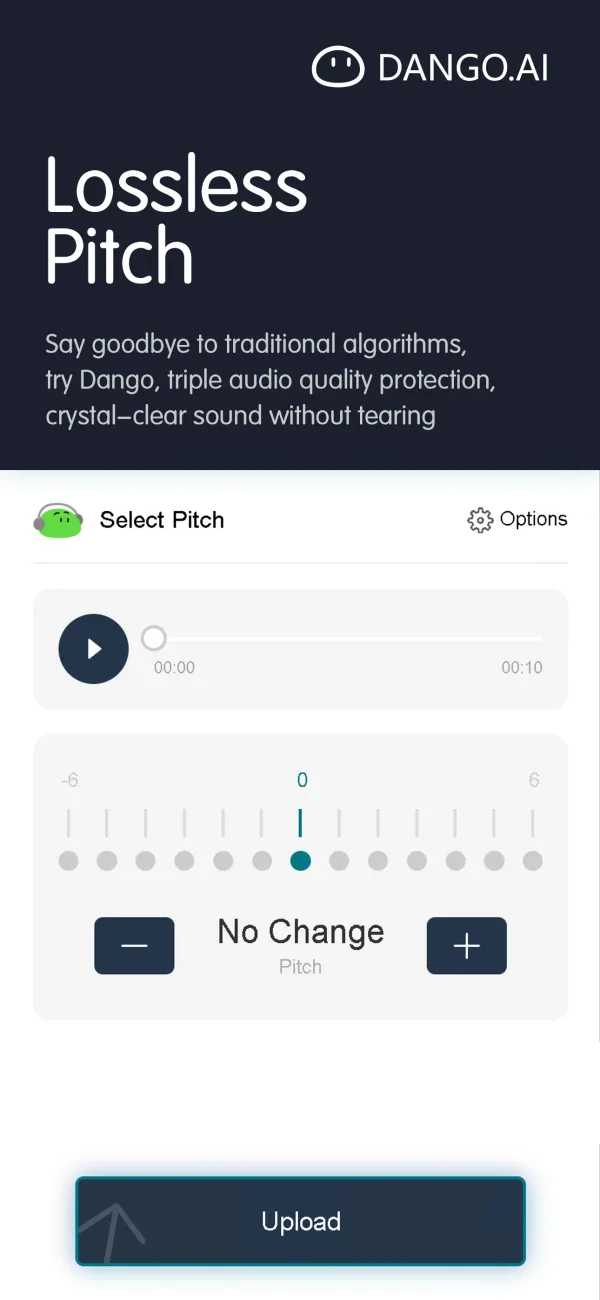
Lossless Pitch:
Shift audio pitch without quality loss.
Dango triple protection tech keeps audio clear. The exclusive AI Drum Protection keeps drum pitch stable—no tightness when pitching up, no muddiness when pitching down.
De-Reverb:
Remove reverb and echo from complex recordings without damage.
Trained on real acoustic environments, our DDR neural network handles more than just synthetic reverb.
De-Live:
One-click removal of crowd noise such as cheers, applause, screaming, and audience sing-alongs from live recordings, plus correction of acoustic issues like excessive reverb and low-end rumble caused by poor recording conditions.
Restores even the messiest live tracks to a clean, studio-like listening experience.
And, enjoy built-in online mixing, audio editing, free pitch shifting, and easy file management and sharing.
What’s new
Version 1.0.12 · Nov 10, 2026
- Optimize the “Vocal Remover” audio upload interface.
- Optimize the user experience.
- Prepare in advance for the future mysterious algorithm of Vocal Remover XD
App privacy
What 长春肉片丝瓜科技有限公司 declares on the App Store about how this app handles data.
-
Data linked to you
May be collected and linked to your identity.
- Contact info
- User content
- Diagnostics
-
Data not linked to you
May be collected but is not linked to your identity.
- Identifiers
Privacy practices may vary, for example with the features you use or your age.
Information
- Seller
- Changchun Roupian Sigua Technology Co., Ltd.
- Category
- Utilities
- Version
- 1.0.12
- Updated
- Nov 10, 2026
- Released
- Aug 5, 2024
- Size
- 33.3 MB
- Requires
- iOS 15.0 or later
- Age rating
- 4+
- Price
- Free
- In-app purchases
- Yes
- Languages
- English, Simplified Chinese, Traditional Chinese
- Copyright
- © 2024 Changchun Roupian Sigua Technology Co., Ltd.
You might also like
-
 Vocals RemoverSeparate accompaniment vocals
-
 伴奏提取—AI人声分离&消除人声Utilities
-
 Audio Spleeter LiteVocal Accompaniment splitter
-
 百度极速版Utilities
-
 QuickFox-留学生活必备Utilities
-
 PikPak - Cloud Storage & SaverCloud Storage for Photos&Files
-
 奇游加速器 - 全球游戏畅玩Utilities
-
 微信输入法Utilities
-
 UU加速器-不止快 还很稳Utilities
-
 中国电信-全国统一官方服务平台Utilities