Dash Calc: Simple Calculator
Answers as fast as you type
Designed for iPhone
Free · In-app purchases
- Age rating4+
- CategoryUtilities
- DeveloperEnbright LLC
- LanguagesEnglish
- Size47.3 MB
Links to the official App Store page
Download.org hosts no file of Dash Calc: Simple Calculator. The button opens its official App Store page, published by Enbright LLC. Listing last checked on Nov 25, 2026.
Screenshots

About
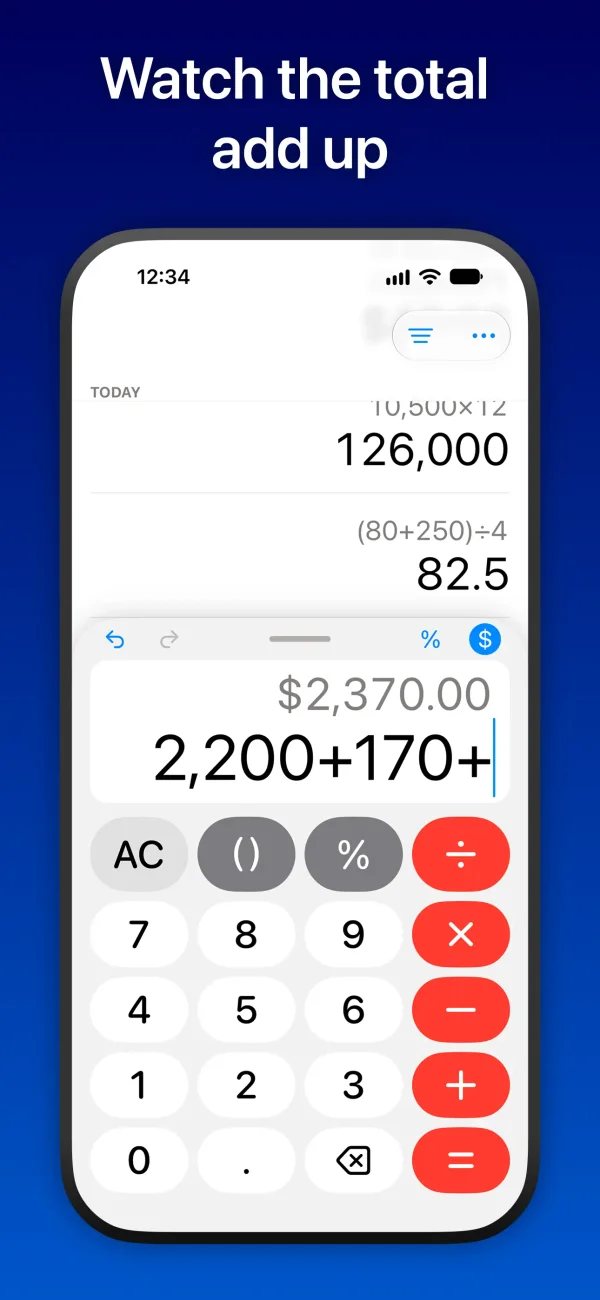
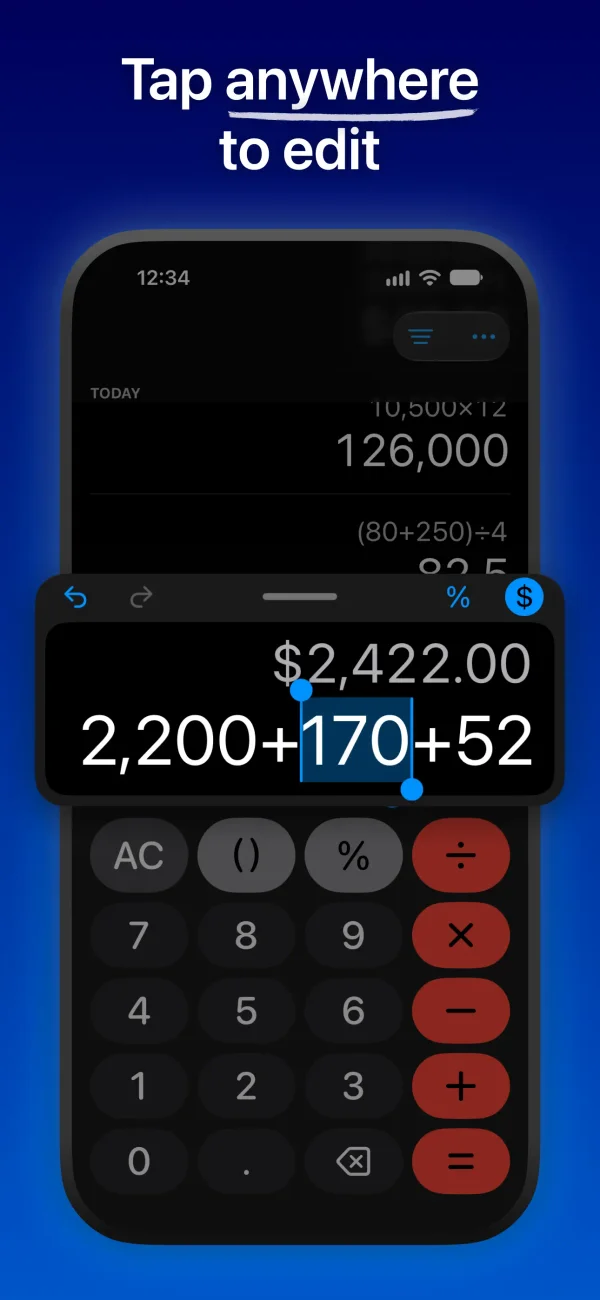
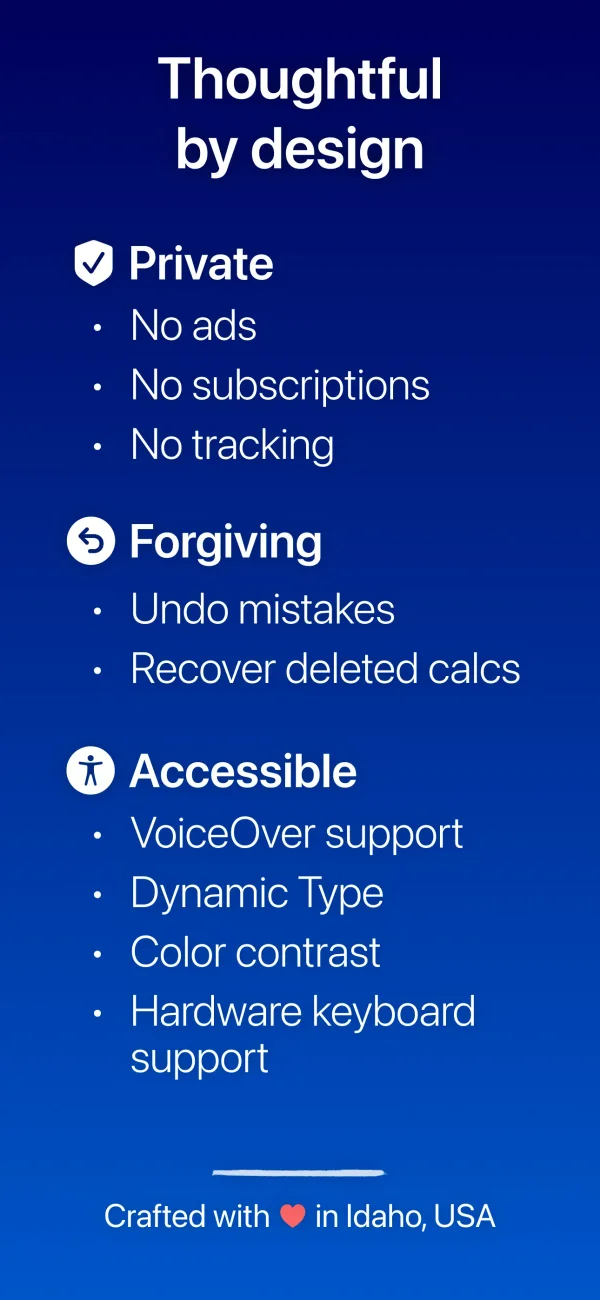
Typed the wrong number? Tap to fix it. The total updates right away. Free for 7 days, then pay once. No subscriptions. No ads.
LIVE RESULTS
See instant results as you type—no need to press equals. Dash Calc follows the standard order of operations: 1 + 2 × 3 = 7
Need a different order? Add parentheses: (1 + 2) × 3 = 9. One smart button handles opening and closing parentheses for you.
EDIT EXPRESSIONS
Tap an expression to edit it—no backspacing through long calculations.
• Edit any number or operator in place
• Keep long expressions readable without scrolling
• Undo with a shake or the toolbar button
HISTORY THAT STICKS AROUND
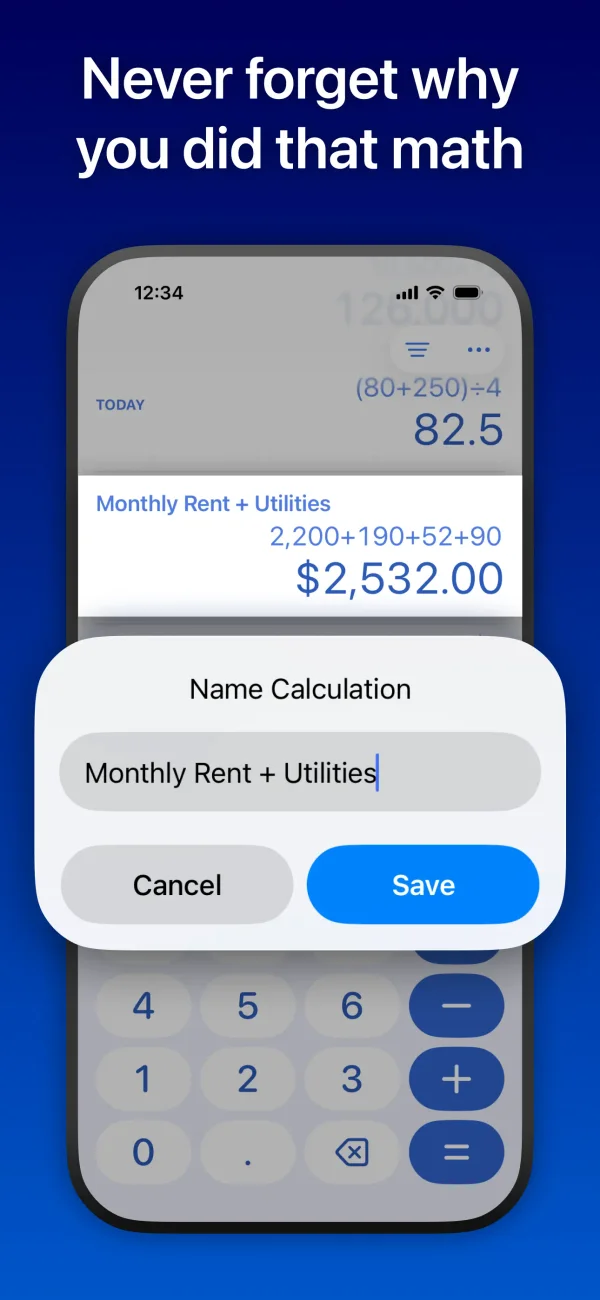
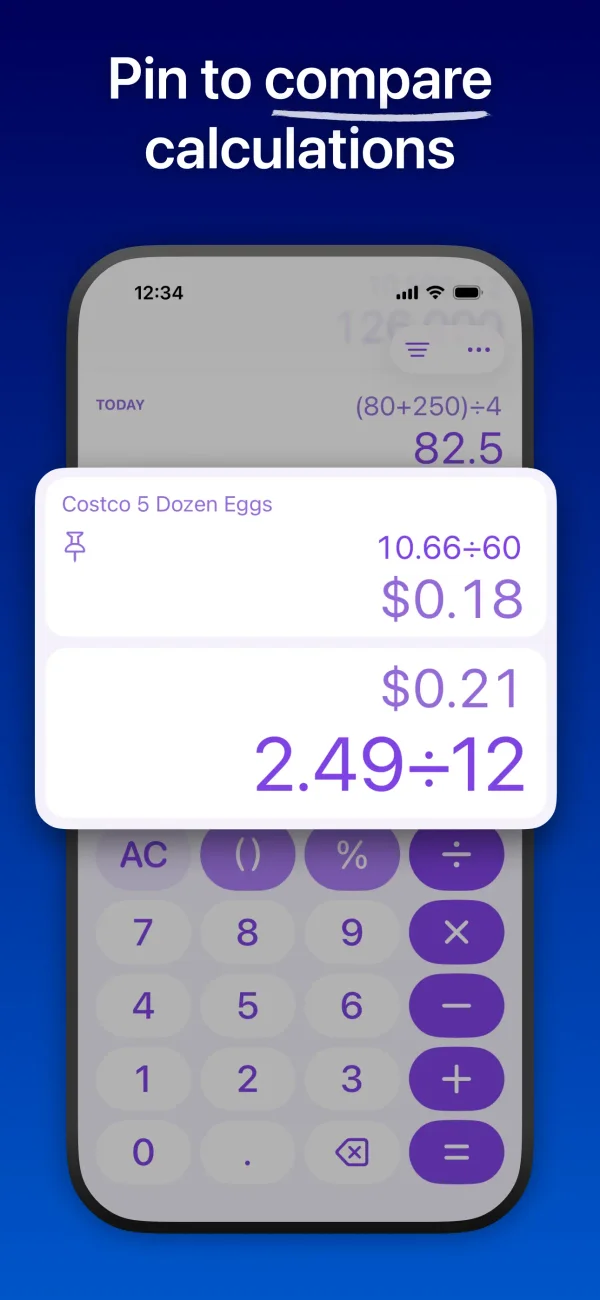
Name calculations you use often, filter to find them later, or pin one to compare against while you shop. Deleted entries can be recovered for 30 days.
On iPhone Duo, unfold to see History alongside the calculator.
RESULT FORMATS
Show results as numbers, your region’s currency, or percentages. Calculate 1 ÷ 4 and switch to percent to see 25%. Saved calculations keep their chosen format in History.
Very large and very small results automatically use scientific notation to stay readable.
TIPS, TAXES & DISCOUNTS
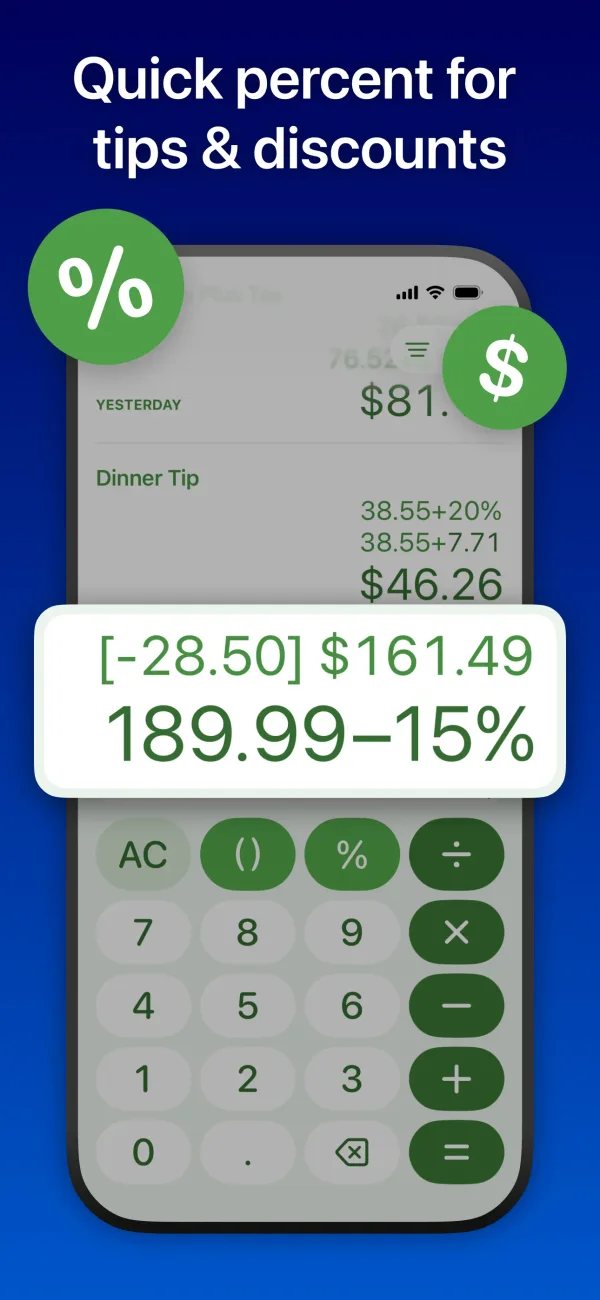
Add a tip, include tax, or take off a discount. See the amount being added or subtracted as you type.
16.85 + 20% = [+3.37] 20.22
279 − 25% = [−69.75] 209.25
History keeps the complete expression and result.
POWERS & ROOTS
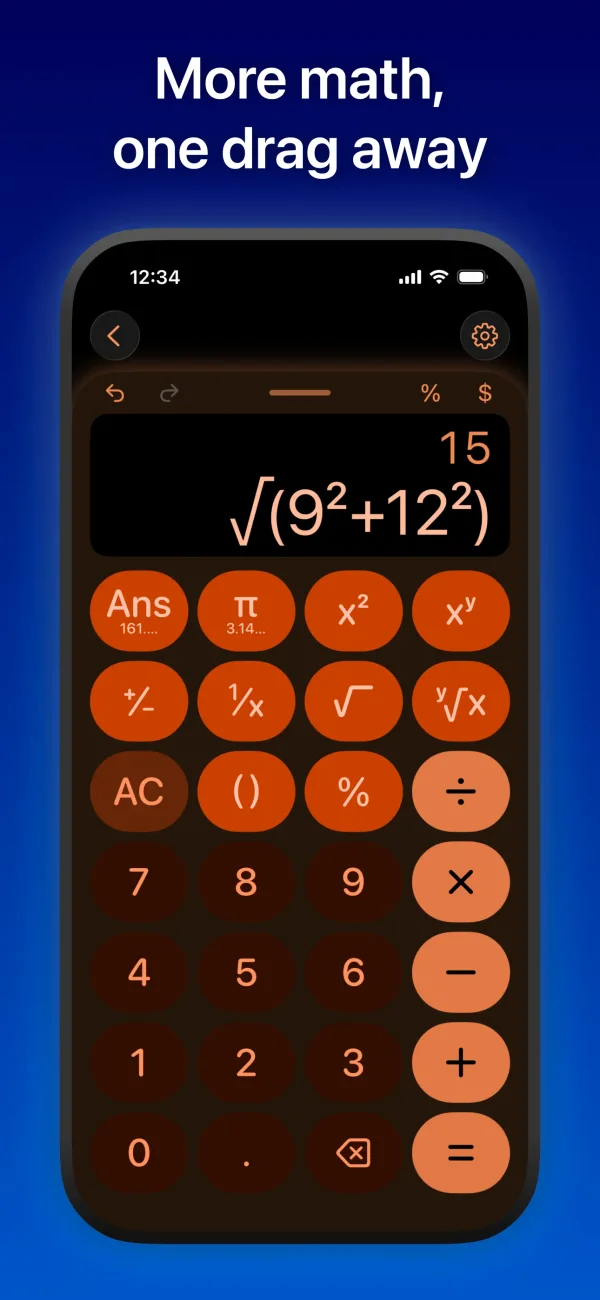
Drag the keypad up to reveal more keys: Ans, π, 1/x, nth root, ±, √, x², and x^y. Drag down to see more History.
√144 + 6 = 18
2 × 3² = 18
³√27 = 3
Tap √ on a number you’ve already typed to take its square root without restarting the expression. Use Ans to pick up where your last calculation left off.
SIRI, SHORTCUTS & CONTROLS
Ask Siri, “What’s my last result in Dash Calc?” In Shortcuts, the Get Last Result action passes that result to your other actions, and Open Dash Calc opens the calculator.
Add the Dash Calc control to open the calculator from Control Center, the Lock Screen, or the Action button.
THEMES & CUSTOMIZATION
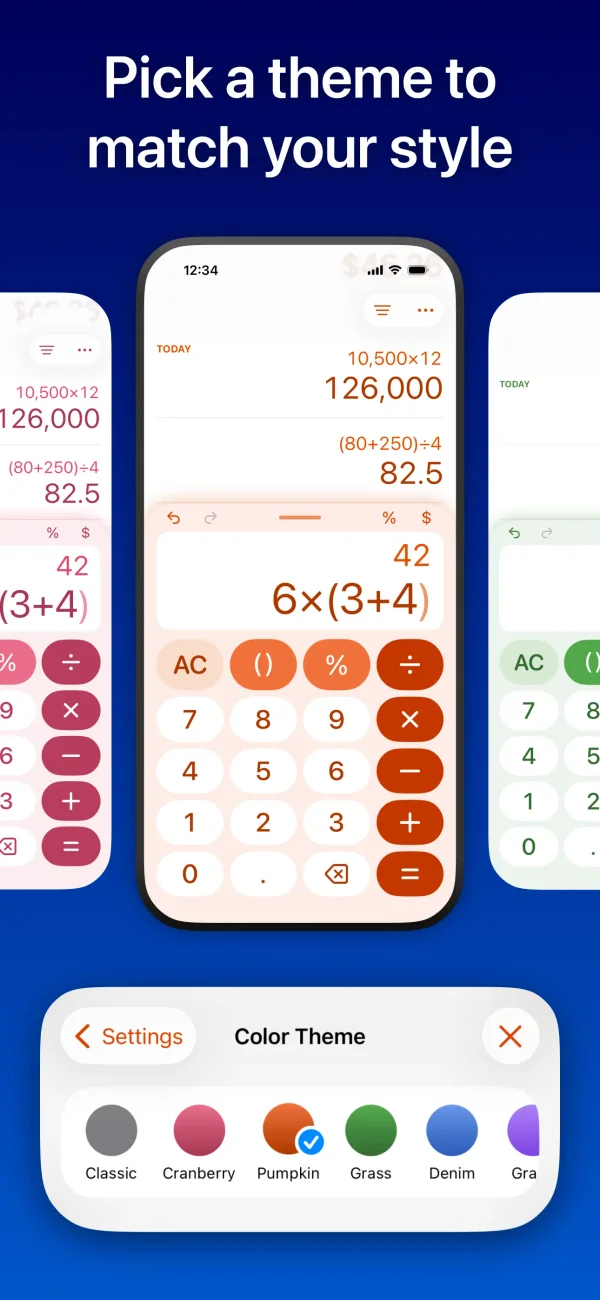
Choose from seven color themes: Classic, Cranberry, Denim, Grape, Grass, Pumpkin, or Violet. Every theme supports light and dark appearances, plus Increase Contrast.
Customize the keypad too. Choose a standard calculator layout (7-8-9 on top) or a phone-style layout (1-2-3), with round or square buttons.
ACCESSIBILITY
Built with VoiceOver users in mind, with clear navigation, descriptive labels, and braille display support. Text size and Increase Contrast settings are respected throughout.
BUILT FOR EVERYDAY MATH
From tips and discounts to powers and roots, Dash Calc focuses on everyday calculations. Trigonometry and logarithms aren’t included. Designed for portrait use.
ABOUT THE FREE TRIAL
Dash Calc is free to download and includes a 7-day trial of the full app. Start the trial whenever you’re ready by completing a $0 purchase in the app.
There is no automatic charge when the trial ends. A one-time Lifetime Unlock purchase is required to continue entering calculations afterward. Your previous History remains viewable without purchase.
There are no subscriptions, no ads, and no additional in-app purchases.
What’s new
Version 2.0.0 · Nov 24, 2026
Dash Calc is ready for iPhone Duo! Unfold it to see your history and the calculator side by side. Also in this update:
- Added Siri and Shortcuts support. Ask Siri, “What’s my last result in Dash Calc?” or build your own shortcuts with the new Open Dash Calc and Get Last Result actions.
- Added a Dash Calc control, so you can open the calculator from Control Center, the Lock Screen, or the Action button.
- Added shake to undo for the last delete or restore in your calculation history.
- Improved the keypad on smaller screens and at larger text sizes.
What would you like to see next? Tap Send Feedback in Settings.
App privacy
What Enbright LLC declares on the App Store about how this app handles data.
-
Data not linked to you
May be collected but is not linked to your identity.
- Usage data
Privacy practices may vary, for example with the features you use or your age.
Information
- Seller
- Enbright, LLC
- Category
- Utilities
- Version
- 2.0.0
- Updated
- Nov 24, 2026
- Released
- Nov 16, 2024
- Size
- 47.3 MB
- Requires
- iOS 26.0 or later
- Age rating
- 4+
- Price
- Free
- In-app purchases
- Yes
- Languages
- English
- Copyright
- © 2026 Enbright LLC
You might also like
-
 Calculator: Simple & CleanNo Ads: Percent, Tip & Loan
-
 prismCalcCalculator, Tips, Loans
-
 DewCountSleek Liquid Glass Calculator
-
 Parallel: Multi CalculatorScientific Calc & Converter
-
 Calculator : personalized CalcFast personalized Calculator
-
 Calculator: EasyCalcSmart Calculator & Converter
-
 Formula: Editable CalculatorNotes, formulas, easy edits
-
 CursorCalcScientific Math & Converter
-
 MX CalculatorUtilities
-
 MyCalc - Memory CalculatorCalculator with Variables