Dashlight: Car Widgets
Parking spot, weather, photos
Designed for iPhone
Free · In-app purchases
- Age rating4+
- CategoryUtilities
- DeveloperYusuf Fuat Sarac
- LanguagesEnglish+ 1 more
- Size13.8 MB
Links to the official App Store page
Download.org hosts no file of Dashlight: Car Widgets. The button opens its official App Store page, published by Yusuf Fuat Sarac. Listing last checked on Nov 12, 2026.
Screenshots

About
Your car's display, set up the way you like it.
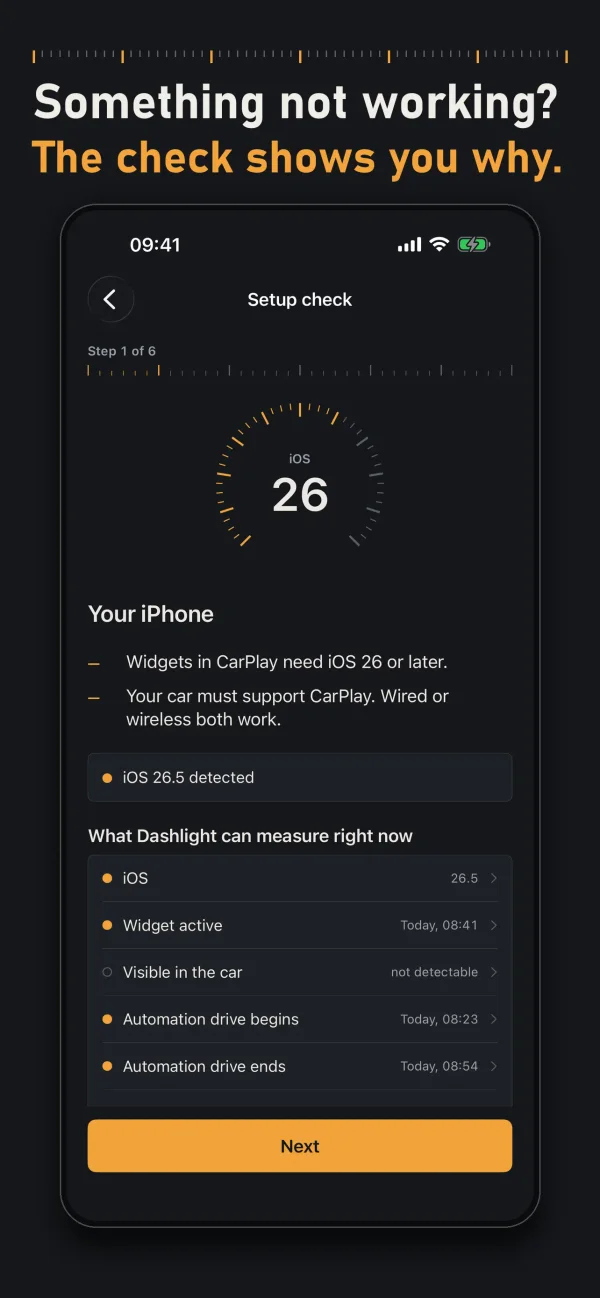
Check first, pay later: the setup check walks you through everything widgets need in your car and says plainly what iOS lets an app detect and what it doesn't – before you pay for anything.
And honest up front: Apple lets apps do some things and not others. Dashlight does not change the CarPlay wallpaper, does not replace your car's startup sound and cannot start or lock your car. What the app promises, it does.
Dashlight puts a clock, your parking spot, the weather, a photo or a countdown on your car's display as a widget (works with CarPlay on iOS 26 or later) – and on your iPhone Home Screen and Lock Screen.
SETUP CHECK (free)
• Checks your iOS version and walks you through adding widgets to CarPlay (Settings > General > CarPlay > your car > Customize)
• Shows when iOS last requested a widget
• Explains the two Shortcuts automations for "When CarPlay connects / disconnects"
WIDGETS
• Clock and date, 12 or 24 hour – free
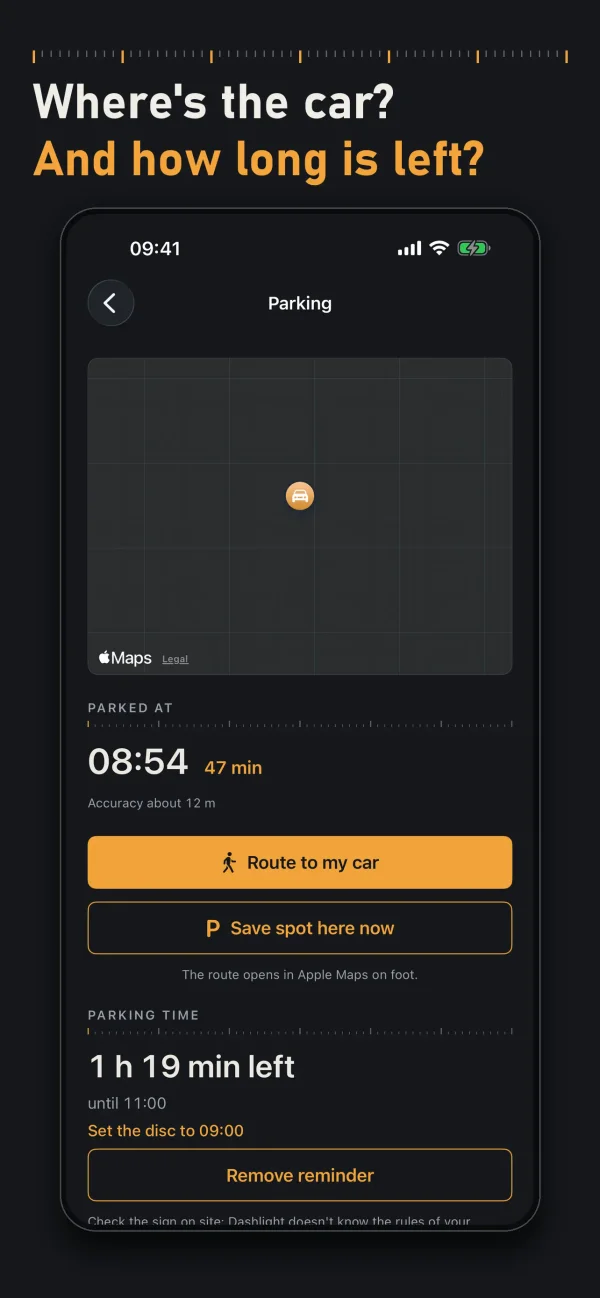
• Parking: where and since when you parked – free
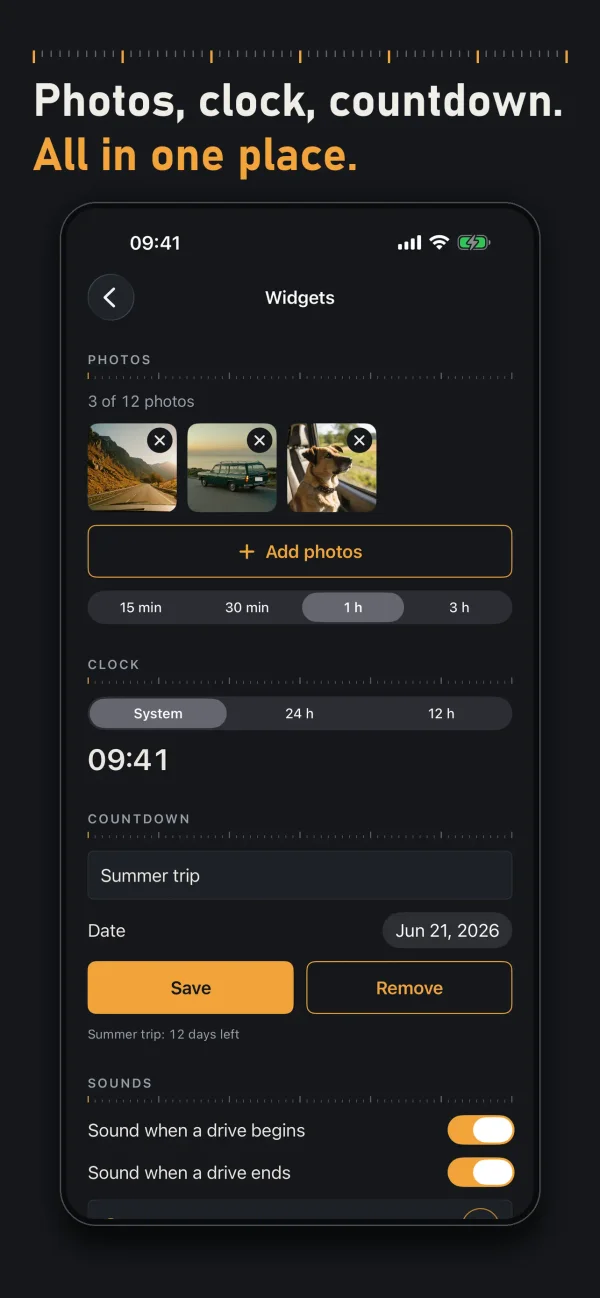
• Photo: one picture of your own – free; up to 12 in rotation – Pro
• Trips today: drive time and number of drives – Pro
• Weather now at your location (Apple Weather) – Pro
• Countdown to a date, such as a holiday or your next car inspection – Pro
Every widget shows one thing, large and high-contrast.
WIDGET STUDIO
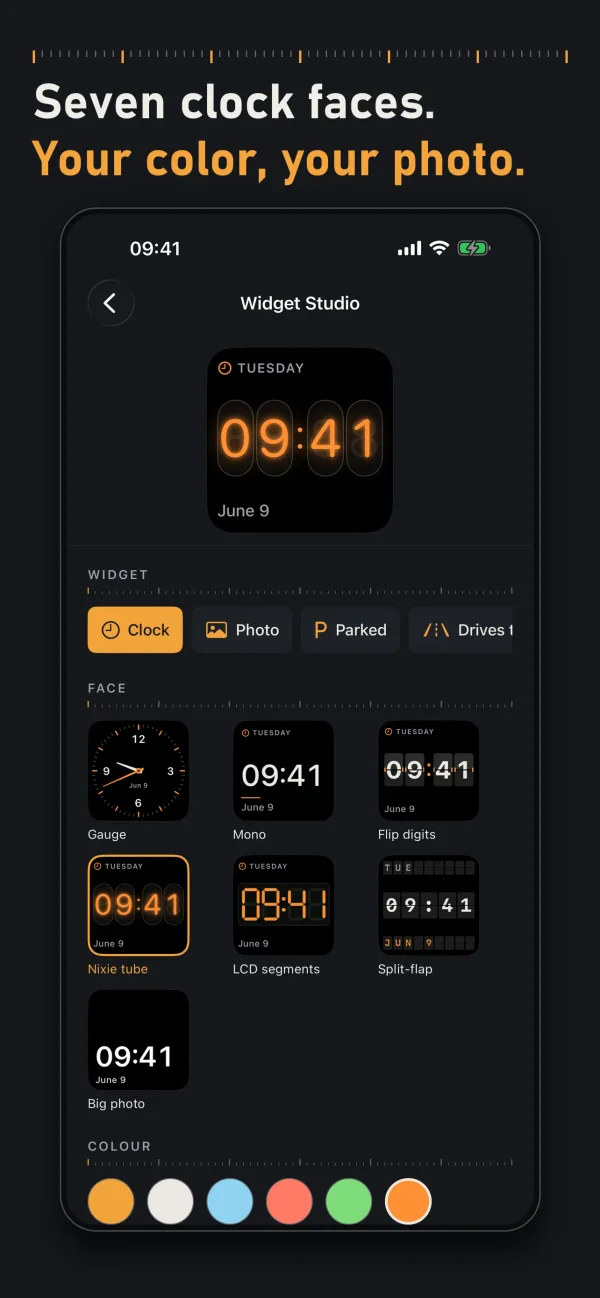
• Seven clock faces: gauge, mono, flip digits, Nixie tube, LCD segments, split-flap, large photo. Gauge and mono are free, the rest come with Pro
• Your accent color and your own photo as a background (Pro)
• Cockpit preview: see your widgets side by side on a model display before you get in the car
TRIP SHORTCUTS
• Two actions for the Shortcuts app: "Trip begins" and "Trip ends"
• "Trip ends" saves your parking spot. If iOS doesn't share the location in the background, the widget says "Tap to save parking spot"
• Optional greeting and arrival sounds, made just for this app. They play from your iPhone, not through your car's startup system
• Pro: a Live Activity with drive time, weather and countdown, which iOS shows on the CarPlay dashboard
REVIEW AND MAP
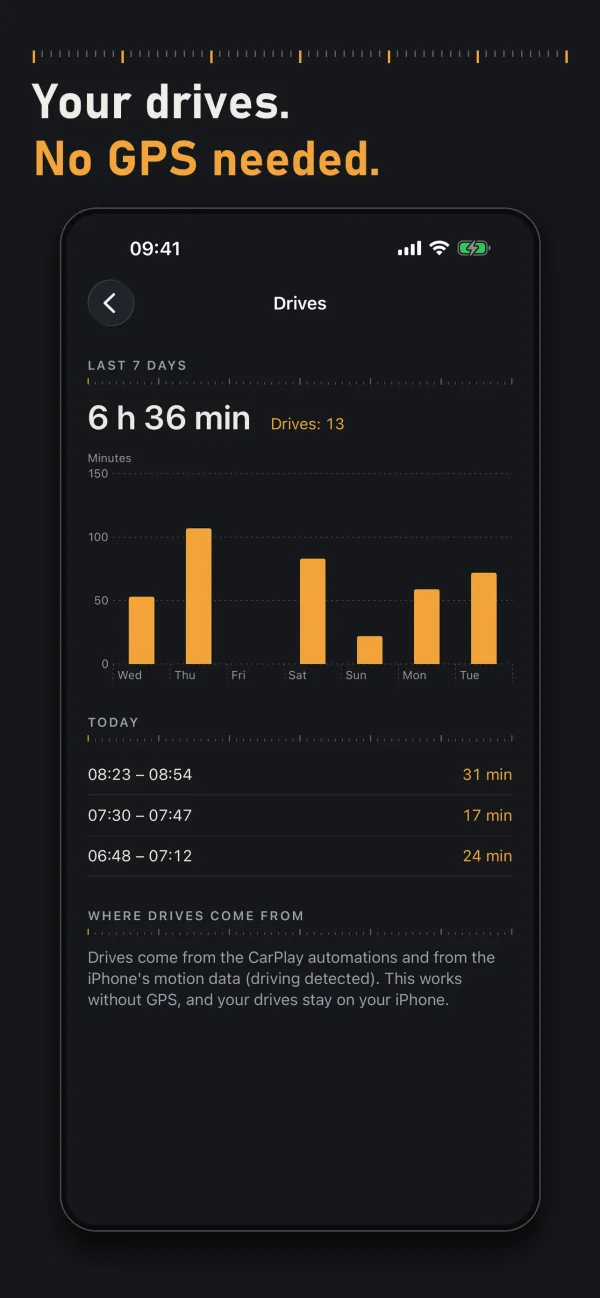
• A chart of your drives for the last 7 days (Pro)
• Your parked car on a map, with a route back to it
YOUR DATA
• No account, no server of our own. Trips, parking spot and photos stay on your iPhone
• Trips are counted from your iPhone's motion data, not by recording a GPS track. Your location stays on your iPhone – except for the weather: a position rounded to about 1 km goes to Apple Weather
PRICE
Free (with ads): setup check, clock, parking and one-photo widgets, trip shortcuts with one sound. The free version shows banners and occasional full-screen ads from an ad partner (Unity LevelPlay); personalised only with your consent and, where iOS requires it, your tracking permission. Withdraw any time in the ad settings.
Dashlight Pro: ad-free, all widgets, photo rotation, Live Activity, all sounds, weekly review.
• Monthly 5.99 EUR (local price in the App Store) – cancel any time
• Yearly 34.99 EUR – cancel any time
• One-time 39.99 EUR – pay once, keep it
No weekly plan. Subscriptions renew automatically unless cancelled at least 24 hours before the period ends in your Apple ID settings.
Requires iOS 26. How the widgets look in your car depends on your car and its CarPlay version. Weather data by Apple Weather: https://weatherkit.apple.com/legal-attribution.html
Terms of Use (EULA): https://www.apple.com/legal/internet-services/itunes/dev/stdeula/
App privacy
What Yusuf Fuat Sarac declares on the App Store about how this app handles data.
-
Data used to track you
May be used to track you across apps and websites owned by other companies.
- Location
- Identifiers
-
Data not linked to you
May be collected but is not linked to your identity.
- Location
- Identifiers
- Usage data
- Diagnostics
- Other data
Privacy practices may vary, for example with the features you use or your age.
Information
- Seller
- Yusuf Fuat Sarac
- Category
- Utilities
- Version
- 1.0
- Updated
- Nov 9, 2026
- Released
- Nov 9, 2026
- Size
- 13.8 MB
- Requires
- iOS 26.0 or later
- Age rating
- 4+
- Price
- Free
- In-app purchases
- Yes
- Languages
- English, German
- Copyright
- © 2026 Yusuf Fuat Sarac
You might also like
-
 Declutter: Gallery CleanerSwipe Clean Photos, Free Space
-
 CarTV Play: IPTV Player & CastPlay Live TV & Video player
-
 DCP Event CompanionUtilities
-
 Authenticator App "Secure OTP Codes & Backup
-
 Diesel+Utilities
-
 Hidden Camera Detector SpyScan Hotels & Rentals for Bugs
-
 MirasonUtilities
-
 TBS Agent MCloud Configure & Telemetry
-
 SolarMateUtilities
-
 Car Widgets & Dashboard: CarUpCarPlay Widgets & Car Sounds