DateMap - Calendar & Countdown
Schedule reminders at a glance
Designed for iPhone, iPad
Free · In-app purchases
- Age rating4+
- CategoryProductivity
- Developer涛 王
- LanguagesEnglish+ 2 more
- Size7.0 MB
Links to the official App Store page
Download.org hosts no file of DateMap - Calendar & Countdown. The button opens its official App Store page, published by 涛 王. Listing last checked on Nov 18, 2026.
Screenshots

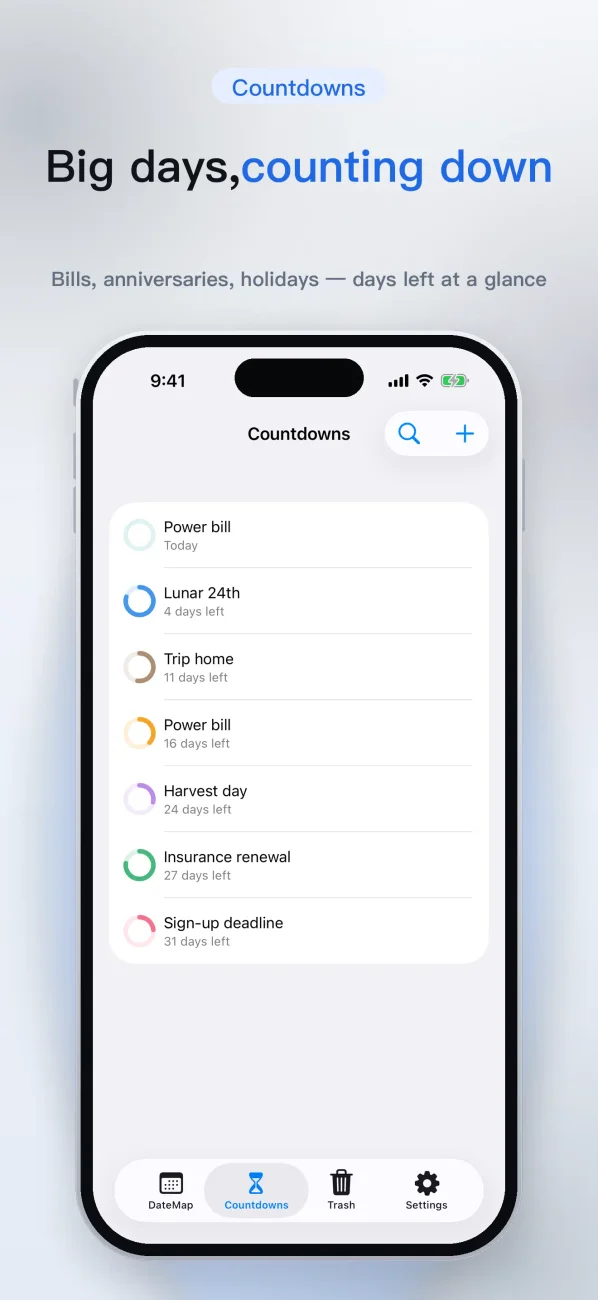
About
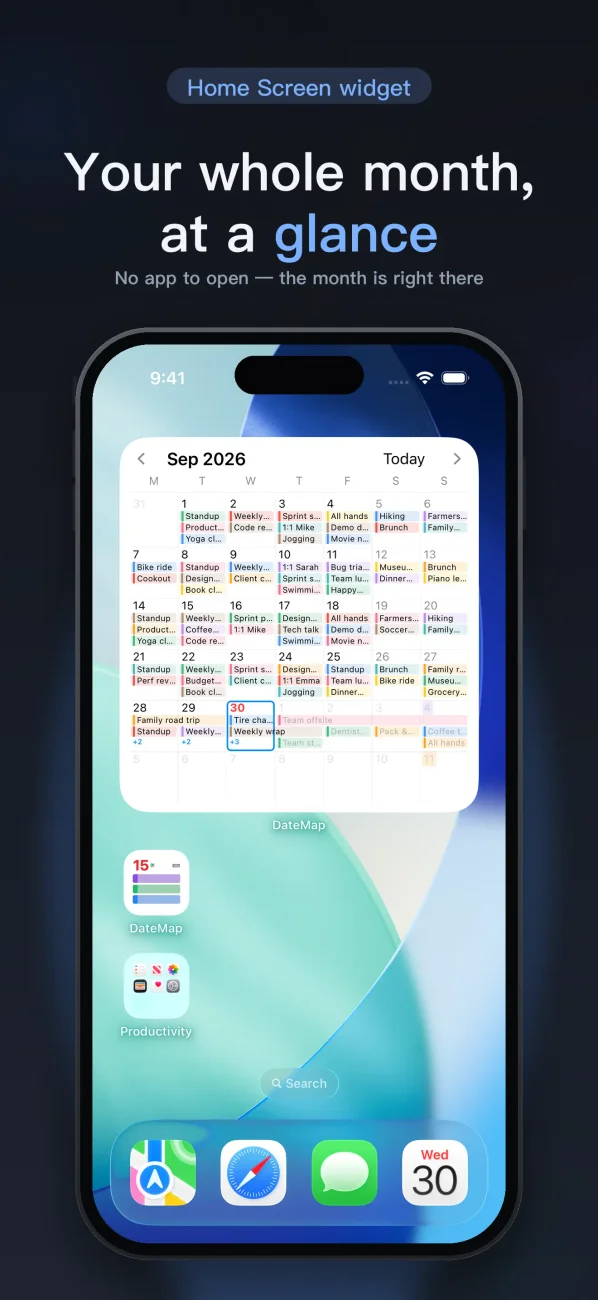
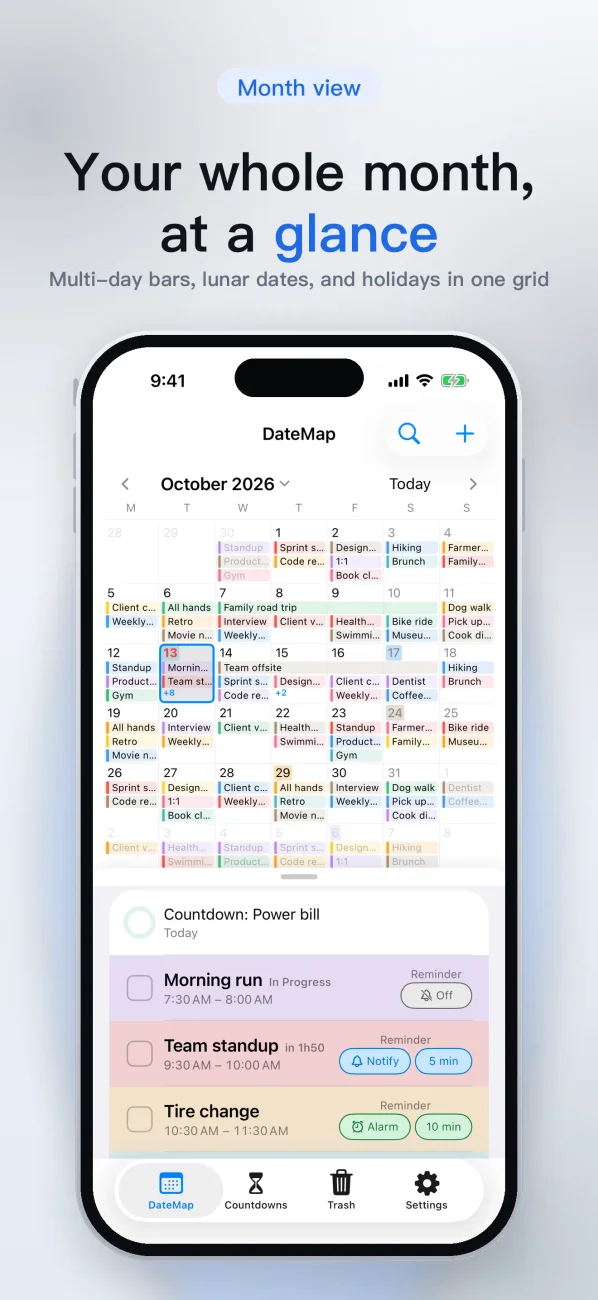
DateMap puts the whole month on your Home Screen — every day's events at a glance, with multi-day plans on one continuous bar, instead of only the next appointment. When the system language is Chinese, the Home Screen icon name is DateMap.
HOME SCREEN WIDGETS
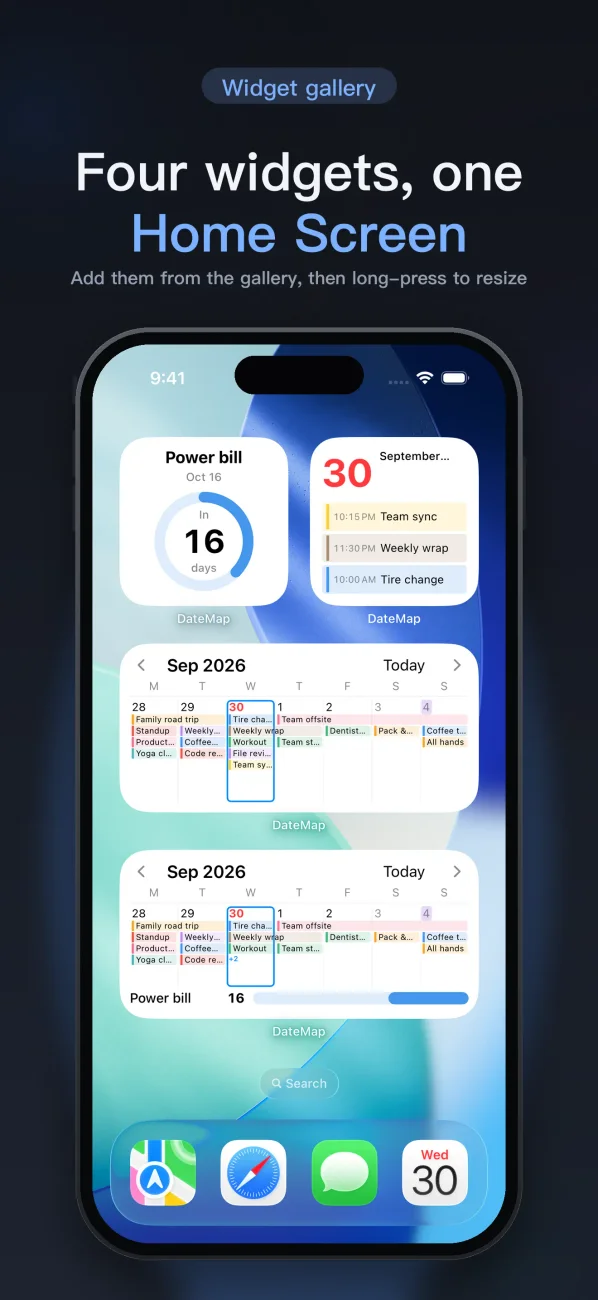
• DateMap(month calendar): small shows today, medium shows the week, large shows the whole month
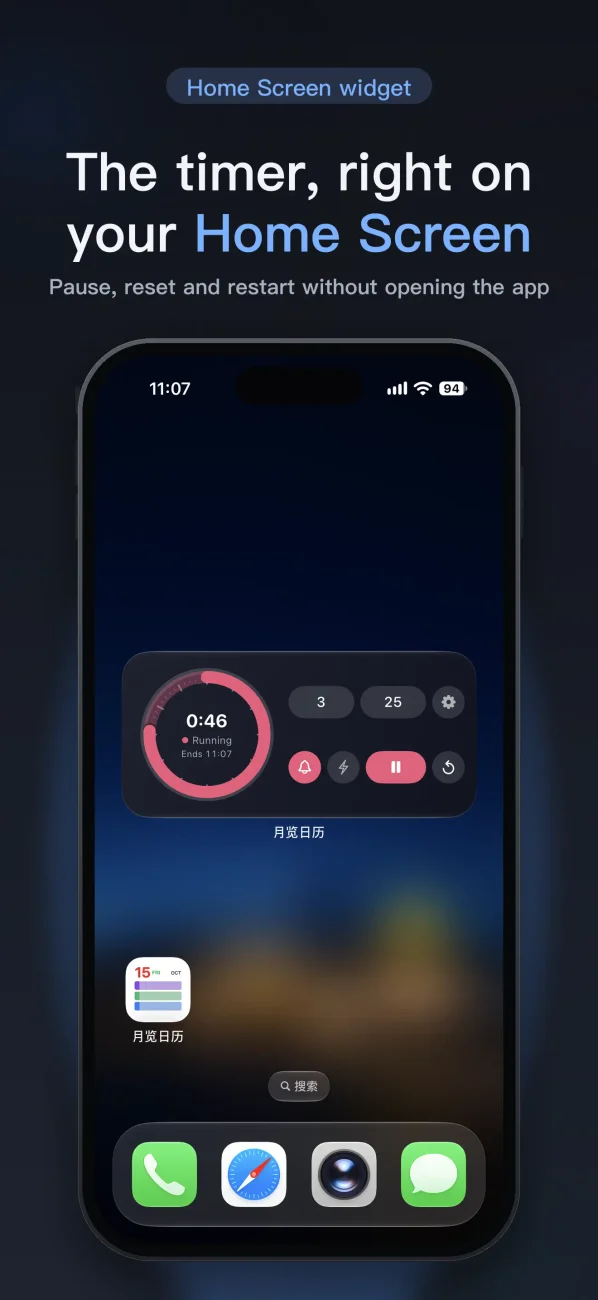
• 倒数1 / 倒数2 / 倒数3: three countdown styles — ring, triple cells, and progress bars
• 组合1 (Combo 1): yesterday through the day after tomorrow, plus one countdown
• 组合2 (Combo 2): the week at a glance with a countdown progress bar
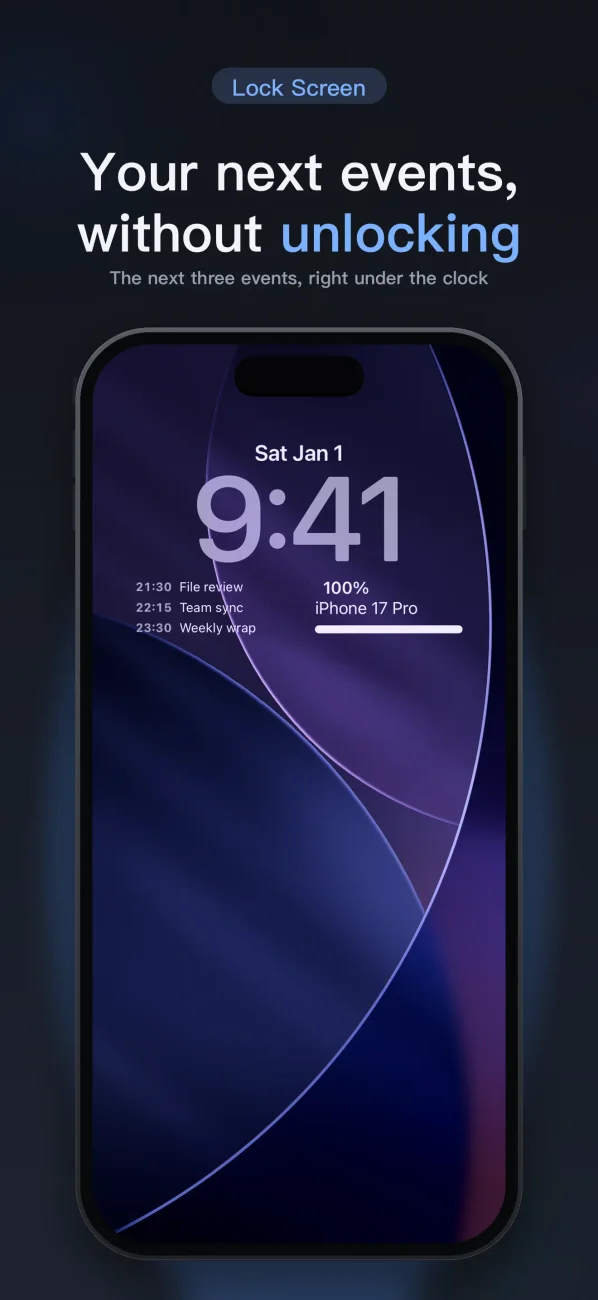
• Lock Screen 月历 (month): the current month on your Lock Screen with event dots
Widget text stays in Chinese by design; the app itself works fully in English.
DATEMAP PRO — ONE-TIME PURCHASE
Unlocks the Combo 1 & Combo 2 widgets and the Lock Screen month calendar, countdown photo backgrounds and custom colors, monthly and yearly lunar countdowns, and lunar event repeats. If you bought the old Combo widget, you already have Pro.
TWO-WAY CALENDAR SYNC
Read and edit your system Calendar events directly. Changes made here sync back to Calendar, and changes in Calendar show up here.
MADE FOR THE CHINESE CALENDAR
The month grid shows lunar dates, traditional festivals, solar terms, and public holiday rest/work days. Weeks can start on Sunday or Monday.
GET THINGS DONE
• Create events with natural language
• Repeats: daily, weekly, weekdays, and lunar (lunar monthly is Pro)
• Place search and current location
• Local reminders and countdown day-before reminders
• Countdown share cards: save or share as an image
• Color intensity: adjust event color depth in the app and widgets
• Search events, places, notes, and countdowns
• Undo and trash recovery after deleting
• Siri and Shortcuts
PRIVACY FIRST
No account, no ads. Calendar and countdown data never leaves your device — there is no developer server. Calendar, notification, and location permissions are used only for their features; location is requested only when you tap.
DateMap works on iPhone. The app interface supports 简体中文, 繁體中文, and English.
What’s new
Version 1.27 · Nov 5, 2026
· Added the official 2027 Chinese mainland public holiday and adjusted workday schedule; rest/work badges in the month view are updated accordingly.
App privacy
What 涛 王 declares on the App Store about how this app handles data.
-
Data not collected
The developer does not collect any data from this app.
Privacy practices may vary, for example with the features you use or your age.
Information
- Seller
- 涛 王
- Category
- Productivity
- Version
- 1.27
- Updated
- Nov 5, 2026
- Released
- Sep 27, 2026
- Size
- 7.0 MB
- Requires
- iOS 17.0 or later
- Age rating
- 4+
- Price
- Free
- In-app purchases
- Yes
- Languages
- English, Simplified Chinese, Traditional Chinese
- Copyright
- © 2026 tao wang
You might also like
-
 Tymio - Time & Life PlannerOrganize time, track your life
-
 DayPlan: To Do List & CalendarAI Daily Planner & Reminders
-
 ReadTraceSave and trace what you read
-
 MyDaily Life Tasks & RemindersDaily plans, bills & renewals
-
 小连招Productivity
-
 Liquid DeadlineProductivity
-
 WeekPeek: Calendar WidgetYour week on the Home Screen
-
 Lumipath 明路 - Knowledge Notes轻量个人知识栈,碎片化知识整理,比知识库轻,比备忘录深
-
 Tempo: Calm To-Do & FocusCalm tasks, focus & habits
-
 极简TodoProductivity